Calvin Klein Perfumes on Noon UAE: seller context — final price comparison
When you’re hunting for Calvin Klein perfumes on Noon UAE, the most reassuring metric is the “final price” that appears before checkout.
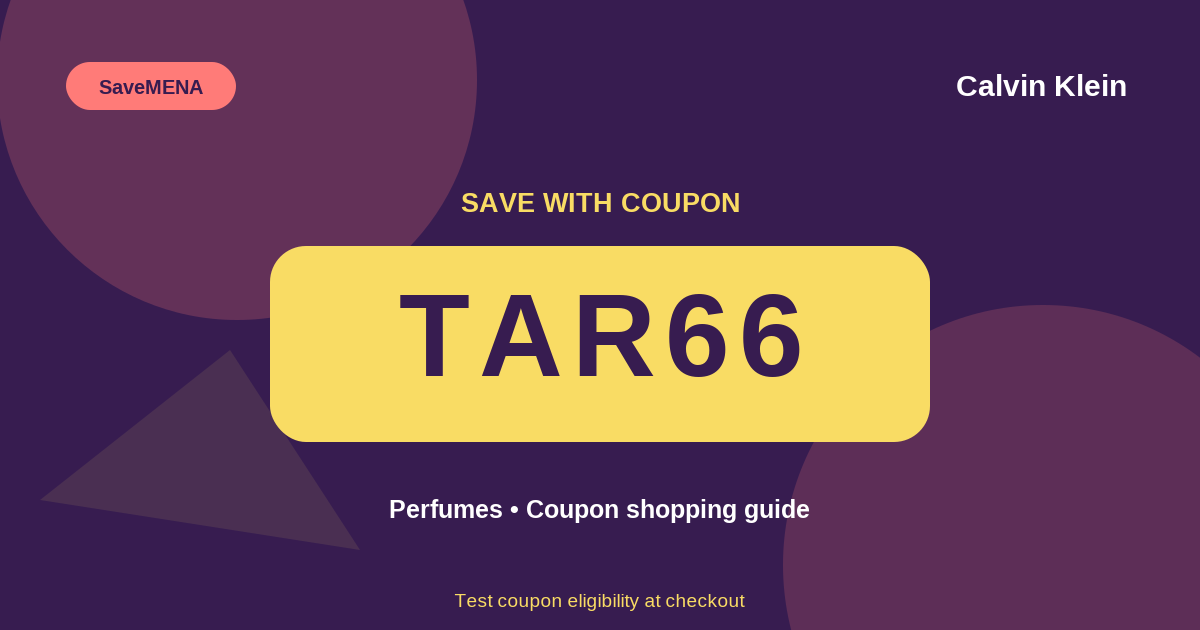
Codes available to try while comparing
These codes are not guaranteed for the article topic or listed brands; test them at checkout and use the live result.
Identifying Legitimate Calvin Klein Sellers on Noon
Not every seller on Noon carries the same level of authenticity or customer support. A reliable Calvin Klein seller typically lists clear stock availability, offers genuine product descriptions, and provides a transparent return policy. Checking the seller’s rating and reviewing recent customer comments can point you toward reputable stores that maintain a history of accurate listings. While Noon itself vetting can give you some confidence, comparing several sellers side‑by‑side will reveal subtle differences in product authenticity and service standards. In addition, a seller’s shipping terms are often a telling detail.
Sellers that plan for next‑day delivery within the UAE or offer free local pickup can present an advantage over generic third‑party providers who charge higher handling fees. Pay attention to the seller name displayed in the product details section, as this name is the business entity responsible for the transaction. Consistently benefit from broader seller reviews to gauge the overall quality of their Fulfilment and customer communication. <
Comparing Base Prices Before Taxes and Fees
Start by noting the listed retail price for each Calvin Klein perfume option you’re considering. Noon shows the base price without sales tax or shipping at this early stage. Because purchasing through different sellers may involve distinct fee structures, identify the base price for each seller to ensure a level playing field when you later add the final price. The base price is part of the final payable total, but it isn’t the full sum you’ll repay.
While Noon automatically calculates taxes applicable to the UAE, some sellers include a small urgency charge for expedited processing. Confirm that each seller’s base price sits at the same level before you begin printing out the final total. This approach prevents misreading a seemingly lower base as the entire bargain. <
Understanding the Role of Noon UAE Final Price
When you add a product to your shop‑cart, Noon updates the “final price” in real time. This number reflects the base cost, the UAE value‑added tax (VAT), any seller‑specific service fee, and the shipping charge. Generally, the final price you see represents the greatest cost you’ll incur unless you apply a coupon. Since Noon performs the tax calculation automatically, you can trust that the VAT added to the final price is correct for the UAE market.
Notice the breakdown that Noon sometimes offers: an itemized list showing the exact stipend of each fee component. This is especially useful when shopping from multiple sellers, as fees can differ. The final price should match the amount shown during checkout, but verifying these figures early can catch any rounding anomalies that might otherwise surprise you at the end of the payment process. <
Applying the TAR66 Coupon Code Strategically
Before placing your order, enter the coupon code TAR66 in the designated field during checkout. The system will automatically try to apply the discount, if eligible. Keep in mind that the coupon is only “available to try”; it’s possible it will not apply for your specific product, seller, or purchase size. Therefore, look for a confirmation message that the coupon has been applied rather than a hard‑coded percentage or fiat deduction. Should the code not activate, you’ll see a notification explaining the issue.
In such cases, double‑check the seller’s eligibility or attempt the coupon at a later time, ensuring no restrictions have changed. Since Noon aggregates all seller charges within the final price, the coupon’s impact is automatically reflected in the updated total once accepted. This process guarantees you don’t pay any surplus. <
Verifying the Final Payable Total After Coupon Application
Once the coupon changes the final price, carefully read the revised total displayed on the checkout page. This number is the most accurate estimate of what you’ll pay from your bank or wallet. It should match the “final price” figure shown earlier on the product page for the chosen seller, adjusted for the coupon discount if it was successfully applied. When verifying, confirm that all tax, service, and shipping figures remain present and that the discount is subtracted properly.
Because Noon’s checkout lists the same line items with updated figures, you can cross‑check each to avoid hidden surcharges or incorrect calculations. If any discrepancy appears, don’t hesitate to refresh the page or reach out to Noon’s support before proceeding. <
Assessing Shipping Options and Delivery Fees
Next, evaluate the shipping methods offered by your selected seller. Noon’s delivery options can range from standard local courier to express delivery. The shipping fee, if any, appears in the final price breakdown. For UAE shoppers, choose a seller that offers free local pickup or a lower shipping cost if your proximity to the fulfillment center warrants it.
Sometimes, sellers ship from overseas warehouses, adding a small import handling charge that appears beneath the final price. Verify that any such fee is transparent and included before finalizing the purchase. Knowing the exact delivery date or earliest pickup date assists in preventing unexpected delays that could affect your plans. <
Managing Payment & Card‑Specific Fees
When you select a payment method, Noon may add a small processing fee based on the type of card or service you use. These are separate from the final price and usually displayed in a separate field on checkout. The fee is typically a fixed amount or a small percentage but is not disclosed until you confirm the payment method.
While this fee is minimal, noting it ensures the final amount you pay aligns precisely with your expectations. Keep the same payment method throughout the checkout to avoid confusion. Some wallets or online banking options may include an extra fee or a promotional tie‑in that can affect the final payout, and those are also listed before you tap “Continue.” <
Confirming Order, Collecting the Receipt, and Recording the Final Price
After confirming all details—seller, product, coupon, shipping, and payment—click “Place Order.” Noon will present a final confirmation screen where you’ll see the exact amount that will be debited. Take a screenshot or print this screen as proof of the final payable total before the transaction completes. This record serves as your receipt and a safeguard for any dispute resolution. You can also view your order history later in Noon’s account section. The stored order will reflect the final amount paid, coupon usage, and the seller’s name. Use this information for future reference or if you need to compare different sellers for similar Calvin Klein perfume purchases. Accurate ledgering makes subsequent shopping cycles smoother and more transparent. <
Check for eligibility on the checkout page; the code may not apply if the seller marks it as ineligible. Refresh the page or try with a different seller. If still no match, the code may be currently unavailable for that item.
Related SaveMENA pages
Related articles
Official sources to check
Frequently asked questions
What if the TAR66 code doesn’t apply to my Calvin Klein perfume?
Check for eligibility on the checkout page; the code may not apply if the seller marks it as ineligible. Refresh the page or try with a different seller. If still no match, the code may be currently unavailable for that item.
Will the final price on Noon reflect shipping fees from the seller?
Yes, the final price displayed before checkout includes all shipping, handling, and related fees specific to the chosen seller, ensuring transparency before payment.
How can I verify that I didn’t pay an extra processing fee from my payment method?
During checkout, Noon lists a separate fee for payment processing. Confirm this amount appears next to the total, and it will be deducted from your card or wallet at the point of sale.
Is the final price at checkout the same as the price shown on the product listing?
Noon updates the final price automatically when a coupon is applied or shipping changes. The listing shows the base price; the checkout figure reflects all adjustments, giving the true payable amount.