Nike Shoes on Noon UAE: seller context — final price comparison · TAR64
140-180 words. Then 8 sections. Will use headings like: 1. Understanding Final Price Dynamics at Noon UAE for Shoes 2.
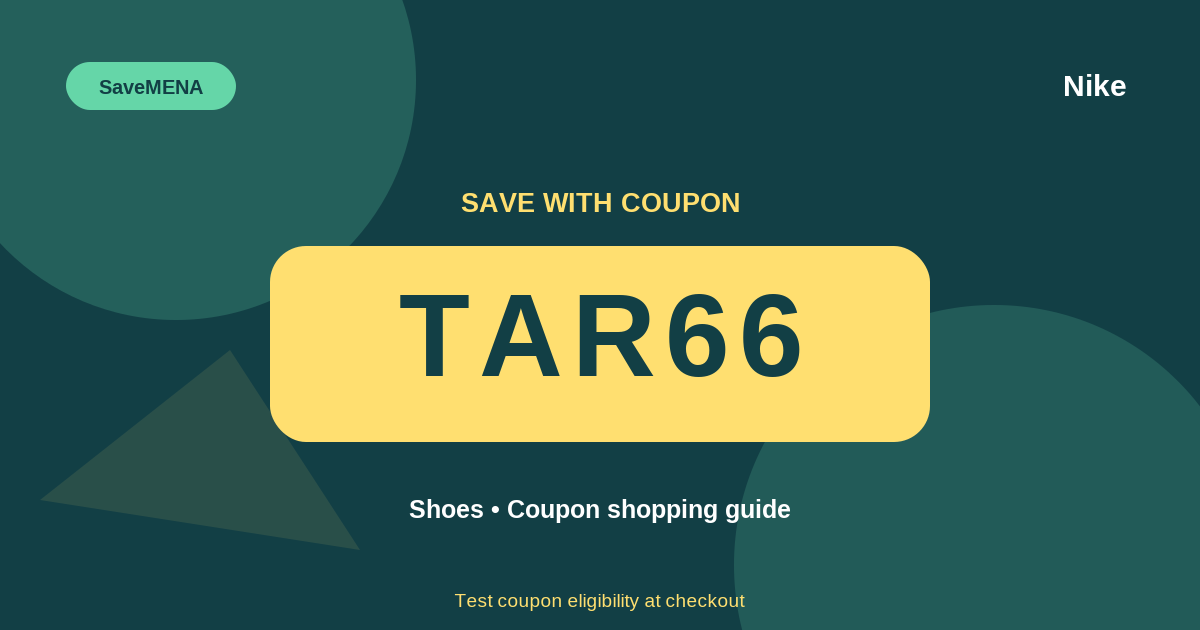
Codes available to try while comparing
These codes are not guaranteed for the article topic or listed brands; test them at checkout and use the live result.
Understanding Final Price Dynamics at Noon UAE for Shoes
Noon UAE displays a list price for each shoe variant as soon as you add it to the cart. However, this figure changes in real time when you add a coupon, select a seller, or pick a delivery option. For shoes, especially popular brands like Nike, the seller can adjust the price based on inventory, variations (size, color) and their specific pricing strategy. Keep in mind that the final price you see at the product page is essentially a starting point, not the final amount you’ll pay.
When shopping with sellers, look for the “Seller Price” label next to the product. This indicates that the listed amount reflects the seller’s price, independent of Noon’s standard price. The seller’s markup or discount can influence the final amount after you apply your chosen coupon. Always verify that the price you’re comparing comes from the same seller, because a discount applied by the platform might not affect other listed sellers.
The Role of Seller Ratings in Final Price Transparency
Sellers on Noon UAE are rated by customer reviews and their fulfillment performance. A higher rating often signals reliable shipping times and accurate product listings. While door‑in‑door price is not directly tied to rating, experienced sellers may avoid hidden fees and clearly indicate any additional costs such as handling or local taxes. Checking the seller’s rating also helps you anticipate whether the final price shown will be accurate or if possible adjustments could arise when the order is processed.
When you explore a Nike shoe listing, the seller’s rating appears next to the seller’s name. If you compare two sellers with similar ratings, the final price can still differ because each sets its own base price. Therefore, rating helps you gauge seller credibility, but you’ll still need to compare the displayed final price after coupon application to make a fully informed decision.
Coupon Application Process: How TAR64 Interacts with Seller Prices
Adding the TAR64 code to your cart is straightforward: tap the coupon field at checkout, enter the code, and press apply. Noon UAE will then recalculate the total, factoring the coupon against the product price set by the chosen seller. The platform shows the new discounted amount immediately, although the discount itself is not publicly disclosed; only the new total appears.
Because the coupon is available to try, you should recall that its success is not guaranteed. When you hit ‘apply’, a confirmation screen will let you know if the coupon was accepted or rejected. Even if it is accepted, the final price you see after discount is what you’ll pay, as every seller’s base price adapts to the coupon’s effect. This ensures the checkout step is the ultimate price verification point.
Comparing Final Prices: Step‑by‑Step Checkout Comparison
First, add the Nike shoe to the cart, then proceed to checkout. At the first checkout stage, you’ll see the product’s base price, seller information, and the applied coupon total. This screen is where you confirm the current final amount for that particular seller before moving to delivery options. Notice that the final price here is before adding any tax or shipping fees.
Next, when you select the delivery method, any applicable shipping or service charges appear and adjust the final pay‑total. At this point, it is safest to compare the same product listed by different sellers. Each seller’s final amount (after coupon and shipping) will appear separately under the same checkout interface, enabling a side‑by‑side view of the true payable cost.
Detecting Hidden Fees: Shipping, Handling, and Taxes
Noon UAE separates the product cost from ancillary fees during checkout. Shipping fees are added based on the chosen delivery speed and location. Handling charges, if any, appear after the coupon application and before final tax calculations. Because each seller can set slightly different handling rates, these may vary between listings even for the same Nike shoe.
After the shipping and handling line items, the system calculates local taxes based on your delivery address. The tax amount is displayed next to the total payable amount, ensuring transparency before the order is confirmed. HAand that’s why, in seller‑centric reviews, checking these fee lines is essential for a complete final price picture.
Leveraging Multiple Sellers: Same Nike Shoes, Different Final Costs
For popular Nike shoes, Noon UAE often hosts several sellers, each setting its own base price. By selecting “Compare Sellers” on the product page, you can view every seller’s offered price and discount structure in one table. Even if the product size and color are identical, the base price can shift with each seller’s own policy.
Applying the TAR64 coupon under each seller’s listing will recalculate the price based on their base. This exercise lets you discover which seller’s final amount is the most economical after all fees are included. It also helps confirm whether the coupon benefits one seller more than another, which is critical for a seller‑focused decision.
The Importance of Updated Seller Policies and Returns
Seller policies dictate return windows, exchange options, and handling fees. These policies can influence the overall cost of ownership for a Nike shoe, especially if a size mismatch or defect occurs. Reviewing the sellers’ return terms before checkout helps anticipate any future expenses or complications beyond the checkout price.
Look for policy sections on the product page or seller profile. High-performing sellers usually list transparent return policies. While a return does not alter the initial final price, a well‑structured policy can save you from potential additional costs such as restocking fees or shipping charges if an exchange is required.
Putting It All Together: Making a Smart Purchase Decision
When you’ve gathered final price data, shipment charges, tax information, and seller ratings, it’s time to synthesize the information. The most economical choice is the seller that presents the lowest total after all adjustments—coupon, shipping, tax, and handling—while maintaining a strong seller rating and solid return terms.
Confirm the final amount once more at checkout, ensuring the displayed total matches the price you expect based on your comparison. Once you proceed to payment, the system will lock this amount in place. At that point, you’ll have exercised the seller‑centric lens effectively to secure the best overall value for the Nike shoes you desire.
Related SaveMENA pages
Related articles
Official sources to check
Frequently asked questions
Can I use the TAR64 coupon with multiple Nike shoe items in the same cart?
The coupon can be applied to the entire cart; it will recalculate the total after adding all items. However, it is still essential to verify the final price for each shoe once the coupon is applied, as the combined discount may differ from single‑item expectations.
Will the final price change if I select a faster shipping option?
Yes. Shipping fees vary with delivery speed and location. After choosing a faster option, Noon UAE will update the final payable amount to include the adjusted shipping charge before you complete payment.
How do I know if a seller has hidden fees that affect the final price?
All fees—including handling, packaging, and local taxes—appear during the checkout process before payment. Review each line item carefully; any hidden charge will be listed, allowing you to compare sellers accurately based on complete costs.
What happens if the TAR64 coupon does not apply to a particular seller?
During checkout, the platform indicates whether the coupon was accepted. If rejected, the final price remains unchanged for that seller, and you will see the original total without discount. In that case, you may consider another seller where the coupon is accepted.