Puma Shoes on Noon UAE: seller context — final price comparison · TAR64
If you want to evaluate the final price you will pay for Shoes Puma on Noon UAE, the key step is to compare the amount shown before you apply the coupon with the
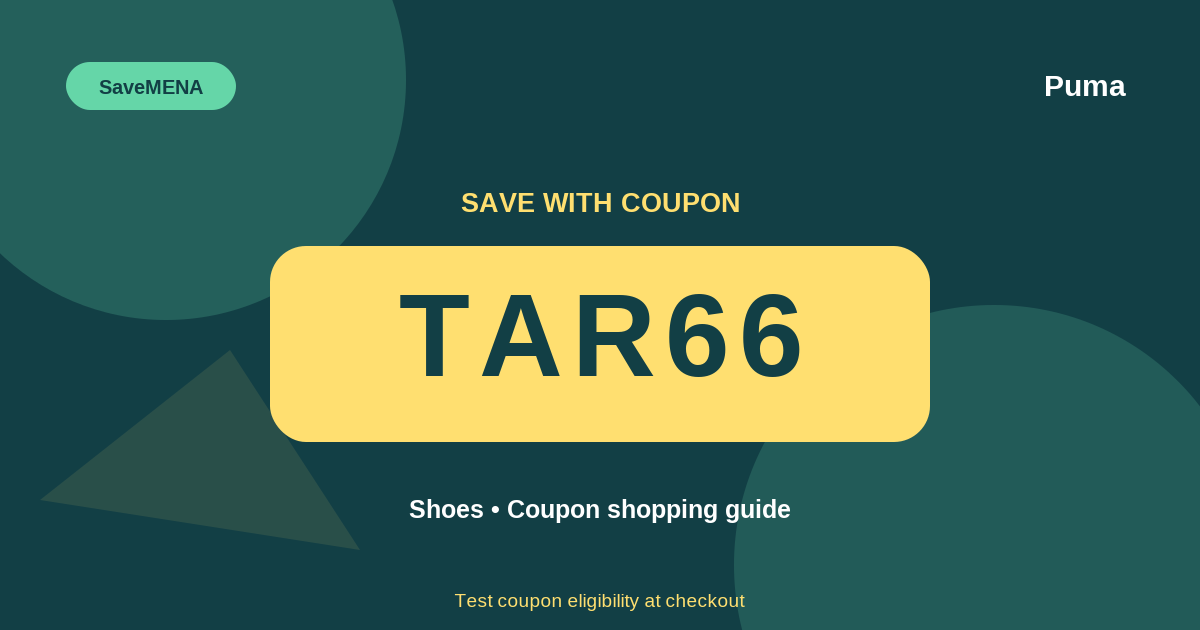
Codes available to try while comparing
These codes are not guaranteed for the article topic or listed brands; test them at checkout and use the live result.
1. Identifying the Right Seller for Puma Shoes
After narrowing by verified status, pay close attention to the seller’s name and the tags next to the product title. Sellers that explicitly mention Puma in the title or description are more likely to have authentic stock. Reading a short excerpt of the seller’s store description can also confirm whether they specialize in athletic footwear, providing an extra layer of confidence that the item is genuine.
2. Reviewing the Base Price Before Coupon Application
The base price listed next to a Puma shoe on a seller’s page can differ slightly depending on the seller’s specific promotion or product version. It is essential to note this figure exactly as it appears, because the final price after the coupon will be calculated from this baseline.
Write down the base price or take a screenshot to avoid any confusion later. This will serve as your reference point when you later check the payable amount after applying the TAR64 coupon, ensuring that any perceived discount is genuine and not an artifact of a mis‑displayed price.
3. Adding the Product to Your Cart and Choosing Delivery Options
Once you have confirmed the seller and noted the base price, add the Puma shoe to your cart. At this stage, Noon usually offers multiple delivery options, ranging from same‑day pickup to standard shipment. The choice you make can slightly influence the final payable amount if the seller offers a shipping fee that varies by time frame.
Check each delivery option’s estimated arrival date and any associated fees. Selecting standard shipping often provides a low or no extra cost, but confirming with the seller’s details is key, particularly if the seller highlights faster fulfillment for premium customers. This initial selection will impact the final total shown after the coupon is applied.
4. Applying the TAR64 Coupon and Viewing the Final Price
After the product is in your cart, locate the coupon entry field, usually labelled “Use a coupon code” or a similar prompt. Enter TAR64 and click apply. Noon will recalculate the total, incorporating any applicable discount. The new price will appear under the breakdown of your cart totals.
It is crucial to view the complete cart summary after the coupon is applied, as quasi‑taxes and handling fees may appear or shift. Ensure that the displayed final price reflects all these adjustments and not only the base price. Compare this figure again to your original base price to confirm the discount amount.
5. Comparing Base and Final Prices: How Much Did You Save?
Look closely at the final numbers shown on the cart page. The amount after applying TAR64 will be listed under a “Discount” or “Savings” entry, followed by the final payable total. The difference between the base price and final price gives you a clear picture of what you actually saved.
If the final price appears slightly higher than the base—or if the discount entry is not present—it may indicate that the coupon was not accepted, possibly because it has restricted eligibility or the product is excluded. In such a case, double‑check the eligibility settings or verify the coupon’s validity on Noon’s help center.
6. Evaluating Seller Policies on Refunds and Exchanges
Price savings are meaningful only if you can trust the seller to honor returns or exchanges when needed. Once the final price is established, scroll down to the seller’s policy summary. Pay special attention to sections that describe return windows, exchange conditions, and whether the seller covers return shipping.
Sellers that provide a generous return policy often signal the confidence they have in their inventory quality. If the seller indicates a short return window or requires you to pay for return shipping, consider whether the discount overshadows the potential hassle and cost of a return. This trade‑off should factor into the final comparison.
7. Final Checkout: Confirming Eligibility and Total Payable Amount
Right before you place your order, Noon will prompt you to confirm your payment method, delivery address, and any applicable gift options. The final payable amount displayed at this point is the definitive price you will be charged.
Double‑check that the total includes the discount applied via TAR64 and that any additional fees—such as delivery or handling—are correctly factored in. If any discrepancy appears, pause the checkout and verify that the coupon has indeed been accepted, that the selected delivery option aligns with the seller’s postings, and that no hidden fees have been added.
8. Post‑Purchase Tracking and Customer Support
After confirming the order, you will receive an email confirmation with an order ID, summary of the final price paid, and estimated delivery date. Tracking the shipment through Noon’s app or website will keep you informed of any changes.
Should any issue arise—such as a mismatch in the shoe size or a missing coupon adjustment—contact the seller directly through the Noon platform. Use the order details to reference the seller’s contact information and the coupon employed, which should expedite the resolution process.
Related SaveMENA pages
Related articles
Official sources to check
Frequently asked questions
How do I know if the TAR64 coupon will work with this Puma shoes listing?
Check that the coupon code field becomes available on the cart page. When you apply TAR64, Noon should recalculate the total and display a discount entry. If it does not, the coupon may not be valid for that specific product or seller.
What if the final price after applying the coupon is higher than the base price?
That indicates the coupon was not accepted or is invalid for that seller. Verify the coupon’s eligibility on Noon’s help pages or choose another listing that accepts the discount.
Does the seller’s return policy affect the final price?
No. The return policy is separate from pricing but can influence your decision after purchase. Choose a seller whose return terms match your risk tolerance.
Can I apply another coupon after using TAR64?
No. Applying a second coupon would over‑discount the order, which Noon’s system typically does not allow. Use only one coupon at checkout.