Calvin Klein Women’s Fashion on Noon UAE: seller context — final price comparison
The first step to finding the best deal on a Calvin Klein piece in Women’s Fashion on Noon UAE is to understand what the seller offers and how that translates into
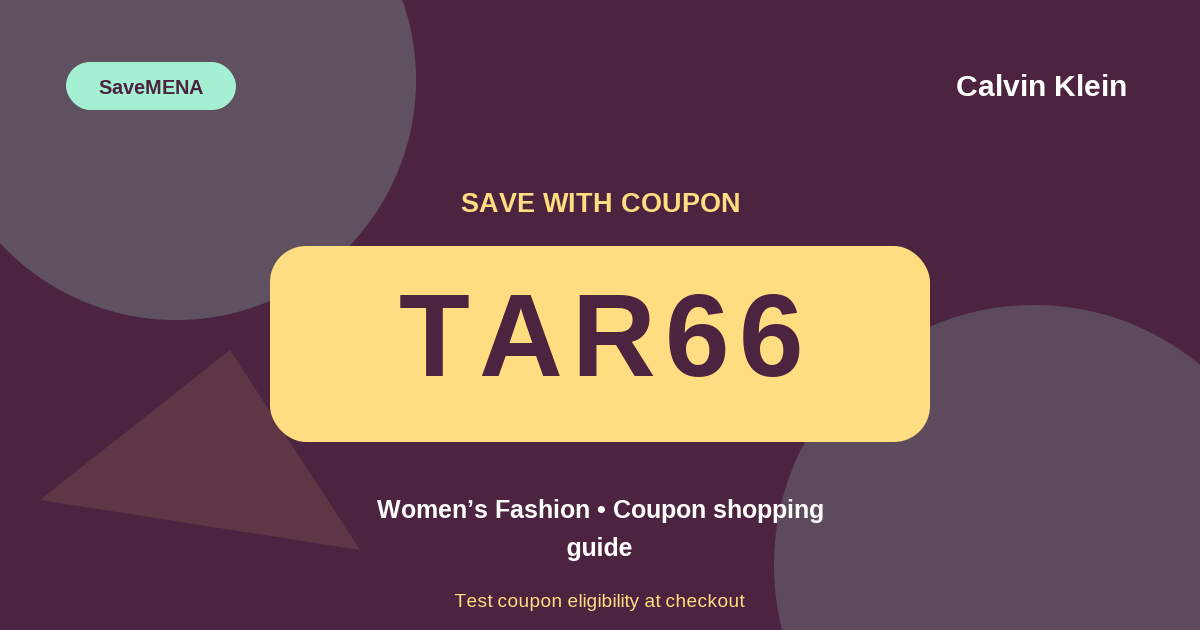
Codes available to try while comparing
These codes are not guaranteed for the article topic or listed brands; test them at checkout and use the live result.
1. Identifying the Seller: Retailer vs Marketplace
When searching for a Calvin Klein product, Noon UAE displays each listing with either a “Noon” or a third‑party seller badge. A Noon‑direct listing often benefits from clear shipping timelines and standardized return policies, which can influence perceived value. A marketplace seller, on the other hand, may offer competitive pricing or exclusive variants, but they might vary in shipping costs or customer support. Determining the seller type is the first step to evaluate how the final price compares after all adjustments.
In practice, a buyer should note the seller name and read any ratings or reviews attached to that seller. Sellers with higher ratings tend to include reliable stock management, which reduces the risk of price changes after checkout. If you’re comparing similar Calvin Klein pieces from both Noon and a marketplace seller, evaluate the seller reputations side‑by‑side to see which one provides a more consistent final price structure.
2. Adding the Item to Your Cart for Price Check
Before applying any coupon, click “Add to Cart” on the product page. The cart summary on Noon shows the base price, any shipping fees, and the current marketplace commission if applicable. The displayed amount represents the amount that will be referenced when you later apply a promotional code. This master view is essential because it reflects the raw total that the final price calculation will use.
At this point, verify the variant selected—size, color, material—because different variants can have different base prices and shipping choices. Ensure the quantity is correct, as buying in bulk or multiples can sometimes trigger additional shipping costs or discounts that vary by seller. Keep the cart open while you proceed to the next step to preserve these selections.
3. Checking the Voucher Availability: TAR66 Explained
Locate the voucher box on the cart page or during the checkout flow. Enter the code *TAR66* if prompted. The vetting process will typically return a message stating whether the coupon is applicable. It might accept the code or indicate that it is not valid for the particular cart contents. Since the coupon is available to try, but not guaranteed, you might see a “voucher not applicable” outcome if the product or seller does not meet the coupon’s terms.
Even if the voucher is accepted, the final price on the checkout page will show the adjusted amount. Pay particular attention to the breakdown of the applied discount. See if the seller’s markup changes the discount amount, as some sellers might enforce a minimum spend that isn’t reflected until checkout. This step solidifies that the beyond‑rebate price is the true cost you’ll pay.
4. Comparing Final Prices Across Sellers
Once you have the sake of the *TAR66* application, notice the final figure that the system calculates. It includes the base price, any shipping fee and the resulting discount, if the voucher was accepted. To compare, repeat the same steps for another seller's Calvin Klein listing. Be consistent with variant selections to ensure an apples‑to‑apples comparison.
Keep a mental or physical record of each seller’s final price. Even if the numbers do not appear immediately beside each other on the platform, note them internally before proceeding. This practice allows you to see whether a different seller offers a lower final cost after the voucher is considered, thereby making your decision data‑driven rather than anecdotal.
5. Accounting for Shipping and Handling Charges
Notice that shipping fees can vary between Noon direct and third‑party sellers. Some sellers might offer free shipping for certain varnish thresholds or provide expedited options that carry an extra charge. These costs are factored into the final price calculation after the voucher is applied, so they are crucial when comparing total costs.
While the final price is calculated after voucher application, ensure you understand whether the shipping cost is fixed or depends on the purchaser’s location inside UAE. If a seller offers a free shipping threshold, verify that the threshold applies to the discounted total rather than the pre‑discount sum. Shipping details are typically displayed in the cart before proceeding to payment.
6. Reviewing the Return Policy and Warranty in the Final Price Context
The final price you see at checkout does not include additional fees associated with returns or warranty extensions. If a seller formats a higher price with an included warranty for a Calvin Klein garment, the overall value proposition might be different than a lower price without such benefits. This nuanced factor can affect your perceived value, especially for premium brands.
When comparing sellers, search for any mention of return shipping costs or warranty terms on the product page. Although these do not directly alter the final price shown at checkout, they are important potential hidden costs that can push you toward a higher paying but more secure deal. Use this information to weigh the final price against the broader purchase experience.
7. Final Checkout Confirmation: The Ultimate Price Check
At the checkout screen, Noon UAE lists each item, its quantity, the applied voucher, shipping fee, and any seller‑specific fees. The concluding line presents the amount you will be charged in your chosen payment method. This step is the definitive calculation that combines all variables—base price, seller markup, voucher discount, shipping, and possible handling fees.
Make your final confirmation here. Double‑check that the item matches the final price, that the voucher has been applied correctly, and that no unexpected seller or shipping fees appear. Once you click “Place Order,” the final price is locked for the transaction, so thorough verification at this juncture safeguards against post‑purchase surprises.
8. Post‑Purchase Follow‑Up and Customer Support
After placing the order, you’ll receive an order confirmation detailing the payable amount and expected delivery window. If the price appears different from the final checkout figure, contact Noon customer support to clarify. The seller context can explain any discrepancies, especially if a coupon was retracted or a stock change occurred after checkout.
If you encounter issues related to delivery, returns, or warranty from a third‑party seller, use the seller’s support channel listed on the product page. Noon’s resolution center may help, but many problems can be directly addressed through the seller. Prompt communication generally preserves the value you gained from the final price you paid.
Related SaveMENA pages
Related articles
Official sources to check
Frequently asked questions
A coupon is not guaranteed; verify its result at the retailer checkout.
No. The coupon is available to try, but its acceptance depends on Noon’s system rules, which may exclude certain sellers or product variants. Always verify at checkout.
Will shipping fees affect the final price after applying the coupon?
Yes. Shipment costs are summed with the discounted base price during the final checkout calculation, so the coupon’s impact is reduced when shipping fees are added back to the total.
Can I compare seller ratings before seeing the final price?
Ratings provide insight into seller reliability and service quality, but the final price itself is only confirmed at checkout. Use ratings as an additional factor alongside the price comparison.
What if the voucher is applied but the amount doesn’t reflect in the final price?
If the voucher is accepted but shows no price change, it may be excluded for that cart combination. Re‑enter or try a different seller, as some sellers have restrictions that limit voucher application.