Puma Women’s Fashion on Noon UAE: seller context — final price comparison · TAR64
Begin by using Noon UAE’s search function with a precise query such as “Puma women’s jacket” to pull up a list of items.
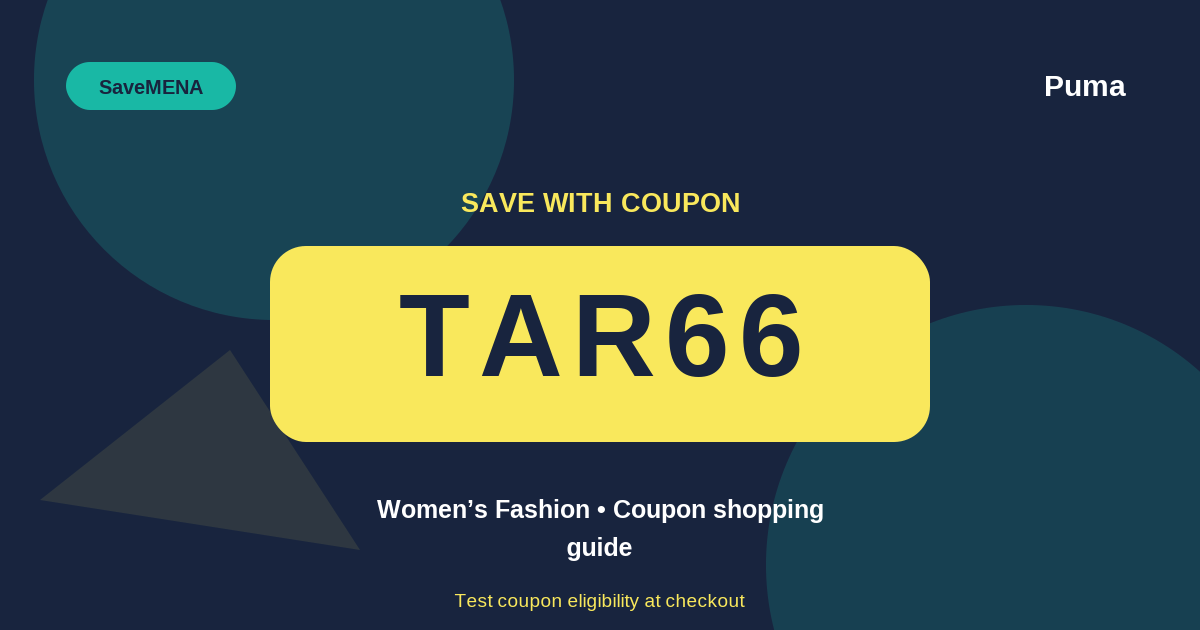
Codes available to try while comparing
These codes are not guaranteed for the article topic or listed brands; test them at checkout and use the live result.
Locate the Product & Verify Seller
Begin by using Noon UAE’s search function with a precise query such as “Puma women’s jacket” to pull up a list of items. The product page will display the seller’s name, typically in the seller tab or near the price. Confirm that the listed seller is a marketplace seller or an official branded store, as this affects shipping reliability and return policies. Make a mental note or screenshot of the seller’s name to reference later when comparing alternative options.
Once you have confirmed the seller, check the seller’s overall rating and number of orders, which are visible beneath the seller’s name. Higher ratings often translate to better customer service and faster shipment. Pay attention to the seller’s operational hours to ensure that you can place the order at a convenient time. All of these factors provide context that may influence your final purchase decision beyond just price.
Understand Base Price vs Seller’s Listed Price
The base price you see on the product page is the amount that sellers list before any discounts or coupons are applied. On Noon UAE, different sellers may list the same Puma item at varying base prices. This variation can be due to SKU differences, stock levels, or seller-specific pricing strategies. Make sure you understand which price is being quoted by reviewing the “Price” field near the top of the page, and noting any variations in color or size if they cause a price change.
Remember that the listed price is not always the price you pay. The seller’s base price may be reduced by a promotional discount that is already embedded, or it may be supplemented by a coupon you intend to use. In either case, the base price on the page reflects the starting point for your calculation of the final payable total after applying any coupon or promotional code.
Apply Coupon and Observe Price Change
When ready to test a discount, locate the “Enter Coupon” field in the cart or checkout area. Enter the code TAR64 exactly as shown, then hit “Apply.” Cease repeatedly sending the coupon to avoid invalid attempts. The system will recalculate the subtotal and update the final amount displayed in the checkout overview. Observe whether the coupon has adjusted the final price in a way that is clearly reflected beneath the subtotal.
Some coupons on Noon UAE may offer a direct reduction, a percentage, or a non‑cash benefit like free delivery. Because we cannot confirm the exact mechanics, watch for any text or icon that indicates the coupon has been applied, such as a “Coupon Applied” badge or a “–” sign beside the total. If the final price does not change after applying the coupon, re‑enter the code or wait for a system update before proceeding.
Review Additional Fees and Taxes
After the coupon has been applied, all commissions, sales taxes, and other mandatory charges will be added to the subtotal in the checkout summary. These fees are usually listed underneath the discounted price. Without disclosing exact rates, you can verify that they are present by looking for a “Taxes” or “Fees” line. The fees will sum with the discounted subtotal to produce a final amount that you actually pay.
It is essential to remember that the final price should incorporate any currency conversion fees if your payment method is not in UAE dirhams. Additionally, the seller may charge a processing fee for certain payment types. Confirm all such details before you proceed to secure the purchase.
Compare Final Prices Across Multiple Sellers
Once you understand how the final price is calculated for one seller, repeat the same steps for any other Puma sellers offering the same item. Open each seller’s product page, note the base price, and then apply the TAR64 code in the cart. Pay attention to whether the coupon works across all sellers, as some may have restrictions or may not honor general coupons.
By listing each seller’s base price, coupon-adjusted subtotal, and final payable amount in a simple spreadsheet or a list, you can quickly identify which seller offers the best overall price. As always, factor in shipping times, delivery fees, and seller ratings when weighing options.
Account for Delivery and Payment Options
Different sellers may offer varying delivery options—standard, express, or free shipping at a threshold. The delivery fee, if any, is displayed clearly in the checkout summary before you confirm payment. Note that the presence or absence of a delivery fee can influence the total amount you pay, sometimes more than the coupon savings themselves.
Payment methods also affect the final price indirectly. Some credit cards or wallets may apply a small convenience fee for online transactions. Although exact amounts are not provided, review the payment summary to ensure no unexpected charges appear before you finalize the order.
Double-Check Eligibility & Terms at Checkout
When you reach the final checkout page, you will see a line verifying that the coupon code has been accepted. If you encounter a message like “Coupon not valid” or “You are not eligible,” double‑check the coupon’s validity status. Keep in mind that the system will determine eligibility based on the shopper’s account, purchase history, or product type.
In addition to the coupon, review the terms and conditions for the seller’s return policy, exchange window, and warranty coverage. Pay particular attention to any seller‑specific policy that may differ from Noon’s standard policies. Having all this information clarified reduces risk after you commit to purchase.
Make Your Purchase Decision
Now that you have all the data—seller name, base price, coupon effect, final amount, delivery fee, and payment terms—it’s time to choose. Compare the sellers’ total payable amounts side by side, and also factor in delivery speed and seller ratings. Select the option that aligns best with your budget, timeline, and desired quality assurance.
Once you decide, add the item to your cart, confirm the final price summary, and proceed to payment. Keep a record of the order confirmation for future reference, especially if you need to return or exchange a product. Following this systematic approach maximizes transparency and helps you avoid creeping cost surprises.
Related SaveMENA pages
Related articles
Official sources to check
Frequently asked questions
How can I be sure the TAR64 coupon is valid for the product I’m buying?
The system will confirm coupon validity on the checkout page when you apply it. If the coupon is not accepted, Noon UAE’s interface will display an “Coupon not valid” or similar notification. At that point, you may try re-entering the code or contact Noon UAE support for clarification.
Does the final price include any hidden or additional fees?"
All mandatory fees—such as taxes, seller‑specific charges, or payment processing costs—will appear in the checkout summary before you confirm payment. Review the breakdown carefully to make sure no extra charges are applied beyond what the summary indicates.
Can the coupon affect the delivery method or fee?
In some cases, a coupon may waive the delivery fee or qualify you for free shipping. If a change occurs, the checkout screen will reflect an updated delivery cost accordingly. Always check the final fees section before confirming.
What if the price after coupon is higher than another seller’s price without a coupon?
Compare the final totals of all sellers, not just the base prices. The most cost‑effective option is the one with the lowest final payable amount, regardless of whether a coupon was used or not.