Shoes on Noon UAE: warranty and support — final price comparison
Noon UAE final price Shoes warranty and post-purchase support: How to compare the final price after a coupon on shoes while keeping warranty and post‑purchase
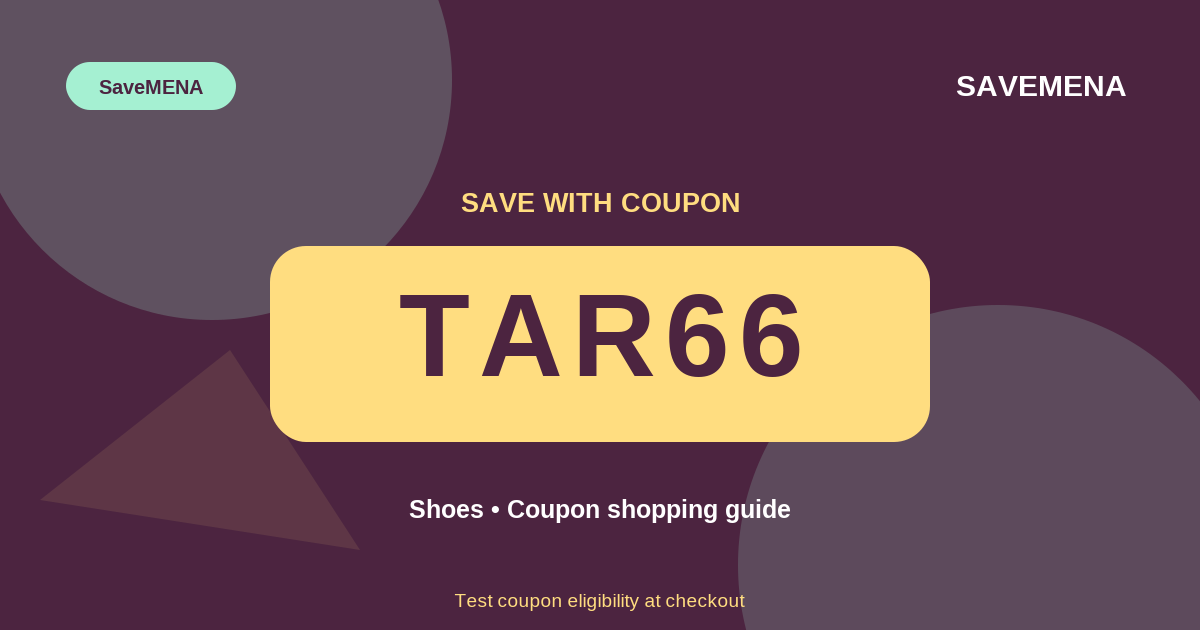
Codes available to try while comparing
These codes are not guaranteed for the article topic or listed brands; test them at checkout and use the live result.
1. Inspect the Base Price and Seller Authenticity
Start by locating the product listing for the shoes on Noon UAE and note the advertised base price displayed under the product name. The base price is what you will see before any coupons or sales are applied. It is important to check if the listing is from a reputable seller – indications include a verified seller badge, a consistent rating over time, and clear contact details. A trustworthy seller improves the likelihood that warranty terms are honored and that any post‑purchase support will be responsive.
After you have recorded the base price, watch for hidden charges that may surface later, such as standard delivery fees or handling costs, which aren't always shown until the cart stage. These fees can tip the balance between a seemingly cheap deal and a more expensive final purchase. If the seller provides explicit shipping cost details on the listing, use them to anticipate the full amount you’ll owe. This careful scrutiny sets the foundation for an accurate final price comparison.
2. Verify Coupon Eligibility Early in the Process
Before placing the shoes into your cart, search for the coupon code TAR66 in the response box typically located beneath the price or before proceeding to checkout. Enter the code, and allow the interface to update the price field. If the discount appears, note the new subtotal minus any coupon value. Remember, the coupon’s validity is not guaranteed; check any terms that hover over the field, such as a “minimum spend” requirement.
If the code does not register, double‑check the spelling and ensure you are still on the same product page. Occasionally, coupon codes are restricted to specific categories or only apply to particular sellers. If you notice a restriction, consider whether it is essential for you to use the code or if an alternative discount exists. Ultimately, a successful code entry will alter the subtotal, making it easier to compare the final payable amount to other options.
3. Compute the Estimated Final Price Including Delivery Fees
Once the coupon application is confirmed, review the shopping cart overview. The cart lists the discounted subtotal, any applicable delivery fee, and the sum that will be charged. Explicitly note the delivery fee; on Noon UAE, this may vary depending on the seller and your location within the UAE. This fee must be added to the subtotal after coupon deduction to arrive at the true final price.
Cross‑check this figure with any “order summary” pop‑up that appears before the final payment step. Some sellers display a final amount that includes taxes or additional handling charges that were not visible earlier. Comparing these numbers helps you decide whether proceeding to payment aligns with your budget, and it confirms that the final price aligns with your earlier expectations.
4. Scrutinize Warranty Coverage Details
A key part of the decision lens is warranty validity for the shoes you intend to purchase. Look for a section in the product description or seller information labeled “Warranty” or “Guarantee.” Record whether the warranty covers manufacturing defects, material issues, or workmanship problems, and the duration (e.g., one year, two years).
If the listing mentions a warranty but does not provide explicit terms, contact the seller through the platform’s messaging system. Ask for a written overview of coverage, the process for filing a claim, and any locks you must maintain (such as registered purchase, return receipts, or local service centers). A clear warranty plan assures that post‑purchase support will not be sprung upon you unexpectedly.
5. Evaluate Post‑Purchase Support Channels
Warranty is complemented by robust support channels. Check if the seller or Noon UAE offers a dedicated customer service number, email, or live chat for post‑purchase queries. Verify that the support hours cover the UAE time zone, and note any mention of service response times. These details help gauge how quickly any issue will be addressed after purchase.
Also look for seller-grade return support. After buying, you should have a clear path to initiate a return, an expressed responsibility for return shipping costs (if any), and an estimate on how long the return will take. If the seller operates a local fulfillment center, it often simplifies exchanges or repairs. By ensuring accessible support, you reduce friction should a defect arise.
6. Contrast Seller Return and Exchange Policies
Returning or exchanging footwear can be costly if the process is not transparent. Examine the return policy section for each seller and list the required steps: time frame after receipt, condition of the product, and any restocking fees. Certain sellers may require pre‑authorization codes.
If a seller promises a “30‑day return window,” double‑check that the condition requirements align with standard practice (e.g., unused, original tags, packaging). By comparing these policies across sellers, you ensure that if a foot condition or fit issue appears, you are not left without an avenue for resolution. This step solidifies your confidence in the after‑purchase experience beyond warranty alone.
7. Review Customer Experiences with Warranty Claims
Explore customer reviews that comment on warranty or support experiences. Pay close attention to excerpts that mention the ease of submitting a claim, the resolution speed, and the overall satisfaction with the service team. A pattern of positive reviews regarding warranty fulfillment indicates a reliable post‑purchase support structure.
Conversely, flag any review indicating delays in claim processing or lack of acknowledgment. While a single negative comment does not invalidate a seller’s credibility, a cluster of complaints may suggest systemic issues. In such cases, consider rejecting the seller or choosing an alternative with a more proven track record of honouring warranties and supporting customers promptly.
8. Perform a Final Check Before Checkout and After Purchase Follow‑Up
Before confirming payment, revisit the cart to verify the final price includes any coupon deduction, delivery fee, and that no unexpected taxes appear. Confirm that you have read, or at least skimmed, the seller’s warranty and support policies as listed at the bottom of the checkout page.
After placing the order, save all receipts, screenshots of the applied coupon, and any confirmation of warranty details. Keep an eye on your email for shipment tracking and warranty registration confirmations. If you do not receive such an email within 24 hours, proactively contact the seller to confirm receipt of the order. This diligent follow‑up preserves your rights under UAE consumer protection laws should a problem arise.
Related SaveMENA pages
Related articles
Official sources to check
Frequently asked questions
Does the TAR66 coupon apply to all shoe categories on Noon UAE?
The coupon availability is listed near the code input area. Verify on the product page if TAR66 is accepted for that specific shoe listing. The coupon is not guaranteed to apply across all categories or sellers; check the restrictions before adding the item to your cart.
What if I need to claim a warranty after receiving my shoes?
Contact the seller via the Noon UAE platform’s messaging system or a provided customer support channel. Provide your order number, a description of the issue, and any photographic evidence. The seller should guide you through any necessary steps, such as returning the shoes or initiating a repair.
Will delivery fees be added after I apply the coupon?
Delivery fees are typically displayed in the cart before checkout. After entering a coupon, the subtotal updates, but shipping costs remain separate. The final payable amount shown at checkout will reflect both the discounted subtotal and any applicable delivery charges.
Can I return a shoe if I only paid using the TAR66 coupon?
Yes, return policies are governed by the seller, not the coupon. Verify the seller’s return window and requirements before purchasing. If you need to cancel or return, follow the seller‑specified steps regardless of any coupon used.