Adidas Shoes on Noon UAE: item availability — correct shopping market
Noon UAE coupon market Shoes Adidas exact item or variant availability at purchase time: When you’re hunting for that perfect pair of Adidas sneakers on Noon UAE
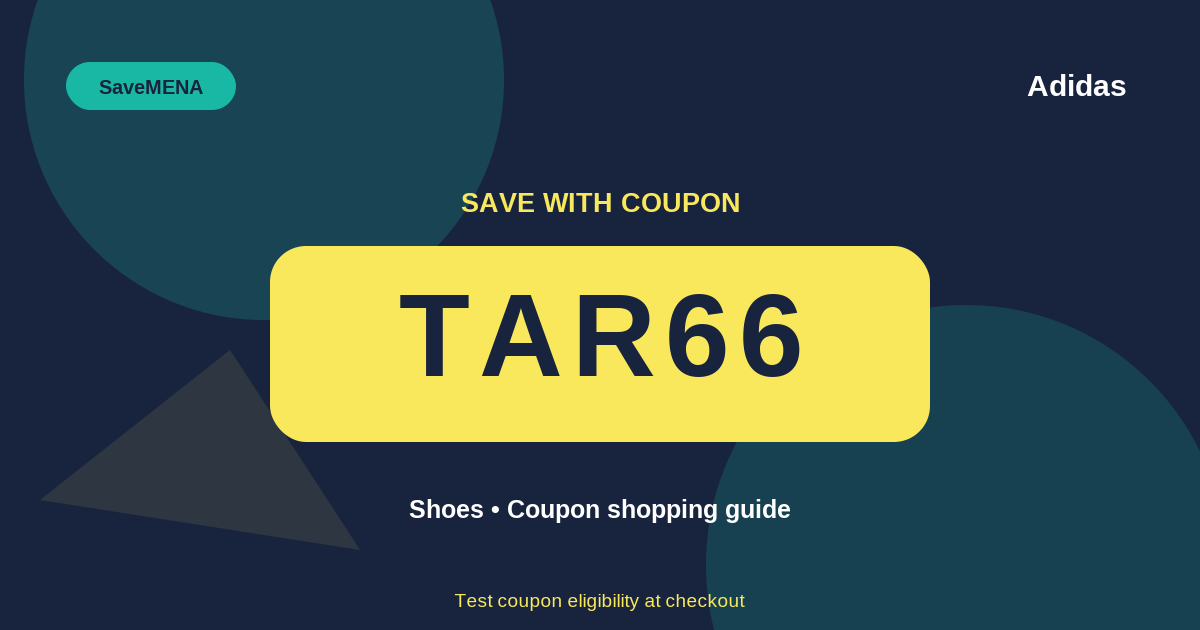
Codes available to try while comparing
These codes are not guaranteed for the article topic or listed brands; test them at checkout and use the live result.
Verify Exact Variant Availability Before Adding to Cart
Start by locating the exact Adidas variant you desire, such as a specific color or model with the exact size. Navigate to the product detail page on Noon UAE and look for the “Size” dropdown, ensuring the desired size shows as selectable and “In Stock.” Don’t rely solely on the main listing page; many sellers list multiple variants on separate pages, and stock counts can differ across them.
When you confirm the variant, add it to your cart immediately. Avoid bookmarking product URLs or saving listings for later, because stock changes frequently. At this point, the cart reflects the latest availability, preventing a failed checkout later. If the chosen variant is marked as out of stock or “Only 1 left,” contemplate alternative colors or turnaround times only now, before proceeding further.
Cross‑Check Seller Location and Shipping Window
Next, inspect the seller info on the product page. Many sellers on Noon UAE ship from different hubs— Dubai, Sharjah, or even overseas. Click the “Seller” link to view the warehouse location, which determines the earliest possible delivery window.
Verify this delivery date against your own schedule. If you need the shoes by a specific event, comparing the bank‑confirmation of shipping slots ensures you won’t face unexpected delays. Also, consider how the seller’s chosen shipping method may influence the final price, including possible delivery fees that differ by warehouse.
Confirm Coupon Eligibility at Checkout
Enter the website’s coupon input field only after the cart contains your chosen item. Type the code TAR66, and observe whether the site confirms a successful “Coupon Applied” notification. Be mindful that the confirmation is provisional; the true association to final payable total occurs only after you press the checkout button.
Because Noon UAE’s coupon system can be restrictive—some codes apply only to certain categories or seller accounts—double‑check for any hidden constraints. If the code does not display a “coupon applied” message, note that the code might not work, but you still receive the final price at checkout for verification.
Review Product Dimensions and Return Policy
Check the full specification tab for foot measurement data, material details, and any limited‑use features (e.g., gel cushioning). Compare the listed size chart with your own foot measurements to avoid sizing errors. Confirm the return policy, which could vary by seller, to understand whether exchanges or refunds after a return are possible.
Verify if the return window aligns with your own tolerance for post‑purchase evaluation. Some sellers impose a 7‑day return period, while others allow 30 days. Aligning this with product quality concerns strengthens your purchase confidence.
Compare Alternative Colours and Models
Explore other variants or similar models offered by the same seller. Some sellers bundle similarly styled shoes in a single listing; comparing them can reveal subtle differences in price, shipping fee, or availability.
Also, use the “Add to Wishlist” feature for alternative variants, then return to your cart. This helps you gauge price stability over a short period, reducing the risk of a sudden stock depletion on the variant you had initially chosen.
Examine Payment Options and Credit Limits
Choose a payment method that aligns with your credit limit or balance. Noon UAE offers multiple payment methods—credit card, cash on delivery, or digital wallets. Some cards may have daily spending caps that hinder completing the transaction if your cart total exceeds that limit.
Prior to checkout, open the payment options drawer and mentally calculate your card’s available credit against the rough order amount. If it appears close to the limit, consider adjusting payment steps—like applying a different card or using a voucher—to avoid transaction failure.
Monitor Change of Delivery Fees During Checkout
Proceed to checkout and refreshed the cart after entering the coupon. Pay particular attention to the “Delivery Charges” field, which can shift if the seller changes the hub or if the chosen shipping option isn’t available for your location.
Make sure no new fees appear that were previously omitted. If a delivery fee suddenly shows, recalculate the total and decide whether to accept the higher charge or search for an alternative seller offering free or lower shipping for the same variant.
Keep a Copy of the Final Order Confirmation
Immediately after confirming your purchase, download or print the order confirmation email. The confirmation should list the exact SKU, size, color, final price, applied coupon, and delivery address. This record is essential if you need to dispute a charge or request a refund later.
Store the PDF or email in a dedicated folder. If the delivery is delayed or the item arrives incorrectly, you can reference this confirmation to expedite communication with Noon UAE’s customer support or the vendor directly.
Related SaveMENA pages
Related articles
Official sources to check
Frequently asked questions
How do I know if TAR66 will be accepted at checkout?
Enter TAR66 in the coupon field before proceeding to checkout and watch for a “Coupon Applied” message. If it does not apply, the code may not be valid for your cart. Confirm this right before payment as the final checkout process validates all eligibility.
Can I change my shoe size after adding it to the cart?
Yes, you can adjust the size by editing the cart item’s quantity or size dropdown. However, ensure the new size is still in stock. Some sellers remove variants quickly, so verify immediately after any change.
What if the delivery fee changes during checkout?
Re‑check the delivery fees section before finalizing payment. If the fee increases, you must decide whether to continue with the order or search for another seller with a lower or free shipping option for the same variant.
Will my crown wallet or credit card limit prevent purchase?
Before checkout, compare the cart total to your selected payment method’s available credit. If it exceeds the limit, consider switching to another payment option or applying a discount to reduce the charge before buying.