Huawei Mobiles on Noon UAE: checkout message — correct shopping market
SaveMENA operates independently of Noon, offering a consolidated view of discount codes across the UAE’s e‑commerce sites.
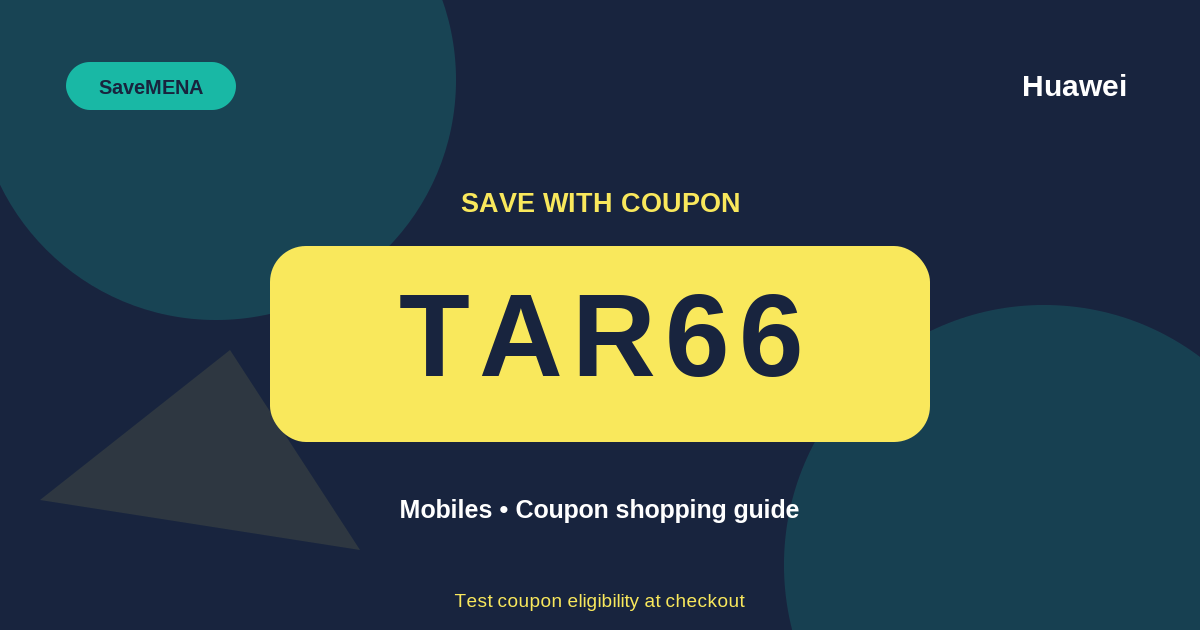
Codes available to try while comparing
These codes are not guaranteed for the article topic or listed brands; test them at checkout and use the live result.
1. Understanding SaveMENA and Noon UAE Coupon Market
SaveMENA operates independently of Noon, offering a consolidated view of discount codes across the UAE’s e‑commerce sites. When you look for a coupon code like TAR66 on the Noon platform, the coupon’s utility hinges on what Noon’s current catalog and regional policies allow. Knowing this distinction helps you gather realistic expectations—no platform guarantees applicability, and coupons are presented as “available to try” rather than guaranteed discounts.
In the UAE context, currency, shipping regulations, and carrier policies can vary even within Noon’s own listings. Therefore, before you even hit “Check out”, a quick glance at your cart’s geographic shipping destination and the phone’s country of manufacture aids in aligning your expectations with the live coupon messages that Noon will ultimately display. Skipping this preparatory layer can lead to confusion when the coupon appears applicable on the product page but vanishes at the final payment screen.
2. Defining the Live Coupon Message
The live coupon message is a real‑time indicator shown during the checkout flow, reflecting whether your entered code meets all active criteria. This message appears after you type and submit TAR66 but before you confirm payment, providing immediate feedback: “Coupon applied” or “Coupon not applicable.” Its timing is crucial because post‑payment adjustments are rare and rarely corrected by Noon’s support team.
Because the live message is the last checkpoint, it represents the final verification of the coupon’s validity within the current cart. It accounts for store policies, item availability, and any simultaneous promotions. Unless the message explicitly says “applied,” the coupon has not altered your payable total, and the phone will be billed at its list price.
3. Choosing the Right Huawei Mobile
Selecting a Huawei handset that aligns with Noon’s UAE product catalog is pivotal. Verify that the device you add to your cart is listed under the “Mobiles” category for UAE, not a variant exclusive to another region. This ensures the product’s eligibility criteria, such as region‑restricted warranties or pre‑installed OTA services, are compatible with Noon’s checkout mechanics.
When you cross‑check the phone’s seller listing, focus on seller‑designated tags like “UAE” or “UAE Certified.” These markers often precede the live coupon message’s awareness of your cart. A handset flagged without such designation may trigger a live message that disallows coupon application due to region or warranty mismatches.
4. Ensuring Market Context Accuracy
The first practical step before entering TAR66 is confirming your account’s settlement region. Make sure your Noon profile is registered with your UAE address and billing details. A mismatch between your listed country and the phone’s import status can cause the live coupon message to decline the code even though the product itself is eligible.
Next, confirm that the product category remains “Mobiles” at the checkout. Noon’s algorithm differentiates between sub‑categories like “Accessories” or “Gaming Devices.” A mis‑classified item—say, a Huawei power bank listed as a mobile—will trigger a live coupon message that negates your attempt to apply a mobile‑specific code.
5. Preparing Your Cart for Live Coupon Validation
When you first add a Huawei phone to your cart, refrain from modifying the quantity or selecting additional audio or storage options that may alter availability. Stick to a single unit at the default configuration to prevent cart recalibrations that could invalidate the live coupon logic, which often relies on a pre‑defined product bundle.
Also, ensure that no other discount codes or promotional offers are simultaneously enabled. Noon’s live message algorithm processes coupons in the order entered, and a higher‑priority offer could short‑circuit the application of TAR66, causing the message to display as “not applicable.”
6. Monitoring Coupon Application in Real-Time
As soon as you enter TAR66, the live coupon message appears beside the total amount on the checkout screen. This instant visual cue confirms whether the code satisfied all required filters—seller, region, and product category. If displayed as “Coupon applied,” you can proceed to payment knowing the discount has factored into your subtotal.
When the live message reads “Coupon not applicable,” it indicates that at least one criterion failed. Before deciding to remove the code, double‑check your cart details: verify that no hidden fees were activated, such as a mandatory carrier add‑on, which might have altered your order’s category classification at the live‑validation stage.
7. Confirming Final Payable Amount at Checkout
The final step is reviewing the “Order Summary” that lists the item’s base price, tax, shipping, and any applied coupons. The live coupon message’s effect should already be reflected in this breakdown. If TAR66 made an impact, the “Apply coupon” discount line will be present; if not, the line will be missing, and the total will match the undiscounted price.
Spend a moment verifying that the payable figure matches the last updated amount shown right before the payment button. Noon changes are only applied at this point, and any mis‑display by the live coupon message can be confirmed or refuted by a careful comparison of these two numbers.
8. Frequently Encountered Issues and Troubleshooting
Noon’s live coupon system is robust but not infallible. Common hiccups include browser cache interference, multiple tab usage, or pop‑ups that block essential scripts. Clearing your browser cache or trying a different browser can often resolve a “coupon not applicable” message that really results from a technical glitch.
If you consistently see the live coupon message reject TAR66 while all other conditions appear correct, contact Noon’s support for clarification. Provide screenshots of the cart, the entered coupon, and the live message to expedite any review; they can confirm whether the issue is product, region, or policy‑based.
Related SaveMENA pages
Related articles
Official sources to check
Frequently asked questions
A: What does “TAR66 available to try” mean for my purchase?
It signals that the coupon code TAR66 is provided for you to experiment with; there is no built‑in guarantee it will apply. The live coupon message at checkout will decide the final outcome, reflecting real‑time eligibility status.
B: Can I use TAR66 on any Huawei phone?
Only if the specific phone meets Noon’s UAE catalog criteria—correct region, category, and seller. If the live coupon message shows “not applicable,” the phone’s eligibility is the likely cause.
C: Why does the live coupon message appear only at checkout?
The live message is the system’s real‑time evaluation of coupon rules against your finalized cart. It can’t foresee dynamic cart changes, so it is shown after all selections are locked in and before payment.
D: If the live coupon message says the code is applied, can I still use a different discount?
Noone style system prevents stacking multiple coupon benefits at the same transaction. Once TAR66 is confirmed, applying another code will usually be declined, so choose the most favorable option first.