Sony TVs on Noon UAE: checkout message — correct shopping market
Noon UAE coupon market TVs Sony the live coupon message at checkout: The UAE’s noon ecosystem buzzing with midnight flash sales and everyday deals, but the real
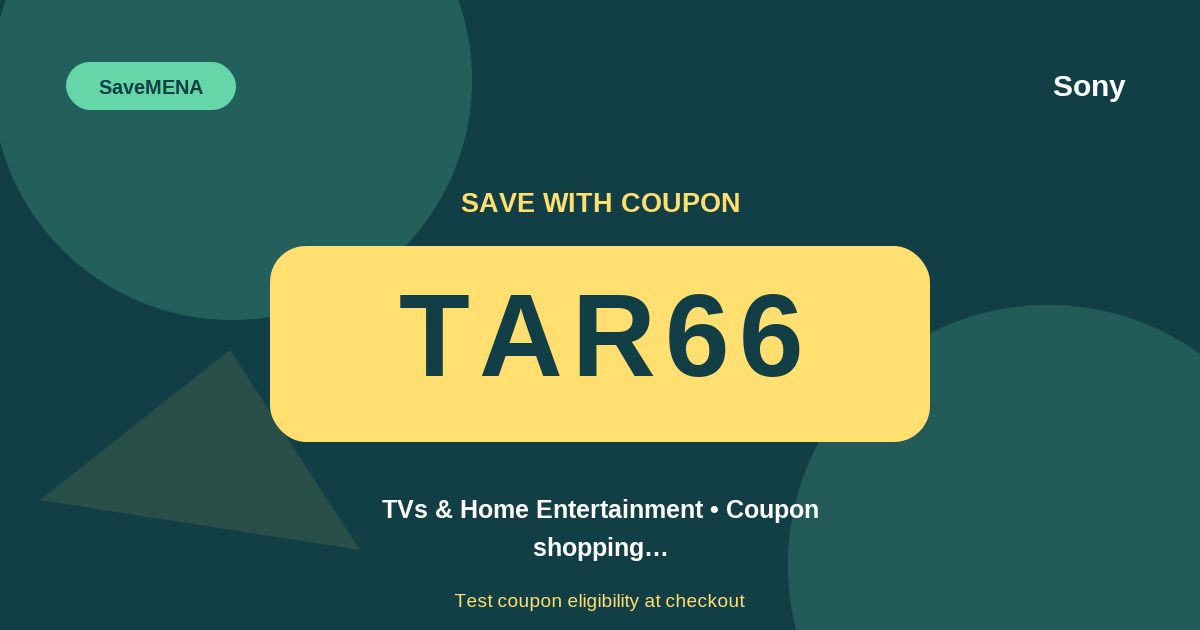
Codes available to try while comparing
These codes are not guaranteed for the article topic or listed brands; test them at checkout and use the live result.
1. Identify Your Sony TV and Noon UAE Listing
Start with a clear picture of the Sony TV model you’re after—screen size, resolution, and feature set. Noon UAE hosts multiple listings for similar models, each written differently by sellers. If you use the official Sony description in your search, you’ll filter out listings that might mislabel the exact model. This gives you an accurate item number to reference when you later check the live coupon message.
Once the listing is pinned, note the “Available in UAE” badge and the seller’s store name, not just the reference number. Noon’s marketplace lists increasingly diverse vendors, so ensuring you are shopping within the UAE region is essential; international listings can trigger a faulty live‑coupon prompt or be ineligible for local promotion codes.
2. Reconciling Model Features with Market Offers
Sony TVs come in a spectrum from 4K HDR to OLED, each with different price ranges. Identify the trade‑offs your budget will accept, then scan the listing for any built‑in promotions such as free extended warranty or bundled HDR content. These built‑in offers often appear in the product description before you reach checkout, allowing you to compare the benefit of the TAR66 coupon against other goods‑with‑service discounts.
While the live coupon appears only at checkout, you can get a rough estimate of potential savings by comparing the base price displayed on the screen with similar products listed under “Deal” sections on Noon UAE. That context will help you decide whether applying TAR66 is worth the risk of seeing a “not applied” message later.
3. Assessing Seller Credibility Beyond Badges
Seller badges on Noon UAE provide useful signals, but they don’t guarantee that a coupon will work. Look for sellers with high average feedback scores, clear return policies, and active customer support. A reputable seller is more likely to honor the live‑coupon protocol, ensuring the message updates in real time during checkout.
Check the seller’s handling time in the listing and any mention of “first‑time buyer” eligibility. Even though the TAR66 coupon can be tried with any seller, the live‑coupon message may behave erratically if the seller’s cart handling scripts lag. Verifying the seller’s reliability gives confidence that the live message is accurate.
4. Timing Your Checkout for Real‑Time Coupon Visibility
Unlike static discount badges, the live coupon message appears at the moment the buyer moves to the payment screen. To capture it correctly, complete the cart fill then proceed to the checkout page without refreshing. The message will update instantly if the coupon is applicable. This step is crucial because a refreshed page often resets the coupon state.
When you hit the checkout button, pause to read the text box that appears just above or below the total. This field is the live‑coupon window: it indicates whether TAR66 will benefit you, or if the coupon is not applicable for the current combination of items, seller, or shipping option.
5. Navigating Payment Methods and the Live Coupon Callback
Choosing a payment method can alter whether the live coupon remains eligible. Some gateways on Noon UAE impose minimum spend or disable certain coupons; others validate the token after transaction confirmation. When you select a card, PayPal, or store credit, watch for any new prompt about coupon validity that may appear before the final total is finalized.
Use the same payment method you usually employ for Sony TV purchases; consistency helps avoid unpredictable coupon rejections. If a new payment gateway prompts a coupon reset, retry the checkout sequence with your default method to confirm the coupon’s status.
6. Tracking Delivery Estimates and Final Checkout Verification
Once the live‑coupon message is displayed, review the estimated delivery window presented alongside the total. Some sellers adjust shipping dates when coupons are used, relying on dynamic inventory data. Use this as a checklist: total price, coupon status, and delivery date should all align before you hit “Place Order.”
After confirming the final payable total, scroll to the bottom of the checkout page where a summary of the order appears. Double‑check that the live‑coupon statement hasn’t been overridden by an automated system error or a seller‑specific policy. A discrepancy here typically means the coupon is not applied after all.
7. Handling Post‑Purchase Queries on the Coupon Application
If you are greeted with a prompt that “coupon cannot be applied” after placing the order, the next logical step is to consult Noon UAE’s customer support chat or ticket system. Provide them with the order ID, the product model, and the coupon code you used so they can clarify the status.
In most cases, a merchant may rescind the coupon after checkout, especially if the coupon is subject to dynamic stock levels. When contact with support confirms your coupon was invalid, ask if the seller can offer an after‑sale discount or a voucher for a future purchase. That approach keeps the negotiation constructive.
8. Using TAR66 Effectively Across Multiple Sony TV Options
When you’re interested in more than one TV model, add them all to the cart before proceeding to checkout. The live‑coupon message will then reflect its applicability to the entire basket, rather than one item at a time. If TAR66 is valid for any of the products, you will see the discount reflected in the total immediately after the checkout screen loads.
Should the coupon be ineligible for a particular model, the live‑coupon field will still display the message as an offer failure, but the remaining valid items will prompt the discount. In this way, you can verify the coupon's reach across a range of Sony TVs and decide whether to keep all purchases or remove the unqualified items.
Related SaveMENA pages
Related articles
Official sources to check
Frequently asked questions
What does the live coupon message at checkout tell me?
It indicates whether a coding input, like TAR66, is recognized for the current cart, seller, and shipping configuration before the final order total is finalized.
Can I use the TAR66 coupon on any Sony TV listed on Noon UAE?
It is available to try on Sony TVs sold through Noon UAE, but its success depends on the seller’s agreement and the exact model. Verify at checkout.
What should I do if the live coupon message shows “not applied”?
Check the cart for item exclusivity, confirm seller eligibility, and retry with the same payment method; if still not applied, contact Noon customer support for clarification.
Does placing multiple Sony TVs in one cart affect the coupon outcome?
Yes. The live coupon evaluates the entire basket; if the code applies to at least one item, the discount may be reflected against eligible items while ineligibles remain at full price.