Skechers Shoes on Noon UAE: shipping responsibility — correct shopping market
Start by filtering the shoes section on Noon for the UAE market. Focus on the “Shoes” category and, if desired, refine to brands such as Skechers.
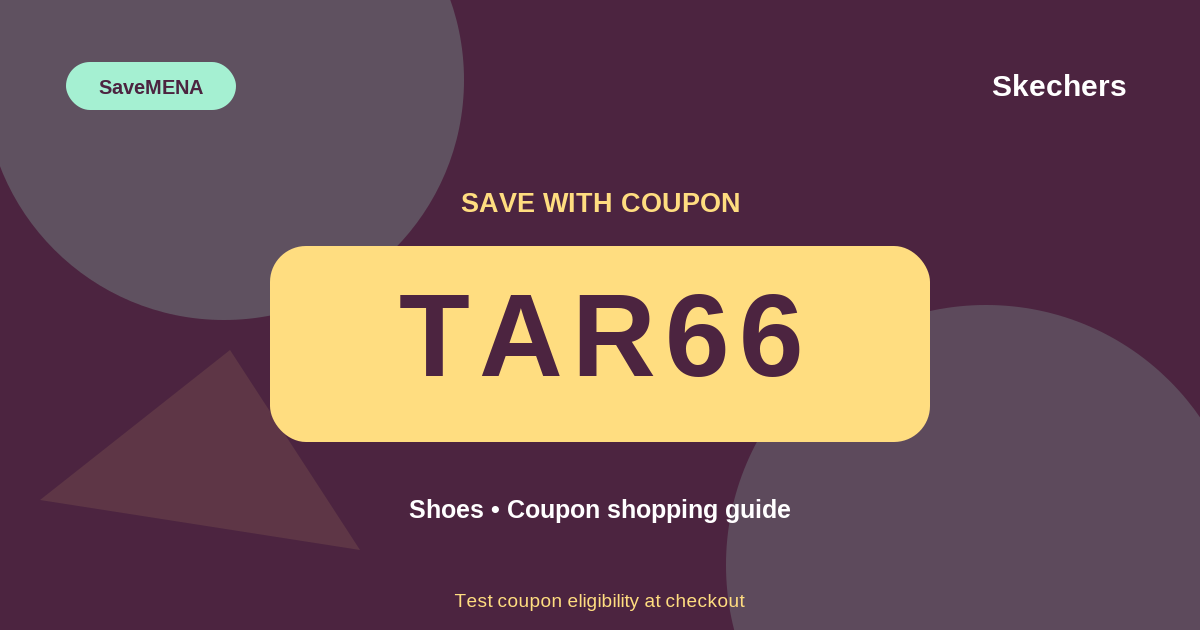
Codes available to try while comparing
These codes are not guaranteed for the article topic or listed brands; test them at checkout and use the live result.
Step 1: Map the Shoe Offering in Noon’s UAE Marketplace
Start by filtering the shoes section on Noon for the UAE market. Focus on the “Shoes” category and, if desired, refine to brands such as Skechers. Your search will return listings that vary by colour, size, and style, but all belong to the same country code and shipping region. Ensure that each item displays a country of origin tag confirming it is sourced for the UAE market, which often influences stock availability and return eligibility.
Use the display controls to view product details, dimensions, and whether the seller lists the shoe as “In Stock.” While the page may show a brief availability statement, the most reliable status arrives at checkout. If an item appears in stock but the price updates during checkout, it signals a dynamic inventory count. Verify the context here to confirm you’re buying a product truly waiting to ship from the UAE‑based warehouse, avoiding surprises at the point of purchase.
Step 2: Examine Seller Information and Return Rights
Every shoe listing on Noon includes a seller profile, but a badge does not automatically guarantee reliable service. Review the seller’s name, contact details, and any provided return policy. A clear policy—stating that returns are accepted within X days from delivery and that the items must be unworn—highlights a seller’s compliance with local consumer protection. This is especially important for footwear, where fit issues are common.
Before adding a Skechers shoe to your cart, check for any special conditions noted under “Seller Policies.” If a seller stresses size exchange allowances, note them. However, remember that such statements are advisory; the checkout screen will enforce the final return window. Always double‑check that the policy aligns with your expectations, as inconsistencies can lead to post‑delivery complications.
Step 3: Cross‑Check Shipping Channels Eligible for Your Shoe
Shirt‑style shipping can vary by weight, dimensions, and destination. For a standard pair of shoes, common methods include Economy, Express, or Courier. Each tier carries a different fee and estimated delivery window. Ensure the options presented on the checkout list reflect the typical times for the UAE; for example, Express might promise 1–2 days, while Economy could take 4–6 days. This context is vital for planning your wardrobe needs.
Also confirm that the seller offers the shipping channel you prefer. Some sellers might restrict delivery to certain couriers or exclude express options. Look for a note saying “Preferred Courier: DHL” or “Economy is the default.” If the seller offers free shipping only when a minimum spend is met, verify that your current cart total meets that threshold. Shipping costs are non‑negotiable once you add items to the cart, so double‑checking at this stage saves frustration later.
Step 4: Review Fulfilment Confirmation Before Finalizing Purchase
Once the shoe is in your cart, Noon’s system displays a “Ready to Ship” status if the inventory is confirmed. This status indicates that the item will be picked, packed, and dispatched from a nearby fulfillment center. For delivery to UAE addresses, the platform sometimes flags “Dispatch from UAE Warehouse,” which confirms that shipping distance and customs clearance will not add delays.
If the item shows a delayed or “Out of Stock” sign, the seller may still allow preorder or back‑order. Verify whether they provide an expected restock date, and confirm that a clear shipping estimate follows. Ignoring this step can result in unexpected wait times that derail your shopping experience. Therefore, pause here to confirm fulfilment, catching any potential shipping hiccups before proceeding.
Step 5: Try the TAR66 Coupon at Checkout
The TAR66 coupon code is listed as a marketing opportunity for Noon UAE shoppers. To test its applicability, enter the code in the “Apply Coupon” field on the checkout page. The platform will calculate whether the coupon applies to the entire cart, a specific category like Shoes, or particular sellers. As the coupon remains “available to try,” no guarantee is provided that the calculation will result in a discount.
Pay attention to the feedback after applying TAR66. If the code is accepted, you’ll see a new line item indicating the deduction. If it’s rejected, the checkout will display a message explaining why—such as “Coupon not applicable due to category restrictions.” Record the outcome to decide whether to adjust your cart or look for alternative promotional offers before finalizing the purchase.
Step 6: Be Mindful of Additional Costs Beyond the Product Price
After applying any coupon, the checkout screen shows a subtotal, applicable taxes, and shipping fees. Taxes in the UAE are usually zero for domestic goods, but confirm that the tax field is correctly listed. Shipping fees can vary: Express might add a premium, while Economy remains free for standard order volumes. The cumulative total must match what you expect, and any discrepancy warrants verification.
Avoid assuming that the shipping fee shown is final; dynamic changes such as last‑minute courier outages or volumetric pricing can occur. If the shipping field displays “Calculated at checkout,” it means a final adjustment will happen when you confirm payment. Ensure you read each item’s shipping requirement—especially for larger toe boxes or heavier heel units that may demand a special service level.
Step 7: Validate the Final Payable Total Prior to Confirmation
Before hitting the “Place Order” button, glance over the final total displayed at checkout. This figure should reflect the product price, any applied coupon discount, taxes, and the chosen shipping fee. If the total feels off, return to the cart to review each line item. Misaligned totals often stem from hidden fees, especially if the coupon was partially applied or invalidated for a specific seller.
The checkout will also confirm the payment method you selected—credit card, debit card, bank transfer, or local digital wallets. Ensure your chosen payment gateway is enabled, as some methods might not support certain promotions. Verify that the card or wallet has enough balance or available credit, otherwise you’ll encounter delays or payment failures after the order is submitted.
Step 8: Monitor Delivery and Reach Out if Delays Occur
Once your order is placed, Noon provides a tracking number or link that you can use to monitor the shipment’s progress. Some sellers offer real‑time updates through local couriers; others may rely on the platform’s generic status updates. Bookmark the tracking page and note the expected delivery window printed earlier during checkout.
If a delay arises, use the customer support portal or call centre specific to UAE shoppers. Keep your order ID handy for a swift resolution. This final monitoring step confirms that the fulfilment process went as planned and allows you to address any issues promptly, ensuring that your Skechers shoes reach you in the expected condition and timeframe.
Related SaveMENA pages
Related articles
Official sources to check
Frequently asked questions
What does “available to try” mean for the TAR66 coupon?
“Available to try” indicates that the coupon can be entered at checkout, but the site does not guarantee it will apply to every order or product. Check the result on the checkout page to see if it’s accepted or rejected for your specific shoes.
Can the shipping fee change after I place my order?
Typically, the shipping fee is locked in at the moment you confirm payment. However, if a dynamic surcharge appears due to courier demand or weight changes, you may need to update the order or contact support to adjust.
What happens if my selected courier on Noon is unavailable?
If the chosen courier is unavailable, Noon usually replaces it with an alternative that meets the same delivery window. The platform updates the shipment option in your order tracking and sends a notification about the change.
How can I verify that my shoes will ship from the UAE?
You can check the seller’s profile and the product detail page for a “Dispatch from UAE” tag. Additionally, the checkout will display the warehouse location or a note confirming UAE‑based fulfilment, ensuring local shipping.