Xiaomi Tablets on Noon UAE: listing condition — correct shopping market
Noon UAE coupon market Tablets Xiaomi listing condition and displayed item state: Why correct market context matters when hunting for a tablet on a marketplace like
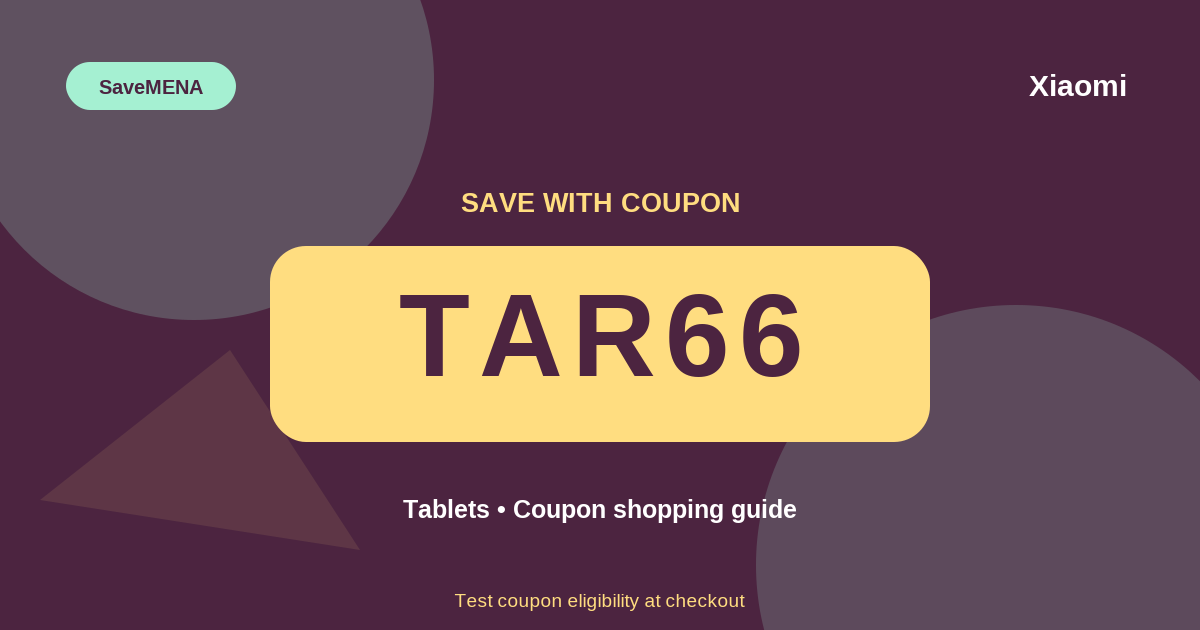
Codes available to try while comparing
These codes are not guaranteed for the article topic or listed brands; test them at checkout and use the live result.
Understand the Tablet List’s Visual Cues
Every tablet listing on Noon displays a thumbnail, a title, and sometimes a badge. The thumbnail should give you a clear view of the tablet’s exterior: its color, the front screen, and any noticeable scratches. Look for a high‑resolution image that shows the bezel from multiple angles; a single angle or a low‑resolution image limits your ability to judge condition. A recent thumbnail—often stamped with a date or “updated” note—indicates the seller may have refreshed the listing, which can reflect a newer stock batch rather than an archival item.
Beyond the thumbnail, observe any quick‑view icons or supplementary photos. A series of images that include the back, sides, and the original packaging (if displayed) helps confirm the tablet’s authenticity. The listing may also provide a short video preview; this can be particularly valuable for checking the screen quality and verifying the absence of dead pixels. Thorough visual assessment reduces the risk of misinterpreting the described condition.
Verify the Model’s Edition and Region Setting
Tablets—especially from brands like Xiaomi—often feature regional variants that differ in firmware, pre‑installed apps, and even the physical connectors on the underside. The listing title will usually include “UAE” or “Middle East” if the seller has confirmed the edition for your market. Confirm that the model number matches the Saudi Arabian or UAE market by cross‑checking early in the description. This ensures the device will be able to access local networks and comply with regional regulations, such as mandatory local SIM support.
Some sellers add a note about “Fine‑tuned for UAE networks” or “Roaming pre‑activated.” While you—yet—don’t know the exact download speed you’ll enjoy, such language signals that the tablet’s firmware has already been prepared for local use. If the listing omits this information, keep that in mind when you later confirm compatibility with your chosen carrier.
Cross‑Check the Seller’s Track Record for Tablet Sales
Even if a listing appears trustworthy, the seller’s overall history in tablet sales matters. On Noon UAE, you can hover over the seller’s name to see a brief rating or a badge like “Top Seller.” A “Top Seller” badge indicates regular transactions and, by platform policy, a higher degree of seller verification. This is particularly useful when you’re buying a device second‑hand or from a private listing.
However, a high rating does not automatically guarantee the particular tablet’s condition. It does, however, suggest that the seller follows platform guidelines, which means they’ll typically provide detailed item descriptions and respond to inquiries promptly. Use this reputational data as a backdrop when you examine the listing’s condition notes.
Assess the Item’s Condition Description vs. Photo Quality
Condition is a dual‑layer concept: it’s the seller’s written description and the photographic evidence. Look for terms such as “like new,” “excellent,” or “minimal wear.” A vague statement like “good used” is less helpful than “only one light scratch on the rear edge.” Make sure each claim has a corresponding photo that showcases the problem—if a screen glare is mentioned, you should see a close‑up of the affected area.
When photos are missing or poorly lit, use the question feature under the listing to ask the seller for clearer images or additional angles. A responsive seller who provides instant clarification is often a good sign to trust the listed condition. Remember the condition description is not a guarantee; it serves as a starting point for your verification process.
Confirm the Warranty Terms in the Item Details
Warranty coverage is crucial, especially for tablets that may require a repair or firmware update. Check the listing’s “Warranty” field, which should state the duration and the coverage scope. Some sellers note “Manufacturer’s 2‑year warranty” while others detail “Extended 3‑year Nokia Warranty” if the tablet’s region supports a local provider.
If the warranty section references a partner, such as “AppleCare+” or “Xiaomi E‑Wrap,” take the time to understand its validity in the UAE. Many warranties are region‑specific, and a warranty that applies in China may not extend to the UAE. Clarify any doubts with the seller before proceeding.
Review the Return Policy for Tablet‑Specific Issues
Return windows for electronics are typically tighter than for clothing or books. On Noon UAE, the listing will state “Return Policy” and the length of time the seller allows returns. Make sure it covers “defective” and “not as described” problems, especially for screen or battery health. A blanket “no returns” policy can be a red flag if the condition claims appear questionable.
In addition to the seller’s stated policy, note if the return includes a prepaid shipping label or if you need to arrange logistics yourself. A seller who offers “free return shipping” adds a layer of protection if the tablet arrives with a defect not mentioned in the description. Confirming these details ahead of purchase safeguards you against unwarranted expenses.
Evaluate the Shipping and Handling Information
Shipping specifics such as “Delivery in 3-5 business days,” “Free standard shipping,” or “Express delivery fee” are visible directly under the price in a Noon listing. Verify that the shipping destination matches your UAE address. For high‑value items like tablets, shipping insurance or a tracking number is often included; if the listing says “Tracking provided,” it’s a sign of a reputable seller handling the logistics carefully.
Check also the handling time mentioned in the seller’s profile—how quickly they prepare the item for dispatch after a purchase. A short handling time (1-2 days) often indicates that the seller has inventory on hand, lowering the chance of unforeseen delays. Matching the shipping promise with the seller’s reputation improves the actual delivery experience.
Decide When to Apply Your TAR66 Coupon and Observe Checkout Confirmation
When you’re ready to add the tablet to your cart, open the coupon field at checkout and insert TAR66. The interface will communicate whether the coupon is accepted by showing a small “Coupon applied” message next to the total. This step informs you that the discount is currently eligible for the item and the minimum spend threshold has been satisfied, if any is required.
Before finalizing the purchase, review the final payable amount displayed after the coupon is applied. The total will update instantly; if it does not generate a discount, double‑check the coupon code for correct spelling and that the listing truly applies to the coupon. Only after confirming this updated total should you proceed to payment, ensuring that your intended savings stick to the final charge.
Related SaveMENA pages
Related articles
Official sources to check
Frequently asked questions
Does TAR66 offer a fixed discount on all Xiaomi tablets?
No. The the coupon code you receive depends on the coupon’s terms at checkout, which are not disclosed in advance. Use the code at checkout to see if and how it is applied.
Will the coupon apply to a used tablet?
Coupons can be applied to listed items, but eligibility is confirmed when the code is entered at checkout. Verify the condition listing before applying the coupon.
How can I confirm that my tablet will work with UAE networks?
Check the listing description for region‑specific details, such as “UAE network supported,” and confirm the Wi‑Fi band compatibility with your carrier’s specifications.
What if my tablet arrives damaged?
Visit the return policy section in the listing, and if the tablet is defective or not as described, you can initiate a return within the seller’s specified timeframe. Reach out to the seller first before filing a support request.