Logitech Computer Accessories on Noon UAE: payment method — correct shopping · TAR64
Shop‑ing for computer accessories like Logitech keyboards, mice, or webcams on Noon UAE can be a game‑changer if you know how to navigate the platform’s coupon
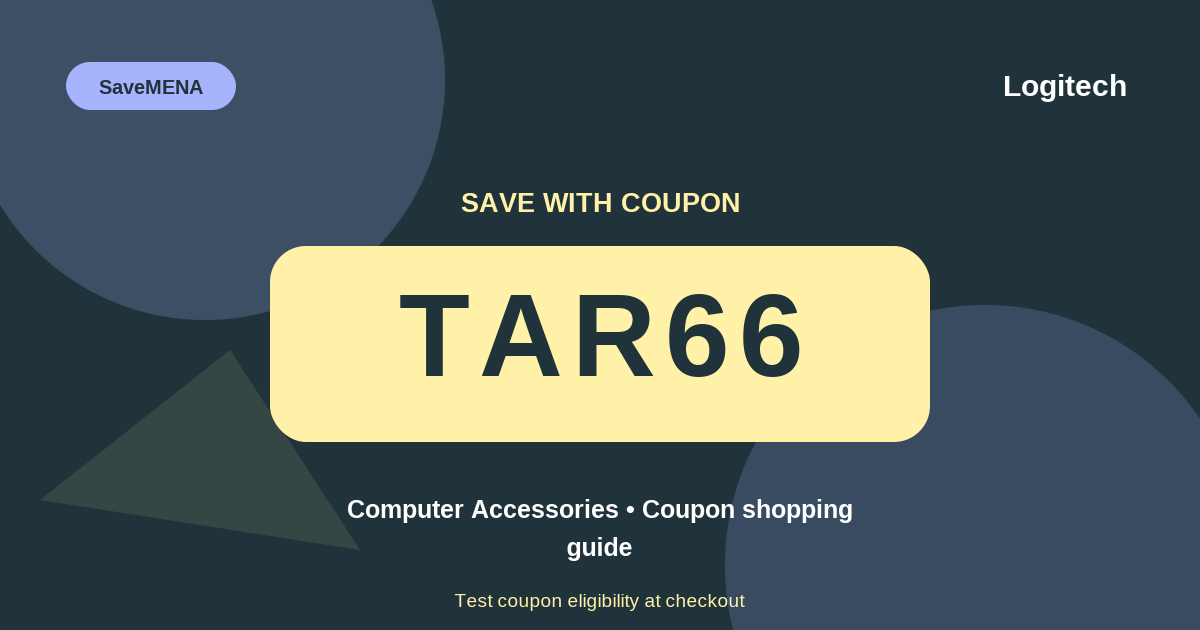
Codes available to try while comparing
These codes are not guaranteed for the article topic or listed brands; test them at checkout and use the live result.
Understanding the Noon UAE Coupon Landscape for Computer Accessories
Noon UAE’s coupon framework is designed to deliver value across a broad range of categories, but the way coupons apply can differ from one product type to another. For computer accessories, sellers often list items in distinct sub‑categories such as ‘Peripherals’ or ‘Input Devices’, and the coupon engine may treat each sub‑category differently. Knowing whether a coupon such as TAR64 is active on the specific sub‑category you’re the coupon code is the first step in avoiding failed redemptions that can stall your checkout.
Because Noon retains control over its own coupon logic, the platform sometimes restricts coupon use to certain brands or SKUs, even if the coupon itself appears to be general. Checking the ‘Coupon Details’ section of a product’s page—and ensuring it lists ‘TAR64’ before proceeding—lets you confirm that the coupon will be accepted for your Logitech accessory. A quick glance at the product description for any ‘Excluded Items’ label can save you from surprise errors when you add the item to the cart.
Why Market Context Matters When Shopping for Logitech Accessories
The UAE market has its own set of consumer expectations and regulatory guidelines, especially around technology imports. For Logitech peripherals, compliance with UAE FCC or Dubai Telecommunications regulations can influence which models are available through Noon. This context matters because coupons applied to non‑certified versions might be ignored by the system or rejected during the final payment validation.
Furthermore, the hourly price variations in Noon’s marketplace affect how much a coupon can cap the final amount. While the TAR64 code can be entered for any qualifying item, the resulting discount will still respect the local price floor set by UAE’s price arbitration rules. Understanding these subtleties ensures that you’re not left with a sticky thumbprint of digital disappointment during your transaction.
The Role of Payment Methods in Maximising Coupon Value
Noon UAE offers multiple payment options—credit/debit cards, Apple Pay, and local wallets. Each payment method interacts differently with the coupon engine. For instance, some stores only honor coupons when the buyer chooses a credit card, while Apple Pay may bypass the coupon deduction process and apply the coupon automatically at the point of sale.
Because payment method choice can influence the application of TAR64, vetting this before adding the item to the cart is essential. If the discount does not reflect during the cart preview, you can switch payment methods in the checkout stage; however, some methods may lock the discount in place only after final confirmation, so clarity ahead of time will save you from delayed refunds or partial credits.
How to Use the TAR64 Coupon on Logitech Products
Assuming the TAR64 code is active for your chosen Logitech item, enter it in the dedicated ‘Coupon Code’ field during the checkout process, not during product selection. This field is typically located near the payment options on Noon’s platform. After entering the code, the interface should recalculate the total, showing any discount applied before you continue to payment.
Because SaveMENA does not guarantee discount amounts, the displayed savings may update once you finalize the transaction. If the coupon appears to be unusable after entry, double‑check that you are not adding a bundled accessory or a premium model outside the Etsy hardware range; sometimes these rely on a separate coupon schema. If the code still fails, you may need to reach out to Noon’s help centre for confirmation.
Verifying Eligibility and Checkout Mechanics in the UAE Market
Before confirming your final price, review each line item in your cart for any ‘Coupon Exclusion’ tags or specialized shipping conditions that must be met. Noon messages “Coupon Not Valid for this Item” only when the product or its seller forbids the specific code; this often clarifies setbacks early and avoids payment declines after the order has been placed.
When you progress to payment, cross‑check that the subtotal offered by Noon matches the display at your most recent cart review. A discrepancy could indicate that the applied coupon does not respect your chosen payment method or the item’s eligibility. Closing this loop ahead of the final payment button assures that no hidden fees creep in during the last few seconds of checkout.
Practical Tips for Secure Payment on Noon UAE
Employing a payment method that aligns with your buyer profile is essential for both speed and security. For UAE shoppers, using debit cards linked to a trusted bank or a digitized payment gateway maintains minimal processing delay. These options typically maintain parity with Noon’s coupon engine, ensuring that discounts such as TAR64 are recognized without constraint.
Alternatively, when using Apple Pay or a mobile wallet, ensure you have added the correct card or funding source and that the device’s region settings match UAE. This avoids currency mismatch errors and keeps the coupon intact. Always keep an eye on the final confirmation screen; this is the definitive proof that all elements—product, coupon, and payment method—are aligned before you complete the purchase.
Common Pitfalls and How to Avoid Them
A frequent hurdle is the assumption that all digital coupons are universally applicable across all Logitech accessories. In reality, Noon may segment items by region, compatibility, or firmware version, and an excluded SKU will refuse the coupon even if the code is valid for similar products. Pre‑empt this by scanning the product description for any ‘Not Eligible’ markers.
Another typical stumbling block is the approval of the payment method. If you choose a method that conflicts with the coupon logic—such as a prepaid card not supported for discount application—Noon may process your order but then refuse the discount post‑purchase. Switching to a supported method or contacting customer support before hitting ‘Place Order’ will avert this issue.
Final Checklist Before Checkout
At the last moment, reconfirm that your product is a Logitech peripheral listed in Noon’s ‘Computer Accessories’ category, that the TAR64 coupon appears in the cart total, and that your selected payment method is supported for coupon redemption. Additionally, verify that you are within the UAE’s marketplace boundaries by checking the country flag on your account profile.
Once all elements align, proceed to the payment gateway and finalize your order. After payment, a receipt will confirm the applied discount and the chosen payment method. If any discrepancy appears, you can resolve it directly through Noon’s order management portal or by communicating with their support team, which handles post‑purchase adjustments.
Related SaveMENA pages
Related articles
Official sources to check
Frequently asked questions
Is the TAR64 coupon applicable to all Logitech accessories on Noon?
TAR64 can be applied to selected Logitech items that appear as eligible on the product page. Cross‑check the coupons section before adding the product to the cart to confirm eligibility, as some SKUs may be excluded from coupon use.
Will the coupon discount be reflected if I use a mobile wallet?
Coupon application can vary by payment method. Mobile wallets generally honor the discount, but some local wallets may bypass coupon redirection; confirm the discount in your cart after selecting the wallet and before final payment.
What if the coupon disappears after I enter it?
Check that the product’s seller hasn’t flagged the coupon for exclusion or that the item is within the same sub‑category that allows the code. If the code still fails, reach out to Noon’s support for confirmation.
Do I need a Noon UAE account for the coupon to work?
Yes, you must log in to a Noon UAE account to apply the coupon during checkout. The code cannot be entered as a guest shopper and won’t register on a non‑regional profile.