Philips Electronics on Noon UAE: payment method — correct shopping market
When exploring electronics, the UAE market offers distinct models, warranties, and import regulations that differ from other regions.
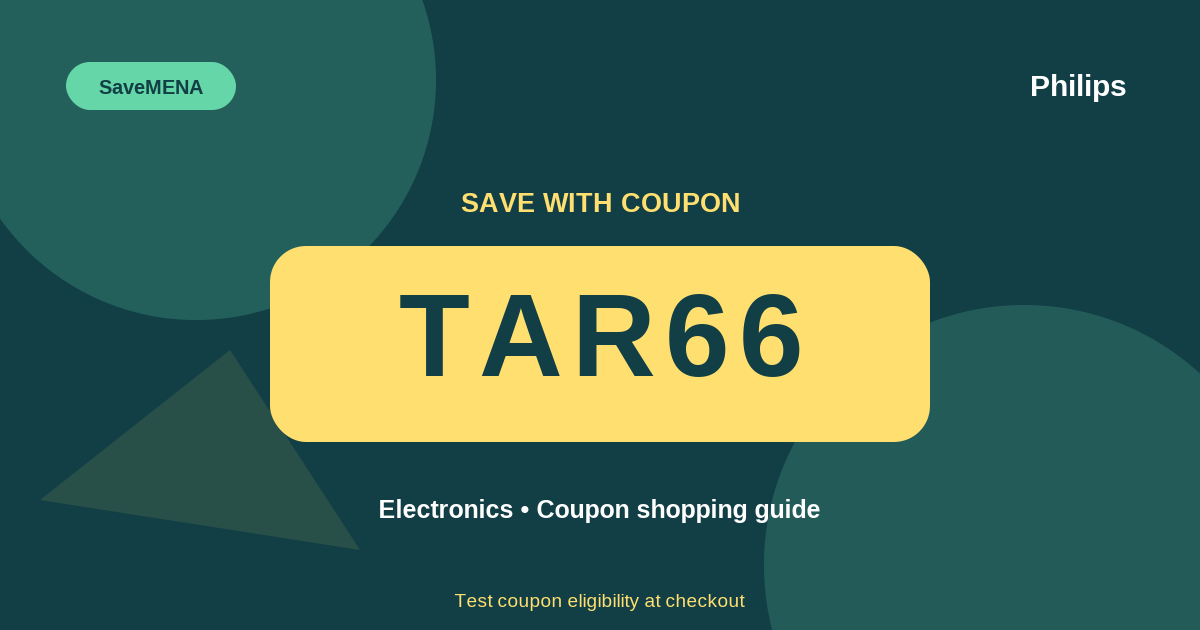
Codes available to try while comparing
These codes are not guaranteed for the article topic or listed brands; test them at checkout and use the live result.
The Importance of Market Context in Electronics Shopping in UAE
When exploring electronics, the UAE market offers distinct models, warranties, and import regulations that differ from other regions. Retailers often list products that are region‑specific, and differences in voltage or certification can affect a device’s usability. Knowing the full market context helps you prevent surprises like incompatible accessories or revoked warranty coverage after purchase.
In addition, online marketplaces in the UAE integrate local payment gateways and regional shipping partners. Understanding these nuances ensures that the checkout process aligns with your preferred payment method and that you’re not caught off‑guard by unfamiliar fees or restrictions imposed by carrier carriers.
Noon UAE Coupon Market: A Quick Overview
Noon UAE attracts shoppers through a variety of discount offers, including coupon codes that can be applied during checkout. These coupons generally require a specific code to be entered, and the platform will then automatically adjust the final price if the code is valid. The timing and availability of these offers can vary, so shoppers are encouraged to keep their code handy when adding Philips products to their carts.
Because Noon UAE’s coupon system is tied to the platform’s own promotional campaigns, it is crucial to verify the code’s acceptance at the point of sale. A coupon that works on a different marketplace may not transfer to Noon, and vice versa, making real‑time confirmation essential.
Philips Electronics: What UAE Shoppers Should Expect
Philips offers a wide range of consumer electronics, many of which are tailored for the Middle East market, providing Arabic language support and compliance with local safety standards. When buying Philips items, shoppers should review the product specifications for model numbers that correspond to UAE‑specific versions, which may differ slightly from other regions in terms of warranty duration and included accessories.
Brand support in the UAE is typically handled by authorized service centers that align with Philips’ global after‑sales network. This network delivers repair and maintenance services, ensuring that customers receive genuine parts and professional servicing, which can be a deciding factor for high‑value electronics like televisions or audio amplifiers.
How the the coupon code Code TAR66 Can Be Applied to Philips Products
The TAR66 coupon code is available for trial on Noon UAE and can be entered at checkout to see if it applies to selected Philips listings. APC codes are often used for promotional reasons, allowing shoppers to experiment with potential savings before committing. Although the code can be entered, the platform will only confirm its validity during the checkout load.
Because the coupon may not be limited to any particular Philips line, you need to try it on each product you wish to purchase. Successful application will be confirmed at the checkout page, providing peace of mind that you are not making a blind purchase without a discount reference.
Payment Method Considerations: Choosing the Right Card or Wallet
Choosing a payment method goes beyond simply selecting a credit or debit card. In the UAE, many shoppers use local wallets or debit cards that include rewards points, which can be factored into your overall cost. When you have a coupon, you should verify that the chosen payment method will still process the adjusted total accurately.
Paying through a supported local wallet can streamline the transaction, especially when the coupon offers are distributed by Noon’s own ecosystem. Ensure that the wallet or card you intend to use is linked to your Noon account, has sufficient balance or credit limit, and is recognized by the checkout system before completing the purchase.
Verifying Coupon Eligibility at Checkout
Because the platform determines validity at the final step of the purchasing sequence, it is vital to review the order summary after entering TAR66. Look for any notices that indicate whether the coupon was applied correctly; if it is absent, the code may not be eligible for the chosen Philips item or your location’s transaction type.
Sometimes, restrictions can be due to the product’s seller, quantity, or a mismatch in the payment method. If a coupon does not show, double‑check that the product SKU matches the first‑to‑market listing and that no special financing option was selected, as these can also alter the coupon’s applicability.
Practical Steps to Use Noon Coupon with Philips Electronics
Start by adding a Philips product to your cart, then proceed to the shopping cart page. There, locate the coupon entry field and input “TAR66.” Once entered, click the apply button to refresh the cart totals. The screen should immediately reflect any change in the final payable amount if the coupon is accepted.
After confirming the coupon’s acceptance, select your preferred payment method from the checkout options. Ensure your chosen card or wallet is linked to your Noon account and that the amount matches the new total prices shown. Complete the order, and a confirmation email will provide the transaction details for your records.
Common Issues and Troubleshooting Payment & Coupon Problems
If the code does not activate, consider that some coupons only apply to certain sellers or are tied to specific payment methods. In that case, try changing the payment method or verifying that you are using the correct seller’s listing, as Noon allows multiple vendors for the same product.
Should the payment process fail after opting for a coupon, double‑check that your card has sufficient funds or credit available, and that no fraud protection blocks were triggered due to a large, unfamiliar transaction. Contact your bank or the Noon support team with order references to resolve the issue efficiently.
Related SaveMENA pages
Related articles
Official sources to check
Frequently asked questions
A coupon is not guaranteed; verify its result at the retailer checkout.
No, the coupon’s applicability depends on the specific product, seller, and checkout conditions. Verification happens at the checkout step, where the platform confirms whether the code can be applied.
Which payment methods work best with Noon coupons?
Payment methods that are registered with your Noon account, such asdebit or credit cards and local wallets, are typically reliable. Always confirm the method in the checkout before finalizing the order.
Can I use the same coupon for multiple Philips products?
Only if the coupon remains valid after each application. The platform will always display whether the code can be reused during the checkout process.
What should I do if my payment fails after applying the coupon?
Review the card balance, available credit, and any bank‑issued restrictions. If still unresolved, contact Noon support or your issuing bank for clarification and assistance.