Samsung Mobiles on Noon UAE: payment method — correct shopping market · TAR64
The answer to why the correct market context matters for earning savings on mobile devices in the UAE can be found in the subtle differences between local
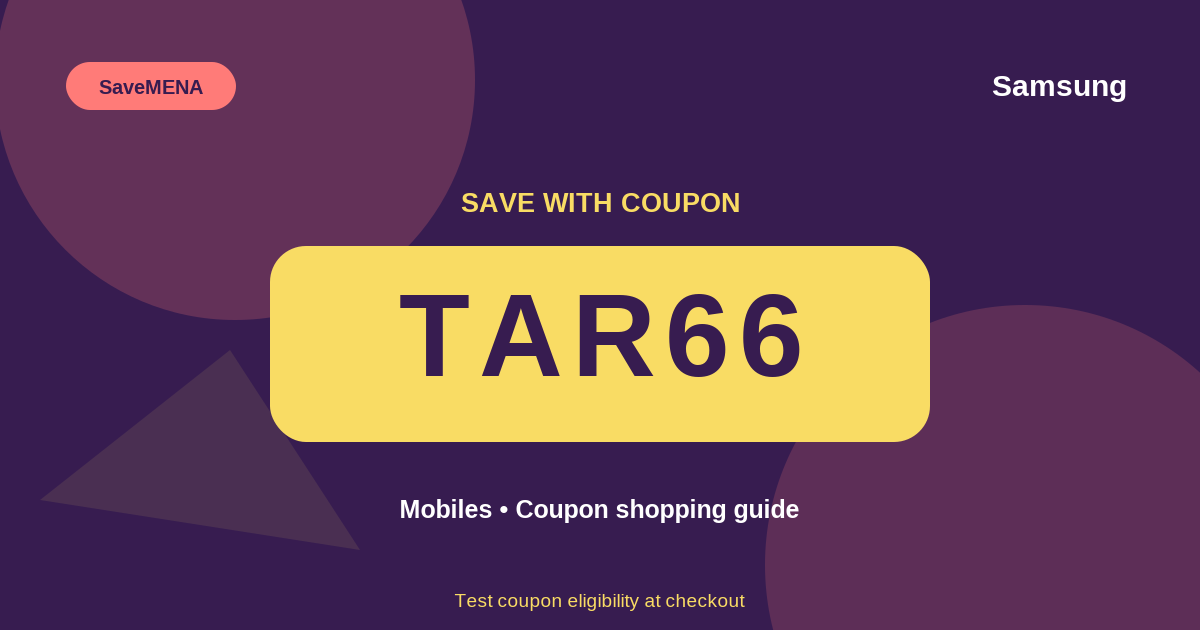
Codes available to try while comparing
These codes are not guaranteed for the article topic or listed brands; test them at checkout and use the live result.
1. Market Context and Mobile Shopping in the UAE
Shopping for smartphones in the United Arab Emirates is more than a purchase; it’s an interaction with a market that blends international brands with local retail ecosystems. Platform policies, such as return windows, warranty coverage and after‑sales support, differ from one marketplace to another. In the case of Noon UAE, all these factors are woven into the shopping flow, influencing how a user perceives value on any particular mobile model.
When evaluating a device—say a Samsung—buyers should verify whether the warranty is UAE‑specific and whether spare parts are readily available. Checking if the seller is an authorized reseller also matters for authenticity. Those details are often tied to the seller’s profile and transaction history on Noon, and they help you gauge the legitimacy of what you’re about to buy. They also shape how you plan your payment method and whether vendor‑specific offers are applicable.
2. Noon UAE Coupon: What Shoppers Need to Know
A coupon code like TAR64 is a “try‑out” offer that many shoppers see advertised. Although it may appear on Noon’s homepage or in a blog, its application is always verified at the final checkout stage. Only at that point does the system confirm whether it is accepted for the chosen item and payment method.
Even if you personally apply it during the shopping flow, it remains subject to Noon’s algorithm setting eligibility constraints.A coupon is not guaranteed; verify its result at the retailer checkout. The true validation comes when you review the final payable amount after all conditions are evaluated.
3. Samsung Mobile Offers Through Noon: Checking Eligibility
When searching for Samsung smartphones on Noon, you’ll commonly see product listings ranging from mid‑range to flagship models. Some of these may display a “Shop Now” call‑to‑action or a brand badge, but only a small subset will carry seller‑specific deals or bundle offers.
Before advancing to payment, you should confirm the seller’s rating and the product’s supplier details. These indicators, visible on the product page, give you an idea of whether that particular Samsung model qualifies for any shop‑wide offers, including the chance to apply a coupon like TAR64 if the policy allows. This verification step is essential, especially if you rely on a payment method that may have additional checks.
4. Paying Safely on Noon: The Right Payment Method Choice
You have a variety of payment options—credit/debit cards, e‑wallets worldwide, and bank transfers. Each comes with its own settlement time and risk profile. If you choose a bank transfer, for example, the voucher may not be applied until the transfer is confirmed, potentially delaying your confirmation of savings.
When using cards or wallets, you’ll gain instant confirmation of coupon application, but you should review the card’s foreign‑transaction limits or potential fees. In terms of local vendors, enforcement of data protection and fraud checks is standard. Selecting a payment method that aligns with how the coupon’s eligibility is assessed dramatically reduces the chance of checkout failure.
5. Step‑By‑Step: Applying TAR64 Coupon at Checkout
Once you have verified the Samsung device and your preferred seller, jump to the cart. In the “Enter Promotional Code” box, type TAR64. A small loading icon may appear while Noon validates the code against the item’s eligibility criteria.
After validation, the code’s effect will show in the order summary. If the system fails to accept it, the summary will simply remain unchanged. Remember that this final confirmation is the only point where the coupon’s applicability is secured; all earlier affirmations are provisional. Pay attention to the “Eligibility” notes if present, as they offer insight into why a coupon may or may not apply.
6. Common Payment Pitfalls to Avoid When Using Noon Coupons
Errors often stem from a mismatch between the coupon’s constraints and the chosen payment method. For instance, if a coupon requires the use of a specific payment gateway and you choose an alternate one, the code may get rejected unintentionally.
Additionally, some merchants on Noon require a minimum purchase value for coupon activation. If you misread the minimums, your cart may appear full, but the code will be inoperative. It’s best to verify each rule in the order summary before you confirm payment, ensuring the chosen method and cart amount meet all criteria.
7. Product Availability and Stock Accuracy on Noon
The UAE shopping consumers expect real‑time inventory updates. Noon’s mobile section offers a “Live Stock” indicator on each listing, though the exact quantity may change rapidly. Availability is a critical factor when you’re planning a purchase using a specific coupon; if the item is out of stock, the coupon cannot be applied at all.
Cross‑checking availability on the product page and in the cart, especially after applying a coupon, will confirm inventory status before you commit to payment. If a deliberate inventory adjustment triggers, Noon typically displays a fallback message. This step ensures you’re not blindsided by a last‑minute stock outage.
8. Final Checklist Before You Commit to Purchase
Before you navigate away from the checkout screen, double‑check that the coupon code TAR64 has been confirmed in the order summary. Look for a label such as “Coupon Applied” or a visible discount line, not just an empty box check. This confirms that the code was validated and accepted for the selected Samsung device.
Next, confirm the payment method selection, ensuring any vendor‑specific requirements (such as card type or wallet support) align with the coupon’s terms. Once the final payable amount is displayed—viewing all shipping fees, if any, and the final total—proceed with payment. After submission, you should receive a confirmation link, which is your receipt for this transaction.
Related SaveMENA pages
Related articles
Official sources to check
Frequently asked questions
Can I use the TAR64 coupon with any payment method on Noon?
Coupon usage depends on the seller’s acceptance criteria and the payment method’s processing rules. Some vendors may restrict coupons to specific payment gateways.A coupon is not guaranteed; verify its result at the retailer checkout.
Will the TAR64 coupon apply if the Samsung phone is out of stock?
Coupons can only be applied to items that are in stock. If a product is out of stock, the coupon will not activate in your cart. Enable the item to be in stock before applying the code.
Is there a minimum purchase amount to use the TAR64 coupon?
The coupon’s minimum spend requirement, if any, will be shown in the product or cart details. If none is listed, it can be applied to the item alone. Verify this address in the checkout summary.
How do I confirm that my payment method is acceptable for the coupon?
Check Easter instructions in the vendor’s shipping and payment policy. If a specific payment method is required, the order summary will indicate it before you finalize the transaction.