Logitech Gaming on Noon UAE: price changes — correct shopping market
Noon UAE coupon market Gaming Logitech rechecking after a price change: Are you wondering why the context of a coupon’s market matters when you’re hunting for
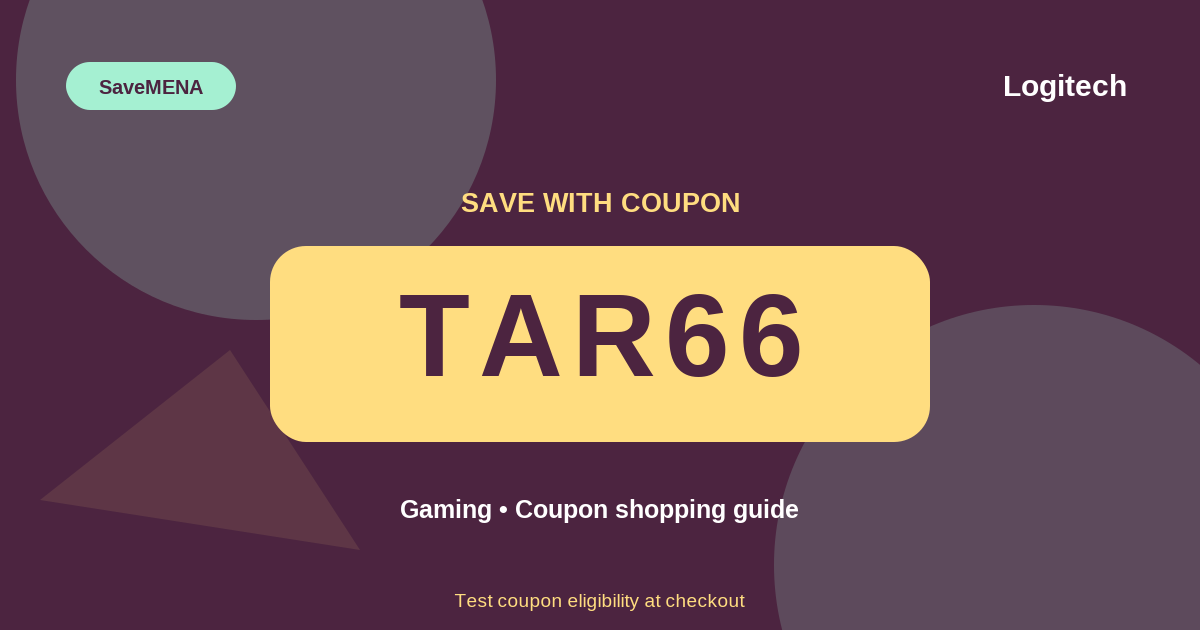
Codes available to try while comparing
These codes are not guaranteed for the article topic or listed brands; test them at checkout and use the live result.
1. Spotting Price Volatility in Logitech Gaming Gear
Logitech’s gaming line, from mechanical keyboards to high‑precision mice, is notorious for reacting quickly to market forces. A sudden influx of a new model or a competitor’s discount can split the public eye and push older models to a different price tier. Watching the “Price History” button on Noor UAE or noting the listed price after a flash sale gives you a baseline. Every time you revisit a product page, compare the displayed price against the one you saw at your last visit. This simple comparison can reveal whether a price has dipped, risen, or remained static, allowing you to decide if it’s the optimal moment for purchase.
If you notice a rise or a fall, give the product a few reviews or search threads on forums or Reddit UAE. User comments often mention if a price is legitimately lower or an outlier. You can also check the product’s “Badge” section to see if “Price Drop Alert” appears, signalling a recent change. Thoroughly recording these shifts over a few days will provide an objective basis for deciding when to move forward with your order.
2. Understanding Noon UAE’s Coupon Marketplace for Gaming
Noon’s coupon marketplace aggregates discount codes submitted by the community. Each listing is timestamped, offering a glimpse into how active a particular code is. For gaming items like Logitech keyboards, you’ll find several janitor‑type codes that let a user shave a few exclusive cents off the final cost. However, note that these codes are not verified by Noon, so the club’s role is only to surface potential opportunities. Your responsibility, therefore, is to evaluate the code’s validity through an active trial before committing financially.
After entering the TAR66 code in the coupon field, watch for real‑time confirmation messages. If the system acknowledges the coupon but leaves the discount amount blank, that typically signals an invalid or expired code. Even if the system marks it “Active,” pause to confirm it applies to the exact gaming item you want. A mismatched category can mean the discount will be ignored at the final stage, turning a hopeful shopper into a disappointed one.
3. Fresh Checkout: Revisiting the Product Listing After a Price Shift
Once a price change is detected, the next step is to cross‑check the new figure against the coupon’s applicability. Certain coupons restrict themselves to items under a particular price bracket or a select set of brands. To avoid a last‑minute surprise, select the “Compare” tab on Noon’s product page or copy the current listing URL into a personal note. This will help you confirm whether your the coupon code Logitech item still falls within the coupon’s allowed parameters.
Also review the warranty and return policy sections. A recent price drop may coincide with a new warranty version or an extended return window, concessions often hidden in fine print. If such changes have emerged since your last visit, they could influence the overall value proposition of the product. Make sure to log these details before progressing to the cart to keep your purchase rationale intact.
4. Verifying TAR66 Eligibility Before Adding to Basket
At this milestone, place the Logitech gaming peripheral you want into your virtual cart, then navigate to “Apply Coupon.” Insert the TAR66 code. The system will either dispatch a percent‑off, a fixed amount, or sometimes a “free shipping” offer. While the exact discount figure is never guaranteed and may appear blank until checkout, a green “Success” message affirms that the code is technically connected to your basket.
If the system responds with a “Code Not Found” or “Invalid for this item” error, treat the coupon as inapplicable. Don’t pursue a store‑wide discount on another product if the coupon’s scope is narrow. In such circumstances, a different, approved coupon might exist in December’s coupon pool that aligns more closely with Logitech’s gaming line, so scanning the coupon marketplace again can unveil an alternative.
5. Shipping & Payment Strategies Amid Price Fluctuations
Even if the price is favorable and the coupon appears valid, shipping costs can erode its benefit. Noon UAE offers a free delivery threshold—often the amount shown at checkout or the amount shown at checkout—plus a “Standard Shipping” fee. When you’re rechecking after a price change, recalculate how the new total, after applying the coupon, fares against the threshold. This helps decide whether to add a small item or leverage faster shipping for a larger bundle.
Payment methods also influence final cost. Some credit cards offer cashback or reward points that can be earned only if the transaction size crosses a certain limit. If your new price after coupon application nudges you just below the threshold for a particular cashback reward, consider adding a complementary accessory or a small gaming headset to stay above the cut‑off. This strategy can create a two‑fold gain—both monetary savings on the product and reward points on the transaction.
6. Updating Cart and Applying Coupon: A Step‑by‑Step Test
Updating the cart is your final mirror check before purchase. Once you’ve added the Logitech product and set the shipping, open the cart to confirm all lines appear correctly. If you notice duplicate entries or missing items, delete the erroneous ones and re‑add them. Then re‑apply TAR66—users report occasional bugs where the first application doesn’t lock the discount for some carts, but a second attempt sometimes resolves the issue.
After the coupon snaps into place, review your cart subtotal, shipping fee, and the total payable. If the total feels inconsistent with your earlier calculations, it might signal a hidden fee or an inapplicable discount portion. In that situation, re‑enter the code or contact Noon UAE customer support if the cart remains problematic. This double‑blind check guards against unseen setbacks at the final step.
7. Final Eligibility Confirmation at Checkout
At the official checkout page, a system‑initiated validation will occur. Here, the coupon’s survival relies on real‑time eligibility checks. Sometimes a coupon that works in the cart may be rescinded if the customer’s final purchase triggers a “Minimum Spend Discrepancy” or if the shipping method strays from the origin region. If the screen displays “Coupon Not Applicable” at this juncture, you must accept the full price or find a new coupon.
Ensuring a flawless checkout experience also includes verifying the email confirmation, order summary, and tracking link. These details confirm your purchase was successful and that the the coupon code, discount, and shipping details remain consistent. If you receive a discrepancy notice after order confirmation, first refresh the notification and then contact Noon support to validate the discount aplicada.
8. Post‑Purchase Monitoring & Long‑Term Game‑Gear Savings
Even after a gaming peripheral sits in your living room, your price recheck journey is far from over. An upcoming Logitech release might trigger a new discount tier, or Noon UAE could roll out a seasonal promotion that resets the coupon value. Keep an eye on the coupon marketplace for the TAR66 code; re‑introducing it for a subsequent purchase could save you several hundred dirhams if the price remains favorable.
Additionally, track your product’s resale value within the UAE gaming community. Platforms such as Expo Games or local Facebook groups often list turn‑around prices that can inform you when to stake out a return or a trade on an open‑market basis. By maintaining a ledger of purchased items, their retail adjustments, and coupon thresholds, you align your gaming budget with real‑world economics, turning every future buy into data‑driven savings.
Related SaveMENA pages
Related articles
Official sources to check
Frequently asked questions
How do I know if TAR66 is still valid when I’m ready to buy?
TAR66 will prompt a green “Success” message when entered at the cart or coupon section, but only final confirmation occurs at checkout. If you see “Coupon Not Found” or “Invalid for this item,” the code is likely expired or inapplicable for the current Logitech product.
Can I combine TAR66 with any other discount or promo code?
Noon UAE typically allows only one coupon code per transaction. If you try to apply a second code, the system will disable the earlier one, preventing stackable discounts.
What happens if Noon’s price changes after I apply the coupon?
Price changes after code entry trigger a fresh recalculation. If a discount no longer fits the new price bracket, the coupon may be invalidated, and you’ll be charged the full price. Always check until checkout.
Do I receive any notification if my order price changes after placing it?
After order confirmation, Noon UAE may send an email alert if the total changes due to a last‑minute price adjustment. You’ll need to revisit the order summary to confirm the final amount.