Gifts on Noon UAE: price changes — correct shopping market
Noon UAE coupon market Gifts rechecking after a price change: Correct market context matters because the value you perceive in a gift hinges on the precise data
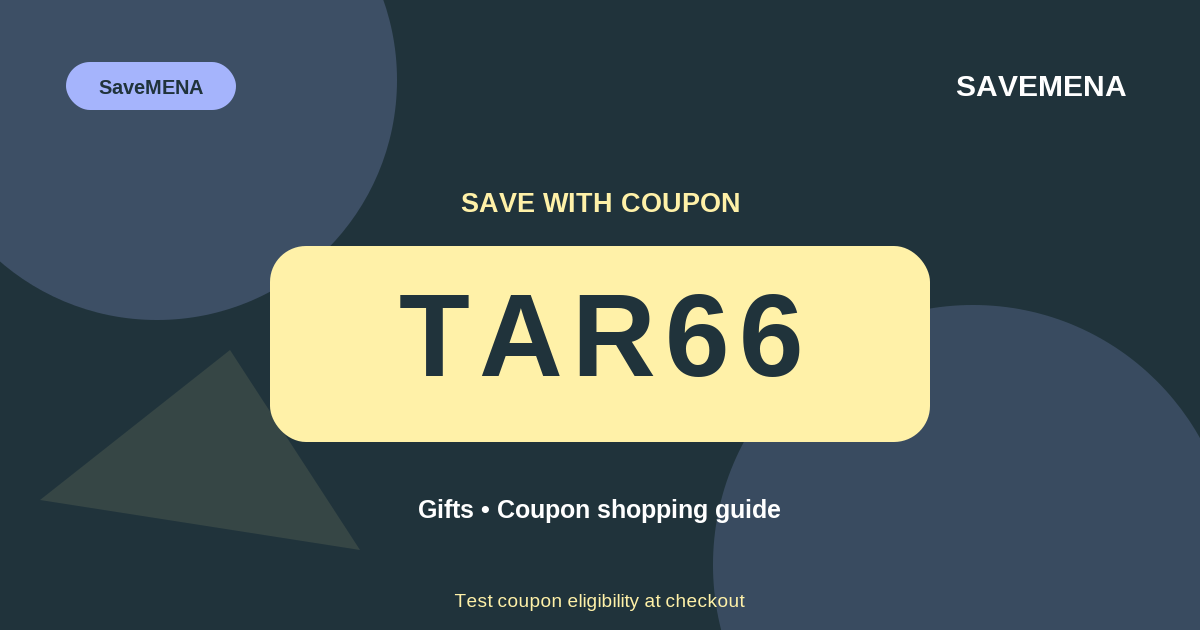
Codes available to try while comparing
These codes are not guaranteed for the article topic or listed brands; test them at checkout and use the live result.
1. Confirm the Latest Price Listed on the Gift’s Product Page
After a price update, the product page’s price bubble might still show yesterday’s amount if the cache hasn’t refreshed. In UAE shoppers’ experience, this lag can lead to misaligned expectations. Re‑visiting the item ensures the highlighted price matches the one you are looking to purchase. Pay close attention to “Deal of the Day” tags or any new promotional overlays that can change the displayed price even without a full listing update.
Once the correct price appears, note the exact amount for use in subsequent coupon checks. Do not rely on screenshots or notes from earlier visits; go directly to the current webpage to capture the accurate figure. Keeping a log or noting the timestamp in your phone’s notes can help you track the validity of the price for later comparison.
2. Cross‑Check Seller Ratings and Return Policies After the Price Shift
Many gifting shoppers prioritize seller reliability when encountering a new price. A seller’s rating might fluctuate between sessions due to fresh returns or complaints. After the price update, check the seller’s storefront for any changes in rating, number of completed orders, or new reviews that could affect your trust level.
Return policy details could also differ if the seller changes shipping partners or return logistics. Verify that the return window, restocking fee, or return method remain the same. Understanding these nuances protects you from unintended extra costs or delayed refunds.
3. Verify Coupon Eligibility Using TAR66 on the Updated Listing
Coupon codes on Noon can behave inconsistently when a product's price changes. Hover over or click the coupon slot for TAR66 on the current page, and read the tooltip that appears. The tooltip will specify whether the code applies to the exact offer and if any price thresholds are enforced at checkout.
At this point, it may be prudent to add the gift to your cart, navigate to the coupon entry, and see whether the code unlocks a discount before proceeding. This step ensures that after the price refresh, the coupon is still recognized by the system and has not expired or become incompatible with the deal.
4. Inspect Shipping Fees and Delivery Timeframes for the Updated Item
Shipping charges can differ between sellers and might be adjusted if the gift’s price dips. After the update, review the shipping calculator on Noon: select your delivery address in the UAE and observe the shipping cost. If the coupon code is applied, some sellers reduce or waive shipping; if not, the discount may not extend to freight.
Furthermore, confirm the promised delivery window. A price change could trigger a shift in logistics, resulting in “standard” versus “express” shipping from a different courier partner. Knowing the exact delivery timeframe will help you decide if the gift still fits your timeline.
5. Re‑Verify Quantity Limits and Minimum Order Requirements Post‑Update
Gift items on Noon sometimes feature quantity caps or minimum purchase thresholds that unlock discounts. When a price changes, these thresholds can also shift. Scroll to the quantity selector and look for any text indicating “minimum 2 units” or “only one per order.”
Similarly, some sellers require a total order value to qualify for free shipping or a coupon. Confirm that after the price adjustment the gift’s subtotal still satisfies any such thresholds; otherwise, you might lose the intended savings.
6. Re‑Check Inventory Status and Availability After the Price Edit
Gifts that are in limited stock can become back‑ordered or out of stock after a price update. On the product page, the “In Stock” indicator may change to “Limited Availability” or “Out of Stock.” These changes should prompt you to act quickly or search for an alternative if the item is crucial.
When inventory changes, sellers might also launch a “restock alert” feature. Sign up for this alert to receive updates. This is especially important for seasonal or high‑demand gifts where a price drop is often coupled with a stock correction.
7. Confirm Order Summary Accuracy Including All Tax and Handling Fees Before Checkout
In UAE, value‑added tax and handling fees are added at checkout and can be influenced by price changes. Before you hit the “Proceed to Checkout” button, review the order summary that lists the item price, applied coupon discount, tax, and handling fees. This screen shows the exact amount you’ll pay.
Compare the order summary with your earlier calculations. If any line item differs—especially the tax portion—double‑check that the tax rate is correct for the seller’s dispatch location. This step eliminates surprise totals that can arise from late‑stage price adjustments.
8. Document the Final Checkout Experience and Retain Proof for Future Reference
After confirming all details, complete the purchase and save the checkout confirmation page. Screenshots or PDF exports of the confirmation include the final price, any coupon savings, shipping details, and order ID.
Keeping this documentation useful for future reference can help recoup the exact amount paid should there be a need for an order dispute or return. This final safety net ensures your gifting budget remains accurately tracked, especially after a price that may have changed during the shopping journey.
Related SaveMENA pages
Related articles
Official sources to check
Frequently asked questions
What should I do if the TAR66 coupon is not applying after I see the updated price?
Check the coupon field on the gift’s page to ensure the code is spelled correctly. If it still doesn’t apply, revisit the checkout summary screen where the coupon status is displayed. If no discount appears, the code may no longer be valid for that particular price point; you might need to look for alternate coupons.
Can price changes affect the shipping fee for my gift on Noon UAE?
Yes. When the product price updates, some sellers adjust shipping rates as part of a bundled discount or new shipping agreement. Always review the shipping fee on the order summary to verify whether it remains the same after any price shift.
Will I see the same stock level if I revisit the product page later?
Stock levels on Noon can change quickly, especially for popular gifts. Re‑checking the “In stock” indicator at the time of purchase ensures you aren’t surprised by a sudden out‑of‑stock status that may have appeared after a price update.
Is it safe to use a coupon discovered on the product page if the price has changed?
Using a valid coupon code—like TAR66—depends on the seller’s current eligibility rules. Verify at checkout; the site will confirm whether the coupon applies to the item’s final price. No guarantee can be provided, so double‑check to avoid unforeseen charges.