Puma Men’s Fashion on Noon UAE: price changes — correct shopping market
Noon UAE coupon market Men’s Fashion Puma rechecking after a price change: What matters most when hunting for savings in the Noon UAE coupon market for Men’s
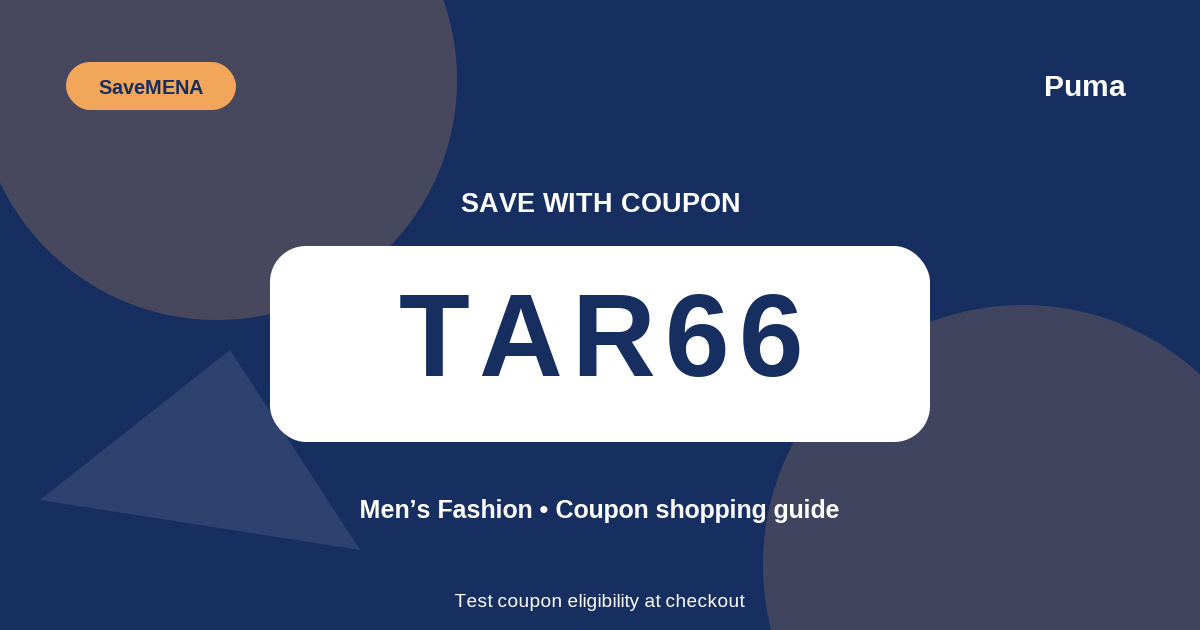
Codes available to try while comparing
These codes are not guaranteed for the article topic or listed brands; test them at checkout and use the live result.
1. Understand the Trigger: When Varying Prices Appear
In the Noon UAE coupon market, a price change often follows seasonal sales, inventory adjustments, or brand promotions. For Men’s Fashion items, particularly Puma apparel or footwear, these alterations may happen mid‑week or during a flash sale. When a price is lowered or increased, all previous price tags on the platform update in real time, but the promotional code eligibility may not. Therefore, your first key step is to confirm the exact moment the price shifted by noting the timestamp in your order history and cross‑referencing it with the product listing.
Once you have a clear timestamp, revisit the product page to see the updated price. Keep a note of the numbers before and after the change, and then check the coupon redemption page to see if the new price still falls under the coupon’s eligibility. This snapshot will become the reference point for every subsequent decision, ensuring no oversight in your purchase journey.
2. Pinpoint the Right Men’s Fashion Category
Men’s Fashion on Noon is divided into sub‑categories such as “Casual Wear,” “Running Gear,” and “Tech‑Fit Sportswear.” Each sub‑category can have different marketing campaigns and discounts. For Puma products, the “Sportswear” or “Footwear” bins are most consistent with promotional offers. Focus your search on the specific sub‑category, which reduces the volume of items you must compare when rechecking after a price change.
After locating the correct sub‑category, filter the results by brand to isolate Puma items. Do not rely solely on the generic “Brand” filter because some listings may misrepresent or omit the brand name. Instead, verify the brand tag in the product description or look for a Puma logo in the product images before considering the price.
3. Evaluate the New Puma Price Against Coupon Thresholds
Before attempting to apply the TAR66 code, ensure that the new Puma price meets the minimum spend requirement shown in the promotion details. Some coupon programs only activate after a specific total fee, while others apply to each item individually. Since the coupon is available to try, it may still be valid if the new price is upper or lower than the previously advertised threshold.
Use the “Cart Summary” screen to view the subtotal before taxes and shipping. When adjusting the quantity or adding other items, observe how the subtotal changes relative to the coupon’s required amount. This dynamic check prevents surprise failures at checkout and allows you to add complementary products if needed.
4. Verify the Coupon’s Current Compatibility
Coupons can be deactivated or restricted after a price change. To confirm compatibility of TAR66 for your Puma item, navigate to the coupon entry field in the cart. If the code does not register, attempt a “Refresh” or “Check Eligibility” tool that some platforms offer before the final checkout step.
In case of a mismatch, review the coupon’s “Terms & Conditions” link, often available near the promo code box. This link outlines whether the coupon is valid for the current price, any geographical restrictions, or if it only applies to specific product variants. Willingness to revisit these terms can reveal if the coupon has simply been updated or if it’s time to look for alternative savings.
5. Time Your Checkout to Capture Real–Time Price Changes
Even after rechecking, there is a chance that the price can move again due to inventory or timing of sale previews. Best practice: block a short time window during which you will finalize the purchase, and set browser notifications or use an abacus to monitor the price by refreshing the page at five‑minute intervals.
If a price drop is observed during this window, incorporate the new price into your cart immediately. Confirm that the applied coupon still works after the price drop by re-entering TAR66. This step ensures you are not caught paying a high price while the coupon becomes effective at a lower cost.
6. Assess Shipping, Handling, and Tax Implications
Price changes can alter the composition of shipping and handling fees or tax calculations, especially if the price crosses a threshold that triggers lower freight charges. Use Noon’s “Shipping Calculator” to compare the total cost both before and after the price revision, ensuring the combined expense still aligns with your budget.
Remember that any adjustment in the subtotal will propagate to taxes via the local VAT rates. Because VAT is calculated on the final price, including shipping, confirm the final tax amount within the cart summary. This holistic check prevents hidden costs that could negate the intended savings.
7. Confirm Authenticity and Return Policy for Puma
Price adjustments sometimes correlate with limited edition releases or counterfeit stock attempts. Verify that the seller’s flier, product detail page, and user reviews all indicate an authorized Puma source. Look for seller ratings but avoid equating a badge with authenticity unless explicitly stated by the platform.
Review the return policy field near the checkout page. Ensure the policy covers the specific Puma item and that any return window still applies even after a price change. In case of a discrepancy between the stated policy and the seller’s terms, reach out to Noon’s customer center via chat or email before finalizing the order.
8. Monitor Post‑Purchase Updates and Order Status
After confirming the final price and coupon application at checkout, track the order updates through Noon’s real‑time order tracking. Price changes will not affect the post‑purchase receipt, though any discrepancy should be opened as a dispute within the defined return period.
If the fetched price differs from what the cart shows, reach out promptly. Provide the order ID and the price screenshot to Noon’s support. Documenting the transaction steps—including coupon code entry, price recheck, and final confirmation—will streamline the dispute resolution in case you need to return or adjust the purchase.
Related SaveMENA pages
Related articles
Official sources to check
Frequently asked questions
Does the TAR66 coupon automatically apply to all Puma products on Noon?
The coupon is available to try but may not automatically apply; you need to enter the code in your cart. The application depends on the product’s eligibility rules, such as minimum spend or product category. Always confirm at checkout.
Can I combine TAR66 with other promotions or discounts on Noon?
Noon typically allows only one promotional code per order unless the store’s terms specify otherwise. The TAR66 code may not stack with additional coupons or site‑wide discounts. Verify in the cart before proceeding to payment.
Is there a risk of the price changing after I apply TAR66 but before final payment?
Prices can shift at any time if the seller updates them. Before finalizing payment, double‑check the order summary to confirm the price remains unchanged. If it does, the coupon will apply; otherwise, you can cancel and re‑apply once it stabilizes.
What if I notice a price drop after I’ve already placed my order?
Contact Noon’s customer service immediately with your order ID. The resolution will depend on their policy regarding post‑purchase price adjustments. Keep screenshots of the original and reduced prices for reference.