Mobiles on Noon UAE: price changes — correct shopping market
Knowing why correct market context matters when shopping for mobiles on Noon UAE is more than a trivia point—it shapes the total you pay, the reliability of
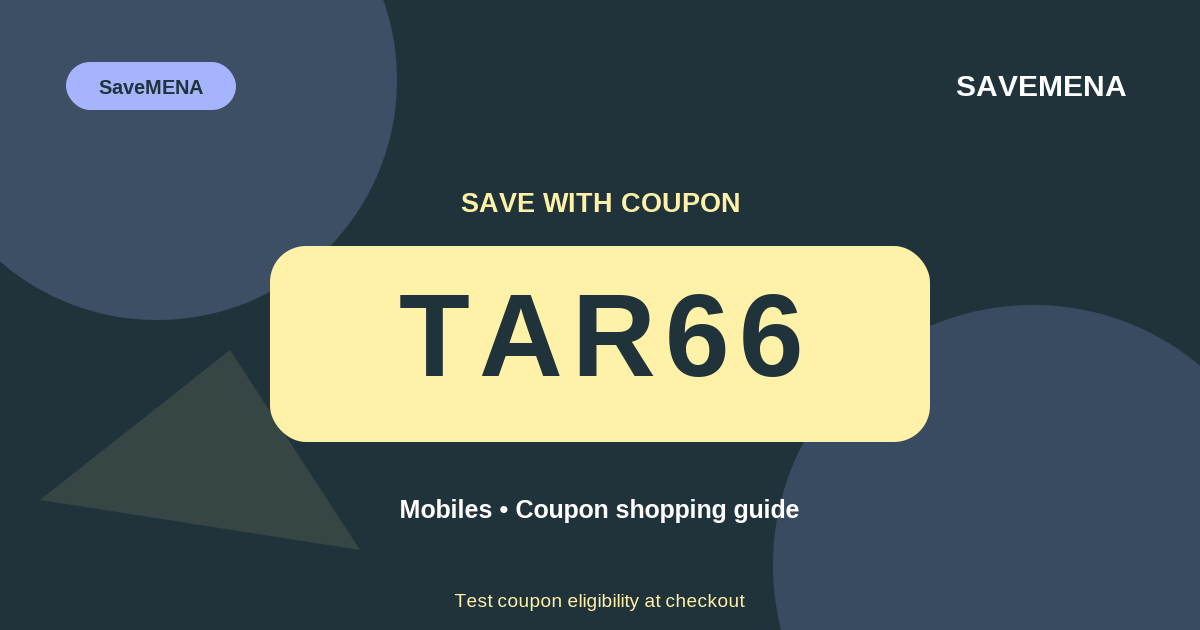
Codes available to try while comparing
These codes are not guaranteed for the article topic or listed brands; test them at checkout and use the live result.
1. Verify the Latest Mobile Price on Noon
Every time a mobile’s price rises or drops on Noon UAE, the first check must be a fresh look at the product’s main listing. Open the mobile’s page, ensure the unit price shown is the one you intend to buy, and watch for any listed “Price Adjustment” banners that may indicate a recent change. Forget assuming yesterday’s price holds; a swift scroll to the top of the page can reveal a new price confirmation or an updated promotional badge. This step guarantees you are not unknowingly paying a stale rate or missing a new discount.
Once you locate the current price, cross‑reference it with the sidebar that lists historical pricing, if available. Some mobile listing pages now display a brief price history graph or trend line. By comparing the current figure to the trend, you can gauge whether the price change is an anomaly or part of a regular fluctuation. This background knowledge informs whether you should wait for another adjustment or proceed immediately. After confirming the price, proceed to see whether a coupon might still apply under the new amount.
2. Compare Noon Prices with Competitor Platforms
While Noon may have updated a mobile’s price, the next decision step is to benchmark that figure against other regional e‑commerce sites. Visit alternate UAE retailers, or the same model on platforms like Amazon.ae, Ounass, or Jumia UAE. Note each platform’s listed price, including tax visibility, and any shipping or handling fees that could influence the total cost. A slightly higher listed price per se may still be cheaper if the competitor’s fee structure is simpler or if they offer free delivery on that model.
Record these figures in a simple comparison sheet, ideally with columns for “Unit Price”, “Delivery Fee”, and “Overall Total.” This side‑by‑side view helps you spot the most economical option after accounting for all additional costs. When you later apply the TAR66 coupon, keep this comparative data handy—your final willingness to purchase may hinge on whether the discounted total on Noon remains the best deal after price divergence across markets.
3. Check Coupon Eligibility Post Price Revision
Once you settle on Noon’s current delivering price, the next piece of the puzzle is coupon applicability. The TAR66 code is available for trial, but its benefits depend on the price point, the vendor’s terms, and the platform’s algorithm that applies coupons after price changes. In the product page’s “Offers & Coupons” section, enter TAR66 in the coupon box to see if an instant discount appears. If it does not, verify that the listing still qualifies for the banner that suggests coupon usage.
Even if the code does not pop up as a direct reduction, many smartphones have hidden “deal” slides for couponable items. Navigate through the carousel or press the “See Details” button to ensure no ember‑coupon link is missed. If the code remains inactive, note that this listing may have stopped honoring coupons after the price update or that its eligibility rule changed. Keep a record of whether the coupon applied or not for future comparison with competitor sources.
4. Review the Delivery Fee on the Current Price
Sometimes a mobile’s price change is accompanied by an alteration in delivery fees. Even if a certain price looks attractive, subsequent addition of logistics charges can cut that margin. On Noon, scroll to the checkout section or the “Estimated Delivery Charges” box on the product page. Verify that the fee shown reflects the actual cost at the time of purchase, as Noon often recalculates shipping after a price adjustment that may push the item above or below a free‑delivery threshold.
Enter your delivery ZIP code early in this verification step, because regional differences often trigger different fee structures. If the fee changes after you input your location, adjust the estimate by recalculating until you reach a static number. Once the final fee is confirmed, factor it into the total you will pay after applying the TAR66 coupon, if any, ensuring no hidden surge after the price update.
5. Inspect Seller Ratings and Return Policies
Price changes can affect a seller’s fulfillment priorities. Some high‑traffic vendors might move fast from a higher price tier to a lower one to maintain competitiveness. Guaranteeing that the seller remains reliable after such a shift requires reviewing the seller’s rating and response time on Noon. Check the “Seller Info” section for the current average rating, answer rate, and average shipping time. If the rating drops or the shipping estimate shifts, it could be a sign of logistical bottlenecks introduced by the price change.
Next, look at the return policy associated with the current listing. Verify the policy’s duration, conditions, and whether it includes prepaid return shipping. A non‑standard return window or condition might be introduced after a price adjustment to protect margin. Before proceeding, ensure that the return terms align with your expectations and that they are still applicable at the point of purchase.
6. Monitor for Restock and Stock Levels
Price updates can also correlate with inventory movements. A dip in price may mean clearance of excess stock, leading to a sudden drop in availability. On Noon, check the “Stock” indicator near the price in the product page. If it shows “Only 3 left” or similar, note that the limited amount could lead to faster sell‑out before your checkout is complete. Similarly, a price increase after a low‑stock period may signal a resupply upcoming, but the additional cost might not justify the wait.
For heightened prudence, consider adding the item to your Noon wishlist or cart before finalizing, especially if the stock indicator signals a low quantity. This temporary action can keep the price from shifting during the checkout dialogue, preserving your chosen price point. Verify in the cart view that the price remains locked before proceeding to the final step.
7. Set Price Alerts and Monitor Future Adjustments
Even after a purchase, price fluctuations can happen post-order, particularly if you intend to resell or compare for future needs. Noon UAE offers price‑alert features that notify you of subsequent reductions. To set one, navigate to the product page and click the “Notify Me” icon under the price tag. This step ensures you stay informed if the mobile slips to an even lower price, allowing you to decide if a return or exchange is sensible based on your terms.
For a more proactive approach, subscribe to Noon’s newsletter or use third‑party price‑tracking tools that monitor the mobile’s price trend. These resources allow you to keep a historical view of the price changes, aligning your shopping habit with the periods of maximum discount. Reviewing these alerts before any future purchase or resale can anchor you to a well‑informed strategy.
8. Final Checkout Verification Steps
Before clicking “Buy Now”, revisit the cart page on Noon for a last‑minute sanity check. Confirm that the listed unit price matches your recorded price from step one, that the avatar of the CART (delivery fee, coupon, taxes) reflects the real total you will pay, and that any applied coupon—TAR66—has manifested correctly. If the code does not complete, double‑check that it entered correctly, review any trim notice, and contact Noon support if discrepancies persist.
Once all figures are accurate and your chosen coupon is applied, proceed to payment. After payment confirmation, note the order ID and receipt for your future reference. If a price adjustment later changes the final amount, track how the platform addresses such disputes in your Order History. This meticulous final review prevents surprise charges, ensuring a seamless transaction that respects your budgeting intent.
Related SaveMENA pages
Related articles
Official sources to check
Frequently asked questions
How can I confirm the coupon is working during checkout?
Enter TAR66 in the coupon field on the cart or checkout page. If a discount appears next to your total, the coupon has applied. If nothing changes, the coupon may not be valid for this item after the latest price change; consider contacting Noon customer support for clarification.
Will the price change after I add the item to my cart?
Once an item is added, Noon typically locks the price for the duration of the checkout session. However, large price changes invoked by supply shifts may still occur. Check the Cart page before payment to ensure the price is unchanged.
Can I use TAR66 on other mobile models after a price change?
Each model and listing has its own coupon rules. Use the code on the specific product page to test its applicability. Coupon availability does not transfer automatically between items or after a price update unless explicitly stated by Noon.
Is there an advantage to scanning the barcode of a mobile for price comparison?
Scanning a barcode on Noon can directly link to the product page, saving time. It also helps verify that you are looking at the correct SKU with its current price, especially useful when similar models share overlapping names or specifications.