Logitech Office on Noon UAE: price changes — correct shopping market
Before diving into product listings, clarify the specific office function your Logitech device will support.
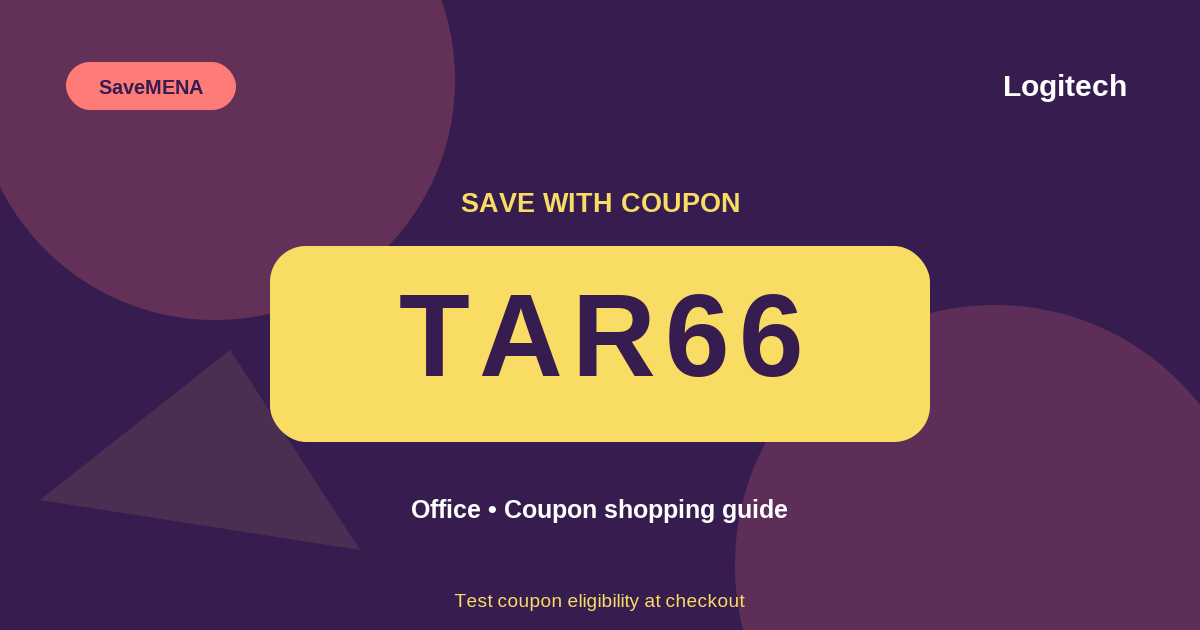
Codes available to try while comparing
These codes are not guaranteed for the article topic or listed brands; test them at checkout and use the live result.
1. Assessing Your Office Needs: Choosing the Right Logitech Device
Before diving into product listings, clarify the specific office function your Logitech device will support. Whether you require a reliable keyboard for daily typing, a precision mouse for design work, or an ergonomic peripheral for long meetings, your use case determines the essential features. Document key requirements such as wireless connectivity, battery life, switch type, and compatibility with your existing systems. This preparatory step helps you filter through numerous options and avoid the pitfall of purchasing a device that doesn’t align with your workflow.
With a clear set of criteria, you can compare product offerings by shortlisted categories like gaming, business, or professional audio. For each, examine online reviews, user feedback, and any availability of technical support from the brand. In instances where brands like Logitech offer multiple models in the same category, ensure that version differences (e.g., hardware revisions) are accounted for in your selection. This thorough comparison safeguards against buying a device that contradicts the ergonomic or performance standards you expect in a professional environment.
2. Navigating Noon UAE’s Office Product Listings
The Noon UAE platform structures office products into distinct sub‑categories, making it easier to spot items that match your requirements. Use the search bar to input the coupon code terms, such as "Logitech mouse" or "ergonomic office keyboard," and refine results by brand filters. Pay attention to the seller information displayed for each listing; multiple sellers may offer the same model, but variations in shipping times and customer policies can affect the final cost.
When browsing, note any price tags that display a recent change. A price adjustment might indicate a promotion, stock clearance, or a fluctuation in supply cost. Verify whether the listed price includes taxes, as UAE regulations enforce VAT on consumer goods. By locking in the precise retail figure early, you can later compare it against the coupon’s potential impact, making it easier to gauge whether a discount justifies the purchase.
3. Spotting Price Changes in Office Supplies
Price updates on Noon UAE are typically visible in the product detail section or via a “price history” note. If you suspect a price drop or rise, check the current figure against your earliest recorded price. A sudden increase could trigger reevaluation because the coupon you intend to use might bring the total closer to previously cheaper levels.
Should you detect a recent price change, cross‑check the timestamp of the adjustment with your intended purchase window. Some bargains are only valid for a short duration; a late inquiry could mean the coupon no longer offsets the higher price. Make a note of this timing discrepancy and plan your checkout accordingly, ensuring that the discount strategy aligns with the latest pricing data.
4. Confirming Coupon Eligibility: How to Verify TAR66 Applicability
Coupon codes on Noon UAE require explicit verification before they are applied to a cart total. Begin by adding your desired Logitech device to the cart and proceed to the checkout prompt where coupon codes are entered. Type “TAR66” in the designated field and observe whether the system confirms its acceptance. Even if the coupon appears valid on the surface, platform constraints often restrict usage to specific seller listings or product categories.
If the coupon does not activate, refrain from proceeding further. A lack of confirmation does not guarantee ineligibility; sometimes it points to a technical freeze or ongoing validation. In such cases, retry after a short interval or consult Noon’s FAQ regarding coupon scopes. Keep a record of any error messages displayed – they offer clues for troubleshooting or for follow‑up with customer support during the order process.
5. Reviewing Delivery Fees and Shipping Times
Even if a coupon discounts the product price, the overall cost to the consumer includes shipping fees. Noon UAE’s shipping charges can vary between free next‑day delivery, standard shipping, or expedited options, with rates that depend on distance and seller location. Examine the delivery fee listed under the cart summary before confirming the purchase.
To gauge the impact on net savings, add the shipping cost to the product price and factor in any coupon deduction separately. If the combined cost still meets your budget thresholds, proceed. Otherwise, consider whether alternate sellers offering lower or free shipping can be viable, provided the coupon remains applicable after such a change.
6. Double‑Checking Payment Methods and Secure Checkout
At Noon UAE, multiple payment avenues exist, including credit or debit cards, wallets, and cash on delivery. Each may affect the final payable amount through associated transaction fees. Verify whether your chosen card or wallet provider imposes foreign transaction charges, even for local purchases, as these can subtly inflate the cost.
Ensure that the payment method is connected correctly within your Noon profile and that the billing address matches the shipping address, particularly for automated fraud‑prevention checks. In the rare scenario of a discrepancy, the platform will halt the order before completion, preventing costly post‑payment disputes. This vigilance guarantees that the declared final price truly reflects what you will pay.
7. Tracking Your Order: Post‑Purchase Confirmation
Once the transaction is completed, Noon UAE sends a confirmation receipt via email and a tracking link in the app. Confirm that the receipt includes the product name, seller, and the exact unit price as it appeared at checkout. Reviewing this before proceeding to dispatch cuts down the risk of receiving a different variant or an incorrect shipping destination.
Maintain the order ID and tracking number until the package arrives. Should any misalignment surface—like a missing item or an item that does not match the description—use the order ID to contact Noon’s customer service. Documenting every step of the post‑purchase flow reinforces accountability and speeds up resolution for any discrepancies.
8. Seeking Help: Customer Support for Office Purchase Queries
If you encounter uncertainties—whether about coupon coverage after a price change, differences in seller delivery promises, or eligibility for free shipping—contact Noon UAE’s support channels. Live chat, email, and phone support are available, allowing you to reference your order ID and coupon code directly in your inquiry. A timely response reduces the window of uncertainty around your purchase.
When speaking with support, describe the issue clearly: state your product, the seller, the price change observed, and the coupon code you entered. Providing this specific context enables the representative to check the exact conditions of the offer and surface any renewal that aligns with your regional buying environment, ensuring that your investment reflects the intended savings.
Related SaveMENA pages
Related articles
Official sources to check
Frequently asked questions
Does the TAR66 coupon automatically apply when you add a Logitech office product to the cart?
Not automatically. You must enter “TAR66” in the coupon field during checkout. If it doesn’t activate, double‑check eligibility or try again after a brief pause. The coupon’s applicability remains dependent on the vendor and current promotional terms.
What should I do if the price of my Logitech product changes after I’ve added it to the cart?
Re‑open the cart, review the updated price, and confirm whether the coupon code still applies. If the price increase is significant, reconsider purchase timing or explore alternate sellers offering a comparable device at a lower cost.
Is there a limit to how many times I can use the TAR66 coupon on a single order?
Coupon usage limits are governed by Noon’s current policy at the time of checkout. The platform will display any restriction during the coupon application step; if a limit is set, you cannot apply more than the allowed number of times.
Can I combine TAR66 with other Noon promotions or discount codes?
Combining multiple discount codes typically isn’t supported. You must first apply TAR66 and confirm its acceptance before attempting any other promotional offers. If the platform prevents multiple codes, you’ll need to settle on the single most beneficial discount.