Smart Watches on Noon UAE: price changes — correct shopping market
When a smart watch’s price on Noon UAE drops, choosing the right moment to buy is more than a quick click.
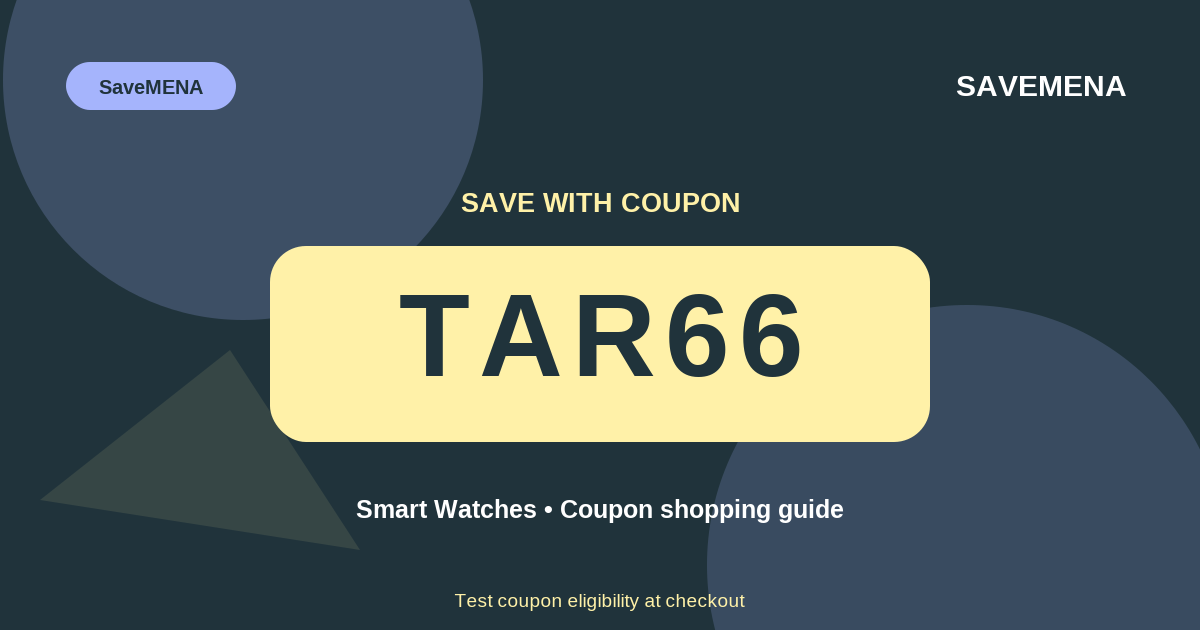
Codes available to try while comparing
These codes are not guaranteed for the article topic or listed brands; test them at checkout and use the live result.
Final verification before checkout: ensuring coupon and price
Each section with 2 paragraphs. Use decision lens rechecking after price change, each paragraph explain a specific step.
When a smart watch’s price on Noon UAE drops, choosing the right moment to buy is more than a quick click. The phrasing “Noon UAE coupon market Smart Watches rechecking after a price change” signals that shoppers should pause, verify, and verify again before finalizing a purchase. The central idea is that price shifts, bonus offers, and coupon ties are dynamic; they can affect the total cost at checkout. This article walks UAE shoppers through a step‑by‑step rechecking routine, emphasizing market context, price stability, and the slight but meaningful impact of the TAR66 coupon. By following each stage, buyers can safeguard against hidden costs and ensure they truly receive the best possible value from their smart watch investment.
Understand the Market Context of Smart Watch Pricing
Smart watch prices on Noon UAE fluctuate frequently due to seasonal promotions, regional demand, and the arrival of new models from global brands. Before any coupon application, verify that the advertised price is legitimate by comparing it with nearby listings from other reputable sellers on the same platform. This comparison confirms that the current price reflects a genuine market adjustment rather than a temporary glitch or vendor error.
When checking, consider the platform’s own price‑history tools or third‑party price‑tracking apps that flag notable drops. If the price change aligns with a verified discount, you can feel confident proceeding to explore how a coupon might further enhance savings. Always double‑check the product variant and ensure that the model you intend to buy matches the listed specifications, as mismatches often lead to unexpected price revisions at checkout.
Watch the Price Change Alerts and Be Ready to Act
Set up price‑alarm features within Noon’s app or use external notification services. When the limited‑time price reduction hits the threshold, enable your alert to be instant. This readiness allows you to log in immediately and view the most recent cart totals, including any taxes or fees that may have been recalculated due to the new price.
During the alert window, note the updated “Deal Details” section. If the price drop doesn’t reflect in real time, re‑load the product page or check a different seller’s listing. The time between the price announcement and your purchase can be critical; a delayed update may reset the benefit, necessitating another recheck right before adding the watch to your bag.
Insert TAR66 and Verify Its Current Eligibility
When you add the smart watch to your cart, proceed to the coupon field at checkout. Enter TAR66 carefully—remember, its status can change with new marketing strategies, and it may be limited to specific sellers or product families. The coupon field will immediately display whether TAR66 is accepted for the chosen item and whether any restrictions apply.
Even if the coupon accepts at the moment, the platform will recalculate the total once your cart is locked. Confirm that the discount is applied before any shipping or tax is added. If the coupon shows as unavailable, toggle between alternative sellers to see whether TAR66 remains valid elsewhere, thereby ensuring you select the best path for potential savings.
Time Your Purchase Around the Price Change Window
The minute after a price dip, the platform may reserve the new price for a short window. If you wait too long, an automatic rollback could revert the watch to an older, higher price. Hence, it’s wise to make a purchase request within the same hour of the price announcement, when the data is fresh and coupon tagging is most reliable.
However, do not rush blindly. First, confirm that the product’s inventory count is still sufficient; a sudden price change often coincides with a restock or a new shipment. Proceed only after verifying that the quantity met in the cart is available for pledging, ensuring that you will receive the item as specified.
Compare Seller Ratings and Return Policies After Price Adjustments
Price changes sometimes come with variations in seller performance. Look at each seller’s rating and the percentage of positive reviews within the last month. Sellers with strong reputations are more likely to honor re‑pricing adjustments and apply coupons accurately at checkout.
Additionally, examine the return policy linked to the newly priced item. A lower price might be coupled with a stricter return window or a higher restocking fee. Verify that the return terms you accept match your expectations; you’ll want to avoid any hidden fees that could undermine the coupon’s benefit.
Correlate Shipping Fees With the Updated Price</HADING>
Shipping costs on Noon UAE can change based on product weight or time of day. After you confirm the new price level, check the shipping tab to ensure fees have not increased due to a price change. Some sellers update shipping rates automatically when their list price changes.
A sudden hike in delivery cost could offset the savings gained from a reduced price or a coupon. Compare the shipping rate for your chosen courier option with the same item from other sellers if available, and select the one that provides the most favorable total.
Confirm Product Availability Post‑Price Change
Even if the cart accepts TAR66 and the new price, the product’s stock status can shift rapidly. After you submit your order request, re‑open the product page in a separate tab to confirm that the quantity you requested remains in stock. Remnant inventory can disappear before the final payment is completed.
Should the product appear sold out after you have added it to the cart, contact the seller via the platform or cancel and refresh the listing. Some sellers keep the item reserved for a short period after first selection, but it may still be marked available during the checkout. A double‑check at this stage avoids last‑minute surprises.
Related SaveMENA pages
Related articles
Official sources to check
Frequently asked questions
What should I do if TAR66 does not apply at checkout?
First, check if the coupon is still active for the chosen seller or product variant. If not, try applying it to another seller's listing. If it still fails, note the error but do not abandon the purchase; contact Noon support for clarification.
Can price changes happen after I place my order?
If the price reverts after the order is finalized, the total will remain locked at the amount paid. Confirm the sale details before confirming payment to avoid surprises.
Does the coupon affect my shipping cost?
Coupons typically influence the product price, not shipping. Verify shipping fees separately during checkout to ensure you are not paying more after discount.
How can I ensure I receive the correct smart watch variant?
Check the product title and specifications shown during checkout. If the variant displayed does not match what was intended, cancel and re-add the correct item before final payment.