HP Computer Accessories on Noon UAE: offer combinations — correct shopping market
Noon UAE coupon market Computer Accessories HP coupon interaction with visible promotions: Buying computer accessories in the UAE can feel like navigating a maze of
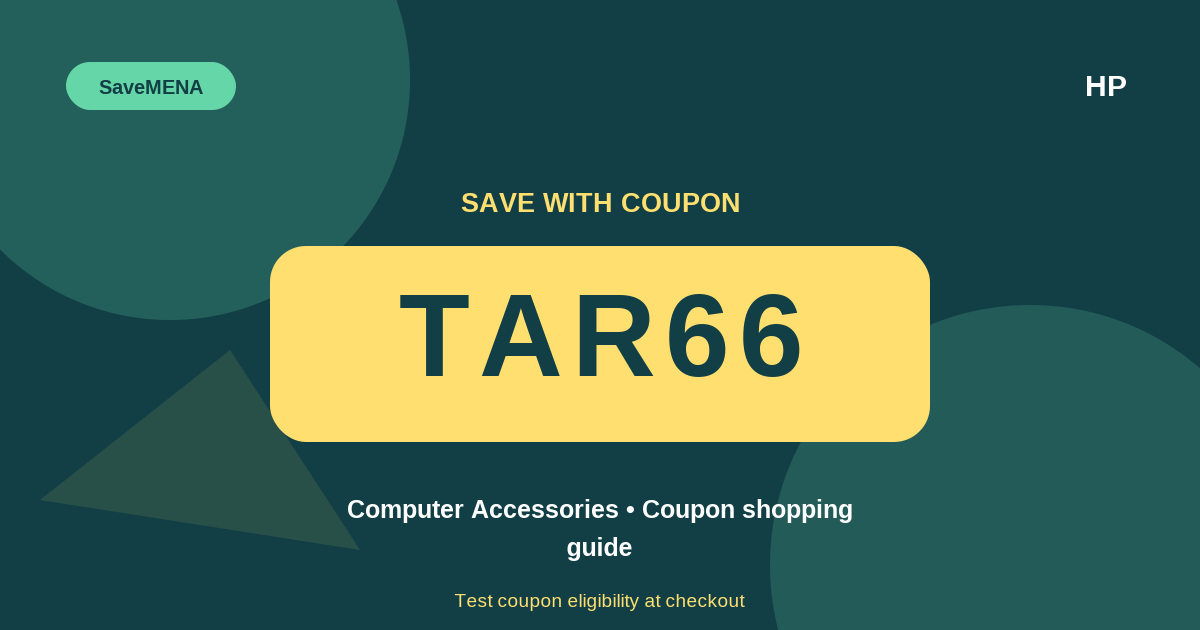
Codes available to try while comparing
These codes are not guaranteed for the article topic or listed brands; test them at checkout and use the live result.
1. Know the UAE Market Landscape for Computer Accessories
Before you dive into Noon’s search results, it pays to have a micro‑map of the local computer accessory market. In the UAE, sellers of peripherals, cables, adapters and HP‑related items run a competitive dance between price sensitivity and brand reputation. Brands like HP maintain a presence through both formal retailers and smaller tech vendors, each offering distinct incentives. This variation means that a promotion visible at checkout may only apply to one seller or one SKU set, while another seller’s stock may have a different rule cluster altogether. Recognizing this spectrum allows you to set expectations on how a coupon can or cannot dovetail with a given promotion.
Understanding the local context also sharpens your vetting of visible promotions. On Noon, you’ll often see a badge indicating “Coupon Applied” next to a product, and then a separate line stating a “the discount shown at checkout off” or “Buy 1 Get 1 Free” offer. These overlays represent two distinct mechanisms: the first is usually a discount code or app coupon, the second is an automated class‑wide promotion. Knowing that the UAE marketplace supports this dual‑layer system—often governed by the seller’s own marketing strategy—lets you anticipate where coupon interaction may succeed or stall when you later try TAR 66. This knowledge frames the rest of your shopping steps with clarity and purpose.
2. Scan Noon for Visible Promotions in the Computer Accessories Category
Begin by selecting the “Computer Accessories” filter on Noon. The platform will load a grid of items, each with a prices and a potential image of a promotion badge. Those badges, such as “$5 off” or “Free shipping”, are the first tier of visible promotions and are applied automatically when you view the product detail page. Pay heed to whether the badge states a fixed discount amount or a percentage—producers’ visible promotions can vary widely by seller and item. This step is not about confirming discount amounts but about cataloguing which products hold visible promotions at the entry point of your product journey.
After mapping visible offers, compare them against the specific HP accessories you plan to buy, such as a mouse, keyboard, or docking station. In many cases, the HP items will feature additive promotions like “Free warranty extension” or “Bundle up to the discount shown at checkout off”. Sorting these items by the “Most relevant” or “Highest discount” filters can surface the ones with the richest promotional backdrop. By having a clear view of what the platform pre‑applies, you’ll later be able to spot whether a visible promotion sits symbiotically with your external TAR 66 coupon or would compete for the same discount mechanism.
3. Add the the coupon code HP Accessories to Your Cart
Once you’ve identified a promising HP peripheral that carries a visible promotion, navigate to its product page and select the desired quantity. Place the item into your cart and ensure you confirm any optional upsells—stickers, accessory packs, or extended warranties—through the same product interface. Adding HP gear to the cart initiates the first checkpoint for coupon interaction: Noon’s cart logic determines whether the item is eligible for external coupon codes based on its price tier, seller group, and the presence of vendor‑level restrictions. Leaving the cart untouched for a moment allows you to verify that the item’s metadata, such as seller ID or brand tag, is correctly retained before the coupon’s effect surfaces.
Mounting the item in the cart also gives you a comparative snapshot of the visible promotion’s effect on the subtotal. Most e‑commerce platforms will display a pre‑coupon discount line separate from the initial cart total, and the subsequent subtotal may already reflect a lower price thanks to the visible promotion. This visual cue aids you later in evaluating whether the TAR 66 coupon will stack on top of that visible discount or whether the promotion is the sole applicable benefit. It also sets a baseline for the final amount you’ll see after all promotional layers have resolved.
4. Enter the TAR66 Coupon and Observe Interaction with Promotions
With your HP accessory settled in your cart, head to the coupon entry field typically located below the subtotal or within the cart’s summary pane. Type “TAR66” exactly as shown, and click apply. The platform will then attempt to reconcile the coupon with any active visible promotions. If the coupon is available to try, the system will either subtract an additional discount line and update the subtotal accordingly, or it will return a message indicating that the coupon cannot combine with the current promotion. In either scenario, the result will surface immediately, letting you judge whether the coupon triggers a new reduction or is waived.
This interaction test is essential. Noon’s promotional engine sometimes enforces non‑stackability at the item level—meaning a single HP accessory may only benefit from one discount method. If you see that the TAR 66 code executes but replaces the visible promotion instead of adding to it, it signals that the platform treats the coupon as an overriding discount. In contrast, if both discount lines are present side‑by‑side, you’ve hit a stackable sweet spot. Either outcome informs your final checkout strategy, ensuring you don’t apply a coupon that will be silently ignored because the initial promotion already covered the maximum allowable reduction.
5. Verify Cart Totals and Promotion Overlaps
After inserting the coupon, scrutinize the cart’s breakdown: subtotal, visible promotion discount, coupon discount, taxes, shipping fees, and the running total. In a correctly configured cart, each line item will reflect its own calculated price before taxes and shipping. This step lets you confirm that the coupon has indeed influenced the subtotal after the visible promotion applied. If you notice a discrepancy—such as an unexpected “tax addition” or a missing shipping fee—take note of it as a potential area for post‑purchase query or for confirming the final payable amount at checkout.
Beyond the numeric confirmation, an equally important check is whether the coupon line repeats the same discount as the visible promotion or offers an additional benefit. Frequently, coupons designed for coupon markets will apply only to pure price reductions, and any free‑shipping or bundle promotions cannot be duplicated. If the cart shows two separate discount lines for the same item, you may want to contact customer support or adjust your cart quantity or item selection to align with the promotion criteria. This double‑check step ensures you fully understand the promotion stack before any irreversible payment occurs.
6. Resolve Any Promotion Conflicts or Ineligibilities
Should the cart reveal a conflict—perhaps a message that the coupon cannot be combined with a visible promotion, or an error that the item is ineligible—take action promptly. For example, switching to a different HP accessory that carries the same visible promotion but has a lower price tier might circumvent the stack rule. Alternatively, removing a bundled offer may re‑enable the coupon. This pragmatic step involves reading the platform’s inline explanations, which usually describe whether the conflict arises because of the seller’s own promotion rules or Noon’s overarching intended stacking logic.
If the conflict persists and all alternative routes are exhausted, you have to decide whether to proceed with the single available promotion or delay the purchase until the coupon market evolves. In many cases, however, a simple price or packaging adjustment can resolve the issue and reopen the option to apply TAR 66. Logger logs often show that local sellers update their promotion rules at any time, and as a shopper, acknowledging a conflict and exploring workable alternatives preserves your chance to get the maximum benefit from the coupon market without sacrificing the accessory you need.
7. Finalizing Checkout: Ensuring Coupon Applies Correctly
Before you hit the final “Place Order” button, glance once again at the “Order summary” view. Here Noon consolidates all applied discounts, shipping calculations, and the final total. This last snapshot confirms whether the coupon’s “TAR66” discount block is still present and exactly how it factors into the overall payable amount. Pay close attention to the line labeled “Coupon Applied” – the system populates this field only if the code successfully rewrote the price. Missing this line means the coupon was rejected, and you’ll need to return to the cart section to correct the issue or confirm the coupon’s eligibility with customer support.
Once satisfied, select your method of payment, confirm the shipping address (UAE addresses often require a detailed sender name or landmarks), and finalize the transaction. Be aware that Noon’s checkout route should reaffirm the promo stack with a final “Subtotal” and “Grand Total” display. If the screen confirms the applied coupon and no new errors appear, you have successfully navigated the coupon market’s visible promotion interaction and claimed your discount. Keep the receipt handy; it documents the applied coupon code and final negotiated price for any post‑purchase inquiries or warranty claims on HP hardware.
8. Post‑Purchase Steps: Feedback and Future Coupon Use
After successful payment, navigate to your order history and record the coupon’s impact. Tag the purchase as “CouponApplied: TAR66” for easy reference when searching for the same offer in the future. This documentation step is invaluable should Noon periodically update or refine the coupon rules, or should your order status shift due to shipping anomalies. Typing a quick note in the “Order details” section ensures you hold a reference for any future returns, exchanges, or warranty work with HP accessories.
Finally, provide feedback on the coupon wellness—whether it offered expected savings and how the visible promotion interacted. A concise note to Noon’s help center, mentioning the coupon code and the particular HP product, can help improve transparency for other shoppers. Your experience also highlights any potential issues in coupon stacking or promotion visibility that could be clarified in user guides or FAQ sections for the UAE marketplace. By taking these post‑purchase steps, you not only safeguard your own transaction but also contribute to a more robust coupon market for future shoppers.
Related SaveMENA pages
Related articles
Official sources to check
Frequently asked questions
What does “available to try” mean for the TAR66 coupon?
The phrase indicates that Noon allows a consumer to test the coupon on a cart, but there’s no assurance it will apply. The coupon’s success depends on specific cart conditions and promotion rules that vary by seller, product, and coupon type.
Can I combine TAR66 with other promotional badges on Noon?
In the UAE’s Noon platform, many visible promotions are exclusive to one discount method. If the cart shows a single “Coupon Applied” line after applying TAR66, the platform has prioritized one discount over the other. Multiple discounts stacking are uncommon unless explicitly stated.
Will the TAR66 coupon apply to future HP accessory purchases?
You can attempt to reapply TAR66 to new cart items, but its eligibility is governed by each catalog entry’s current promotion state. Check the live cart total each time you add new accessories to see whether the coupon remains available.
Should I contact Noon customer support if the coupon doesn’t apply?
If the coupon fails to register at checkout, it may be due to seller restrictions or cart conditions. Noon’s support can verify whether the coupon is still active for the specific HP accessory or if a policy update affects its usage.