Laptops on Noon UAE: offer combinations — correct shopping market
In the Noon UAE coupon market, each promotional banner or special sale badge on a laptop listing represents a distinct discount engine.
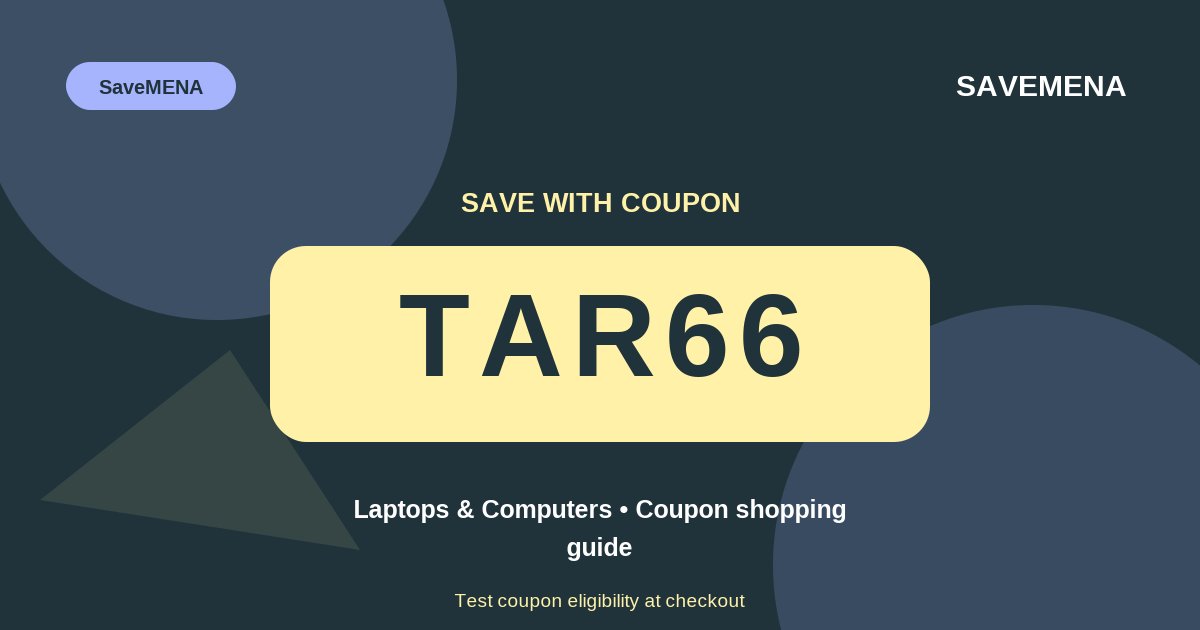
Codes available to try while comparing
These codes are not guaranteed for the article topic or listed brands; test them at checkout and use the live result.
Understanding Coupon Interactions in the Noon UAE Coupon Market
In the Noon UAE coupon market, each promotional banner or special sale badge on a laptop listing represents a distinct discount engine. These engines are often independent from coupon codes, meaning a limited-time the discount shown at checkout offset shown next to a laptop may not stack with a generic code. Consequently, the first decision step is to read the promo legend on the product page—whether it is “Clearance Sale,” “Buy One Get One,” or “Holiday Special”—to understand if a coupon is eligible to combine with that offer. Vendors sometimes set a rule that the coupon can’t be used when a promotional badge is active, and vice versa.
When you see a visible promotion, the next practical check is to confirm the date range and conditions that are usually listed in the description box. If the promotion ends before the coupon’s potential Use‑By or if it’s tied to a specific store partnership, you may miss out on the combined benefit. Therefore, the rider is: locate the promotion first, then reference the coupon terms at checkout to confirm compatibility. This two‑step verification keeps the lot of your exercise factual and free from assumptions.
Spotting Visible Promotions Before Applying TAR66
Visible promotions are often the first cue that a laptop offer has an associated price break. Before placing the item in the cart, scroll the page until the discount badge is fully visible; this includes icons for “Lifetime Warranty,” “Refund Guarantee,” or sale percentages. These icons signal that the listed price is already reduced. Once you’re sure that the sale is active, you can consider whether applying the TAR66 code will further lower the cost. Many shoppers skip this step, but the presence of a visible promotion can subtly alter how the coupon is applied—sometimes the code will only modify the remaining amount after the badge discount.
The second practical decision is to open the product detail view and search for a “See All Offers” or “Promotions” link. The grid that follows will show all overlapping deals, including bundle options and loyalty rewards. If a promotion is flagged as “exclusive to Noon Prime” or “for new members only,” the coupon might not be accepted at all. By documenting each listed offer before proceeding to checkout, you create a reference that you can compare against the final cart calculation.
Verifying Eligibility: Laptop Categories and Sale Stages
Since laptops vary from gaming rigs to ultrabooks, the eligibility of a coupon can depend on the assigned category. Noon UAE’s filtering menu often assigns sub‑categories like “Acer Laptops,” “Apple MacBook,” or “Budget Gaming Laptops.” A coupon code may only apply to certain sub‑categories, so a quick screen change often reveals an exception. If your the coupon code laptop is listed under a category that does not support coupon redemption, the code will be flagged during checkout.
Another layer of verification is to check whether the item is in a “new arrivals” or “returning seller” stage. These stages influence the discount engine, such as whether a UPC-based eligibility filter is active. By specifically confirming the product’s current status—through its SKU tag or the promotion banner—the shopper can ascertain beforehand if the TAR66 code will be accepted for the chosen laptop. This pre‑emptive step saves the frustration of a failed redemption later.
Time‑Tying Visual Deals with Coupon Usage
Many promos on Noon have a limited duration, and their visuals are updated in real time. The laptop’s discount badge might run until a particular date, after which it will revert to its regular price. As a shopper, construct a tie‑in timeline: note the end of the visible promotion and the current expiration of any coupon terms, even if those dates are not front‑and‑center on the platform. If the promotion terminates before you believe you can apply the TAR66 code, the final price will not reflect the combined benefit.
To operationalize this, use the product’s “price history” link if provided, or watch for the discount banner’s countdown timer in the product thumbnail. When the timer reads “Ends Tonight,” you must decide to either buy immediately or wait to see if the coupon can push the price down further. Pause for a 30‑second check: does the promotional badge default to a new discount after it expires? If yes, the coupon’s effect could either be nullified or amplified, depending on how fast the promotion updates on the back‑end.
The Role of Cart‑Level vs Item‑Level Promos
Discounts on Noon can be applied at the cart level—such as “Free Shipping on orders above AED 500”—or at the item level, where the cap is directly on a laptop’s price. When the TAR66 code is entered, the platform may first check the item‑level conditions. If the laptop falls under a restricted promotional set, the order will freeze the coupon until all eligible items are processed. This dual nature means that putting the laptop in the cart just once is not enough; all items in the cart must comply with the coupon’s eligibility.
Hence the second decision step is to scan the entire cart for any other items that might invalidate the coupon. A single accessory listed as non‑eligible can cause the entire coupon to be applied partially or not at all, leading to a recalculation of the total. Before hitting “Apply coupon,” you should scroll through the cart summary and confirm that each listed product meets the needed criteria or remove any that could block the discount.
Minimal Horizon: Checking Applicability in Checkout
At the final checkout stage, the platform reveals the actual discount applied. The “Review Order” page will show the base price, any visible promotion deduction, and a separate line for the coupon impact, if any. If the TAR66 code is accepted, its effect will appear beside “Coupon Discount” or a similar label. If no line is shown, it typically indicates that the coupon was rejected due to incompatibility with other promotions.
When this page loads, the shopper’s decision lens requires a meticulous audit: verify that the coupon’s line does not overlap with the badge discount, is the correct amount, and respects any minimum thresholds indicated. If the platform indicates “Coupon invalid” or “Coupon not applicable,” you must revisit the earlier steps—ensuring the visible promotion is still active and the laptop remains in the correct category—before retrying.
Managing Shipping and Fee Adjustments with Coupon Codes
Shipping fees are often tied to the total after all discounts have been applied. Visible promotions can reduce the base price, which in turn inspects the shipping threshold. When TAR66 is entered, the post‑discount amount may cross a threshold that changes the free‑shipping policy. The second decision is to check the “Delivery & Payment” page for any adjustments to fees after coupons are factored in.
Some sellers display a “Delivery Fee” badge that becomes editable if the final price dips below the free‑shipping cutoff. If the new subtotal after both visible and coupon discounts signals a new shipping tier, the platform may automatically recalculate the fee. Inspect this change carefully: the presence of an increased fee after applying a coupon rarely signals a problem, but it can also mean the coupon was partially applied due to terms the coupon code at a different price range.
Final Confirmation: How to Confirm TAR66 Success
Once all checks are complete and the coupon line appears, the last user‑centric step is to confirm the final payable amount numerically. On the checkout screen, scroll down to the “Total Amount” and note the figure before and after the coupon is applied. The difference should match the value reflected next to the coupon discount. If the amounts differ, but the coupon line is still present, review the earlier screen for a possible discount cap that the platform enforced.
If you still notice a discrepancy or suspect an error, copy the page’s order details into a spreadsheet or note, then reach out to Noon’s customer support with the order reference. This information assists the support team in verifying that the TAR66 code was processed correctly. Otherwise, proceed to payment with confidence that the coupon interaction with visible promotions has fulfilled its intended saving.
Related SaveMENA pages
Related articles
Official sources to check
Frequently asked questions
How do I know if TAR66 will work with a laptop sale badge?
When a laptop displays a clear sale badge, first check that the product still has the discounted price listed. Then, before adding it to the cart, see if the coupon eligibility is mentioned on the promo description or if the platform shows a “Coupon not applicable” notice during checkout.
Can a coupon stack with multiple promotions on a single laptop?
Most placement promotions are exclusive, meaning the coupon will apply only after the visible discount has been subtracted. If the site indicates the coupon rule is “non‑stackable,” you may only receive one of the offers, so verify in the cart and on the final review page.
What happens if the quick discount expires before I check the cart?
If the visible promotion ends first, the laptop’s price will revert to the regular listing. The coupon may then apply solely on the new price. Always double‑check the active promo status on each page before submitting the code to avoid missing the combined savings.
Will the coupon reduce shipping fees as well?
Shipping fees are recalculated after all other discounts. If the post‑discount subtotal drops below the threshold for free shipping, the fee will adjust accordingly. Confirm this on the Delivery & Payment screen where the shipping line updates after coupon entry.