Braun Beauty on Noon UAE: return policy — correct shopping market
Noon UAE coupon market Beauty Braun returns information: When buying Braun beauty products in the UAE, the allure of a discount is often tempered by the need for
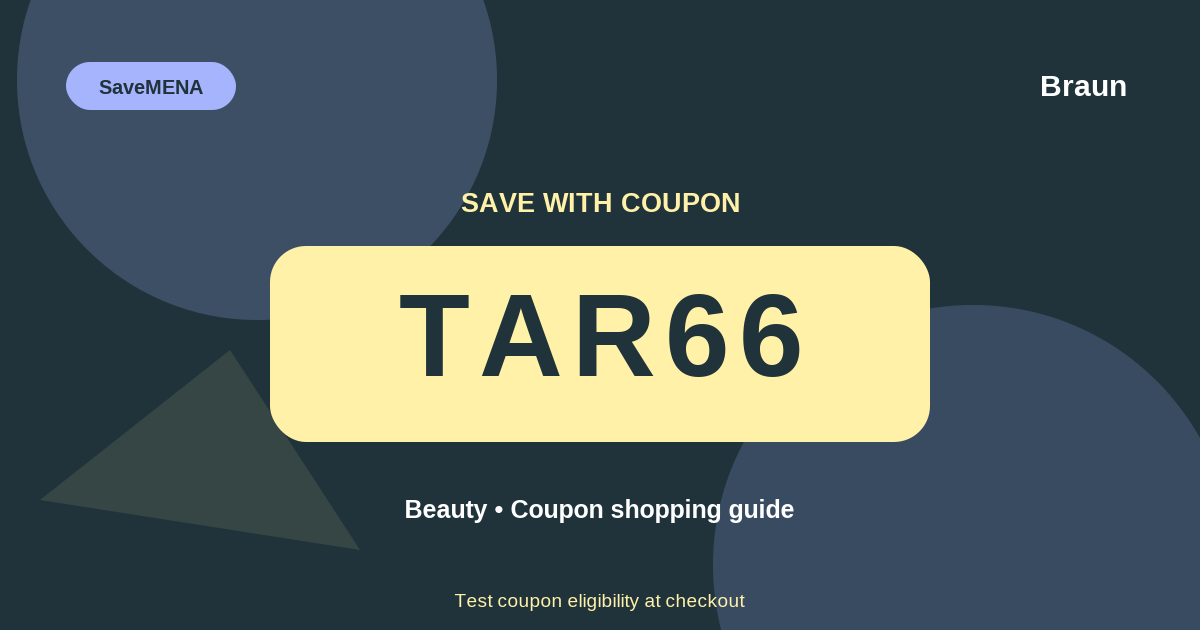
Codes available to try while comparing
These codes are not guaranteed for the article topic or listed brands; test them at checkout and use the live result.
1. Verify Coupon Eligibility with Braun Beauty Items
Start your shopping by confirming that any Braun beauty product you select is listed as a potential beneficiary of the TAR66 coupon. Coupon rules are often product‑specific, so double‑check the listing’s description for any mention of eligible brands. Since the coupon is only a try‑out code, do not presume it will automatically apply; you must manually enter TAR66 at checkout to see the effect on your total voucher.
If you notice the coupon prompt disappears after adding a Braun item, the product may not qualify. In such cases, reach out to the seller’s live chat or consult the product’s FAQ section. A reliable seller will clarify whether the coupon is truly supported or if the discount is limited to a different brand or category. Only after confirming eligibility should you proceed to the next purchase stage.
2. Confirm Return Policy Details Before Purchase
Once the product passes the coupon eligibility check, review the return policy embedded in the product listing. Braun beauty items often have brand‑specific return windows, and sellers sometimes impose conditions such as “Return within 14 days if unused.” Look for explicit statements about restocking fees, return shipping responsibilities, and whether refunds are issued in the original payment method.
Because return rules can vary across sellers on Noon, cross‑check any policy notes with the seller’s reputation metrics. A seller with a high rating may still offer a lenient return window, whereas a lower‑rated seller could enforce stricter terms. Understanding these nuances early protects you from surprises should you need to initiate a return after purchase.
3. Assess the Final Payable Total at Checkout
At checkout, the system will display the subtotal before adding any coupon and the final payable amount after applying TAR66. Since the coupon is a trial, pay close attention to its impact: if the final amount doesn’t reflect a discount, you may need to verify that the code was entered correctly or that the product indeed qualifies.
Additionally, review any incidental fees such as delivery charges or payment surcharges that could alter the final amount. These fees are part of the eligible transition from subtotal to the final price you actually pay, and they can affect your overall spending and potential return calculations.
4. Monitor Shipping Terms and Delivery Times
For Braun beauty products, shipping times can differ based on seller location and courier agreements. Download the tracking information once your order ships, and cross‑check the estimated delivery window posted on the product page. A reliable delivery estimate helps you anticipate product arrival and plan for any return shipping deadlines that may apply.
Also, note whether the seller offers “free” delivery or if a minimum spend is required. Delivery conditions sometimes interact with return policies—if you need to return an item, you may have to cover shipping yourself, or the seller might reimburse that cost. Understanding these terms before purchase avoids post‑purchase complications.
5. Verify Product Authenticity and Compatibility
Braun beauty devices often come in various models tailored to skin types or usage needs. Ensure the model you select matches your specific purpose, such as facial cleaning or hair removal. Seller listings should provide key specifications, and some may include a short demonstration video.
Because authenticity is pivotal for safety and performance, check that the seller lists the product as officially licensed or directly sourced from Braun. If you suspect a counterfeit, contacting the seller’s support can clarify its provenance and confirm whether the product’s warranty and return options remain unaffected.
6. Analyze the Seller’s Feedback on Return Experiences
Reading customer reviews that discuss returns can surface patterns in seller responsiveness. Look for comments about the return timeline, ease of labeling, and whether the seller refunds promptly. Such insights are valuable when deciding if you should proceed with a purchase that relies on a trial coupon.
Pay attention to any recurring notice that returns are processed only after a certain number of days. Channels of communication—live chat, email, or phone—are also critical. If the seller’s support is delayed or vague, that could imply potential hesitations in processing returns efficiently, especially if a discount code is involved.
7. Retain All Documentation for Later Verification
When confirming a purchase, download or screenshot the confirmation email, order details, and any terms displayed at checkout. These documents become your evidence if a coupon was applied correctly or if a return initiates any dispute. It’s advisable to store them on your device or cloud storage for easy access during a return window.
Should the coupon fail to provide a discount, or if you wish to prove that it was attempted, preserving the confirmation details completes the record. Keeping a full audit trail ensures you remain informed about the transaction’s adequacy when you negotiate with the seller over a return or possible refund discrepancy.
8. Track the Return Process Through the Noon UAE Portal
Once you decide to initiate a return, navigate to your order history and select the “Return” option. The portal will guide you to choose a reason, provide an RMA note, and sometimes a prepaid label if the seller covers return shipping. Verify that each step is reflected correctly to keep the process transparent.
If you encounter stale or unclear status updates, reach out via the portal’s messaging feature. Keep your communications concise and timely, noting your order number and the Braun product in question. By staying active in the portal, you control the conversation and uphold the return timeline without assuming that a coupon freeze or shipping glitch will delay or invalidate your return request.
Related SaveMENA pages
Related articles
Official sources to check
Frequently asked questions
Will the TAR66 coupon apply automatically when I add a Braun beauty product to my cart?
No, you must manually enter TAR66 at checkout. The coupon only applies to products that explicitly list it as eligible; if the discount does not appear, the product may not qualify. Always confirm eligibility on the product page before proceeding.
Are returns free for Braun products bought with the TAR66 coupon?
Return policies are set by the seller, not by the coupon. Some sellers cover return shipping, others do not. Verify the seller’s return conditions on the product listing or through customer support before purchase.
Can I use TAR66 on a Braundition set that includes multiple items?
Coupon applicability depends on the seller’s listed terms for each set. If one item in the set qualifies, the coupon may apply to the whole or only that item—check the listing or contact the seller to confirm.
What should I do if the coupon doesn’t seem to reduce my total?
First double‑check that the coupon was entered correctly at checkout. If the discount still doesn’t appear, ensure the Braun item is listed as eligible, otherwise contact the seller for clarification.