ASUS Computer Accessories on Noon UAE: seller context — correct shopping market · TAR92
Knowing the correct market context when shopping for computer accessories on Noon UAE, especially with ASUS products, is crucial for getting the right deals and
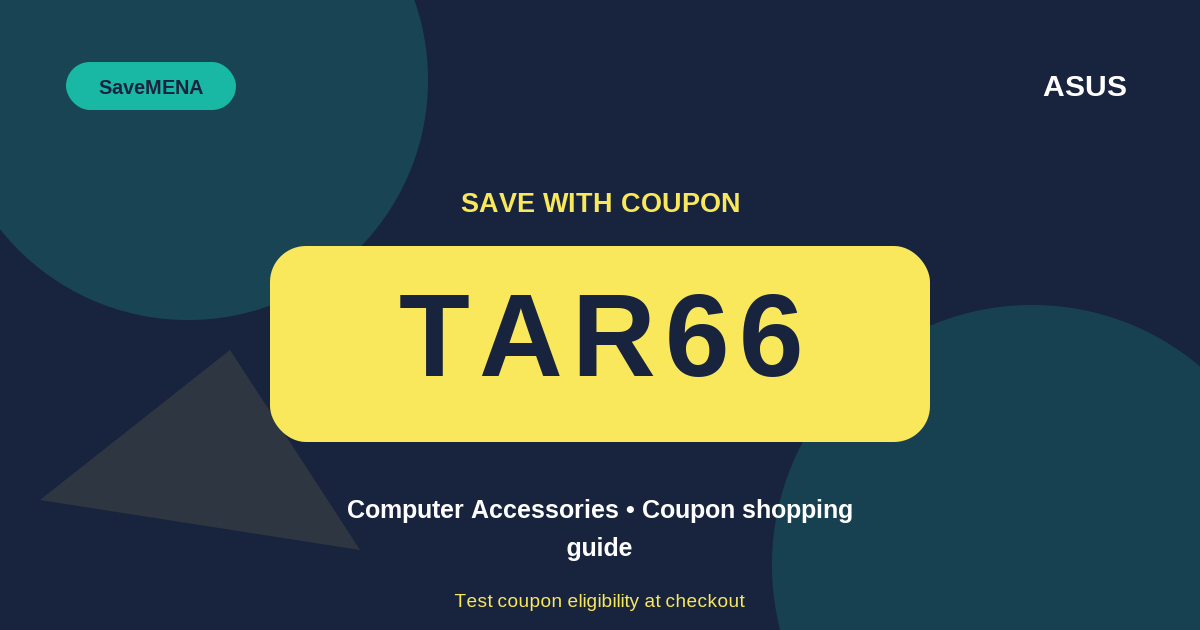
Codes available to try while comparing
These codes are not guaranteed for the article topic or listed brands; test them at checkout and use the live result.
1. Assessing the Market Landscape for Computer Accessories
In the UAE, Noon offers a crowded marketplace where multiple vendors list computer accessories. Before selecting an ASUS accessory, review the product description, seller rating, and user reviews to discern authenticity. Even if a listing features a convenient price, the absence of a reputable seller ID can lead to counterfeit or outdated hardware. Verify that the vendor’s graphic profile matches known ASUS official partners by checking the brand badge or an explicit mention of Asus’s official store.
Because the platform’s search filters can aggregate items from diverse sellers, the same accessory may appear under several stores. Guaranteeing quality and compatibility requires focusing on a vendor with a clear ASUS partnership. Skipping this validation may result in drivers not functioning or support channels being inaccessible. Combining a thorough vendor assessment with the vendor’s rating can provide a systematic approach to secure genuine accessories.
2. Why the ASUS Seller Context Shapes Your Purchasing Decision
ASUS’s ecosystem hinges on official channels that offer genuine peripherals and reliable firmware updates. When you engage with a recognized ASUS seller on Noon, you gain access to exclusive support and at times, extended warranty coverage that might differ from generic suppliers. The vendor’s storefront often lists serial numbers and model numbers that match ASUS’s database, providing instant confirmation of authenticity.
Moreover, ASUS sellers typically list accessories that are fully compatible with each other, avoiding cross‑compatibility issues that can arise with third‑party peripherals. Shoppers who choose to bypass ASUS’s official distribution risk encountering device drivers that fail to integrate with their setup. Hence, the seller context directly influences both product integrity and long‑term reliability.
3. Verifying Technical Specifications and Compatibility
Before purchasing, cross‑check the claimed specifications, such as USB‑C power delivery, optical cable connectivity, or battery backup. ASUS accessories are often specified for certain series or GPUs; the vendor should provide this detailed information. A mismatch in the interface or wattage can lead to reduced performance or hardware malfunction.
Additionally, review the product’s support resources on the vendor’s page. Many ASUS sellers host FAQ sections that align with the MADA or R$ standards. Checking these resources ensures you’ll be able to retrieve firmware updates, troubleshooting tips, and documentation native to the device. This proactive step can save time and prevent technical hassles later.
4. Pricing Evaluation: Balancing Cost Against Quality
The Noon UAE coupon market provides opportunities for savings, but the cost of a genuine ASUS accessory should not be judged solely on price. Look for a balanced relationship between the total cost and the accessory’s durability, warranty length, and feature set. A low‑price peripheral that lacks a proper warranty may expose you to higher replacement costs down the line.
When comparing vendors, note that the same item from a dedicated ASUS seller can exhibit a higher price but offer better customer service and ship faster. Structure your comparison by ranking sellers on price per watt or price per megapixel where applicable, then match that with the quality advantages provided by the type of vendor.
5. Delivery Options and Associated Fees in the UAE
Noon’s delivery system offers multiple shipping methods, from standard to same‑day in certain metro areas. The vendor’s listing typically displays the expected delivery window and any applicable shipping costs. For ASUS accessories that are time‑sensitive or high‑value, select a faster shipping option that offers tracking and secure handling.
Keep in mind that some delivery fees can be waived if the cart total surpasses a certain threshold. However, coupon codes may not always apply to shipping charges unless it’s explicitly stated in the voucher details. Always confirm the final delivery cost at checkout before proceeding.
6. Applying the TAR92 Coupon Code and Payment Clarity
The sole coupon code currently available to test on Noon UAE for computer accessories is TAR92. While the coupon offers potential savings, its effectiveness can only be confirmed at the final checkout stage. Enter the code in the designated field before the payment is processed, and watch for the discount reflection on the order summary.
To avoid ambiguity, verify that the discount is applied to the subtotal and not excluded from shipping or gift card amounts. If the discount does not appear under certain conditions, the voucher may have restrictions not communicated earlier. Being aware of these nuances during payment preparation helps prevent last‑minute surprises.
7. Checking the Final Order Summary for Accuracy
At checkout, the last reference for eligibility and the final payable total is displayed. Scrutinize each line item: product name, model, applied discount, and shipping cost. This stage is critical for confirming that the coupon applied correctly and that the chosen ASUS accessory’s specifications match the product you intend to purchase.
If any discrepancy is spotted—such as an incorrect warranty period or a missing accessory component—contact the vendor’s support before confirming payment. Resolving issues early prevents the release of funds and ensures the seller can address the error promptly.
8. Post‑Purchase Support and Return Policies
After placing your order, create a record of the confirmation email and track your shipment through Noon’s portal. Should the accessory arrive damaged or not match the listed specifications, refer to the vendor’s return policy which is typically accessible from the order details page. ASUS sellers often provide extended return windows for hardware defects.
For any software or firmware issues, contact the vendor’s support team or refer to the ASUS official support portal where the accessory’s serial number is logged. Engaging with the right support channel speeds resolution and safeguards your investment in quality computer accessories.
Related SaveMENA pages
Related articles
Official sources to check
Frequently asked questions
What steps can I take if the TAR92 coupon does not apply at checkout?
If the TAR92 code fails to be applied, it may be due to hidden restrictions or a mismatch in the product category. Double‑check that the coupon is still listed as active, and ensure it is entered exactly as shown. If the issue persists, reach out to Noon customer service for clarification.
How can I confirm that an ASUS accessory is genuine on Noon?
Verify the seller’s official ASUS partnership badge, read detailed product specifications that match ASUS’s official documentation, and review any customer feedback that highlights authenticity. Genuine ASUS accessories are commonly listed under established official channels on Noon.
What kind of warranty can I expect from an ASUS seller on Noon?
ASUS sellers typically provide at least a one‑year warranty covering manufacturing defects. Warranty terms vary by product, so check the specific seller’s warranty details listed on the product page or included in the order summary.
Can shipping fees be waived if I use the TAR92 coupon?
Shipping fees are usually separate from coupon discounts unless explicitly stated. Confirm whether the coupon applies to shipping by reviewing the order summary. If it does not, you may still reap savings on the product’s price.