Apple Mobile Accessories on Noon UAE: warranty and support — correct shopping market
Noon UAE coupon market Mobile Accessories Apple warranty and post-purchase support: When you ask Why the correct market context matters in shopping for a mobile
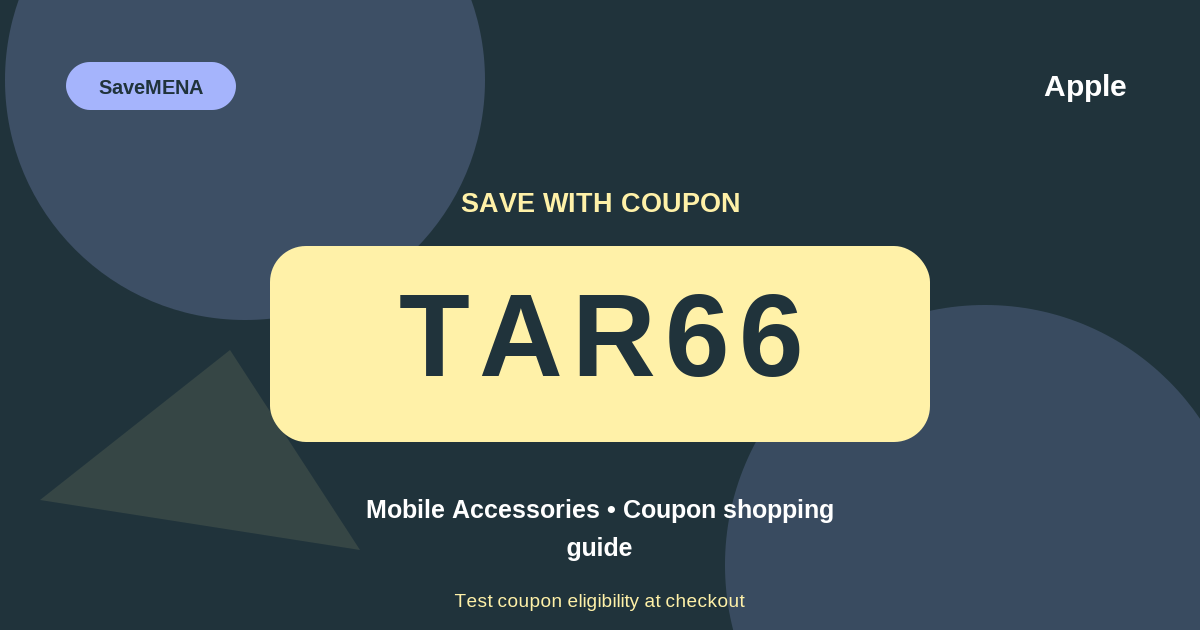
Codes available to try while comparing
These codes are not guaranteed for the article topic or listed brands; test them at checkout and use the live result.
1. Recognizing the UAE Mobile Accessories Landscape
Mobile accessories are sold through a variety of vendors on Noon UAE, ranging from small local shops to large electronics chains. Each seller can offer distinct delivery times, customer service policies and warranty terms, so comparing only the price is rarely enough. Keep a checklist that includes the seller’s location, return window, and proof of authenticity for Apple‑licensed parts, because counterfeit items often lack real post‑purchase support. In the UAE, regulatory bodies supervise electronics sales, but the responsibility for warranty validity still falls on the individual seller.
When planning a purchase, cross‑check the product title and description with the official Apple documentation. Apple‑approved accessories usually mention compliance or approval numbers. That small detail can save you a trip to a repair center later. Additionally, the Noon platform lists the seller’s rating, which can hint at past customer interactions with warranty claims. The better the rating, the more likely a seller has handled post‑purchase issues successfully.
2. Warranty Significance for Mobile Accessories
Warranty coverage is the lifeline for mobile accessories; it guarantees a repair or replacement if the item fails within a set period. In the UAE, most accessories come with a minimum one‑year warranty that can be extended through additional Apple Care+ plans. Knowing whether the warranty is manufacturer‑backed or seller‑backed is crucial because a manufacturer warranty typically carries more robust post‑purchase support.
When examining a seller’s listing, look for a clear statement of coverage length, and whether the warranty includes accidental damage. A solid warranty is an indicator that the seller believes in the product’s durability and has a relationship with a repair provider. If the wording is vague, ask the seller directly for specifics before confirming your order.
3. Post‑Purchase Support for Apple Accessories
Apple accessories can be supported through Apple’s network, which offers repair or replacement via the Apple Store or authorized service providers. If the accessory is Apple‑approved, you can typically bring it to any Apple Store in the UAE for assistance. This support behaves differently from third‑party replacements, so verification of approval status is essential at the time of purchase.
Post‑purchase support also extends to returns and refunds. Most vendors on Noon adhere to UAE consumer protection laws, allowing a return period of at least seven days after delivery. Questions about eligibility for returns or exchanges should be clarified at checkout, as policies can vary among sellers even within the same category.
4. How Sellers Communicate Warranty and Support Terms
Sellers provide warranty information in the product description, a "Warranty & Return Policy" tab, or within the FAQ section of the listing. The clarity of this communication reflects the seller’s commitment to post‑purchase care. A complete policy will list the applicable coverage, any exclusions, and the process for contacting support.
When navigating Noon’s search results, sort by seller rating and trust badges to narrow down those who historically honor warranties. However, do not rely solely on badges; check whether the seller lists a direct contact method, such as a phone number or email, for warranty queries. A responsive seller is better prepared to resolve post‑purchase issues efficiently.
5. Applying and Verifying the TAR66 Coupon Code
To attempt using the TAR66 coupon on Noon UAE, simply enter the code in the coupon field before finalizing your order. The code may or may not produce a discount; the only way to confirm is to reach the checkout step. At that point, the checkout confirms eligibility, and you will see any price change or adjustment.
Because the coupon’s validity depends on many variables—seller, product price, and availability—there is no guarantee that TAR66 will apply. If the coupon is declined, review the error message for guidance. Sometimes, contacting Noon support can clarify whether the coupon is restricted to certain categories or sellers within the platform.
6. Verifying Warranty Status Right After Purchase
Immediately after you complete an order, examine the confirmation email or smartphone notification for warranty details. The email often contains a warranty registration number or links to the Apple product registration portal. This step is critical because it initiates the warranty coverage and allows easy future claims.
If the warranty information is not clearly provided, do not hesitate to reach out to the seller or Noon support. Many support channels provide 24/7 chat or email, and responding promptly can prevent complications during a potential repair or replacement request.
7. Maintaining Your Accessories for Long‑Term Support
Proper care of your mobile accessories can reduce the likelihood of warranty claims, but knowing how to handle routine maintenance is part of good post‑purchase hygiene. Avoid exposing Apple‑approved cases or chargers to extreme heat, moisture, or physical trauma. Keeping a clean case or cable extends its life and maintains device safety.
Monitor the accessory for any signs of wear or malfunction. If you notice a problem before the warranty period ends, contact the seller immediately. Reporting early can accelerate support or repairs and demonstrates your proactive stance, which may lead to a faster resolution under the warranty policy.
8. Final Checklist Before Completing Checkout
Before you hit the final "Purchase" button, confirm that the seller’s warranty length matches the type you need—only manufacturer warranties often guarantee global support. Verify that the post‑purchase support contact details are available and that the seller can handle exchange returns under UAE law.
Double‑check that the TAR66 coupon is entered correctly and that the checkout confirms its applicability. Once verified, review the full summary of costs, including shipping fees and any optional support add‑ons before finalizing the payment. This thorough review ensures you are fully protected after the transaction.
Related SaveMENA pages
Related articles
Official sources to check
Frequently asked questions
Will the TAR66 coupon apply to all mobile accessory purchases on Noon UAE?
The coupon code should be entered before checkout; its applicability depends on the seller and item category. Confirm the code’s validity at checkout. If it does not apply, you might use other available promotions or cashback options.
Do Apple accessories purchased on Noon have Apple Care+ coverage?
Apple Care+ is purchased separately; it is not automatically included with the accessory. If you want extended coverage, buy Apple Care+ from an authorized Apple channel or Apple Store before the warranty expires.
How do I verify that a seller’s warranty is truly manufacturer‑backed?
Ask the seller for the warranty registration or a proof of Apple approval; the warranty should mention the manufacturer. You can also check the Apple website for approved accessories and compare the product details.
What should I do if the accessory fails before the warranty period ends?
Contact the seller immediately, providing purchase proof and details of the issue. Follow their instructions to initiate a claim or return. Keeping the purchase receipt and warranty info handy will speed up the resolution.