Xiaomi Tablets on Noon UAE: warranty and support — correct shopping market
Before you add a tablet to your cart, check precisely what the manufacturer’s warranty covers in the UAE.
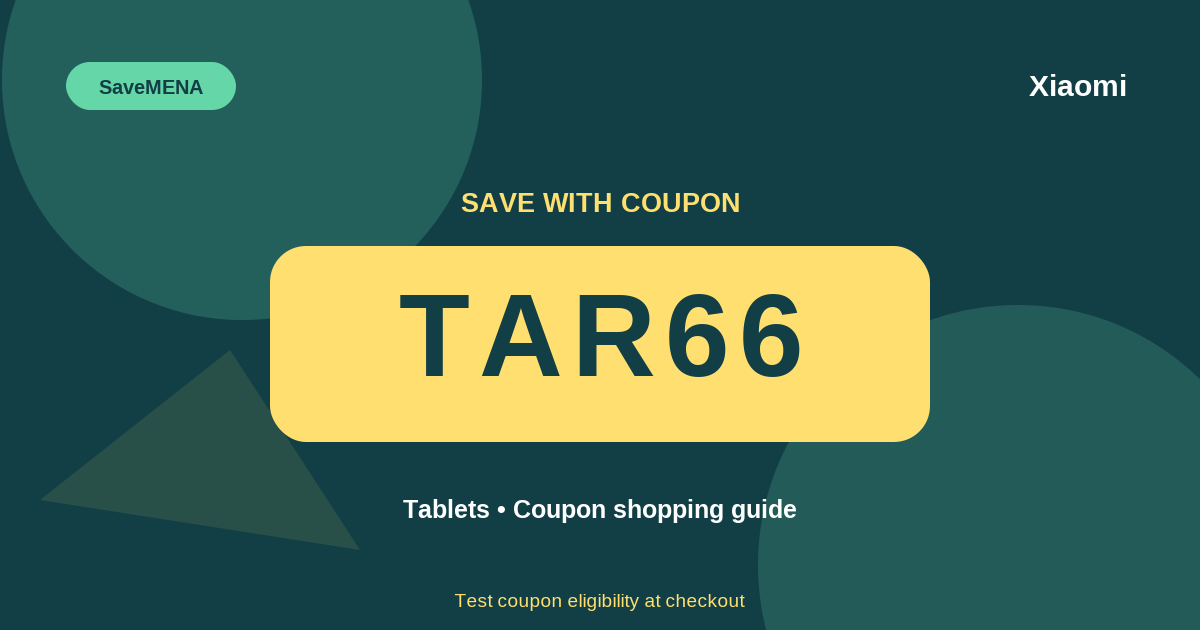
Codes available to try while comparing
These codes are not guaranteed for the article topic or listed brands; test them at checkout and use the live result.
Step 1: Verify Warranty Coverage Before Paying
Before you add a tablet to your cart, check precisely what the manufacturer’s warranty covers in the UAE. Some warranties limit repairs to hardware failures, others include accidental damage or battery replacement. Take note of the warranty period—whether it’s one year or more—so you’re aware of how long coverage extends after your purchase. For Xiaomi, this information can usually be found on the product description or in the seller’s independently sourced details. When you view the listing, look for a clear statement of warranty length and scope; it should be in the product’s fine print. Keep that information in mind as you proceed—you’ll need it to confirm that the seller’s terms match the manufacturer’s, and to ensure the warranty will be upheld for the full period you anticipate.
Step 2: Confirm Post‑Purchase Support Channels
Having a warranty is only part of the equation; you also need reliable support channels to reach when your tablet faces a problem. Check that the seller lists official contact details for Xiaomi support, whether via phone, email, or a dedicated app. A reputable seller will also show evidence of an Arabic‑language help desk or UAE‑based service center. When you examine the support section, identify the hours of operation and whether support is available in multiple time zones. Having this clarity will affect how comfortable you feel sending the device for repair versus navigating troubleshooting steps on your own.
Step 3: Locate Authorized Service Centers Near You
A tangible benefit of a solid warranty is the convenience of local repair. In the UAE, authorized Xiaomi service centers offer certified technicians equipped to handle component replacements without voiding coverage. Use the seller’s “Service Center” locator or cross‑reference with Xiaomi’s official service network to find the nearest facility. Verify that – before check‑out – the service center’s address and operating times match the declared support channel. This ensures that, if a repair is needed, you’ll have a clear, workable path to a reputable technician close to home or work, reducing downtime and logistical hassle.
Step 4: Match Warranty Terms to Seller Policies
Sometimes the seller’s return policy runs longer or shorter than the manufacturer’s warranty, or they may offer additional guarantees. Compare these timelines side‑by‑side to understand what happens if a fault occurs after the manufacturer’s warranty lapses. Certain sellers may provide express repair services or replacement drives for a limited period after purchase. Record any differences you spot: it informs whether you’ll need to consider buying an extended warranty or a separate service plan. By aligning the warranty period with the seller’s policies, you prevent surprises should your device require attention during a transition from manufacturer to vendor coverage.
Step 6: Track Warranty Expiry During Checkout
Once you finalize your cart, the checkout page often displays a summarised warranty period that will apply to your device. Use this moment to double‑check that the warranty length displayed matches what was initially advertised. If it differs, request clarification from the seller before confirming payment. Recording this detail in your checkout notes or bookkeeping app can help you remember exactly when your warranty lapses, allowing you to plan for future repairs or consider extended coverage options.
Step 7: Store Purchase Records for Future Claims
A receipt or transaction confirmation is your primary proof that shows you owned the device at the time of purchase. Save digital copies in a safe, accessible location—cloud storage or a dedicated folder. When warranty claims arise, you’ll often need to provide this proof to verify eligibility. You can also create a quick reference sheet that lists the model, serial number, warranty period, and authorized service center contact details to keep handy for future troubleshooting or repairs. Keeping this organized preserves transparency in every post‑purchase step.
Final checkout verification
Before completing an order in xiaomi, match the exact item, seller, model or variant you actually intend to buy, then enter TAR66 only as a code available to try. Do not base the decision on a discount number or condition that is not documented; the useful evidence is the live basket response and the final payable total.
If the result is different from what you expected, review the market, account, basket composition, payment context and checkout message before trying an alternative. Keep the comparison on the same item and seller where possible so a price difference is not confused with a coupon difference. This keeps the guide aligned with the shopper's actual why correct market context matters decision.
Compare alternatives without guessing
When you compare another option in xiaomi, keep the specifications, quantity and seller as consistent as possible and compare the total shown at checkout. A different coupon does not automatically make a deal better because delivery, fees and the live basket context can change the outcome. Use the final payable total as the practical comparison point.
If the retailer shows a specific condition, rely on that visible message; if it does not, do not turn an assumption into a general rule. Test available options one at a time and note any real change in the total or eligibility message. That creates a verifiable shopping comparison instead of a recommendation built on an unsupported marketing claim.
Related SaveMENA pages
Related articles
Official sources to check
Frequently asked questions
What should I do if the warranty claim requires me to ship the tablet?
Check the seller’s return policy for shipping instructions and insurer details. Arrange shipping with a reputable courier and keep all tracking information for reference during the claim process.
Can I use the same warranty if I switch to a different Xiaomi tablet model?
Warranty typically applies only to the specific model purchased. Verify coverage terms for each device in the product description or by contacting support directly.
How long is the typical warranty period for Xiaomi tablets in the UAE?
Most Xiaomi tablets come with a one‑year manufacturer’s warranty, but some premium models offer up to two years. Review each listing for precise details.
Does the TAR66 coupon expire?
The coupon code can be tried at checkout, but any expiration or specific usage limits will appear during the payment process. Verify its status visibly before finalizing the purchase.