Adidas Women’s Fashion on Noon UAE: warranty and support — correct shopping market
Noon UAE coupon market Women’s Fashion Adidas warranty and post-purchase support: Why correct market context matters is clear when you’re shopping for women's
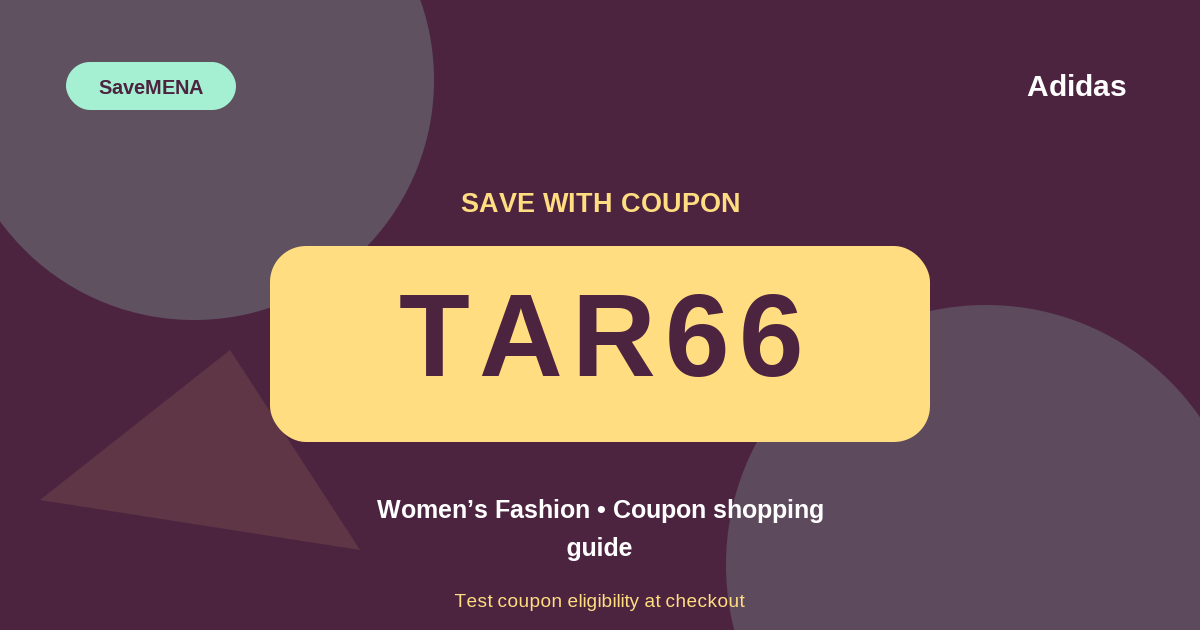
Codes available to try while comparing
These codes are not guaranteed for the article topic or listed brands; test them at checkout and use the live result.
Step 1: Verify the Item’s Warranty Details at Purchase
When you first add an Adidas women’s fashion item to your Noon UAE cart, the product page will often list a brief mention of the warranty. Look for terms such as “standard one‑year protection” or “manufacturer’s limited warranty.” While wording may vary, the key is confirming whether the seller’s description matches what appears on the purchase confirmation email. Note that you can bring the TAR66 coupon into play while you browse, but the coupon’s effect on warranty terms is a separate matter. Seek explicit warranty information before proceeding to checkout.
Once you reach the payment screen, scroll further down the checkout hierarchy to the “Item Details” block. This block should repeat the warranty data shown earlier. Use this moment to cross‑check that the duration, scope, and claim process line up. If any details are missing, the best practice is to flag the seller’s support or contact Noon’s help center. Confirming the warranty here prevents surprises after you receive the product.
Step 2: Evaluate Any Extended Warranty Offerings
Some Noon listings may offer optional extended coverage, especially for premium Adidas pieces. These offers usually appear as an additional checkbox during the checkout process. Take a close look at the description: what does the extension cover, for how long, and at what price? Avoid assuming any discount or free coverage is automotive; the extended plan is typically a separate service fee. Verify that it aligns with your risk tolerance before locking it in.
Keep in mind that using the TAR66 coupon might offset some portion of the overall purchase, but it does not automatically extend warranty coverage. If the product’s extended warranty is already active, writing down the details of that active policy will save you time if a claim is needed later. Always retain the confirmation email that lists the exact warranty period.
Step 3: Identify Official Post‑Purchase Support Channels
After confirming the warranty, the next decision step is to understand who to contact when things go wrong. The existence of a dedicated support phone line, an email address or a live chat in the Noon app—often listed in order to claim warranty—should be clearly printed. For Adidas, there is typically an official service portal provided by the brand; locate this link on the product page or in the purchase confirmation.
Make sure the contact option is active before you shop. Frequently, sellers might mention “After‑sale support via Noon” as a single point of communication. Store the support avenue’s contact acronym (for example: “Support-App”) for easier recall if an issue arises. This step shapes how quickly you’ll reach a resolution should you need to file a claim.
Step 4: Initiate a Warranty Claim Procedure
When a defect appears, the process to start a warranty claim on Noon UAE generally involves submitting a form in the “My Orders” section of the app. Locate the specific order, then opt for “Report an issue.” The app will usually prompt you to describe the problem, upload photos and provide your contact details. Make the description concise but complete, including the manufacturing defect’s description and the lot or SKU if available.
Don’t forget that any claim form you submit becomes a record that you may need to reference later. The next step is to track the claim status. Most suppliers provide a notification stream within Noon’s order history. Checking these alerts allows you to confirm whether the seller or vendor has acknowledged the issue.
Step 5: Locate Certified Service Centers for Repairs
If the claim is approved, the next focus is inspecting repair options. Official Adidas repair centers in the UAE are separate from Noon’s fulfillment network. Look up the nearest certified facility—often listed on the brand’s website or via a hyperlink on the claim approval email. If the repair company is outside UAE borders, discuss shipping terms prior to moving a product internationally.
From a warranty perspective, ensure that the service center is authorised by the manufacturer. Unofficial repair shops may void your coverage, so avoid them. When you hand over the item, keep receipts for the work performed and confirm the estimated repair duration. This step demonstrates due diligence and protects your warranty rights in the long term.
Step 6: Understand Return and Exchange Timeframes
Miscalibrating your expectations around return windows can lead to missed deadlines. Noon UAE typically offers a 14‑day return window for women’s fashion, but this can vary based on the seller’s terms. Confirm the exact number of days on the order confirmation before you finalize the purchase. This information is distinct from the warranty period and can be checked in the “Return Policy” section of the product page.
When a return or exchange is initiated, the return label is often generated automatically in the Noon app. Be sure to print the label and attach it to the original packaging. Keeping the shipment documentation intact allows support staff to verify your claim in the event of a shipping error. By confirming the timeframe, you avoid being penalised for a late return.
Step 7: Monitor Repair Status and Stay Informed
After sending a product for repair, you might receive updates in the Noon app or via email stating where the item is in the repair flow. If the progress seems delayed beyond the estimated time given, reach out through the same support channel used for the claim. When contacting support, include your order ID, claim number, and a brief summary of the last update. This improves the speed of your inquiry and clarifies the current status.
Document each interaction in a simple note or an attached email. This log provides a reference timeline should you need to chase up the repair or if you notice a discrepancy upon the item’s return. Tracking every step offers a safeguard against claims of miscommunication or mishandling.
Step 8: Use Customer Feedback to Gauge Support Quality
While the warranty and service steps are guaranteed by policy, the quality of actual support can vary. Before you start a claim, browse the product’s review section in Noon and search for comments mentioning history of post‑purchase issues or support experiences. A trend of quick, helpful responses often indicates a reliable seller. If reviews highlight “slow repair times” or “no follow‑up,” consider escalating the issue or posting a formal comment to clarify your experience.
After completing a claim or return, you have the opportunity to rate the entire process. A transparent rating can help future shoppers like you gauge who might best serve the warranty support side of their purchase. Leaving a detailed review—including resolution time, helpfulness of contact, and final outcome—can improve overall service quality across Noon’s ecosystem.
Related SaveMENA pages
Related articles
Official sources to check
Frequently asked questions
Does the TAR66 coupon influence my warranty coverage?
No. The coupon code affects only the product price at checkout. Warranty terms are separate and determined by the manufacturer and seller’s policies, so the coupon does not alter coverage.
What if I receive my returnable item after the 14‑day window?
Returning after the window usually violates Noon’s policy, potentially leading to a non‑refund or partial refund. Contact customer support as soon as possible to discuss options, but a full refund is unlikely after the deadline.
Can I claim a warranty through Noon directly for an Adidas product?
Yes, most sellers allow you to submit a warranty claim within Noon’s app. If the claim is for manufacturing defects, you’ll generally be directed to the manufacturer’s repair center after approval.
How do I confirm that a repair centre is authorised by Adidas?
Check the official Adidas website or contact the brand’s customer support to verify the list of certified repair centres. Using an unauthorised centre may void the warranty.