Gaming on Noon UAE: account eligibility — testing coupons one at a time · TAR62
If you want to try Noon UAE coupon codes in a Gaming account context, this guide will walk you through every step of the process on the Noon platform, specifically
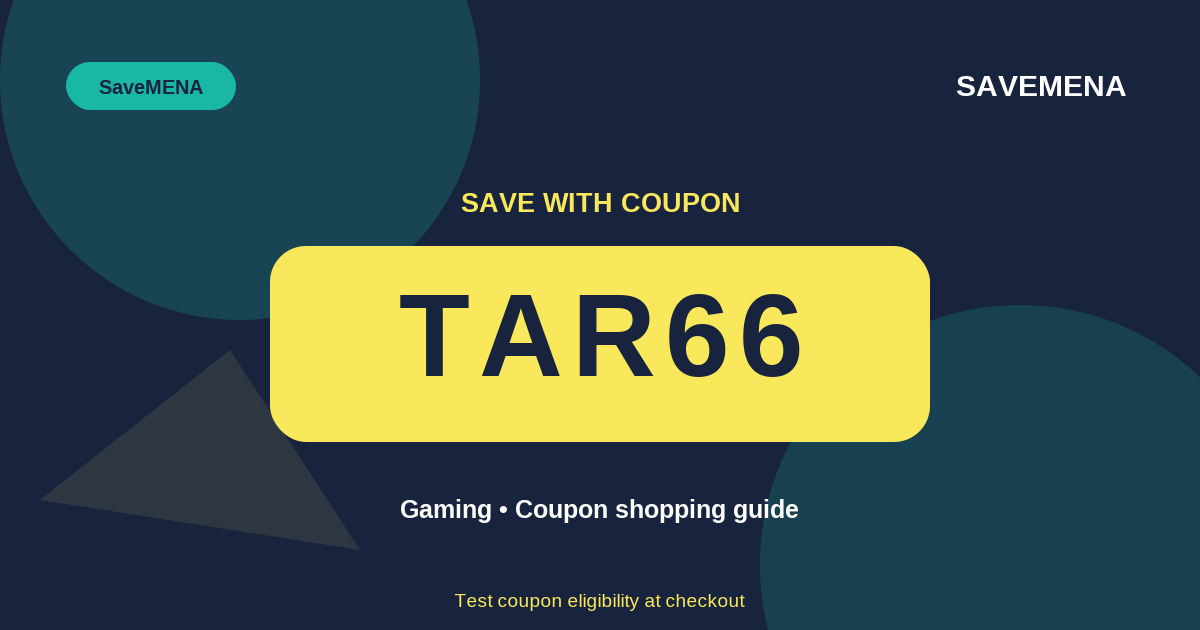
Codes available to try while comparing
These codes are not guaranteed for the article topic or listed brands; test them at checkout and use the live result.
Understanding the Noon UAE Shopping Flow for Gaming Gear
When you begin shopping on Noon for gaming laptops, peripherals, or subscriptions, the first action is selecting the item from the Electronics > Computers & Accessories section. The product page presents the seller information, shipping options and any available promotional tags. For gamers, devices often feature high‑resolution displays and powerful GPUs, so double‑check the specifications before adding them to the cart. The site will prompt you to sign into your Noon account or create one, ensuring that all future promotions and order history remain tied to your user profile.
After adding a gaming product to your cart, Noon allows you to view the cart total, shipping rates and any applicable taxes. At this point the site will display any active discounts that are automatically applied, such as wholesale or loyalty offers tied to your account status. If a coupon code is entered, it will subtract the discount before shipping; but be mindful that Noon may restrict coupons to certain product categories or order minimums, details typically clarified in the 'Terms & Conditions' section accessed during checkout.
Why You Need a Valid Noon Gaming Account
Before you can try Noon UAE coupon codes Gaming account context, you must own a Noon account that is linked to your UAE address. This account records payment methods, saved addresses, and order history, all of which influence coupon eligibility. For instance, only accounts with a verified payment method could be eligible for specific retailer promotions that require a completed order history. An unverified account may be flagged as incomplete, preventing discount application during checkout.
Gamers with multiple households should also create separate Noon profiles if they intend to shop for friends or family. Each profile carries its own billing and shipping data, which can alter coupon applicability. Noon’s system evaluates the active account to determine storefront personalization, promotional eligibility, and order limits. Therefore, ensuring your account is active and fully verified each time you try a voucher is essential to avoid unexpected transaction errors at checkout.
Step‑by‑Step: Applying Your First Noon UAE Coupon Code
The torque of trying a coupon code starts with locating the dedicated field on Noon’s checkout page. Once you scroll to the bottom of the review order screen, a small “Enter Coupon” box appears. Input the code TAR62 into this zone and tap the apply button. Noon will instantly recalculate the total, reflecting any entitled discount. In many cases the discount is listed in a separate line item, showing the original price, the deduction, and the new payable amount, all in UAE dirhams.
After the discount recalculates, it is prudent to double‑check that the reduction moved from the subtotal, not the shipping. Some promotional codes the coupon code the product price only. If the coupon does not function correctly, the system will display an explanation such as “Code not valid for this order,” prompting you to verify you’re still logged into the correct account and that the product falls under the code’s scope.
Verifying Coupon Eligibility: The Role of Your Gaming Account Context
When you try Noon UAE coupon codes within a Gaming account context, the platform examines the account’s purchase history and the specific coupon’s terms. If the coupon requires a minimum purchase or a category filter, the system will automatically adjust the eligibility flag. For example, if a gamer’s last order was a standard keyboard, some codes may be restricted to premium GPUs or bundles. Noon’s algorithm checks these conditions if the coupon code is entered, but it only flags them after you hit ‘Apply’.
It is vital to review the confirmation that appears after the code is applied. Noon often shows a pop‑up or a small banner say “Coupon applied” with the discount value. If the discount does not appear, you must revisit the requirement checklist: Ensure you’re signed into the correct profile, the product belongs to the coupon’s category, and the total meets any order‑value minimum. Once you confirm all these factors, you can proceed to payment.
Common Pitfalls When Trying Noon UAE Coupon Codes
A frequent mistake among gamers is attempting to combine multiple Noon UAE coupon codes in a single transaction. Noon’s rules typically allow only one code per order, so trying a second code after the first will likely be rejected. When this occurs, re‑enter the first then re‑apply to see if the discount persists. Failing to refresh the page or clear your cart might also cause the code not to register correctly.
Another common filing point is using a coupon code from a different marketplace or retailer. The TAR62 code is specifically tied to Noon and will not be recognized outside of it. Similarly, attempting to use the same coupon across different countries or currencies can trigger errors, as the code is country‑specific. Always double‑check the country designation before inputting the code. If you’re uncertain, contact Noon’s customer support for clarification.
Saving on Bundled Gaming Packages
Genomic bundles, such as a gaming headset paired with a controller, often carry a bundle discount that does not rely on coupon codes.A coupon is not guaranteed; verify its result at the retailer checkout. Some bundles are flagged as "discontinued" or purchased at a fixed price, which can prevent a coupon from applying. Verifying the item’s tags before adding it to the cart informs you of potential coupon compatibility.
When a bundle is eligible, the discount will reflect in the cart subtotal. If the coupon applies, Noon will subtract the voucher amount, and the final price will show both the bundle discount and the applied coupon. To confirm the savings, double‑check the line items: you should see “Bundle discount” and “Coupon discount” separately. If any discount isn't showing, revisit the coupon eligibility conditions or consider applying the coupon to a separate single‑item purchase.
Tracking Your Purchase and Confirmation with the Gaming Account
After successfully applying a Noor UAE coupon code, register the confirmation email that Noon sends to your registered address. The email includes your order ID, the item list, and a final payable amount. In the case of a coupon discount, you will see the deduction highlighted next to the total. Keeping this email handy allows you to track shipping updates through your Noon account, which pulls logged order information automatically.
Accessing the order details via your Noon profile is beneficial for verifying that the coupon was credited correctly. In the order history tab, each line item will display the applied discount, and you can compare the pre‑discount total to the final amount.A coupon is not guaranteed; verify its result at the retailer checkout.
Final Checklist Before You Hit Checkout
Before finalizing the purchase, make sure that the shopping cart total reflects the coupon code application and that any eligible bundle or bulk discount is already accounted for. Also re‑confirm the active account is the correct profile and that your payment method has sufficient balance. This pre‑checkout verification step helps prevent the need to process cancellations or refunds after the order is flagged by Noon’s system.
Finally, navigate to the payment screen and observe the summary section. The discount lines should appear prominently, alongside the subtotal, shipping cost, and tax. Once you’re satisfied with the final payable figure, proceed to confirm the order. Remember that once the order is placed, the coupon is considered redeemed; if you later discover an issue, contact Noon customer support promptly for resolution.
Related SaveMENA pages
Related articles
Official sources to check
Frequently asked questions
A coupon is not guaranteed; verify its result at the retailer checkout.
No. The code is only available to try. Eligibility can vary with the live account, basket, item, seller and campaign context, so checkout is the final reference.
Where should I confirm the coupon result?
Apply the code in the Noon basket and review the live message and final payable total before payment. Do not rely on an undocumented percentage or condition.
Can the result vary by product or seller?
Yes. Eligibility and offer context can vary with the current basket details, so compare the exact item, seller, variant and final total before purchasing.
What should I do if the code does not work?
Check the market, account, item, seller, basket and payment context, then try another code available to try without guessing an unsupported reason.