Braun Kitchen on Noon UAE: account eligibility — testing coupons one at a time · TAR62
If you’re looking to test Noon UAE coupon codes one at a time for Kitchen Braun items, the key is to keep your account context in mind.
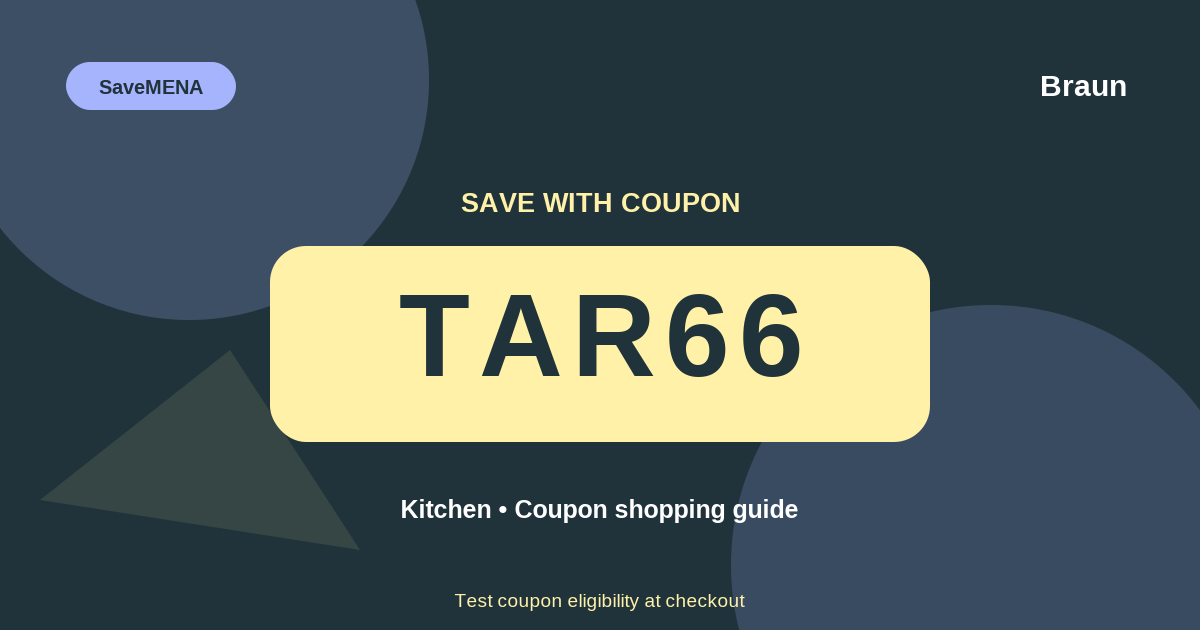
Codes available to try while comparing
These codes are not guaranteed for the article topic or listed brands; test them at checkout and use the live result.
1. Account Preparation Before Applying Coupons
Before you add a Braun kitchen appliance to your cart, log into your Noon account or create a new one if you haven’t yet.A coupon is not guaranteed; verify its result at the retailer checkout. Check that your profile reflects up‑to‑date contact details and that the “email verified” toggle is active. An unverified account often blocks coupon verification during checkout, regardless of the code’s actual validity. Keep a copy of the account email handy; you’ll need it if Noon’s support asks for confirmation.
After logging in, navigate to the “Settings” section and review any linked payment methods. Adding a valid credit or debit card, or a Noon wallet balance, can pre‑empt issues where the system flags incomplete payment options. Some users report that undisclosed or declined cards halt coupon processing before payment is attempted. Thus, verifying that your primary card is active and in good standing helps ensure a smooth testing experience. Remember, only a fully configured account can confirm the code’s status.
2. Selecting a Braun Kitchen Appliance to Purchase
Browse Noon’s Kitchen category and filter by brand to find Braun products. Limit your search to a single item for clearer results—complex bundles might mask coupon failures. A product with a dedicated page guarantees that its SKU is linked to Noon’s inventory system, reducing the chance that the code will fail for inventory reasons. Make sure the item is available in the UAE market; regional restrictions can prevent checkout even if the coupon is valid.
While scrolling, note any price differences or promotional tags. Even if a discount is tagged, it doesn’t guarantee that a coupon like TAR62 will apply. Keep the chosen Braun item’s price visible; you’ll need it to compare against the final amount after applying the coupon. If the product shows a “free trial” or “store credit” label, it may interfere with the code’s processing, so avoid those when testing. Choose a standard model that showcases the brand’s core features.
3. Adding the Product to Your Noon Cart
Once you’ve selected a Braun kitchen appliance, add it to the cart by clicking the “Add to Pay” button. Scroll down to the cart icon or navigate to the cart page to review your selection. Confirm that the correct quantity—usually one—is displayed and that the price matches the product page. If the price shows a markup or hidden fee, check the “delivery” field for applicable charges; these can override the code’s application if not accounted for.
Inspect the cart for any automatically added accessories or complimentary items; some sellers attach extras to every purchase. While this is fine for regular purchases, it can sometimes trigger coupon restrictions. If you notice such items, remove them temporarily to isolate the Braun product’s eligibility. After confirming the cart’s contents, proceed to the next step—applying the coupon code—while still in the same session to prevent any sign‑out or session timeout that might lose your list.
4. Using the TAR62 Coupon Code
On the cart or checkout page, locate the coupon input field labeled “Enter coupon code.” Enter TAR62 exactly as it appears, being mindful that letter case may matter for some systems. After typing, press the “Apply” button. The website will then re‑calculate the subtotal and display whether the code was accepted. If the code is valid, a line item highlighting the discount should appear next to the original price; if not, a message will inform you that the coupon could not be applied.
It is advisable to keep the same browser session active during this step; logging out or switching devices can reset the applied code. If a pop‑up appears asking to confirm payment method or regional restrictions, accept or dismiss it promptly—any interruption can invalidate the coupon during the current transaction cycle. In case the entry fails, double‑check the code spelling and ensure you’re still logged into the correct Noon account, as unverified accounts often block coupons at this stage.
5. Confirming Coupon Application at Checkout
Proceed to the checkout screen, where you will be prompted to confirm shipping details, payment options, and the final amount. Here, you should see the exact discount amount (if applicable) reflected against the original price. Noon displays a transparent breakdown: fare, delivery fee, discount, and total payable. Verify that the discount line references the TAR62 code, confirming that the code was processed successfully in this session.
If the discount is not shown, note the error message displayed and pay attention to the dash of “Discount not applied.” This outcome indicates that the account or product may have restrictions preventing the coupon from being valid—sometimes due to incomplete payment method or overlapping sales. In such cases, proceed with the purchase to gather the specific error details, then return to the account or product page to adjust any settings before re‑testing. The final total will always include all fees; do not assume the code offers a full price reduction.
6. Resolving Account-Related Issues with Coupon Redemption
If Noon indicates that your account cannot use the coupon, check whether there are any “New User” or “an app-related condition that must be verified at checkout” rules that might affect you. Some coupons only apply to app users; visiting the web portal may prevent acceptance. In that event, close the browser and reopen the Noon app to try the same steps again. However, this article focuses on the account context rather than the channel, so verify your account type remains consistent across tries.
Sometimes account restrictions stem from incomplete profile data, such as missing phone number or invalid email. Update the necessary fields or confirm the phone via SMS verification. Additionally, look for any pending transactions or unpaid balances in your Noon wallet that could block coupon usage. Clearing or settling those balances often removes the barrier, allowing the voucher to be applied during checkout. Document the steps you took should you need to contact Noon support later for clarification.
7. Alternative Methods to Test Codes One at a Time
If you wish to probe multiple codes beyond TAR62 to ascertain whether the pattern of acceptance or rejection is consistent, create a dedicated “test” card in Noon’s payment section. Then, insert each code one by one, recording the outcome on the cart page before proceeding to checkout. Since the rules are often tied to the account rather than the product, you’ll discern patterns such as “codes work when the account is verified but fail when it’s not.” The process is identical—enter, apply, observe.
Another approach is to use the “Request a Quote” feature for higher‑end Braun appliances. While this bypasses the regular checkout, the system will still return a message about coupon validity in the quote sheet. However, the quote interface may not reflect the same discount calculations, so cross‑referencing with standard purchases remains best practice. Remember, the verification step always comes at checkout; earlier stages can give preliminary hints but not guarantee final acceptance.
8. Final Verification and Next Steps
After confirming that TAR62 applies—or fails—for your Braun kitchen appliance, decide whether to proceed with the purchase or to explore alternate coupon codes. If the code was accepted, you can complete the payment to lock in the discount and receive your order. If not, revisit your account settings, ensure delivery availability, and try again. Maintaining a clear record of what each step entailed will assist you if you need to seek help from Noon’s customer service later.
Should you choose to try a different coupon, repeat the prior steps while remaining in the same account session. If you notice all codes fail, it likely indicates a larger account issue; contacting Noon support with the exact message you received will help resolve it. By following this structured, account‑centric approach, you’ll have a definitive understanding of whether Noon UAE coupon codes, like TAR62, function under your current account context for Kitchen Braun items.
Related SaveMENA pages
Related articles
Official sources to check
Frequently asked questions
What happens if the TAR62 coupon doesn’t appear after applying it?
If the discount line is missing, Noon usually shows a message explaining the failure reason—such as account verification needed or product restrictions. Double‑check that you’re logged in, that your payment method is valid, and that the product is available in the UAE market.
Can I use the same coupon for multiple items in my cart?
Coupon codes typically apply to the entire cart’s subtotal. After entering TAR62, the system will recalculate the total for all items added. However, if the code is accepted for one Braun product, it typically works for any other compatible items in that order.
Will the discount from the coupon be reflected in my final bill on checkout?
Yes. Noon’s checkout page displays a detailed summary: original price, discount amount, delivery fee, and final payable amount. Verify that the discount is listed before finalizing the payment.
If I can’t use the coupon, should I contact Noon support?
Contact Noon’s support if the error persists after verifying your account details, payment method, and product availability. Provide them with the error message and any relevant screenshots to expedite resolution.