Lenovo Laptops on Noon UAE: account eligibility — testing coupons one at a time · TAR62
Search for laptops by typing “Lenovo” into Noon’s search bar or filtering under the laptops category.
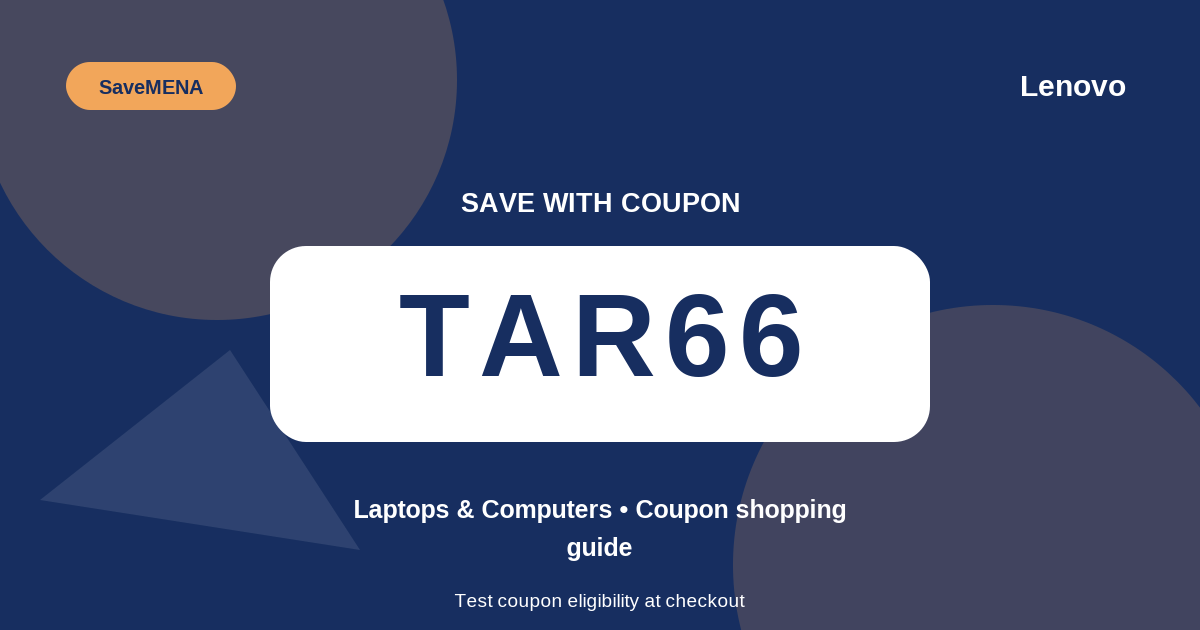
Codes available to try while comparing
These codes are not guaranteed for the article topic or listed brands; test them at checkout and use the live result.
Identifying Eligible Lenovo Laptop Models on Noon UAE
Search for laptops by typing “Lenovo” into Noon’s search bar or filtering under the laptops category. Filter results by brand to narrow down the selection to Lenovo only. When you find a model, check the product page for any notes about promotional code applicability. Some listings may explicitly state that coupon codes are supported, while others may not.A coupon is not guaranteed; verify its result at the retailer checkout.
After selecting a Lenovo model, scroll to the description and any seller messages. Look for tags such as “Coupon compatible” or similar language that implies the product can accept promotional codes. If the seller’s description is unclear, you might consider adding one or two models to the cart to proceed with the trial. This way, you can confirm coupon functionality before finalizing the purchase decision.
Testing the TAR62 Coupon Code on Your Selected Lenovo Laptop
Add the chosen Lenovo laptop to your Noon cart. Proceed to checkout by clicking the “Proceed to payment” button. On the payment page, locate the “Coupon Code” or “Promo Code” field. Enter “TAR62” exactly as displayed, remembering to use uppercase letters because codes are case sensitive. After typing, hit the apply button to see if the code registers and reflects a change in the total payable.
It is essential at this stage to note the exact change displayed. Instead of copying a numerical discount, simply confirm whether the final payable total has been updated relative to the original price. Save the receipt screen or note the pre‑ and post‑application totals as evidence, which will be useful if you need to dispute or check coupon behavior at a later time.
Observing the Final Payable Total at Checkout
Once the TAR62 code is applied, scroll to the “Final Payable Total” section. This value reflects all product prices, taxes, shipping, and any promotions applied. Confirm that the application of the code is reflected in the final amount; a decrease indicates the code was accepted. If the total remains unchanged, the code was either invalid, expired, or not supported for the selected item.
Ensure you are reviewing the actual total that will be charged, not just an estimated amount shown earlier in the cart. The final payable total can sometimes display dynamic changes as shipping options are selected; therefore, the last snapshot right before you place the order is the definitive reference for the coupon’s effect.
Common Issues When Applying a Coupon Code
If the TAR62 code fails, double‑check that it is entered correctly with no extra spaces.A coupon is not guaranteed; verify its result at the retailer checkout. Some sellers may restrict coupons, so verifying that the specific Lenovo listing supports promotional codes is key before adding other items.
Additionally, ensure that your Noon account has no outstanding disputes or payment holds that might limit code usage. If you suspect a technical glitch, try clearing your browser cache or using a different device. If the problem persists, contacting Noon customer support can clarify whether the code is currently active for Lenovo laptops in your region.
Evaluating Account Context for Coupon Eligibility
Your Noon account’s status can influence whether the TAR62 code applies. Check for account verification, payment method security, and any pending order issues. On the “Account Settings” page, look for fields like “Account Level” or “Purchase History.” Some users find that first‑time shoppers can sometimes use coupons that paid‑customer accounts cannot, though this can vary by promotion.
Also notice whether you have any recent large purchases or returns, as these can temporarily affect promotional code eligibility. Keep an eye on any account‑specific notifications in the Noon app; these alerts often mention restrictions that might limit coupon usage. Aligning your account health with coupon requirements ensures smoother code application.
Repeating the Trial Process with Multiple Codes
After testing TAR62, you can repeat the steps for other available coupon codes if you have them. Keep each trial separate by starting a new cart or clearing previous items. This prevents confusion between how each code affects the final payable total. Document the result of each code, noting whether it displays any adjustment at checkout.
If you discover a code that appears more effective or remains accepted across multiple products, consider noting its performance. Do not assume a code’s effectiveness before actually observing the final payable total; each transaction is the true test of coupon validity under your account context.
Decision Summary and Next Steps for Your Laptop Purchase
Compile your findings: which codes were accepted, any that failed, and how your Noon account influenced the outcome. If TAR62 was successful, consider placing your purchase before factors like price fluctuations or stock changes. If it didn’t work, you may still trial other codes or wait for a future promotion.
When you’re ready to complete the order, re‑enter the accepted code one final time during checkout to confirm it still applies. Pay close attention to the final payable total, then proceed with payment. This methodical approach of testing one code at a time ensures you maximize discount potential without risking unnecessary charges.
Related SaveMENA pages
Related articles
Official sources to check
Frequently asked questions
Can I use multiple coupon codes on the same laptop order?
No, Noon generally allows only one promotional code per transaction. To test another code, cancel the current order, start a new cart, and apply the new code. Keep separate test results for each code to see which provides the best benefit.
Does my payment method affect coupon eligibility?
Yes. A valid, verified payment method is required to activate coupons. If your payment information is pending or incorrect, the code may not apply. Ensure the card or PayPal account linked to Noon is active and has no validation issues before applying a coupon.
Will I be able to see the exact discount amount after using a coupon?
On Noon’s checkout page, you will see a reduced final payable total if the coupon applies. However, the site may not display the specific discount amount separately; a change in the total indicates the coupon worked. Keep records of the pre‑ and post‑application totals for your reference.