Makeup on Noon UAE: account eligibility — testing coupons one at a time · TAR62
Looking to try Noon UAE coupon codes Makeup account context? You’re in the right place. This guide walks you step‑by‑step through every moment of your makeup
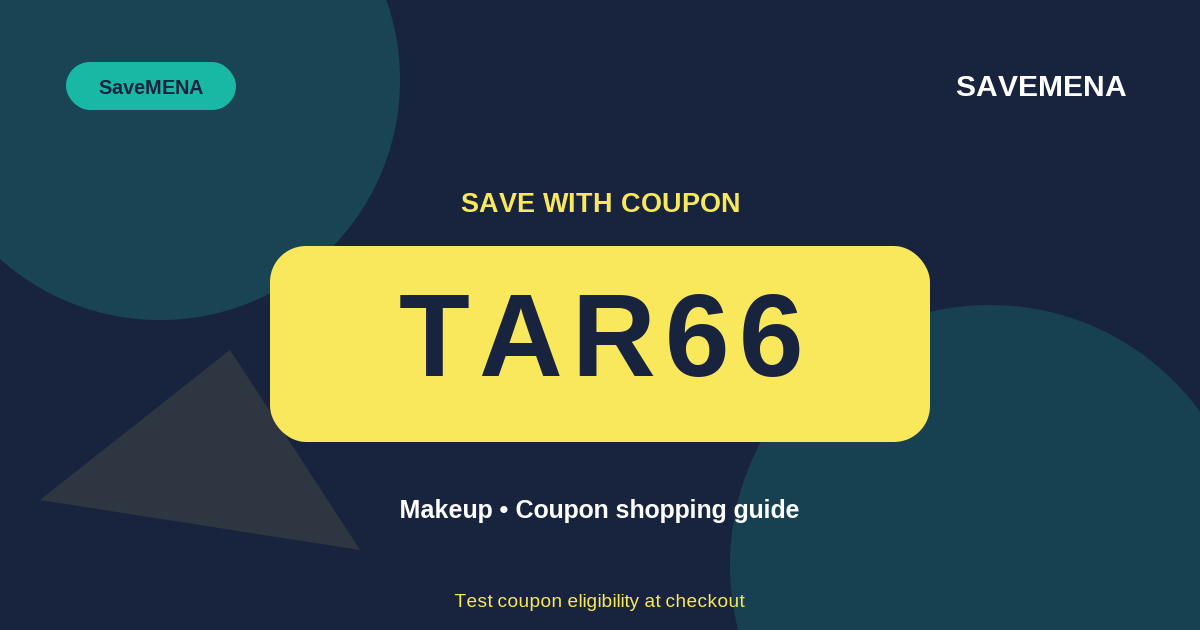
Codes available to try while comparing
These codes are not guaranteed for the article topic or listed brands; test them at checkout and use the live result.
1. Understanding Your Makeup Shopping Journey on Noon
When you first log into Noon, a vast panorama of makeup products greets you. Filters let you narrow the world down to shades, skin tones, and application styles: eyeshadow palettes, lipsticks, foundations, and more. Browsing by popularity or new arrivals helps highlight trending products that fit your aesthetic. Knowing how to read product details—ingredients, wear time, and reviews—ensures you buy a shade that really suits your needs, rather than scrolling through endless generic options.
Before you add anything to your cart, open your Noon account. Username and password unlock personalized benefits such as saved addresses, payment options, and loyalty points that may later apply to your purchase. If you’re not signed in, you’ll lose the chance to use account‑based features that could work well alongside the TAR62 coupon code. Checking account settings first guarantees you’re ready to make a smooth checkout, no matter how quickly you browse.
2. Adding Items to Your Cart
The first tangible step is to place a product in the cart. Select the exact shade or size from the dropdown menus, and confirm quantity. If you intend to try multiple items, use the “Add to cart” button for each selection. An intuitive cart icon in the header keeps you refreshed on how many items you’ve chosen, while also allowing quick edits if you want to swap a lipstick shade or adjust the amount of foundation.
After finalizing the shade, return to the cart and verify that the correct variant appears. Mistakes like swapping a matte for a satin finish can happen in a busy scan. Removing duplicates and keeping only the items you truly want avoids unnecessary charges and keeps your checkout tidy, making the coupon code’s impact on the right the coupon code list more visible.
3. How to Apply the TAR62 Coupon Code
With your cart ready, scroll to the summary section where total, shipping, and taxes are listed. A field labeled “Enter coupon code” or “Voucher” is where you’ll type TAR62. Noon’s interface recognizes the code and attempts to validate it at this exact point of the order. Be sure you’re still logged into your account; certain coupon logic can be tied to account status.
After typing TAR62, click “Apply” or the equivalent button. The page usually refreshes with an updated total if the code is valid. Since we cannot confirm outcome, the safest approach is to review the totals immediately. A reduction in the base price signals success; an unchanged amount indicates the code may not be active for your selection, or your account status might differ.
4. Verifying the Coupon’s Effect on Your Makeup Order
Double‑check the cart after applying TAR62. The item’s price should reflect any discount if the coupon worked. If the subtotal remains identical to before applying, it is a clear sign the code did not process. Look for a message from Noon—often the platform will display a notification such as “Coupon not applicable” or “Please try a different code.”
Even if the price didn’t shift, you can still proceed with the order. Sometimes coupons only allow you to view potential savings, or they might apply to whole cart totals. Make a note of what happened and consider retesting with different cosmetics, sizes, or at a later time. The account context is vital; ensure your cart doesn’t contain restricted items that could prevent a discount.
5. Accounting for Fees and Delivery in the Makeup Purchase
Noon typically offers free delivery when orders exceed a threshold. If your makeup cart sits below that limit, a standard shipping fee is added. The fee is visible under “Delivery” before you finalize payment, allowing you to re‑evaluate the overall value. Some high‑end cosmetics can push you just over the threshold, making a cheap shipping charge irrelevant.
Payment particulars—credit card, Apple Pay, or Noon Wallet—can also influence small additional fees. If you’re using a new card or a payment method never linked to your account, a secondary verification might apply. Under the account context, double‑check that your preferred method is saved and active to avoid a checkout hiccup after you have applied TAR62.
6. Using Your Noon UAE Account for Loyalty and Extras
Beyond coupons, Noon’s account offers vantage points like loyalty points that accrue with every purchase. When you sign into your account, these points may transfer to a discount or 5–the discount shown at checkout off on selected beauty items. Though not guaranteed for makeup, loyalty status can sweeten your deal a bit.
Some Noon accounts have “Prime” or “VIP” benefits, potentially unlocking exclusive sales events or automatic coupon inclusion. If you belong to such a tier, be sure to examine the “Your Account” section before checkout; extra savings could apply automatically without manual code entry, along with the TAR62. A well‑applied account knowledge can compound savings.
7. Common Hours: Saving Small but Valuable on Makeup Deals
Noon often hosts flash sales and midday offers that coincide with work‑break rhythms. Typing TAR62 during a sales event can produce a more significant reduction if the discount applies to the sale price. Look out for bookmark alerts in your profile; they often recommend the best times to buy makeup before a price drop.
Account context again matters: if your account is flagged for a weekly marketing cycle, you might see a reset in coupon eligibility nightly. Keeping your phone’s push notifications on guarantees you’re in the loop. Timing the code activity across these windows can convert a small code into a noticeable saving in your final amount.
8. Final Checklist Before Checking Out
Before you hit “Place Order,” review every detail. Confirm the cart lists the correct shades, quantities, and that the subtotal reflects any discount from TAR62. Verify that payment information matches your account, and that the shipping address aligns with your saved profile. If anything is off, correct it immediately to avoid a failed checkout.
Lastly, look for a “Review Order” page where Noon will re‑summarize totals, shipping, taxes, and the final payable amount. If the total still shows the coupon code was accepted, you’ve achieved your savings goal. If it does not, be clear on whether you want to proceed without discount or adjust your cart. This final step safeguards against any overlooked errors, completing a smooth, informed purchase.
Related SaveMENA pages
Related articles
Official sources to check
Frequently asked questions
What do I do if the TAR62 coupon code doesn’t work at checkout?
If the code is not accepted, double‑check that your cart items are eligible and that you’re logged into your Noon UAE account. Try applying the code again after refreshing the page. Some products or account types may restrict certain coupons, so reviewing the app’s message or contacting Noon support can clarify if the code is currently active for your purchase.
Can I use the TAR62 coupon code on multiple orders?
Each code’s usage rules are defined by Noon’s current promotions. Generally, coupons may be valid for a limited number of redemptions per user. Verify the application note in the code field or during checkout. If the code appears unused, you can apply it again for a new order, but ensure it aligns with the current terms of use.
Will using the TAR62 code affect my loyalty points?
Applying a coupon typically does not negate the accumulation of loyalty points for your purchase, as long as the transaction completes. However, the points earned might be calculated based on the discount applied. Review Noon’s loyalty policy in your account dashboard for specifics on points earned after a coupon discount.
Is there a delivery fee when using the TAR62 coupon?
Delivery charges are calculated separately from coupon discounts. After you apply TAR62, checkout will display the shipping cost based on your order total and location. Free delivery thresholds still apply; if your purchase meets that threshold, delivery will remain free regardless of coupon usage.