Samsung Mobile Accessories on Noon UAE: account eligibility — testing coupons · TAR62
If you’re looking to try Noon UAE coupon codes for mobile accessories, especially Samsung products, this guide will walk you through testing a single code at a time
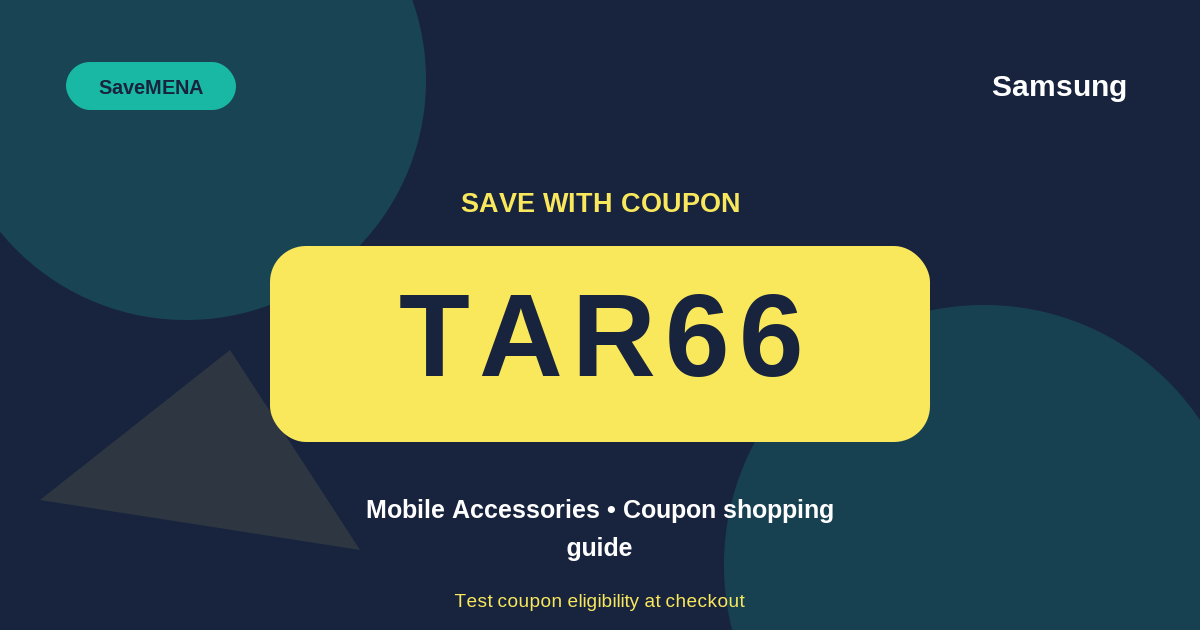
Codes available to try while comparing
These codes are not guaranteed for the article topic or listed brands; test them at checkout and use the live result.
Understanding Noon and Your Account Context
Noon represents a marketplace specifically tailored for UAE residents, offering an extensive array of mobile accessories. Every shopper’s experience can vary depending on the account they use, whether it involves membership tier, or specialized benefits tied to frequent shoppers. Recognizing the profile you are operating under allows you to anticipate how redeemable codes like TAR62 may apply, as some concessions can differ between new users and loyal customers. Knowing this early on saves time and prevents confusion during checkout.
When you sign into Noon, the platform displays your account type prominently. Any eligibility thresholds, such as order history or loyalty points, exist in that space and influence how codes are accepted. Always double‑check that the profile you designated for testing aligns with the code’s intended usage, as this directly affects the coupon’s validation during the final payment stage.
Finding the Right Mobile Accessories on Noon
Explore the mobile accessories selection by filtering for device brand and accessory category. For Samsung‑compatible items, select the dedicated brand section to ensure the product is truly tailored to your device model. Avoid generic items that may be mislabeled, which can lead to discount misapplications or failures to match your phone’s specifications.
The search pipeline also provides a convenient “Samsung Accessories” filter, allowing you to focus solely on compatible cases, screen protectors, and charging solutions.A coupon is not guaranteed; verify its result at the retailer checkout.
Why Samsung Accessories Fit Your Needs
Samsung devices typically dominate the UAE market, making accessory availability robust across various price points. The consistency in design across recent model releases means that a single accessory can often fit multiple variants, a fact that simplifies the decision to purchase within the Noon ecosystem.
Because Noon occasionally renews its catalog for newer releases, verifying the accessory’s compatibility with your current device before testing the coupon is prudent. In the context of your account, this diligence helps ensure that the product score and eligibility data align correctly, allowing the TAR62 code to be evaluated without unexpected errors at payment.
How to Apply the TAR62 Coupon Code – Step by Step
Begin by adding your chosen accessory to the cart while still logged into your preferred account. The cart interface displays a clear option for coupon entry, typically labeled “Apply Coupon” or simply “Coupon Code.” Carefully type the exact characters of TAR62, ensuring no inadvertent spaces or capital‑case variations.
When the code is entered, the page recalculates the final amount immediately. At this point, the system will confirm whether any reduction is applied, without specifying the magnitude. This instant feedback is vital for confirming that the code is accepted during the testing phase, keeping the process straightforward for your account context.
Testing Coupons One by One: A Practical Approach
Testing coupons effectively requires a systematic approach. Launch a new purchase session and add an item that has a known price point. Apply the TAR62 code, verify the immediate adjustment on the cart summary, then proceed to the next step of the checkout.
Should the system not reflect any change, consider reviewing the account type and the cart contents. For instance, the presence of a subscription service or premium item may alter coupon eligibility. By iterating through each variation, you isolate any variables that may obstruct the coupon’s acceptance during the final payment stage, ensuring your testing remains thorough within the account context.
Verifying the Coupon’s Effectiveness at Checkout
Once you reach the final payment page, the coupon’s status is reaffirmed. This stage verifies that the code remains valid from cart to checkout. If a reduction is displayed, the coupon has succeeded in applying. If not, the platform will indicate any issue, such as an expired code or inapplicable cart content.
Because Noon mandates that each payment session recalculates eligibility, a review at this point confirms that the code’s effect persists beyond the initial cart update. In the scenario of an account with special privileges, a prompt may be offered to adjust or confirm the discount.A coupon is not guaranteed; verify its result at the retailer checkout.
Common Pitfalls When Using Coupon Codes on Noon
Popular errors include mistyping the code, using a code for a different product line, or applying the same code multiple times on a single order. Because Noon’s system may flag duplicated usage, it is wise to attempt the code only once per transaction.
Other pitfalls arise from account mismatches. If you log in under a different email or membership level midway through the checkout, the platform may refuse the coupon. To avoid this, maintain a single login session throughout the purchasing process, and double‑check that the payment method is attached to the same account profile tied to the coupon’s eligibility.
Maximizing Savings While Staying Within Account Constraints
To identify potential for additional benefits, examine the store for complementary offers available to your account type. Many users receive auto‑applied credits for loyal customers, which can stack with a coupon if the platform permits combined usage.
When testing, align each coupon trial with your account’s specific rewards and confirm via the checkout page that all applicable discounts are active. This practice prevents surprises at payment and guarantees that the final amount reflects every permissible concession, including those generated by your TAR62 code within the scope of the account context.
Related SaveMENA pages
Related articles
Official sources to check
Frequently asked questions
Will my Noon coupon code reset after each attempt?
After you close the browser or log out, the coupon entry may need to be re‑typed. Ensure you remain logged into the same account throughout the transaction to avoid inadvertent resets during testing.
Can I apply the TAR62 code to a bundle of accessories?
A bundle may trigger different eligibility rules based on its composition. Verify the application during the cart update; if an adjustment appears, the code is accepted. If not, review the bundle components for compatibility.
What if I notice no discount applied despite entering TAM62?
If the cart shows no change, double‑check the code spelling and confirm that the item falls within the accessory category. Account level mismatches can also negate the coupon, so verify that your login matches your profile requirements.
Do I need to close my cart before applying the coupon?
No. The coupon fields are accessible directly from the cart page. Simply enter the code, and the system updates the total instantly; no additional steps are necessary before proceeding to checkout.