Huawei Mobiles on Noon UAE: account eligibility — testing coupons one at a time · TAR62
The TAR62 coupon code generated by Noon is specifically advertised for general usage on the platform, and it is not tied exclusively to Huawei models.
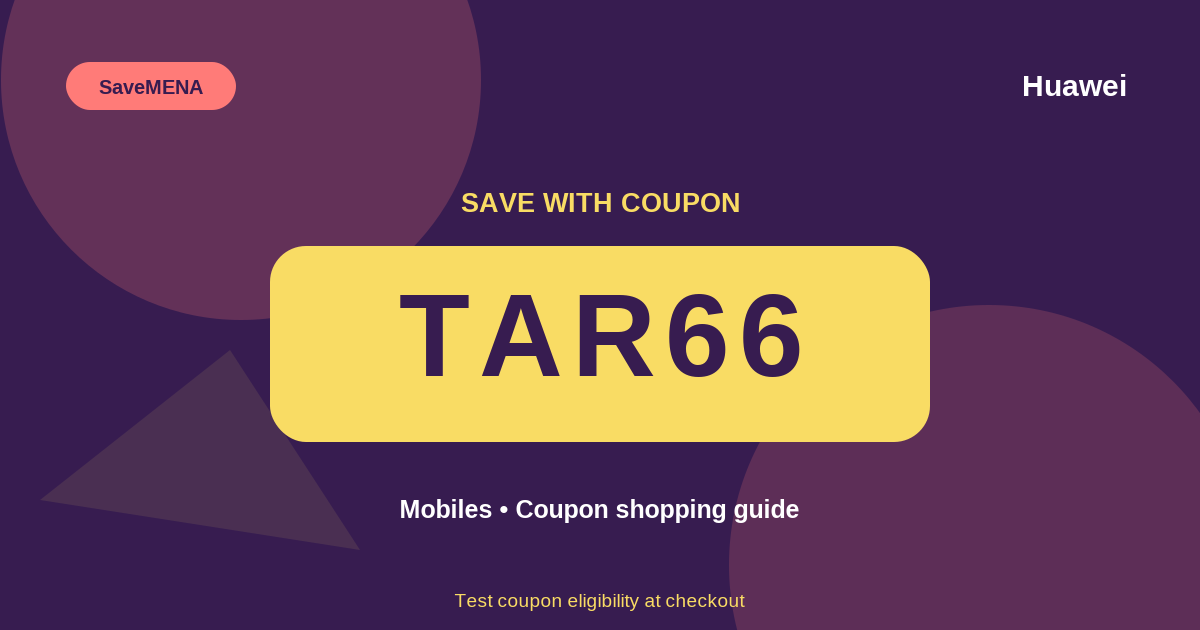
Codes available to try while comparing
These codes are not guaranteed for the article topic or listed brands; test them at checkout and use the live result.
1. What the TAR62 Code Means for Your Huawei Mobile Purchase
The TAR62 coupon code generated by Noon is specifically advertised for general usage on the platform, and it is not tied exclusively to Huawei models. Nevertheless, when you add a Huawei device to your cart, the code can still be entered during the payment stage. Whether it will change your final bill depends on the checkout process determining eligibility based on your shopping history, cart value, and any ongoing promotions that Noon may be running at that moment. To keep your expectations clear, simply test the code once and observe the difference before proceeding with payment.
In the context of your account, it is vital to understand that any discount reflected in the total will be processed through your Noon account once the order is placed. Thus, your account status—such as being logged in, having enough reward points, or holding a specific membership tier—can influence whether the coupon applies. Keep in mind that the code can only be applied once per order, and it needs to be typed exactly as shown; mistakes will result in a non‑applicable result.
2. Choosing the Right Huawei Device for Your Shopping Session
Before you even reach the coupon entry screen, selecting a Huawei model that aligns with your budget and needs is critical. The range includes budget‑friendly options, flagship releases, and older generations that still perform well. Each model’s price tag will interact with your account context: for example, higher‑priced items might trigger additional shipping or handling fees that could offset any discounts you attempt to apply. Look for the product page that lists the most recent seller information, ensuring the item is available for UAE delivery.
When engaging your Noon account, remember that each device’s seller may have its own set of terms regarding returns or warranty transfer. While this does not directly affect the coupon’s validity, it influences your overall purchase confidence. Recording the exact variant (color, storage capacity, etc.) will help when you enter the code and confirm whether any change has happened to the final amount at checkout.
3. Preparing Your Noon UAE Account for Coupon Trials
Make sure you are logged into a verified Noon UAE account before adding items to your cart. An active account allows the platform to store pertinent data such as previous orders, applied coupons, and delivery preferences. When you attempt to use the TAR62 code, the system first cross‑checks the code against the session; if anything appears off—such as an empty cart or an unpaid previous order— the code may be flagged as inapplicable. Syncing your settings early helps prevent interruptions.
Account context also influences your ability to add items to the cart. For instance, a logged‑in account with a saved payment method may expedite the checkout workflow. While you are performing this trial, keep the browser or app open to avoid session time‑outs, as this could remove the coupon from the current order without notice.
4. Adding the Huawei Phone to Your Cart in a Single Transaction
Once the phone and any desired accessories are chosen, add each item to your cart through the “Add to cart” button. When this is completed, proceed directly to the cart page rather than checking out immediately; this grants you time to review the order summary, apply the coupon, and adjust quantities if needed. Make sure all items remain in stock and that the sellers’ addresses align with your selected delivery location to avoid unexpected shipping delays.
While still on the cart page, locate the coupon field typically found near the price breakdown. Here is where you will try the TAR62 code. Since this code isn’t tied to Huawei specifically, all it needs to be is that you are within the same shopping session. Any change—or lack thereof—to the total price that is reflected immediately signals whether the coupon is functioning for your order.
5. Entering TAR62 and Observing Coupon Eligibility
Type the TAR62 coupon code into the designated field, ensuring no leading or trailing spaces. Once entered, click the apply button. The platform will process the code, often within a few seconds, to either confirm applicability or display an error message. If the coupon is not valid for the cart contents, you’ll see a clear notification, and the total will remain unchanged. This step confirms whether your account context—such as purchase history or logged‑in status—interacts positively with the coupon.
Even if the coupon appears to apply, the instantaneous adjustment may not reflect the final discount until you reach the final checkout. Therefore, don’t rely solely on the cart page’s numbers; keep an eye on the confirmation screen where all fees, potential shipping adjustments, and final payable amounts are consolidated before payment.
6. Proceeding to Checkout and Confirming the Final Total
Click on the “Proceed to Checkout” button once the cart reflects the correct pricing. At this stage, Noon requires you to confirm your shipping address and payment method. Here your account context revisits the process: your saved addresses, wallet balances, or stored credit cards might affect the final bill or eligibility of the coupon if certain payment types are restricted for promotions.
On the last screen, you will see a comprehensive summary of all charges, including any applied coupon. This is the definitive checkpoint; compare this amount with the one displayed in the cart after applying TAR62. If the number remains unchanged, the coupon did not affect your order—such a result typically indicates that the code was either already used for a previous transaction or isn’t compatible with the specific Huawei model you selected.
7. Navigating Potential Obstacles in Your Account Context
Many users encounter hurdles like session timeouts, duplicate coupon entries, or blocked access due to account verification statuses. If your coupon doesn’t apply after you confirm the order, double‑check that your account is fully verified—completed email or phone confirmation steps—since unverified profiles can limit coupon usage. Also verify that you haven’t exceeded any daily or limited‑quantity restrictions that Noon may impose on certain promotions.
Last but not least, ensure that your device’s network connectivity remains stable during the entire process. A dropped connection during the final checkout step can result in a failed coupon application without returning a specific error, thereby leaving the total unchanged. Capture screenshots of the final amount if you plan to contact customer support—this will provide a clear reference for the exact equation of your purchase.
8. Evaluating the Trial and Planning Your Next Purchase
After the checkout completion, take a moment to record the final amount, the status of the coupon, and any shipping or handling fees that were auto‑applied. Your account context remains active: you now have an updated order history that may influence future coupon eligibility or prevent reuse of the same code. If TAR62 applied successfully, it serves as a good indicator of how to structure future purchases—perhaps by selecting cheaper models or bundling accessories to accumulate enough value for future coupons.
Conversely, if the code did not alter the price, reflection on the reasons—different device, seller terms, or account limitations—helps you refine your next attempt. Keep this insight handy as you explore other coupons or upcoming seasonal deals, ensuring each attempt is as informed as the previous one. In the end, testing a single code in a controlled context teaches you more than any abstract promise could.
Related SaveMENA pages
Related articles
Official sources to check
Frequently asked questions
How do I know if the TAR62 code is still valid for my order?
After you apply TAR62 in your cart, check the instant message that appears. If the message says the coupon was accepted, it is still valid. If it shows an error or says “invalid”, the code has expired or is otherwise unusable for your transaction.
Can the the coupon code code be combined with other discounts?
Normally, Noon does not allow stacking coupons or combining them with other site-wide promos. Once you apply TAR62 and confirm the final amount, you will not be able to use another code on the same order.
What if the total doesn’t change after applying TAR62?
In that case, either the code didn’t apply to your cart, or the discount amount is zero for your purchase. Re‑enter the code or check for any cart changes that might affect eligibility.
Do I need a Noon membership to use the code?
No, Noon user accounts are sufficient. However, having a verified account—confirmed by email or phone—helps prevent any eligibility blocks that might arise from unverified profiles.