Samsung Mobiles on Noon UAE: account eligibility — testing coupons one at a time · TAR62
Trying Noon UAE coupon codes is a popular approach for shoppers seeking savings, especially when purchasing mobiles.
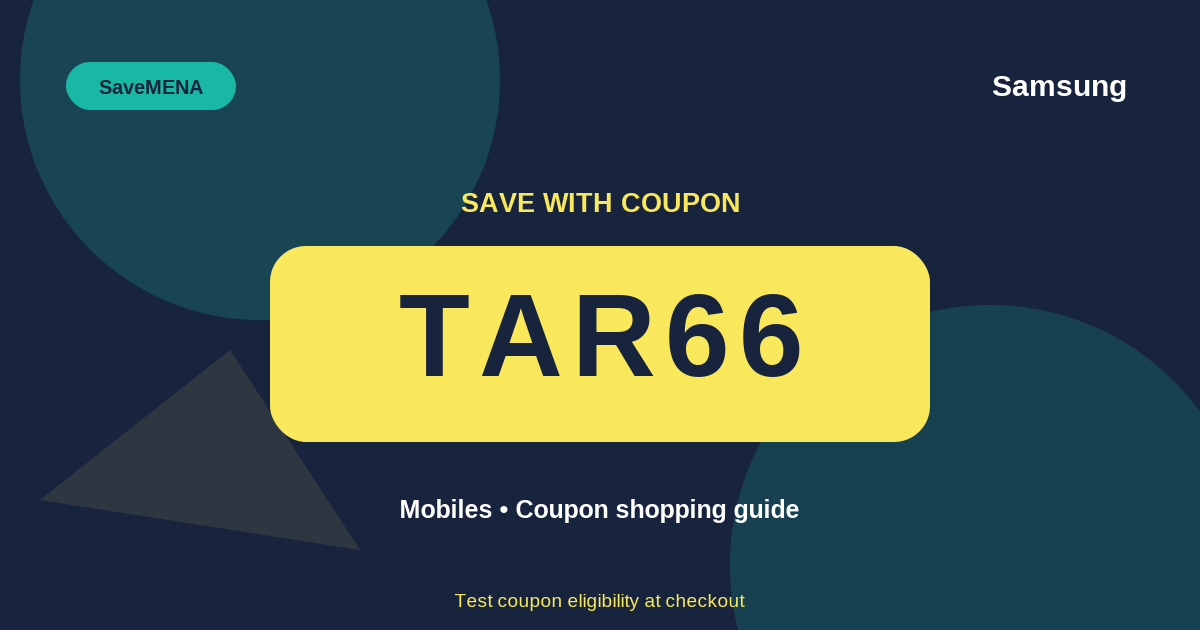
Codes available to try while comparing
These codes are not guaranteed for the article topic or listed brands; test them at checkout and use the live result.
Why Account Context Matters When Testing Coupon Codes
When you work with Noon, every coupon code behaves differently depending on the account data uploaded at login. Your purchase history, reward points, membership tier, and even the device you use can influence whether a coupon is accepted. A code that works for a new user might not validate for a returning customer, and vice‑versa. Therefore, before you apply TAR62, check that your account is in the state you expect – logged in, with the appropriate stored addresses, and with any active loyalty program status.
To keep this check systematic, note that Noon’s coupon engine performs a one‑at‑a‑time validation against your current cart. Even if you attempt several codes simultaneously, only the last applied will be processed. This means you must apply TAR62, confirm its acceptance, then remove or reset the cart before trying another code if you have one, ensuring no residual effects influence your test.
Step 1: Selecting a Samsung Mobile for the Test
Start by choosing a Samsung device you intend to purchase – for example, the latest Galaxy series or a budget option. Search “Samsung mobile” on Noon, filter by your preference, and add the item to the cart. Since TAR62 is not tied to a specific brand, you must still verify that the coupon can be applied to the Samsung model you selected. Don’t rely on blanket assumptions; the system must acknowledge the product in your cart.
Once added, review the product details page to confirm that the seller’s name and variant match expectations. Note that Noon may offer different models under the same line (e.g., regional variants). The coupon will evaluate the total cart value, so ensure the quantity you intend to purchase (typically one) is reflected before proceeding to the next step.
Step 2: Review Cart and Check Eligibility Factors
Navigate to the cart page and scrutinize the subtotal, shipping, and any applicable fees. While you cannot predict the exact final amount, you should confirm that there are no hidden limitations such as minimum spend or exclusion of certain payment methods. These factors can silently invalidate a coupon without an explicit error message.
Also examine your account details: what is your active membership tier, and have you already used a coupon for this order? If you have, Noon often restricts multiple coupon uses. Resetting the cart after each test ensures a clean slate for subsequent attempts. If the cart contains more than one item, consider simplifying to a single Samsung model to isolate the coupon’s effect.
Step 3: Applying the TAR62 Coupon Code
Locate the coupon code field on the cart or at checkout. Input “TAR62” exactly as shown – caps or spaces can cause a mismatch. Noon’s UI typically triggers a quick validation upon entry, displaying a success or error message below the field. This message reflects the raw outcome before final payment calculations.
However, remember that a positive temporary validation does not guarantee final acceptance. Once you move to payment, the system re‑checks compliance. Should you see a watch icon or “awaiting confirmation” message at cart time, it indicates the code is accepted so far. If an error appears, double‑check the spelling and the timing—they might rely on a session token that expired if you left the site open too long.
Step 4: Proceeding to Checkout with Account Confirmation
Advance to the checkout step, where you must confirm shipping address, delivery preferences, and payment method. Noon will again validate the coupon against the final order. If your SIN or loyalty tier has any constraints, they will surface here. An error message will typically state that the coupon cannot be applied at this time.
Review any accompanying messages regarding coupon expiration, excluded items, or other restrictions. Since TAR62 is not guaranteed, you should treat any “coupon not applicable” notice as definitive, not a temporary glitch. Note that the system counts this attempt; if you revisit the cart later, the code may still be blocked for the same session.
Step 5: Analyzing the Final Total and Coupon Effect
Once the secret coupon integration completes, examine the total amount displayed. If the coupon applied, you would see a discount line or a lower overall price. Even if the code did not work, Noon will maintain the original price. Checking the final payable amount helps verify if the code interacted with the order at all, especially useful if the code triggers a hidden voucher such as free shipping.
Because no explicit discount value is known beforehand, you cannot confirm a specific saving amount. Focus instead on the presence or absence of a discount indicator. If your final price remains unchanged, you’ve effectively tested the coupon’s ineffectiveness for your account and device.
Step 6: Re‑Testing with a Clean Cart for Alternative Codes
If you plan to test other Noon UAE coupon codes, reset the cart by removing all items and clearing applied coupons. This ensures a fresh environment. Re‑enter your new code but keep the test process identical: add the Samsung device, apply the code in the cart, proceed to checkout, and observe the outcome. Repeat this for each code separately, documenting the final totals each time.
Maintaining this systematic approach avoids cross‑contamination between coupon tests.A coupon is not guaranteed; verify its result at the retailer checkout.
Step 7: Documenting Results for Future Purchase Strategy
After testing, record whether TAR62 or any subsequent code applied successfully. Note the date, account status (logged in / logged out), and product variant. This log helps you identify patterns: maybe certain loyalty tiers can use specific coupons, or certain SKU categories rewrite the eligibility.
Use these observations to inform your future purchasing strategy on Noon. For example, if the coupon applied only when you were a gold tier member, you might volunteer to upgrade or purchase a complementary product that qualifies you for the enhanced tier before finalizing the sale.
Related SaveMENA pages
Related articles
Official sources to check
Frequently asked questions
A coupon is not guaranteed; verify its result at the retailer checkout.
No. The coupon code is available for testing, but Noon may accept or reject it based on account and cart variables. Use the process outlined to verify its use.
Can I combine TAR62 with other coupons or offers?
No. Noon typically permits only one coupon or voucher code per order. Once you apply TAR62, any further coupon attempts will be rejected for that transaction.
What should I do if my account shows an error after applying the code?
Check for any hidden restrictions: account membership, limited daily usage, or minimum spend. Re‑login or clear cart if necessary, then retest the code.
Is the code limited to a specific Samsung model?
The code is not dedicated to any brand or specific model. It must still pass Noon’s eligibility rules for the selected product.