Tablets on Noon UAE: account eligibility — testing coupons one at a time · TAR62
If you’re looking to try Noon UAE coupon codes while shopping for tablets, you’re in the right place.
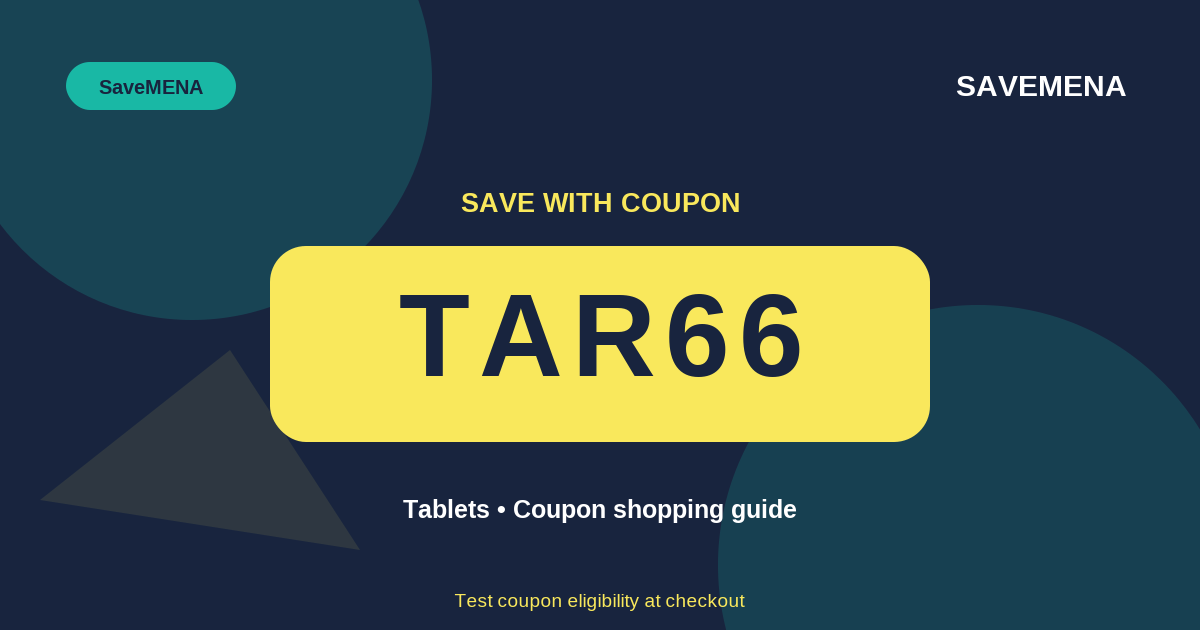
Codes available to try while comparing
These codes are not guaranteed for the article topic or listed brands; test them at checkout and use the live result.
Understand Your Noon Account Status
Before you even open the Noon app, think about how your account is set up. If you’ve signed in on a personal profile that’s linked to UAE-based billing, you’ll typically see the account icon in the top right while browsing the tablets collection. Your account type—whether a new user, returning customer, or loyalty member—can influence which promotions the site will make available.
Identifying the Right Tablet Selection
The first step after logging in is to load the tablets category. Noon organizes devices by brand, screen size, or performance tier, and listing prices can vary widely depending on hardware. Show each tablet’s detailed specs, shipping information, and seller ratings before adding items to your cart. These details will appear on the product page and are essential for confirming the product is still in stock when you proceed to checkout.
Where to Input Your Coupon Code
Finding the coupon field on Noon is straightforward once you’re on the cart page. You’ll see the list of items, each with a quantity field, and below those, a space labeled “Enter a coupon code.” This is where you’ll type or paste TAR62. Be careful to avoid accidentally adding spaces or special characters, as the code must match exactly for the system to recognize it.
Testing the TAR62 Code Step‑by‑Step
Now let’s walk through the exact motions of testing TAR62 on a tablet purchase.A coupon is not guaranteed; verify its result at the retailer checkout. Copy the code “TAR62” exactly, give it a click on the “Apply” button, and wait just a few seconds while Noon checks eligibility. The result appears right there on the same page.
If the code is accepted, the total moves left a noticeable amount. If it’s rejected, a small pop‑up will surface to offer a short reason, often citing “invalid code” or “code expired.” At this point you should decide whether to ignore the failure and proceed, or maybe attempt a different code if you have more. The process remains the same whether you’re buying a single tablet or adding multiple items to your cart.
Common Pitfalls When Applying Codes
Users often overlook several common mistakes that can lead to a code being unapplyable. First, the cart total must be recalculated after any quantity changes; otherwise the code might still reference a previous price. Second, codes are generally specific to the exact set of items in the cart—adding a new device or removing one can invalidate the code. Finally, ensure you’re not logged out during the process; a suspended session can cause Noon’s verification engine to treat the request as stale.
If you encounter a weird error, a quick contact with Noon’s chat support can often reveal whether the code is still active for your account context. Also note that posting the code on the product page itself—before adding to cart—won’t work; the system checks it only against the final order. Stay vigilant and keep the cart updated before applying TAR62 again.
Comparing Savings Across Different Store Sellers
On Noon, the same tablet model can appear from multiple sellers, each offering slightly different prices or promotions. If you’ve added a device from Seller A and the code doesn’t apply, consider swapping to Seller B’s listing. The code may have been restricted to a particular vendor or stock range. You’ll want to verify if the total of the newly selected product still falls under the code’s coverage.
Don’t forget to review the “Seller details” card before adding anything to the cart. Stores sometimes display their own promo banners, which may confer their own discount. If these overlap with the coupon, check to see if Noon’s system will stack them or if the second discount will be ignored. The best practice is to test the code after confirming the seller is the one the code was meant for, if that information is available.
Keeping Track of Coupon Usage History
Once you’ve applied the TAR62 code and reached the payment screen, you may want to view your coupon usage history for reference. Noon’s “Rewards” or “Order History” section usually stores records of every coupon that worked and every time it was declined. Knowing how many times you’ve used the same code can avoid future confusion, because some codes have limited uses per account.
If you sense that the code wasn’t applied once, check the history to confirm whether a different code was used before or if an error was recorded. This audit trail can help you decide whether to trust the code for future purchases or to search for alternative offers. Always cross‑verify with the current cart total at checkout, as refunds or partial payments can alter the actual payable amount.
Related SaveMENA pages
Related articles
Official sources to check
Frequently asked questions
How many times can I use TAR62 on my Noon account?
While Noon doesn’t specify a fixed limit for each coupon, most codes will only apply once per transaction. If you need to use it again, you must start a new order cycle and re-enter the code at the cart or payment stage.
Does TAR62 require a minimum amount to be spent on tablets?
No disclosure is provided about a minimum spend; the code will only be considered by Noon’s system during the cart review. If a minimum is required, it will be indicated during the checkout process or on the product page.
Should I add the coupon code before or after choosing my tablet and seller?
Place your tablet and seller choices on the cart first, then apply the code. Noon’s verification runs against the current cart total. Adding after selecting will still trigger a check, but any change in quantity or seller might invalidate the code.
Can TAR62 be combined with other promotions or discounts available on Noon?
The platform does not announce any stacking rules for coupons. If the system applies a secondary discount, it will be reflected in the final price line during checkout. If conflicts arise, the last applied code usually wins.