Sony TVs on Noon UAE: account eligibility — testing coupons one at a time · TAR78
In the UAE’s bustling consumer market, Sony’s TVs often sit at the upper tier of the price spectrum. That tier places a premium on every discount opportunity, and
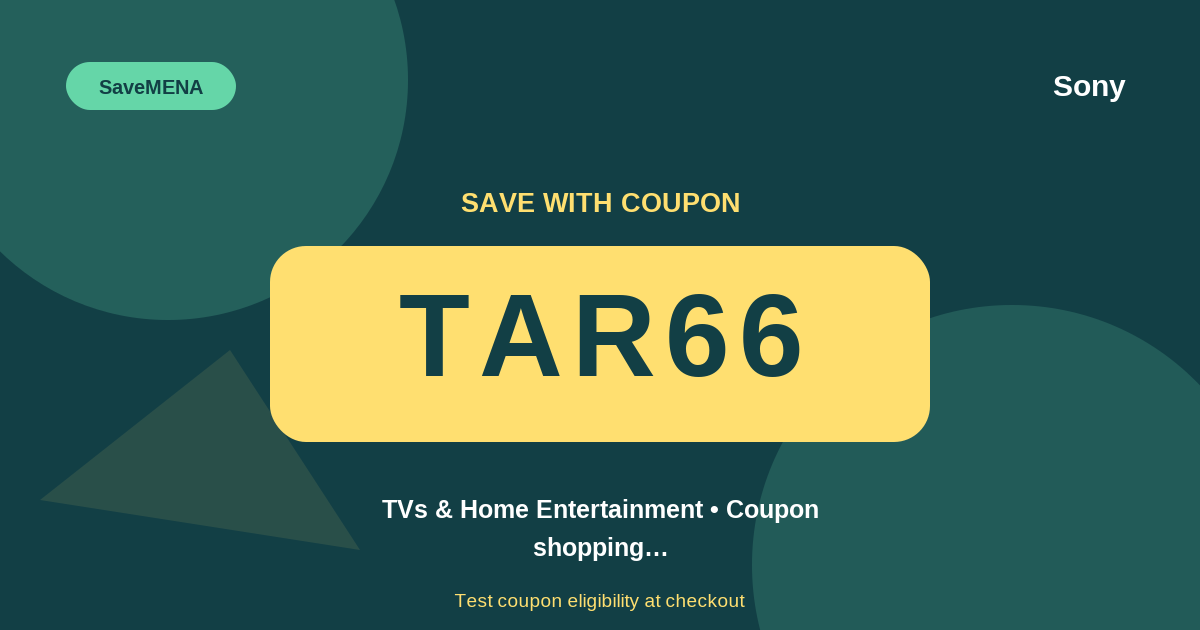
Codes available to try while comparing
These codes are not guaranteed for the article topic or listed brands; test them at checkout and use the live result.
1. Why Testing Codes Matters for Sony TV Purchases in the UAE
In the UAE’s bustling consumer market, Sony’s TVs often sit at the upper tier of the price spectrum. That tier places a premium on every discount opportunity, and the phrase “try Noon UAE coupon codes TVs Sony account context” underscores the reality that not all codes resonate with all shopper accounts. A user who purchases a Sony Bravia, for example, may have an account with a unique tax region, gifting privileges, or payment method restrictions that influence coupon applicability. Thus, the first task is to turn the focus to how your personal Noon UAE account interacts with the coupon system before the actual code enters the shopping cart.
While the internet abounds with click‑bait that guarantees instant savings, real‑world testing requires a methodical approach: you load a Sony TV into the cart, secure your account details (such as region, registered phone number, and payment security standards), and then experiment with the offered TAR78 code. Each attempt gives you a snapshot of whether the code’s parameters align with your account profile, and this awareness prevents the frustration of a cancelled checkout or a nonsensical error message.
2. Laying Out Your Noon UAE Account Context for Sony TV Carting
The account context is more than just a login. It officially defines the tax jurisdiction, shipping costs, and payment gateway thresholds that Noon applies when you view a Sony TV product page. For example, a shopper registered in Abu Dhabi will see a slightly different final price than one in Al Ain because of local VAT differences. These nuances mean that the TAR78 code may or may not survive the monetisation layer that Noon applies on cart totals.
To evaluate this, start by opening Noon with your logged‑in credentials, navigate to a Sony TV listing, and add it to your cart. Pay attention to the “Currency and Region” banner—Monday’s default is AED, but unverified accounts might default to a generic currency until you confirm a local address. The more precise your profile data, the more accurately the code’s compatibility can be measured.
3. Choosing a Sony TV: Features That Affect Coupon Compatibility
Not all Sony TVs are created equal in the eyes of Noon’s coupon engine. The tier—whether a Fundamental 4K LED or a High‑End OLED—can create different refrigerator‑type constraints. High-tier models often carry an automatic discount or involve a payment method ceiling that might stop a generic coupon from applying. Therefore the first decision point is to shortlist a TV that aligns with your budget yet offers enough scope for the TAR78 code to act.
When browsing Sony’s catalog on Noon, watch for product filters such as “Display Size,” “HDR Support,” and “Smart TV Platform.” If the listing subtly mentions that “this model includes a seasonal promotion,” it is possible that applying an external code triggers a de‑duplication rule and prevents double‑discounting. Keep this in mind as you prepare to place the product in your cart.
4. Executing the Code Application: Trial of TAR78 on a Sony TV
Having the cart populated, locate the coupon field on the cart page. Type or paste TAR78, then hit the “Apply” button. Noon will run a quick validation check against several internal criteria: code format, active status, account eligibility, and cart suitability. The response often comes as either “Success” or a generic failure notice.
When the coupon shows success, you can instantly view the updated total. However, because the article’s premise insists on “never guarantee” honesty, you must double‑check the new number against the original one. If the amount held steady, the code was accepted but had no monetary effect—perhaps due to a minimum spend that hasn’t been met or a tier restriction. Either way, the descriptive message at the top of the cart is your first checkpoint before proceeding.
5. Troubleshooting Common “Coupon Doesn’t Apply” Scenarios
Several recurring issues can surface when you test Noon UAE coupon codes on Sony TVs. The most frequent is a mismatch between the coupon’s generic eligibility rules and your account’s regional tax settings. If your address falls into a bonded freer area, Noon’s engine might treat the final price as “Zero Tax” and automatically override external coupons. Another scenario is spacing errors—copying the code with a trailing space can automatically invalidate the submission.
To mitigate these pitfalls, proceed by clearing the cart, re‑adding the exact same Sony TV, and then re‑entering TAR78 without any additional formatting. Also confirm that your account payment method (card, net banking, or wallet) is active. If the code remains unresponsive, scroll to the “Help” icon near the coupon field; Noon typically offers an audible or textual explanation for failure that is actionable at checkout.
6. The Definitive Bank: Verifying Eligibility at Checkout
Once you are on the order summary, Noon lists all applicable deductions—whether from club points, integrated app‑based offers, or the TAR78 code. In the bits and areas labeled “Final Payable Total,” you will see the line-up of base price, tax, shipping, and any discount figures. This final block is where the account context becomes crystal clear: if a discount line disappears, it indicates that the account wasn’t eligible, or that the code did not meet the cart’s criteria.
Because “Checkout is the final reference for eligibility and final payable total,” you cannot rely on earlier cart figures. Double‑check here: confirm that your shipping address has been verified, that the payment method’s token is active, and that any “gift card” balances are subtracted. Launch the payment gateway, choose your method, and watch the total. If the TAR78 discount does not surface after you confirm payment, you have reached the end of the experimentation cycle.
7. Leveraging Other Savings Channels While Testing the Token
Even if TAR78 does not apply, the Noon UAE ecosystem offers additional levers, such as the Noon Club membership, cashback programs, and late‑night specials. As a Sony TV shopper, you should also verify if any loyalty points are nearing expiry—they can be applied at checkout to lower the final cost. This is another dimension of account context that can compound savings, especially when combined with a viable coupon.
When you incidentally discover that a loyalty point discharge is possible, examine the “Apply” option near the cart totals. The same validation logic applies: the point value is tested against the fee structure and your account’s point balance. Record any changes precisely, as this will become part of your learning curve about what works for a given account profile.
Related SaveMENA pages
Related articles
Official sources to check
Frequently asked questions
How do I enter the coupon code during checkout?
While still on the cart page, locate the coupon input box, type TAR78 exactly as shown, then click “Apply.” If the code is accepted, a discount line will appear in your cart total. Verifying the code at this stage is the best practice before final payment.
Will the TAR78 coupon work on all Sony TV models available on Noon?
The code might be limited by price tier or product category. Since Noon’s conditions are not public, confirm by trying it on a few different Sony TVs. Only a successful application and discount display in your cart can confirm applicability.
What account settings affect whether the coupon is accepted?
Check that you’re logged in with a verified address, active payment method, and correct region. If these details change after applying the code, you may need to revisit the cart for the discount to reflect properly.
What should I do if the coupon code doesn’t deduct the expected amount?
First, confirm the cart total shows the discount line. If it’s still at the original amount, the code might not meet Min‑Spend or tier conditions. In this case, contact Noon’s customer service or review the product details for code eligibility notes.