JBL Headphones on Noon UAE: item availability — testing coupons one at a time
Before you even add headphones to your cart, thoroughly scan the product page to ensure the variant—such as the color, size, or specific JBL model—shows “In stock”
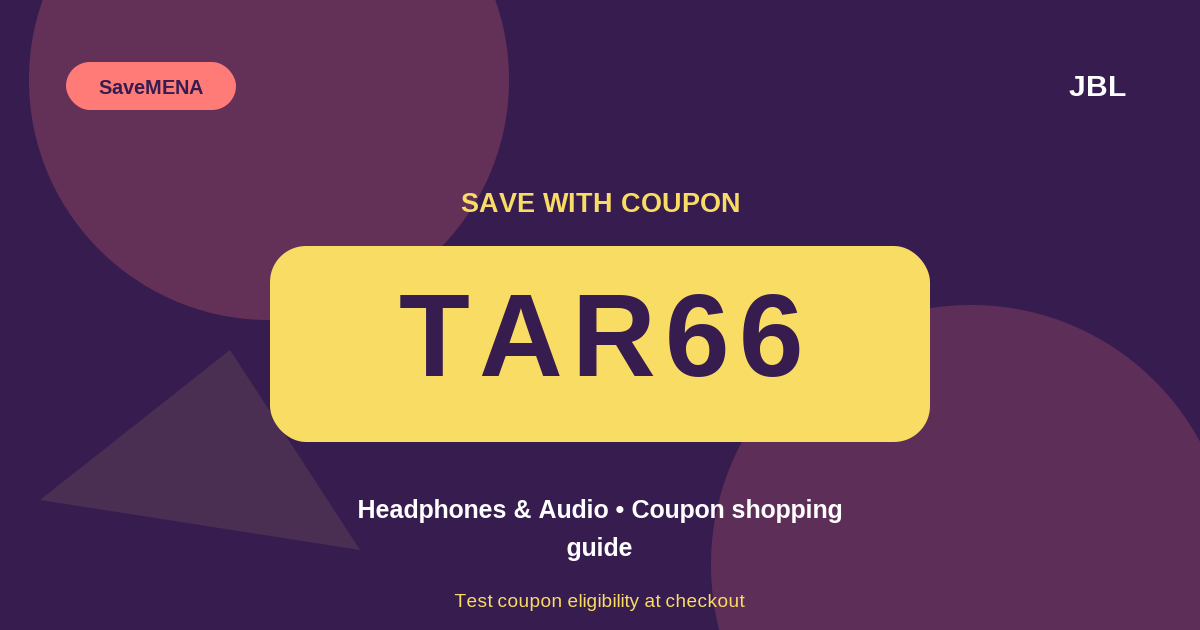
Codes available to try while comparing
These codes are not guaranteed for the article topic or listed brands; test them at checkout and use the live result.
Verify Product Variant Availability Before Adding to Cart
Before you even add headphones to your cart, thoroughly scan the product page to ensure the variant—such as the color, size, or specific JBL model—shows “In stock” or a similar confirmation. If the listing displays “Out of stock” or a message indicating limited availability, it’s best to pause and explore alternative variant options or sellers. This early check eliminates the risk of moving forward with a product that may become unavailable before you finalize payment. Keep the original page or copy the product link so you can revisit it if you investigate other options later.
UAE customers should also note that Noon sometimes lists multiple sellers for the same headphone model. Comparing seller names helps you choose a reputable source, but remember that each seller manages its own inventory. Verifying that the chosen variant is listed as available on the individual seller’s page confirms that the stock is held by the retailer you will be purchasing from. This verification step aligns with our decision lens: ensuring exact item or variant availability at purchase time, not just at the moment of browsing.
Check Seller Details and Trusted Ratings
Once you identify a variant that’s in stock, examine the seller’s information displayed next to the price. Look for details such as the seller’s ratings, number of completed orders, and any “Verified” badges. A high rating and a large order volume can be a useful hint that the seller reliably delivers products that match the listing. While these indicators are not guarantees, they help you gauge the likelihood that the headphone will arrive as described when you proceed to checkout.
The decision lens of variant availability extends beyond inventory to include the seller’s capacity to process the order. If a seller recently has a history of delayed shipments or customer complaints, you might consider waiting or choosing another trusted seller for the same headphone variant. Always remember that the final confirmation of stock will be rendered during the order submission step, so keep a note of the seller’s name in case you need to reference it in case of issues.
Add to Cart and Temporarily Reserve Stock
Add the confirmed variant to your cart, but don’t immediately proceed to payment. Some e‑commerce sites temporarily reserve the item once it’s in the cart, but this reservation can last only a limited period, often a few hours. This window gives you a buffer to apply the voucher code and review the final totals before commitment. Be aware that the exact unit you added—whether it’s a particular color or model—remains tied to your cart until checkout completes.
In Noon’s interface, if you revisit the product page after adding the item, the availability status may change if the variant gets depleted. If it transitions to “Out of stock,” you must remove the item from the cart and search for an alternative variant that remains purchasable. By checking availability again just before checkout, you keep in line with the core decision lens that emphasizes exact variant availability at purchase time.
Input Coupon Code and Watch for Validation Messages
Navigate to the cart summary where the price and fees are listed. Locate the field labeled “Enter coupon code” or similar, and input the TAR66 code exactly as displayed, preserving any capitalization or spacing. After submitting, the platform will trigger a real‑time validation check against your cart’s contents and the coupon’s terms.
Notice whether the system provides an immediate confirmation—such as a green tick, a message confirming “Coupon applied,” or an indication that the discount would be reflected in the final price. If you see a notice stating that the coupon is not applicable, the platform will typically outline a brief reason (for example, “Coupon not valid for this product” or “Maximum discount reached”). Use this feedback to decide whether you need to remove the item, change sellers, or try a different variant before proceeding.
Review Final Price, Fees, and Delivery Charges
After applying the coupon, carefully recompute the total displayed in the cart. This figure includes the item price, any additional taxes or fees, and shipping charges. Verify that the final payable amount reflects your expectations; it should consistently update in real time as you tweak the cart or alter the coupon status.
Because Noon’s checkout is the last checkpoint for price confirmation, double‑check that no hidden additional fees are shown. If the total appears higher than anticipated, consider why—perhaps a sudden change in shipping rates or a fee added by the seller. Inventory changes or the coupon’s activation might also affect the displayed amount, so ensure you record the last visible total before confirming the purchase.
Confirm Payment Method Compatibility
Select your preferred payment option, such as credit/debit card, digital wallet, or COD, and ensure the chosen method supports transactions on Noon. For card payments, verify the card’s electronic authorization status; for wallets, check that there’s sufficient balance available. Each payment type may handle approved discounts differently, so choosing one that reliably accepts the coupon ensures that the final amount is applied correctly.
If you notice any errors or declined messages during the payment authorization step, the checkout process will halt. At this point, you should revisit the cart to confirm that the coupon remains valid, the item still exists in inventory, and all shipping details are correct. Resolving any payment issues before final submission keeps the transaction consistent with your verified availability status.
Complete Checkout and Capture Order Confirmation
To finalize the purchase, confirm that all the captured information—your shipping address, chosen delivery method, and payment details—deemed correct. Then proceed with the “Place Order” or similar action. The platform will record your order and trigger a confirmation screen that displays the purchase ID and the final payable amount.
Important for the decision lens: the order ID becomes the sole reference proving that the exact headphone variant you selected and that you verified was still available at the moment of checkout. Save this confirmation, as it may be required if you need to dispute a mismatch between the product displayed and what you receive, or if you want to verify later that the voucher was indeed accepted during the transaction.
Post‑Purchase Verification and Customer Support Contact
After order placement, keep an eye on your email or Noon’s notification pane for order updates. When the product ships, you’ll usually receive a shipment confirmation and, upon arrival, a delivery receipt. Cross‑check these receipts with the variant details you selected: size, color, and model number. This step confirms that what you received matches the exact item you confirmed was available at checkout.
If you find a mismatch—say the wrong color arrives—or if the coupon’s discount was not reflected in a later statement, contact Noon’s customer support using the order ID and any relevant screenshots. Using the order ID anchors your claim to the exact transaction that took place, ensuring your case is processed efficiently while keeping your variant availability concerns documented.
Related SaveMENA pages
Related articles
Official sources to check
Frequently asked questions
When should I apply the TAR66 coupon code?
You can apply the TAR66 code in the cart before finalizing payment. Input it in the designated field and confirm the discount is accepted via a visible confirmation message before proceeding to checkout.
Will my headphone variant stay in stock after I add it to the cart?
Stock may change after you add the variant to the cart. It’s advisable to check the inventory status a few minutes before checkout to confirm it is still available.
Do I need to verify the seller’s rating separately?
Checking seller ratings can help gauge reliability, but ultimate confirmation of stock and variant availability occurs at the checkout step when the final payable amount is displayed.
If the coupon doesn’t apply, can I still use it later?
Coupons typically need to be applied during the checkout process. If it fails now, revisit your cart to try again before the session expires, ensuring the variant is still available.