LG TVs on Noon UAE: item availability — testing coupons one at a time
Start by locating the unique item number for the LG TV on Noon’s listing page. This identifier distinguishes the product from other releases or bundles.
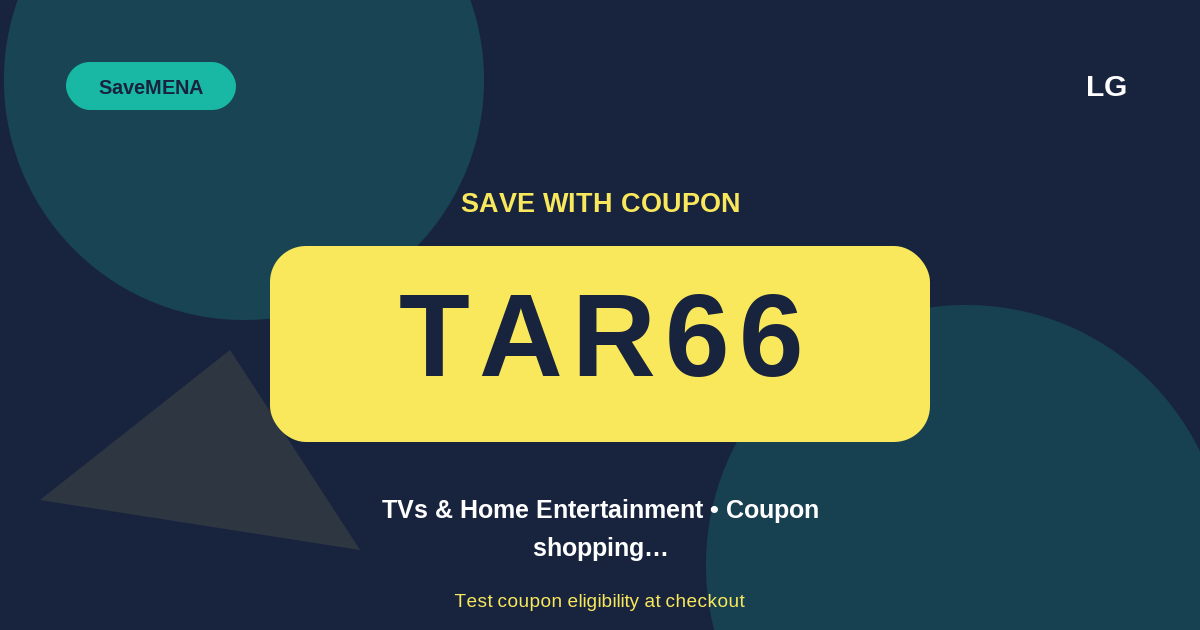
Codes available to try while comparing
These codes are not guaranteed for the article topic or listed brands; test them at checkout and use the live result.
1. Verify the Product ID Matches Your Desired LG TV
Start by locating the unique item number for the LG TV on Noon’s listing page. This identifier distinguishes the product from other releases or bundles. Copy the number exactly as it appears, and compare it against any references you have—be it an email, a phone tag, or a printed spec sheet—so you know you are on the same page.
After confirming the ID, keep a quick note or screenshot so you can verify in later steps. If the IDs don’t line up, the variant you’re looking at may be a different model or variation, potentially preventing any discount from applying at checkout. This simple step guards against costly mix‑ups early in the shopping journey.
2. Confirm the Exact Screen Size and Resolution Variant
LG offers many screen sizes within a single series, each with subtle differences in pixel density and aspect ratio. Scroll through the product’s detailed image gallery and specification table to ensure the screen dimension you need is present. Pay close attention, as a single inch difference may affect gameplay performance or mounting options.
When you’re certain the size matches your preference, confirm that the resolution—be it full HD, 4K, or even 8K—is the same as listed in any external reviews you might have read. Matching both metrics guarantees the variant you were researching makes it to the checkout cart unaltered.
3. Check the Preferred Color or Finishing Variant
Even within the same model, LG offers a range of color options and finishes that can influence aesthetics. Click through the color picker on the product page to verify that the shade you want is available in the stock you are selecting. This check also helps ensure that the variant’s color code matches what is displayed in marketing materials you have seen.
Remember to review the side view image and any texture details that may affect appearance in different lighting. Once you confirm the finish is correct, add the item to your cart and note whether the selection appears unchanged before you proceed to checkout.
4. Review Connectivity Options and Ports Included
Connectivity can be a decisive factor for home theater setups. Look at the port list—HDMI, USB, optical audio, and others—on the product’s specification section. Ensure that the version of each port (for example, HDMI 2.1 versus an earlier standard) aligns with the equipment you already own.
Make a mental or written check of each connector type before moving on. If any port is missing or inconsistent with your devices, the variant may be different, and a coupon code may not apply to the alternative listing.
5. Ensure the Warranty and Service Subscription Details
LG backs its TVs with varying warranty periods and optional service plans. On the product page, find the warranty notation and confirm the length and coverage scope. If you rely on a specific manufacturer warranty, this verification step prevents later surprises.
Additionally, note whether any extended service subscriptions are bundled with this variant. These inclusions can alter the final price and sometimes the coupon applicability, so double‑checking ensures the variant you added remains unchanged at checkout.
6. Test Availability of the Product in Your Delivery Zone
Some variants might be limited to specific regions or distribution centers. At the cart stage, input your suburb or postal code to trigger the delivery calculation. The system typically confirms the shipping method and expected arrival window based on your location.
If a variant shows unavailability or a different shipping timeframe, it’s likely that a different stock is being offered. Verify the SKU again, as mismatching stock can invalidate a coupon that was tested against the original listing.
7. Verify the Seller’s Return and Refund Policy
Not all sellers on Noon share the same return processes. Check the seller’s profile and the return policy links attached to the product listing. Some may offer a 15‑day window, while others could allow longer periods or require special conditions.
Ensuring that the seller matches the one listed in your initial research is crucial because a different policy can influence whether a discount is retained, especially if you plan to return the product after a review. Confirm the seller name and policy before finalizing the purchase.
8. Run the Coupon Code at Checkout and Validate the Final Amount
Once you’ve verified every aspect of the variant, proceed to the checkout page. In the designated offer field, type the coupon code TAR66 and submit it. Observe the system’s response—whether it confirms a discount, rejects the code, or requests additional verification. Take a moment to carefully read any prompt that appears.
After the code settles, review the final summary screen, including shipping fees, taxes, and any adjustments. If the total reflects a discount you expected, you’ve successfully matched the coupon to the exact variant. If not, note the displayed outcome and consider testing the code with another variant or contacting Noon’s support for clarification.
Related SaveMENA pages
Related articles
Official sources to check
Frequently asked questions
Will the TAR66 coupon apply to every LG TV variant on Noon?
Coupon terms are set by Noon and can differ for each listing. After entering TAR66, the check will determine if it applies to the specific variant you selected. If the code is rejected, try validating with a different variant.
Can I use double code that passes multiple times at checkout?
Only one coupon code can be entered per transaction on Noon. After the first code is applied, additional codes are generally not accepted until the order is completed.
Does the price I pay at checkout match the price shown on the product page?
Once the final total appears on the confirmation screen, it reflects the true amount payable, including any applied discount. Double‑check for any hidden fees that might alter the expected price.
What if the TV variant becomes unavailable after I add it to the cart?
If the SKU changes or stock runs out, Noon often notifies you via the cart or checkout screen. You may need to remove the item and select an alternate variant before reattempting to use the coupon.