Pet Supplies on Noon UAE: checkout message — testing coupons one at a time
Start by adding the pet supplies you truly need to your cart. This helps keep your shopping experience focused and reduces the chance that a coupon will be rejected
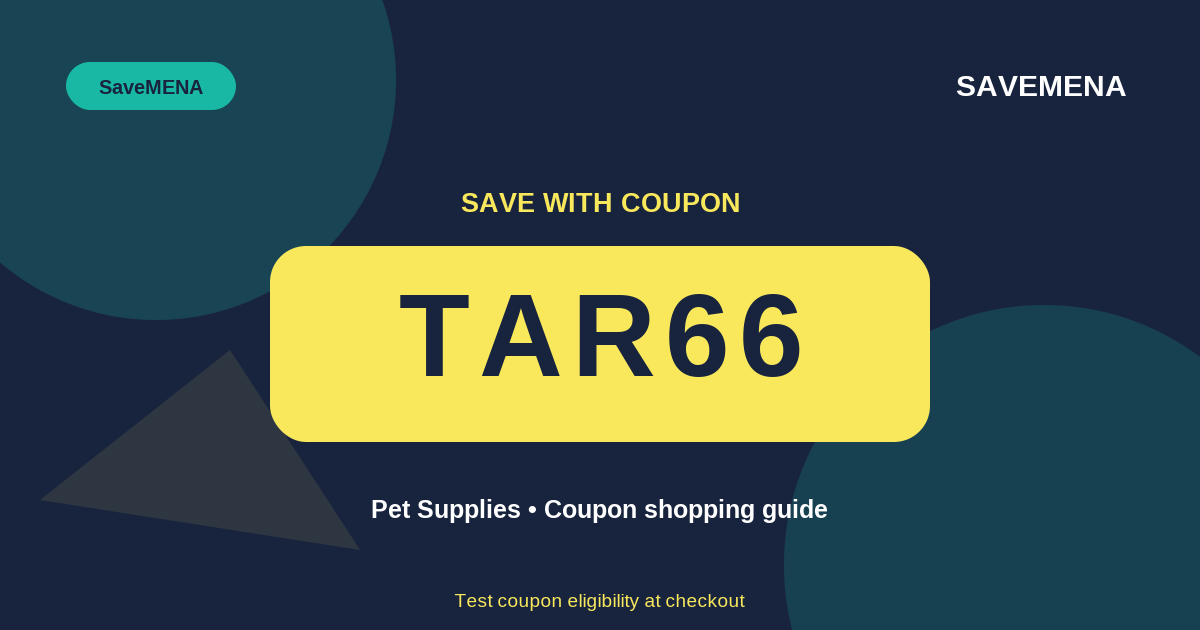
Codes available to try while comparing
These codes are not guaranteed for the article topic or listed brands; test them at checkout and use the live result.
Selecting Pet Supplies Before Applying a Code
Start by adding the pet supplies you truly need to your cart. This helps keep your shopping experience focused and reduces the chance that a coupon will be rejected for items outside its intended scope. Check that each product’s seller is listed and that the delivery option is available for the UAE. Verify the items on your cart page, noting quantities and any bundle options you may have chosen. Remember to maintain a clear inventory so you can track changes after the coupon is applied.
Once your cart is ready, review any product separate offers or promotions that may influence your final price. Note the list price and any discount already applied by Noon. If a price reduction appears prior to the coupon entry, it is part of the regular sale, not tied to your attempted code. A clean cart also helps prevent errors when the coupon tries to apply across eligible items only.
Checking Pricing Details Before Applying a Code
Before nudging the coupon into the box, open the cart summary to confirm the subtotal and any tax or delivery fees listed. This snapshot provides a baseline, allowing you to later see how the subtotal changes after your code is processed. Pay attention to the exact shipping cost for UAE delivery, which might vary by weight or distance. If the final shipping fee is seen in the cart, it will stay constant unless the delivery option changes during checkout.
Also look for any “special price” tags that might indicate an exclusive discount for a particular seller or product category. This information helps you understand whether the coupon will interact with existing savings or simply add an extra discount. Knowing these details upfront simplifies validation later when you interpret the live coupon message.
Entering the TAR66 Coupon Early in the Checkout Flow
Once you are on the checkout page, locate the designated field for coupon codes. Place the cursor there and type the code “TAR66” exactly as shown—case sensitive variations are not accepted. Double‑check for accidental spaces or capital letters before pressing the apply button. The field is usually positioned next to the item subtotal or in a separate promo section.
After pressing apply, the system will process the code. The time it takes to validate can vary; if the page shows a spinner or loading animation, wait until it either confirms success or presents an error. Avoid navigating away during this period; otherwise, the coupon may not be evaluated correctly.
Watching for the Live Coupon Message at Checkout
The live coupon message is the real-time indicator of whether the code engaged successfully. It appears near the subtotal area, often in a small banner or a text note stating that the coupon applied or that it could not be used. Look for phrases like “Coupon applied” or “Invalid code.” The message disappears automatically after a short pause, so read it quickly as it denotes the intended impact on your total.
Interpreting this message correctly is vital because many codes can pass the entry verification yet still fail to drop the price. If the banner signalled failure, the cart total will remain unchanged. Conversely, a positive message will reduce the subtotal, though the amount of reduction depends on Noon’s policy, which isn’t disclosed publicly.
Reviewing the Updated Subtotal After Coupon Application
Once the message confirms the coupon’s status, re‑examine the subtotal field. The displayed amount should reflect any discount that the code granted. Pay close attention to any new subtotal that includes the reduction but not shipping or tax. In case only a partial reduction is applied—common with volumetric or niche items—the amount might be modest.
If the discount is absent or the subtotal is unchanged, the coupon may not be compatible with the selected pet supplies. In such instances, the live message likely indicated either “invalid” or “not eligible.” Consider whether a different product set might trigger a valid discount, and don’t be discouraged by an initial negative result.
Ensuring Final Total Matches Expectations
Navigate to the final payment step, where the total payable amount is presented. This figure includes the subtotal, applicable tax, and shipping fees. Verify that the sum shown is consistent with your earlier subtotal plus all additional charges. The presence of the coupon should be reflected in a lower final total when it is valid.
A check of the live coupon message in the final preview helps confirm that no blockade occurs in the payment gateway. If the final total increases or the coupon disappears, review the payment method validation screen for any hidden warnings. This last review guarantees you are not overpaying.
Troubleshooting Unexpected Coupon Failures
If the live message indicates a failure, do not immediately abandon the selection. Double‑check that the cart items remain the same and that no automated promotions or stock changes have occurred since you entered the code. Some sellers’ discount policies limit applicable items, and changes in quantity may alter eligibility.
Should the code still refuse to apply, test the code on a minimalist cart—just one pet item—to see if the issue persists. A successful single‑item test confirms that the code works but requires specific shopper context to trigger a discount. If failure remains, you can file a quick support query about the coupon’s status; Noon’s customer service will clarify if the code has been deactivated.
Consolidating Your Shopping List for Future Attempts
After your experience, record which pet supplies responded to the coupon and for which quantities. Keep a note of any live message variations—success, partial success, or failure. This information ensures that future attempts use the most effective item combinations, saving time and frustration.
Plan ahead for upcoming purchases by cataloguing the coupon’s behavior for different product categories. Over time, you will obtain a clearer picture of whether the code is reliable or only effective with certain items. This data also informs whether you should rely on a single code or diversify your coupon strategy in the meantime.
Related SaveMENA pages
Related articles
Official sources to check
Frequently asked questions
How do I confirm that the TAR66 coupon was accepted?
Look for the real‑time banner near the subtotal that informs if the coupon was applied or not. A positive message means the code processed successfully and reflects in the new subtotal. An absence or negative notice indicates it did not work for your current cart.
Will using the TAR66 code affect my shipping fee?
No, the coupon focuses on the item subtotal. Shipping costs are added after coupon calculation and remain constant unless you change your delivery option. The live message will not show shipping fee adjustments.
Can I apply other promo codes after using TAR66?
Typically, once a coupon is applied, applying another one will override the first or be rejected. Noon usually allows only one code per transaction, so test others only if TAR66 fails.
What if the coupon appears invalid but I think it should work?
Double‑check that your cart includes the proper product categories, quantities, and that no auto‑promotions interfere. If the message still says invalid, contact Noon support to verify the code’s status. The live message is the final authority before payment.