Calvin Klein Women’s Fashion on Noon UAE: checkout message — testing coupons one at a
try Noon UAE coupon codes Women’s Fashion Calvin Klein the live coupon message at checkout: Trying multiple Noon UAE coupon codes one at a time on women’s fashion
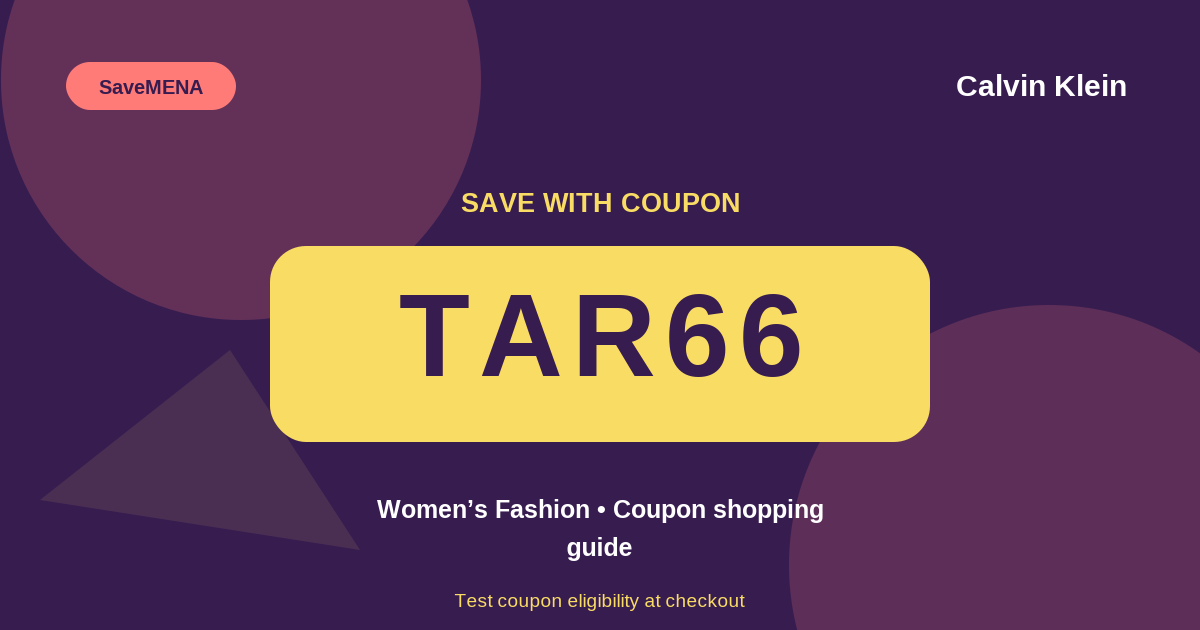
Codes available to try while comparing
These codes are not guaranteed for the article topic or listed brands; test them at checkout and use the live result.
1. Pinpoint Your Calvin Klein Item and Seller
Before adding anything to your cart, browse Noon’s women’s fashion section and select a Calvin Klein article that interests you. Verify that the listing lists a clear seller name and product description; this helps later when you verify eligibility. Thumbnails and titles often change, so double‑check that the color, size, and model match what you want.
Once you’re certain of the item’s specifics, note the seller’s name in your own records. This will be useful if you encounter a live coupon message that mentions the seller or product type during checkout, giving you a reference point to cross‑check at later steps.
2. Add to Cart and Confirm Subtotal
After choosing quantity, add the Calvin Klein piece to your cart. Immediately review the cart’s subtotal; it should display the exact price of the selected item before any tax or shipping. If the subtotal doesn't match the listing price, double‑check for hidden fees or optional add‑ons that might skew the amount.
Notice whether the cart lists any promotional messages. Some sellers display eligibility notes (e.g., “£Price applicable only for first‑time buyers”). Keep an eye on such notes because they can affect whether a coupon like TAR66 will ultimately apply.
3. Locate the Coupon Field on Checkout
Proceed to checkout and scroll to the section where coupon or promo codes can be entered. Noon typically places the field titled “Enter coupon code” clearly above shipping details. Ensure that you’re on the final order page, not an earlier “review order” step, as the live message only updates once you submit the code.
Some listings hide the coupon field behind a toggle or an “applicable promotions” link. If you can't see a field, look for a button that says “Add coupon” or similar, and click it to reveal the input box where TAR66 can be entered.
4. Enter TAR66 and Observe the Live Confirmation
Type the single code TAR66 into the coupon field, then press the submit or “Apply” button. The live confirmation message that appears immediately tells you whether the code was accepted. If it’s accepted, you’ll see text such as “Coupon applied successfully” or an updated discount icon next to the subtotal.
Be attentive to error messages. If the message says “Invalid code” or “Not applicable,” the coupon was not applied, and the subtotal remains unchanged. This real‑time feedback is your first checkpoint before proceeding.
5. Verify No Overlapping Discounts or Conflicts
After TAR66 appears to have applied, double‑check the cart’s discount section. Noon often lists multiple discounts (e.g., “Free shipping” or “Buy one get one”). Ensure that the total discount shown does not exceed what coupon codes typically provide, as overlapping promotions may prevent the coupon from applying further.
Some sellers restrict one discount per order. If you see a note indicating that applying another promo will override the coupon, confirm that the final total still reflects the coupon’s deduction before you move to payment.
6. Proceed to Payment and Confirm Final Total
Continue to the payment page, where Noon consolidates taxes, shipping, and any applied discounts into the final payable amount. Verify that the total listed matches the subtotal minus the discount shown earlier. If the numbers don’t line up, revisit the coupon field or the seller’s eligibility notes.
At this point, the live coupon message has effectively concluded its role. The final total shown is your definitive reference for whether TAR66 impacted your checkout; treat it as a lock until you confirm the payment is processed.
7. Confirm Shipping Fees Post‑Discount
Noon sometimes adds shipping fees after coupon validation. Check the shipping section on the payment page to ensure that the cost remains consistent with the seller’s listed shipping policy, regardless of the applied coupon. Some sellers exempt shipping for qualifying items; confirm whether that applies to the Calvin Klein product.
Record the shipping fee amount that appears after the coupon is applied. If the fee changes unpredictably, consider contacting the seller or Noon support to clarify whether fees were correctly adjusted.
8. Track the Order and Document the Coupon Outcome
After confirming payment, you will receive an order confirmation email. Within that email, scroll to the detailed breakdown showing price, discount, and final charge. Cross‑reference the discount amount with the bar in your cart to confirm that TAR66’s effect is accurate.
Keep a personal log of the coupon test—date, item, seller, final total, and any live messages you saw. This documentation is useful if you want to replay the coupon later or share your experience on shopping forums.
Related SaveMENA pages
Related articles
Official sources to check
Frequently asked questions
Can I use TAR66 on any Calvin Klein women’s fashion item?
No, coupon eligibility depends on seller listings and purchase conditions. Only use the code on items where the live message confirms acceptance at checkout; otherwise the coupon will not be applied.
What should I do if I see “Invalid code” after entering TAR66?
Check that you typed the code exactly as written, including capital letters. If it still fails, the item may not support coupon discounts; verify any seller notes or contact Noon support for clarification.
Will the coupon affect shipping fees?
Coupons typically apply only to product price. Shipping fees are calculated separately. Verify the shipping amount in the cart after applying TAR66 to ensure it reflects the seller’s policy.
How can I be sure the discount was actually applied?
After you reach the payment page, the final total should reflect the discount. Confirm the amount shown matches the original price minus the discount value displayed earlier, and keep the order confirmation email as proof.