HP Computer Accessories on Noon UAE: delivery fees — testing coupons one at a · TAR98
When shopping for computer accessories, such as HP keyboards, mice, or docks, on Noon UAE, one of the most pressing concerns is how to secure the best price while
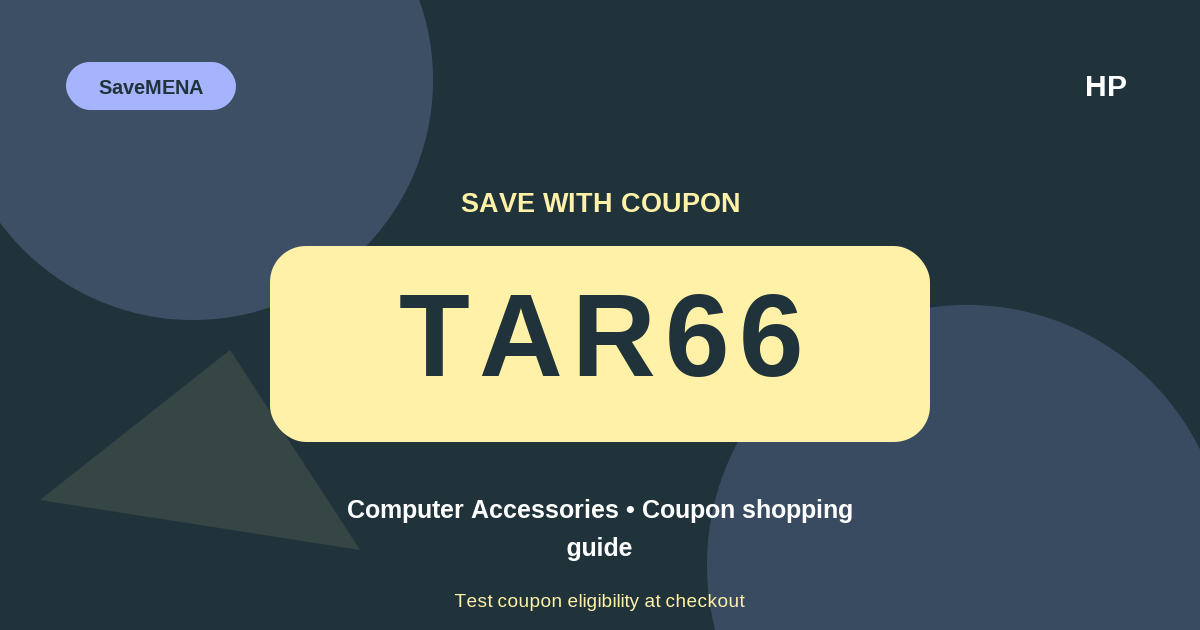
Codes available to try while comparing
These codes are not guaranteed for the article topic or listed brands; test them at checkout and use the live result.
Understanding Noon UAE Coupon Codes
Coupon codes on Noon are simple strings of characters that users can enter during the checkout process to unlock potential discounts. While Noon hosts a variety of codes for different brands and categories, it is essential to remember that each code's validity, terms, and conditions are dedicated solely to Noon’s platform and not to external sites. Never assume a code works across multiple retailers or automatically applies to all products without verification.
Testing a coupon code requires first adding the desired items, such as HP computer accessories, to the cart, then proceeding to the payment page where the “Promo code” field appears. Inserting a code like TAR98 does not guarantee a discount; only the checkout screen confirms whether it applies, unless the code is universally invalid. UAE shoppers should plan to try each code one at a time to isolate its effect on the order total.
Exploring HP Computer Accessories on Noon
HP offers a range of computer accessories on Noon, including wireless keyboards, ergonomic mice, docking stations, and memory sticks. When browsing the category, be mindful of product listings that specify seller location, as some may be shipped locally while others require international dispatch. Delivery times and shipping routes can impact both the cost and timing of your purchase, especially if you need a device urgently.
Seeing the product price alone can be misleading if you overlook the transition from listing to checkout, where hidden fees such as handling or local customs may appear. For a clean comparison, note the displayed price, the actual delivery duration, and any potential additional charges that arise only at the payment step.
Applying the TAR98 Code: Step‑by‑step Guide
Once you’ve selected your HP accessory and added it to the cart, click “Checkout” to reach the order summary page. Here, you’ll find fields for payment methods, shipping address, and promo codes. Type the exact code TAR98 into the “Promo code” box, then hit the apply button. The interface will then indicate whether the code was accepted or rejected with a brief confirmation message.
If accepted, the discount will be deducted from the subtotal but may not affect shipping fees. It’s crucial to read the confirmation line carefully, as it might refer only to the product price and not the overall cost. Note the difference before and after applying the code to assess actual savings accurately.
Analyzing Delivery Options for HP Gear
Noon lists up to three delivery options: standard, express, and same‑day in select cities. Each option’s cost is calculated based on the shipping origin, destination, and size of the package. For HP accessories that are lightweight, standard delivery often incurs minimal fees, whereas express delivery might add a flat rate or a percentage of the product price.
When reviewing delivery choices at checkout, pay close attention to the estimated arrival dates and the associated fees. Some SKU’s may be eligible for free delivery if the order meets a certain threshold or if the seller offers a promotion. These details can change daily, so verify them each time you place an order.
Reviewing Delivery Fees and Possible Savings
After applying a coupon code, separate the product cost from the delivery fee to determine the true decrease in total payable amount. The presence of a discount like TAR98 will lower the product total, but the delivery fee will remain fixed unless a promotional shipping discount is also applied.
UAE shoppers often compare the net value between standard and express shipping when considering a promotional code. If the delivery fee exceeds the discount from the coupon, the overall savings may be limited. Calculating the full cost—including any applicable fees—ensures you’re making an informed decision about whether to proceed with the purchase.
Finalizing Your Checkout: What to Verify
Before confirming the payment, revisit the final order summary. Confirm that the applied coupon code is listed, the delivery fee is accurately reflected, and the shipping address is correct. The “Total” field should show the combined amount of product, coupon adjustment, and fee.
In case an unexpected fee appears—such as a surge in delivery charges—review Noon’s policy for delivery surcharges. The amount may vary due to fuel costs or logistical constraints. If you suspect an error, contacting Noon customer support prior to payment can help clarify the final payable total.
Tips for Future Coupon Testing
When exploring additional coupon codes, repeat the “apply one at a time” strategy to isolate each code’s impact. Store any coupon that yields a discount for future use, but remember coupons can expire or become invalid if the product price changes or if the seller modifies the terms.
Track the order ID and the applied promo code in case a refund or adjustment is needed. A well‑documented coupon history can help resolve disputes over incomplete savings or unexpected fees drawn during checkout.
Managing Expectations and Tracking Your Purchase
After checkout, you’ll receive an order confirmation email with the total amount charged. Use this confirmation to double‑check that the coupon code was honoured and that the final cost reflects the expected discount and delivery charge. This verification step is vital because online systems sometimes defer coupon application until the payment gateway processes the transaction.
Keep an eye on the delivery status updates within Noon’s order page. If your shipment is delayed or a fee appears that wasn’t indicated earlier, the tracking log will provide timestamps and details. Contacting Noon support with order ID and ticket number ensures a quick resolution.
Related SaveMENA pages
Related articles
Official sources to check
Frequently asked questions
Will TAR98 apply automatically to all HP accessories?
TAR98 must be entered manually during checkout; it can only apply if Noon accepts it for the selected items. It does not automatically tune itself to any specific HP product or category. The final verification happens at payment.
How does Noon calculate delivery fees for HP accessories?
Delivery fees are calculated based on the chosen shipping option, weight, and destination. Expedited delivery often carries a higher fee, while standard shipping may be free or minimal. The fee appears in the final order summary.
What should I do if my code is rejected?
Check the code entry for typos and confirm it is still active. Certain codes may not apply to all products or satisfy minimum spend thresholds. If still rejected, the current price stands unless a different code works.
Can I combine TAR98 with other promotions?
Noon’s policy typically allows only one promo code per transaction. If a sale or free shipping is offered automatically, a separate code like TAR98 cannot be stacked with it. You’ll see the applicable discount after applying the code.