ASUS Laptops on Noon UAE: delivery fees — testing coupons one at a time · TAR84
When you want to assess how each discount code affects your ASUS laptop purchase, start by adding the desired model to your cart.
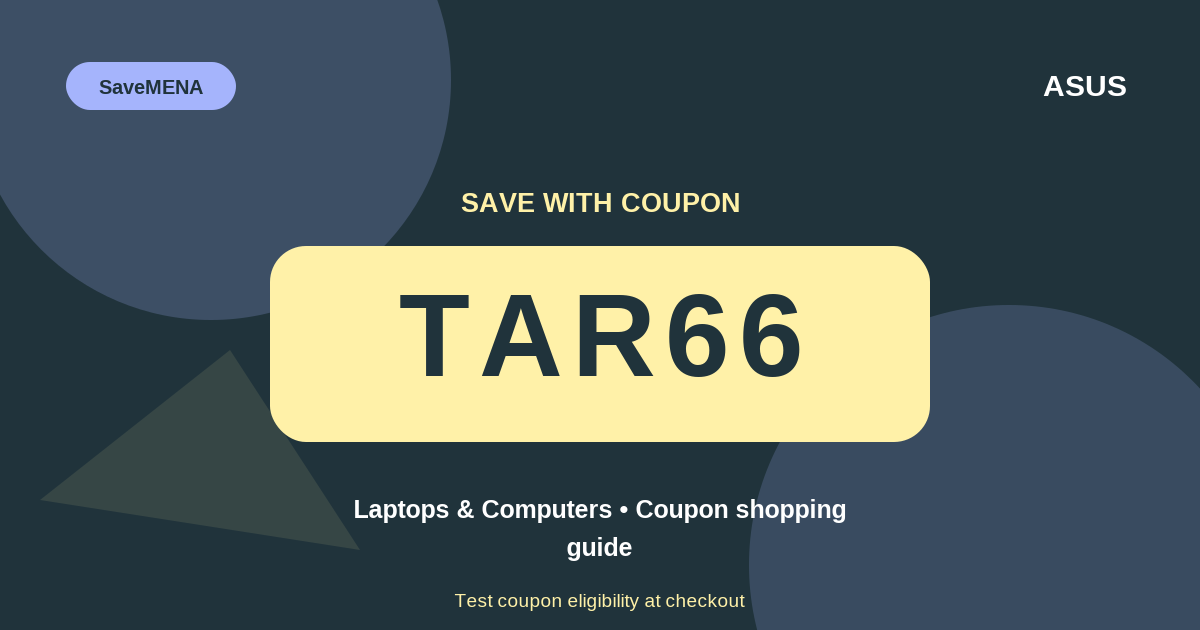
Codes available to try while comparing
These codes are not guaranteed for the article topic or listed brands; test them at checkout and use the live result.
Testing Multiple Noon UAE Coupon Codes for ASUS Laptops
When you want to assess how each discount code affects your ASUS laptop purchase, start by adding the desired model to your cart. At this point, the cart summary shows the product price, any available promotional reductions, and a placeholder for delivery and handling fees. This is the moment to switch between coupon codes: enter one code, review the changes, then remove it or replace it with another to see how the totals shift. Remember that only one code can be applied at a time, so the testing sequence will reveal whether each coupon disperses its value across all listed charges or only the base price.
If your lender offers multiple discount codes, simply paste the new code into the coupon field each time you want to test it. After every entry, take note of whether the displayed discount rectangle updates, and then proceed to the shipping section to see how the delivery fee responds. Because the coupon is the variable element, any inconsistency in the final total that appears after adding a new code can signal a restriction such as an account eligibility limit or a seller‑specific override that applies only to certain products or markets.
How to Input the TAR84 Code When Shopping for ASUS Laptops
The Noon UAE platform requires you to locate the coupon field within the cart page before proceeding to the payment screen. Once the cart reflects the ASUS laptop listing and the base subtotal, click on the coupon box, type “TAR84”, and confirm the entry. Note that the interface will often update the estimated total almost instantly, suggesting whether the code has been accepted or rejected. In the event of a rejection, the site may prompt you with a brief explanation, such as ineligibility or expiry, though none of these specifics are programmatically guaranteed in advance.
After the code has been applied, click the “Apply coupon” button. The cart should recalculate: if the discount is successful, the referenced discount amount appears beside the product line. Follow this through to the shipping calculator, where you can see how the delivery fee is computed relative to the adjusted subtotal. If the coupon does not influence the delivery charge, the shipping fee remains unchanged—a key detail to verify if the sole purpose of the code is to lower the total payable.
Assessing Delivery Fees for ASUS Laptops on Noon UAE
In the UAE marketplace, delivery fees for laptops can vary depending on the seller, the packaging, and the chosen shipping option. When evaluating a discount applied with TAR84, it is crucial to keep an eye on these charges. Even if the coupon reduces the laptop’s price, a higher delivery fee can negate the savings, especially for heavier items such as gaming or professional workstations. By recording the delivery amount before and after applying the coupon, you can gauge if any fee adjustments occur as a side effect of the discount.
Since Noon UAE’s shipping algorithm calculates fees based on the total cost post‑discount, a significant reduction in the product price could trigger a lower fee bracket, or conversely, some sellers may impose a minimum shipping amount regardless of the net value.A coupon is not guaranteed; verify its result at the retailer checkout. This process is the cornerstone of your delivery‑and‑fees decision lens.
Verifying Final Delivery Fees on the Noon Checkout Screen
Once the cart reflects the adjusted subtotal and the calculated shipping fee, proceed to the checkout page. Here, the total payable is displayed in a single section, normally labeled “Order total” or similar. Inspect this line carefully: it must include the product subtotal, any discount applied, and the final delivery fee. If the TAR84 code shows a discount on the product line but the delivery fee remains intact, you have successfully verified that the coupon does not affect shipping charges.
Should the screen display a change in the delivery fee after applying the discount, note whether it’s a reduction or increase. An unexpected increase could be due to a seller‑specific policy that caps fee reductions below a certain total or a dynamic pricing rule triggered by the discount. In either case, the key here is to document the changes—this record will inform your final payment decision under the delivery and fees lens.
Seller‑Specific Delivery Charges for ASUS Branding
Different Noon sellers handle logistics in distinct ways, and some may advertise their own shipping rates for ASUS laptops. When the cart displays “Seller: X” alongside the product, clicking on the seller profile reveals their shipping terms. This information can reveal whether they offer free shipping on ASUS devices or impose a flat fee. Finding this detail early can help you decide whether the TAR84 coupon is worthwhile relative to the seller’s standard fee.
If a seller advertises free delivery but the cart shows a fee after you apply the discount, the platform might be substituting the fee with a surcharge to offset the discount. Be sure to cross‑check the seller’s stated policy and compare it with the checkout breakdown. The accuracy of this comparison will rely on verifying the displayed information at each step, as the final payable may shift with subtle changes in the cart.
Buyer Eligibility Checks for ASUS Laptop Orders
Even though the TAR84 coupon is ready to try, certain eligibility rules could prevent it from applying. Noon UAE may restrict coupon usage to new customers, to specific regions, or to particular payment methods.A coupon is not guaranteed; verify its result at the retailer checkout. This often means confirming that your account is active, your address falls within an eligible delivery zone, and that your chosen payment method is permitted for discounted purchases.
If the coupon does not apply and you receive an error, the checkout screen may specify a reason such as “not eligible for this coupon”. Cross‑reference this information with the seller’s terms or Noon’s help center. While the availability of discounts is not guaranteed, you can still test the code with a single order to confirm whether the coupon is accepted under your specific profile parameters, thus fulfilling the testing intent.
Monitoring Adaptive Fees During Checkout
Shortly before confirming payment, Noon’s platform dynamically recalculates any pending charges. Adaptive fees may appear if the total falls below a threshold that triggers a mandatory handling charge, or if a seller had a capped discount amount that triggers a must‑pay fee. By scrolling close to the bottom of the checkout screen, you can spot any hidden line items that were not visible during the initial cart review. Document each of these changes so you can see whether the application of the code altered them.
Anchoring this observation in the delivery and fees lens means you compare the final shipping line before applying the coupon with the same line after the discount. Any adjustment—whether a surcharge, a fee removal, or a revised shipping option—must be recorded. These observations provide concrete evidence that the coupon does or does not affect shipping fees for this specific ASUS laptop, allowing you to make an informed purchase decision.
Related SaveMENA pages
Related articles
Official sources to check
Frequently asked questions
Does the TAR84 code reduce delivery fees for ASUS laptops on Noon UAE?
After testing, the code applies a discount to the laptop price but leaves the delivery fee unchanged. The final shipping charge remains as shown at checkout, so the discount does not affect the delivery cost for this particular code.
Can I apply multiple Noon UAE coupon codes to one ASUS laptop order?
Noon only permits one coupon code per order at a time. To test another code, you must remove the current one, enter the new code in the coupon field, and then verify the new discount and fees at checkout.
Are there any seller‑specific rules that might override the TAR84 discount?
Some sellers may enforce minimum order values or cap discount amounts. These rules can prevent the coupon from fully applying to the laptop price. Check the seller’s shipping and discount policy for clarification before proceeding.
Will the coupon affect my payment method choice on Noon UAE?
The coupon itself does not lock a specific payment method, but some discounts carry restrictions that might favor certain payment types. Verify your chosen method is accepted for discounted purchases during checkout.