Dell Office on Noon UAE: delivery fees — testing coupons one at a time · TAR98
Begin by locating products that fit your office needs, such as Dell desktop or laptop configurations tailored for productivity.
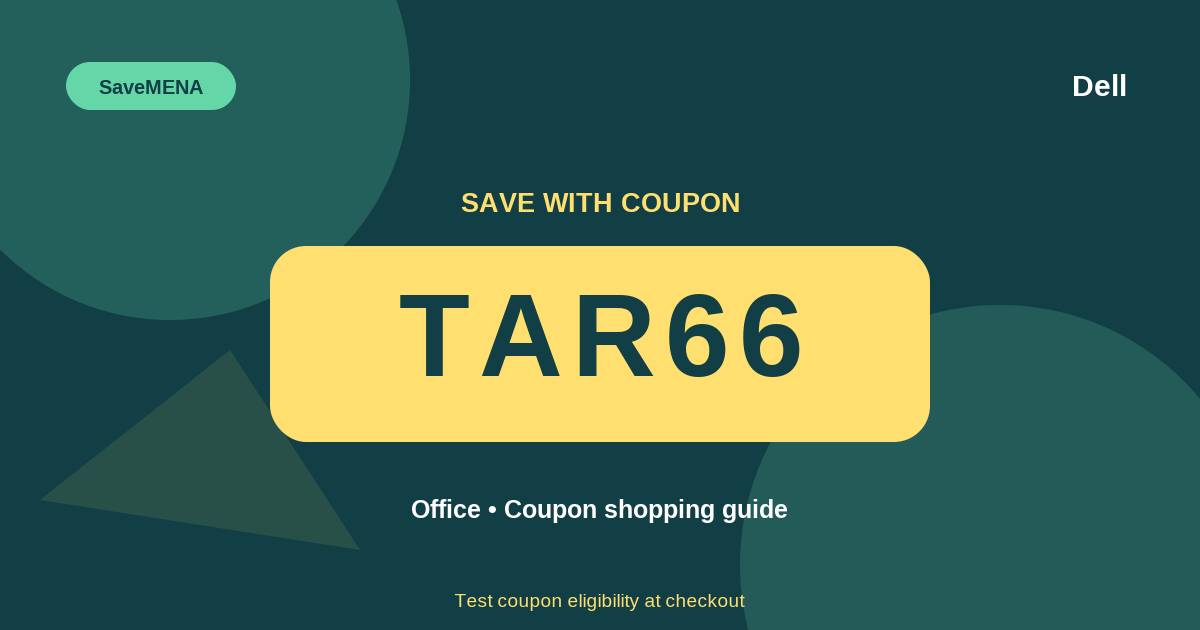
Codes available to try while comparing
These codes are not guaranteed for the article topic or listed brands; test them at checkout and use the live result.
Preparing Your Order: Choosing the Right Dell Office Product
Begin by locating products that fit your office needs, such as Dell desktop or laptop configurations tailored for productivity. Ensure you examine the product page for any sponsored packaging information and seller reliability, as Ultran Power or Tech Solutions may manage inventory dispatch. Filter results to home or office models, confirming that the item’s stock status appears current, so you can proceed without last-minute delays that might require a different courier service.
Once you have identified the preferred Dell model, add the desired quantity to your cart. Verify that the site reflects the correct age restrictions or volume limits, if any. At this stage, bookmark the checkout URL; this practice will save you time when you return to input the coupon during the final header that lists open variations. Keeping your cart stable ensures that any coupon attempt will apply to this exact configuration without confusion over added accessories.
Position Your Checkout: How to Apply the TAR98 Coupon Code
Navigate to the Noon checkout page and locate the “Enter coupon code” field typically found beneath the cart summary. Input the code exactly as provided—TAR98—without extra spaces or characters. Double‑check for case sensitivity, as most coupon fields accept uppercase or lowercase variants but base verification on the exact string. Hit “Apply” to trigger the backend evaluation before further actions.
After the code applies, observe whether the system acknowledges a discount; if it does not, notice any error or confirmation message that says the coupon is not recognized. Keep in mind that the code is available to try, and may not result in a reduction. In this scenario, the subtotal remains unchanged, and you can proceed to test the next step of the booking flow, ensuring no additional fees distract from coupon evaluation.
Verifying Delivery Charges: From Order Summary to Final Total
Once the coupon application settles, the checkout page will display a breakdown of charges. Pay special attention to the field labeled “Delivery fee,” as this fee is added after any discount adjustments. Some products might carry a standard delivery charge, while others might be free depending on the seller’s logistics policy. Be mindful that the fee can differ if you opt for an express courier or a scheduled delivery slot at checkout.
Compare the displayed delivery fee prior to final confirmation with the one that appears after the coupon has been rejected. If the code fails, the fee should remain constant; if the code succeeds, the fee’s position in the total remains identical while the subtotal adjustment might offset your overall cost. Documenting both scenarios gives a clear picture of how shipping elements influence the final payable amount.
Assessing Additional Fees: Taxes, Service Charges, and Other Costs
Beyond the base delivery fee, the checkout interface lists any applicable taxes or service fees. These charges are independent of coupon usage and are calculated on the post‑discount subtotal. Verify that the tax calculation appears accurately for the selected delivery address and that the service charge, if present, respects the seller’s policy for electronic goods. This check ensures you aren’t surprised by hidden costs hidden behind the final total.
When the coupon succeeds, recalculate the tax and service charge on the adjusted subtotal. Compare both totals to determine if the coupon materially changes your obligation. In many cases, the tax amount will remain proportionate to the new subtotal, but it’s essential to confirm this dynamic to understand the coupon’s full impact on the post‑delivery charges you ultimately pay.
Confirming Eligibility: Account Status, Minimum Spend, and Seller Policies
Double‑check that your Noon account is active and not restricted during the purchase. Some coupon codes might require a verified email or phone number. Additionally, confirm whether the selected Dell product aligns with the seller’s eligibility criteria.A coupon is not guaranteed; verify its result at the retailer checkout.
During the cart verification step, watch for any minimum spend notices that might appear when applying the coupon. While you cannot assume a threshold, the system will show if a warning appears that the order doesn’t meet the requirement. If so, adjust the cart quantity or add a complementary item, then retry the coupon. This practice guarantees that no fees or discount expectations are misaligned due to an unmet minimum spend rule.
Closing the Deal: Completing Payment and Tracking Your Delivery
Proceed to add payment details once the order totals reflect the intended deductions. Select your preferred payment method—credit card, UAE Bank, or e-wallet—and confirm that the final amount displayed matches the one you expect after all fees and potential discount. Enter any transaction message to note the use of TAR98; while not required, this personalization assists in post‑purchase reconciliation.
After payment confirmation, Noon provides an order tracking link. Use this link to monitor the status of the Dell office equipment, from warehouse dispatch to final delivery. Pay attention to any change in delivery timing or carrier notification that might reflect a fee adjustment or shipping instruction from the seller. Tracking ensures you stay informed and can address discrepancies promptly if they arise.
Post-Purchase Insights: What to Do If the Coupon Doesn’t Apply
Should the coupon field show that the code is not recognized or invalid, document the error message for future reference. Reach out to Noon customer service with the code in question to confirm its status; this step clarifies whether the code is truly inactive or if a typographical error occurred. The support team can also inform you of any alternative promotions that may apply to Dell office products.
If the coupon does not impact the final total, revisit the product page to verify that the item is still listed for sale and not temporarily out of stock. Occasionally, seller updates or regional restrictions cause a brief disappearance of the code’s applicability. Keeping a log of such attempts allows you to reopen the coupon trial once the product’s status stabilizes, ensuring you don’t miss a subsequent discount window.
Reevaluating Your Approach: Testing Other Noon Coupon Codes (When Available)
Should the TAR98 coupon prove ineffective, consider repeating the experiment with alternative codes you have at hand. Remember to test each code individually, restating the same diligent approach for delivery and fee verification. By isolating each coupon, you can accurately assess how different offers overlap with shipping costs and tax calculations specific to Office Dell products.
While the current article focuses on a single packet of information—TAR98—you can extend this method to every new code you acquire. The systematic approach keeps the analysis clean, allowing you to track which coupons truly benefit your purchase and which may fail for certain product skus. Consistency in testing, especially around fees, maintains clarity over how where shipping affects your final expenditure.
Related SaveMENA pages
Related articles
Official sources to check
Frequently asked questions
What happens if the TAR98 coupon code is not accepted?
When the system rejects the coupon, the cart subtotal stays unchanged. You can still proceed with payment; however, the discount is not applied. Note the error message and consider contacting Noon support for clarification. The delivery fee remains unchanged regardless of coupon acceptance.
Can I use TAR98 with other coupons or vouchers on Noon?
Noon’s policy generally prevents combining coupon codes for a single order. You must apply one code at a time; the site will remove any other active coupon when you enter TAR98. Testing each code separately ensures clarity about savings.
Will the delivery fee change after I use a coupon code?
The delivery fee is calculated based on the item’s shipping parameters and the seller’s policy. It is applied at checkout after the coupon discount (if accepted) and typically remains constant unless the delivery method changes.
Do I need a Noon app subscription to use TAR98?
No subscription or app‑only restriction is not indicated for TAR98. You can enter the code from the mobile website or desktop checkout without signing up for a Noon membership, though some sellers may have their own bundled benefits.