Puma Sports on Noon UAE: delivery fees — testing coupons one at a time · TAR84
If you’re looking to test multiple codes one at a time, Noon UAE lets you try coupon codes like TAR84 on sporting goods, including Puma items, before you commit to
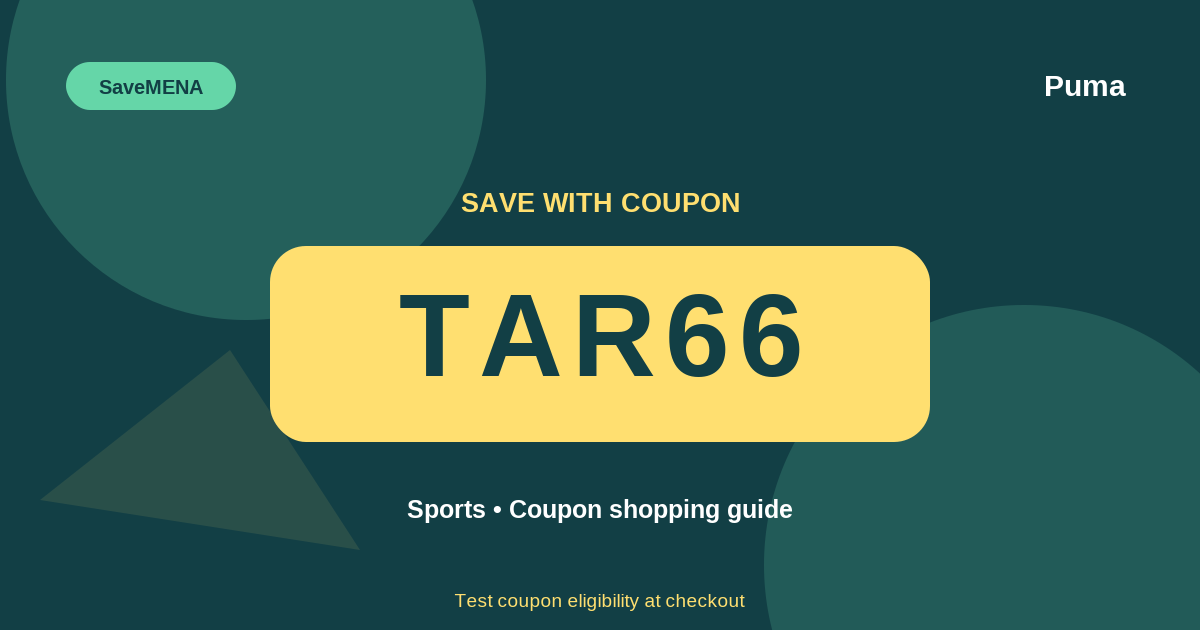
Codes available to try while comparing
These codes are not guaranteed for the article topic or listed brands; test them at checkout and use the live result.
1. Understanding Noon UAE Coupon Codes for Sport Purchases
Noon UAE offers users the ability to apply coupon codes during checkout, and the TAR84 code is one on offer for sports enthusiasts. While the platform displays how a coupon can reduce the price, keep in mind that it does not guarantee a particular discount magnitude or applicability to every Puma product. UAE shoppers should first confirm that the item itself is eligible for coupons by reviewing the product page or “Coupon Details” section if available.A coupon is not guaranteed; verify its result at the retailer checkout.
Once you’re sure the selected Puma sports shoe or apparel is coupon eligible, you can proceed to your cart and note the current subtotal. The price you see there reflects the base cost before any coupon or delivery charges. It gives you a clear baseline to compare after inserting the TAR84 code and seeing any potential savings. This baseline is necessary for later verifying whether the delivery fee remains unchanged after the discount.
2. Preparing Your Wish List: Selecting Puma Products with Delivery in Mind
When curating a shopping list on Noon, prioritize Puma items that list “Standard Delivery” or “Fast Delivery” options. These labels give you an initial idea of what the delivery fee will be once the cart is finalized. If your cart has several sports items, each may carry its own fee structure; the overall delivery cost is displayed once you add each to the cart. By selecting Puma products with known delivery categories, you can better forecast the impact of a coupon on the total cost, including shipping.
To stay organized, add each chosen Puma product to a separate wishlist before adding them to cart.A coupon is not guaranteed; verify its result at the retailer checkout. Since delivery fees at Noon are typically shown per item, having a clear separation in your wishlist helps you read the final fee numbers accurately once you’re ready to proceed to checkout.
3. Step-by-Step: Applying the TAR84 Coupon Code on Noon
After adding your favorite Puma sports goods to the cart, navigate to the “Coupon” input field positioned beneath the cart total. Type TAR84 exactly as displayed, then tap the apply button. Noon will recalculate the subtotal immediately, displaying the new amount with a small line noting “Coupon applied” to show that the code was accepted. If the code is accepted, you’ll see the adjusted benefit before the final total appears.
If Noon fails to recognise TAR84, the system will display an error such as “Invalid code” or “Coupon not applicable.” In that case, the cart total remains unchanged, and you should double‑check the code’s spelling or whether the product is eligible for coupon use. Remember, Noon’s display of the coupon effect is part of the final checkout page, so you can verify its impact just before confirming payment.
4. Verifying Delivery Fees in the Noon Cart
Once the coupon is applied, keep an eye on the “Delivery” line in the cart summary. This line lists the applicable fee for each Puma product. Noon typically aggregates any separate delivery charges from the selected shipping method; some items may have no fee under specific promotions, but this cannot be assumed. The fee number will be updated to reflect the discounted price if any, while still factoring in the original shipping charges.
If you notice a change in the delivery cost after applying TAR84, it may reflect an adjustment based on the new subtotal. However, most often delivery fees remain static, independent of coupon usage. Double checking the final figure after coupon application ensures you’re not surprised by a higher delivery charge that could erode any coupon savings, keeping the focus on how the end total really looks.
5. Tracking Your Order: Expected Delivery Times and Option Fees
After confirming that both the coupon and delivery rate display correctly, proceed to the “Checkout” screen. There, Noon presents a detailed breakdown of the expected delivery window for each item, typically ranging from 1–3 business days for standard shipping. If a “Fast Delivery” option is possible, the listed fee will appear immediately beside that choice.
While delivery times seldom change due to coupon usage, it’s wise to read the options carefully. Some items may have a free “Standard Delivery” threshold that might not apply once the total dips below a certain value after a discount. This nuance can occasionally trigger a new fee; verifying in the checklist ensures the FEES section matches your expectations before payment is authorized.
6. What Happens if the Coupon Is Inactive? Handling Invalid Codes
In the event that Noon rejects TAR84, the system will communicate that the coupon is invalid, expired, or inapplicable for the chosen item. This is a clear indicator that the discount cannot be applied to that specific purchase. At that point, the cart total will revert to the pre‑coupon figure, and the delivery fee remains as previously displayed.
One practical step when encountering an inactive code is to remove a single product from the cart and test the code again on a different Puma item. Since coupon eligibility may vary by product, the same code might work with a different item. If all attempts fail, it is reasonable to conclude that the coupon is either no longer supported for sports or the specific product is exempted.
7. Comparing Noon Delivery Options for Sports Items
Some shoppers select products that have multiple delivery methods: standard, express, or in‑store pickup. Noon usually displays a table of these possibilities in the cart summary. A key decision point is whether the cost difference between these options is significant after a coupon is applied. A lower subtotal might change a standard delivery from free to paid, for instance, altering the final cost structure.
To make an informed decision, it’s best to read the “Delivery” rate for each option side by side before finalising the checkout. Even if the coupon reduces the product price, an expensive fast delivery fee can result in a net savings shift. Verification at this stage protects you from committing to a higher final payment inadvertently.
8. Final Tips Before Checkout: Ensuring Accuracy of Fees and Discounts
Before unlocking the “Place Order” button on Noon, revisit the summary breakdown. Confirm the subtotal reflects the coupon deduction, and that the delivery fees are correctly calculated. Pay particular attention to any “Admin Fees” or “Handling Charges” that some sellers list; these are additional to standard delivery and may change after a discount applies.
If you find any discrepancy, tweak the quantity of items, adjust the shipping method, or remove a product temporarily to see how the totals shift.A coupon is not guaranteed; verify its result at the retailer checkout.
Related SaveMENA pages
Related articles
Official sources to check
Frequently asked questions
Does the TAR84 coupon automatically apply to all Puma sports items on Noon?
Not guaranteed. Noon’s page will indicate if the selected Puma item is eligible for coupons, and the cart will confirm whether the code works upon application. Always verify at checkout.
Will a coupon reduce the delivery fee on Noon?
No. Delivery charges are independent of coupon usage. The fee remains as set for the chosen shipping method, unless the product listing notes otherwise.
Can I combine TAR84 with other promotions on Noon?
Noon’s policy typically allows only one coupon per order. If a discount or sales event is running, the coupon may be ignored; check the cart for any “Offer” highlighted.
What should I do if a coupon appears invalid during checkout?
Remove or change one product, then reapply TAR84. If it remains invalid, the code might have expired or be inapplicable for the specific item.