Watches on Noon UAE: delivery fees — testing coupons one at a time · TAR98
Looking to test Noon UAE coupon codes while buying watches? This guide shows you how to apply the TAR98 coupon one step at a time, accounting for delivery and fees
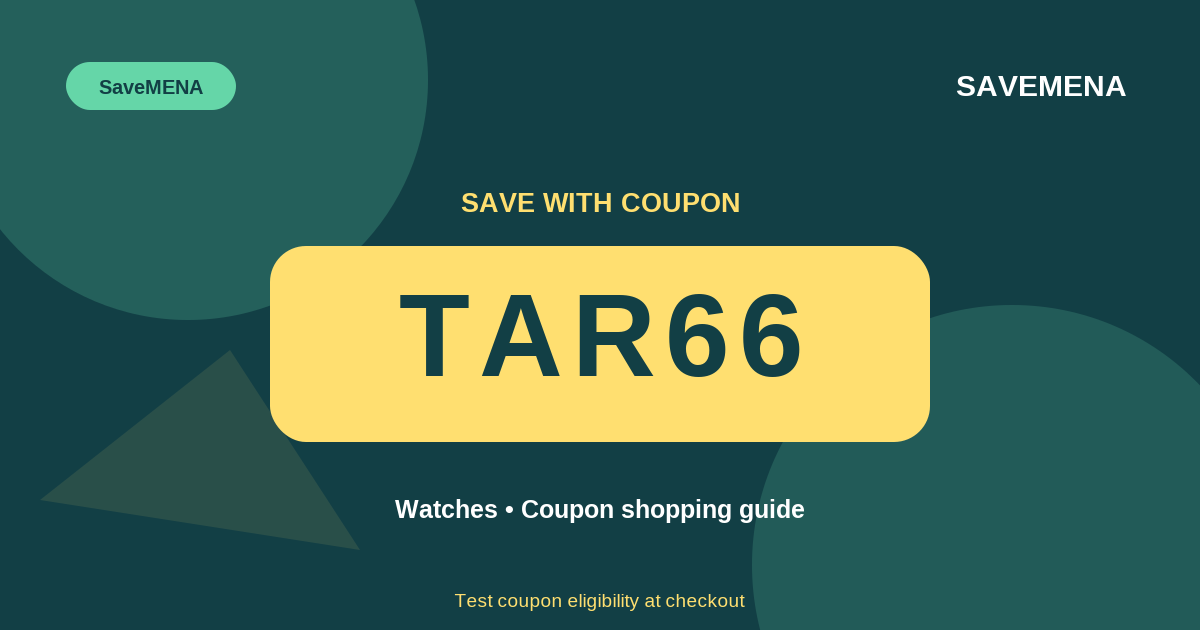
Codes available to try while comparing
These codes are not guaranteed for the article topic or listed brands; test them at checkout and use the live result.
1. Choosing the Right Watch for Noon UAE
Buyers often start with the watch’s design, considering whether the style is suitable for both everyday wear and special occasions. A slim quartz model can be ideal for office use, while a robust analog sports watch offers durability for outdoor activities. Prioritize features such as water resistance, battery life, and the type of movement (analog or digital) based on your daily routine. Knowing these details early helps you narrow down your search on Noon’s platform, saving time and preventing checkout confusion when you reach the final steps.
Once you have a shortlist, compare user reviews and product specifications on Noon’s listing pages. Pay close attention to the brand’s reputation for quality, the finish of the strap (leather, metal, silicone), and any warranty information. Normally, Noon provides a comprehensive description that includes size, weight, and packaging details. Checking these attributes before adding a watch to your cart gives you peace of mind that the product matches your expectations, which is crucial when you later verify delivery and fee information during checkout.
2. Understanding Noon UAE Pricing
On Noon, each watch’s base price is displayed prominently under the product title. Prices are set in UAE dirhams (AED) and fluctuate based on brand, model, and any ongoing promotions. Although the platform may feature discounts, there is no guarantee in advance that a particular coupon will apply or change the listed cost. Reviewing the displayed price before adding items to cart ensures you know the starting point of your total, helping you gauge how delivery fees and codes might shift the final amount you pay.
A watch’s price on Noon is independent of delivery cost, which is added during checkout. Typically, Noon offers separate shipping rates for standard, express, and next-day delivery based on the recipient’s location. Some items, like premium watches, may have a higher shipping fee than standard accessories. Confirming the price and understanding that shipping will later be calculated based on the quantity, weight, and chosen delivery method readies you for a transparent total calculation.
3. Applying the TAR98 Coupon Code
Once you have selected a watch and added it to your cart, proceed to the checkout page, where you can enter the provided coupon code TAR98. The code field usually appears near the subtotal section. Notice that the system will flag the code as “available to try,” and there is no guarantee it will result in a discount. Using the code one at a time keeps the application process clear and avoids confusion about overlapping offers.
After inputting TAR98, the interface will recalculate the cart total if the coupon is accepted. If there is no discount, the code will simply remain unchanged. If a discount proceeds, the revised subtotal will reflect the new “with coupon” amount. In either case, keep a mental note that the delivery fee will be added later, and that the final payable amount must be confirmed before completing payment.
4. Delivery Options and Associated Fees
Noon offers several delivery methods, such as Standard (usually 2–4 business days), Express (1–2 days), and sometimes NEXT DAY for certain regions. Each method carries a distinct fee, which is calculated during the checkout based on the total weight and the specific delivery centre. The fee will appear just before the payment step, ensuring you see the exact amount added to your subtotal. Delivery can sometimes vary by the city you live in, so it’s wise to check if a free delivery threshold applies to your chosen watch.
When looking at a watch that could qualify for free standard shipping, your subtotal plus delivery must fall under the threshold set by Noon (such as AED 200). If the watch’s price sits just below that limit, you might save the delivery cost entirely. In other cases, the delivery fee may be a small increment that turns a modest discount from a coupon into a net loss. Checking this breakdown explicitly at checkout is essential to make an informed decision.
5. Adding Watches to Cart and Checking Availability
After selecting the watch, use the “Add to Cart” button; you’ll see up-to-date inventory status. Some models are limited editions or subject to stock constraints, and Noon will update availability in real time. If a chosen watch is marked as out of stock, it must be removed before a discount code can be tested, or you’ll need to explore other options.
You can also watch the “Estimated Delivery Time” that appears next to each product in the cart. This helps you gauge whether the delivery window aligns with any time-sensitive requirements you have, such as a gift due on a specific date. Verifying this before you proceed to checkout ensures that the chosen watch will arrive when you need it, once all fees are factored in.
6. Reviewing the Total at Checkout
At the checkout stage, the screen displays the subtotal, the applied coupon (if any), tax, and the delivery fee, rounding to the final amount payable. The subtotal reflects the cost of the watch(es) before any postage, while the tax is automatically calculated per UAE legislation. The coupon discount, if accepted, will be shown as a negative adjustment on the subtotal line.
Before confirming payment, double‑check that the delivery fee shown matches your preferred shipping option. If the fee appears higher than expected, verify that you haven’t inadvertently added a second watch or that you have chosen the correct delivery method. The final pay button will only activate once all elements—subtotal, discount, tax, and shipping—have been tallied and displayed.
7. Verifying Fees Before Finalizing Purchase
Some shoppers feel comfortable clicking “Pay” immediately after seeing the total. However, it’s prudent to confirm that no additional fees—such as a “Handling Fee” or “Special Services Charge” for premium delivery—appear at the last moment. Occasionally, a large, precious watch might trigger an extra handling cost. If the final amount changes after clicking “Pay,” you may have to adjust the shipping option or negotiate the extra fee.
To avoid surprises, dwell on the review screen and confirm each component of the cost. If anything seems inconsistent with earlier steps—like a discrepancy between the displayed delivery fee and the one you accepted—contact Noon’s customer service or cancel the order before completing payment. This double‑check ensures that the coupon’s impact is accurately reflected and that there is no hidden surcharge added after your decision is made.
Related SaveMENA pages
Related articles
Official sources to check
Frequently asked questions
What happens if the TAR98 coupon code does not work on my watch purchase?
The code appears as an option to try, but there is no guarantee it will apply. If it fails, your cart total will remain unchanged, and you may continue without a discount or look for alternative promotions to use instead.
Will the delivery fee change after I click the pay button?
In most cases the delivery fee is fixed once you select your shipping option. However, rare items may carry a separate handling charge that appears only during the final payment confirmation; review the final review screen if this occurs.
Can I change my delivery method after applying the coupon?
Yes, you can adjust your delivery choice before confirming payment. Changing from standard to express will update the shipping fee, which will be reflected in the final total you see before you finalize the purchase.
Is there an additional fee for premium watches on Noon?
Some premium or limited‑edition watches can incur a handling or special shipping charge. This fee will appear during checkout and should be confirmed as part of the final price before completing the transaction.