Braun Beauty on Noon UAE: delivery timing — testing coupons one at a time
try Noon UAE coupon codes Beauty Braun estimated delivery timing: In this guide you will learn how to test Noon UAE coupon codes on Beauty Braun products one by
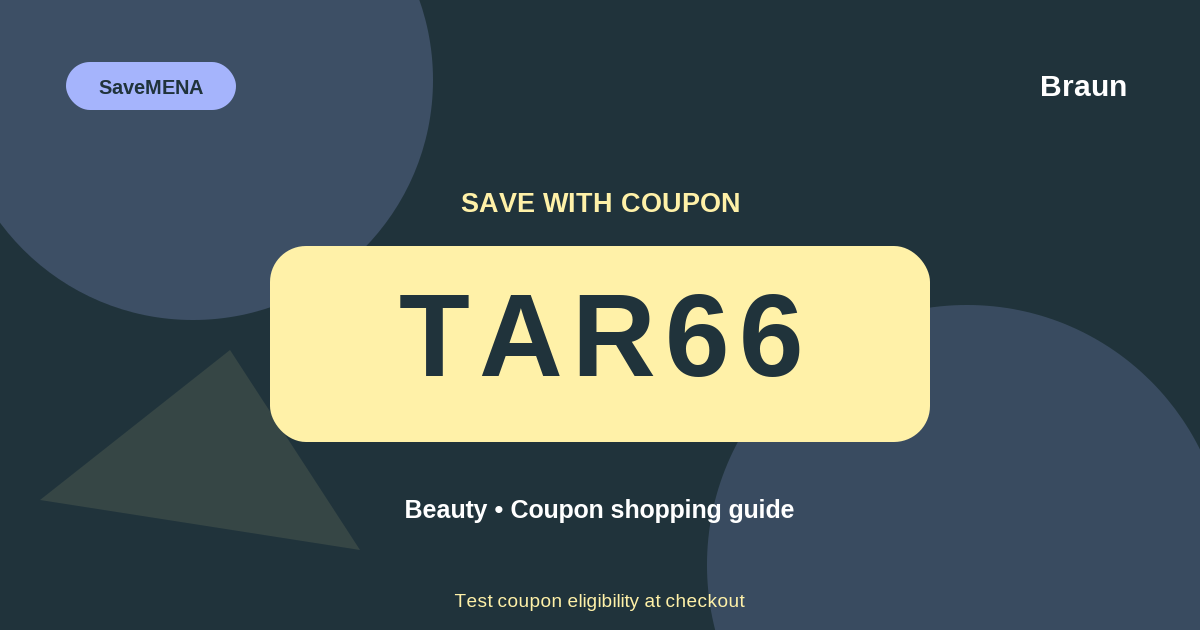
Codes available to try while comparing
These codes are not guaranteed for the article topic or listed brands; test them at checkout and use the live result.
Choosing the Right Braun Beauty Product
Start by browsing Noon’s beauty section for Braun items that match your needs—whether it’s a hair styling device, a skincare tool or a grooming kit. Use the filter tools to narrow down by category, user reviews and product features. Pay close attention to the product description: note the dimensions, battery life and any included accessories that might affect shipping weight and priority.
Since delivery timing hinges on the item’s size and seller location, test multiple variants if available. This way, you’ll capture any variance in estimated shipping dates that could arise from heavier models or international batch shipments. Make a quick list of your top three choices to streamline the coupon‑testing phase and ensure you compare like with like.
Setting Up Your Noon UAE Shopping Session
Create or log into your Noon account before adding items to your basket. A verified profile sometimes unlocks clearer delivery estimates, as Noon can calculate shipping times based on your stored address. Verify that your delivery address is complete, including any apartment number or gate code that might affect courier access.
Once you’ve added your chosen Braun item to the cart, view the cart summary. This screen presents the base price, any shipping fees, and the estimated delivery window in days. Take note of this baseline estimate; it will serve as a reference when you later apply the coupon code TAR66 and record any shift in the delivery timeline.
Running the First Coupon Test: How to Add TAR66
Navigate to the checkout page where the coupon field resides. Enter the code TAR66 exactly as shown—in uppercase, since coupon codes are case‑sensitive. After typing, tap “Apply” to see if the system registers it. The confirmation will appear next to the field or as a subtle banner; if the code is invalid, the message will indicate this.
At this juncture, review the updated price line items. Even if the coupon seems to accept, do not assume a discount until the final payment screen. Some platforms delay discount roll‑out until the last step to check for usage limits or compulsion with other offers. Stay prepared to repeat this step with a fresh brand or another Braun variant to compare consistency.
Checking Coupon Eligibility: Why Every Attempt Matters
To confirm eligibility, proceed to the next stage where Noon displays a “Ready to Pay” or similar section. Here a clear statement of the final payable amount will appear. If TAR66 has been accepted, the total will reflect its effect. If not, the code may have been rejected for reasons such as minimum spend or incompatible product category.
Even though Noon doesn’t disclose detailed coupon conditions, watching the total before confirming order helps avoid surprises. If the code didn’t apply, note whether the item remained eligible for another pass or whether a different Braun product might meet the coupon’s constraints. This meticulous “copy‑and‑check” approach ensures you’re not blindsided by an unseen restriction.
Confirming Estimated Delivery Timing Post‑Coupon Application
Once you confirm the order, a confirmation screen will display the final delivery window. Compare this figure against the baseline estimate obtained before applying TAR66. Any shift—be it earlier or later—can suggest how the coupon or the promotional price might affect inventory processing or courier routing.
From this moment, add the delivery window to your planning schedule. If you need the product by a specific date, cross‑check that the new estimate still aligns with your timeline. If the window has stretched beyond your desired window, consider whether the coupon’s potential savings outweigh the delay, or if an alternative product without the coupon might better suit your urgency.
Monitoring Your Order Status: Tracking & Communication
After placement, you’ll receive an order tracking link in your Noon account or via email. Click it to access live updates: “Processing,” “Shipped,” “Out for delivery.” These stages are often tied to inventory readiness and courier dispatch schedules, which can shift if the coupon triggers a special handling protocol.
Leverage Noon’s order history page to check the timestamps of each stage. If you notice a delay at the “Processing” stage even after the coupon applied, you may contact Noon’s customer service for clarification. Quick communication can sometimes yield a better shipping arrangement, especially if you’re close to a critical deadline.
Adjusting Your Shipment: Rescheduling or Express Options
Once you have a confirmed delivery window, you can check if Noon offers a rescheduling or express shipping add‑on. Some sellers allow a courier pickup change or an expedited handling fee, which can offset a broader delivery estimate resulting from the coupon application.
Be mindful that such options might implicate the final payable amount. If you choose an express service, review the updated payment line items for any additional fees and reassess whether the spend still justifies the timing advantage. Keep the decision grounded in your personalized delivery requirement rather than the coupon’s abstract appeal.
Maximizing Future Savings: Lessons from Your Coupon Trials
Compile your findings from each test: which Braun variant accepted the coupon, what the final price was, and how the delivery estimate changed. Organize this data in a simple note so you can reference it on future buying occasions, especially during seasonal sales or promotional windows where Noon may roll out new codes.
When approaching the next purchase, apply the logic you’ve established: select the product, confirm the baseline delivery, test the coupon, verify the final total, and compare delivery windows. By treating each coupon trial as a mini‑experiment, you keep the decision lens—estimated delivery timing—clear and actionable, ensuring that savings never compromise your scheduling needs.
Related SaveMENA pages
Related articles
Official sources to check
Frequently asked questions
How can I verify if the TAR66 code is actually applied?
At checkout, review the final payable total just before confirming the order. If the code is accepted, the total will reflect the discount. Any confirmation banner or message near the coupon field will also indicate success. If no change, the code may not apply to that product.
Will using the coupon period shorten my delivery time?
The coupon itself does not directly influence shipping speed. However, any change in the final payable amount may shift how the seller or Noon processes the order, potentially affecting the estimated window. Compare the delivery estimate before and after applying the code to gauge any impact.
What if the coupon code expires before I finish checkout?
Check the code field for any expiry indicator. Should the coupon become invalid midway, Noon will revert the price to the original amount. It’s advisable to apply the code as soon as possible and complete the purchase promptly to avoid mid‑transaction lapses.
Can I use multiple coupons on the same Braun beauty item?
Noon typically permits only one coupon per purchase. If you try a second coupon, the platform will usually reject it or overwrite the prior one. Stick to the single TAR66 code for each order, or combine it with available store credits or loyalty points if allowed.