Apple Smart Watches on Noon UAE: delivery timing — testing coupons one at a time
When you add an Apple smartwatch to your Noon cart, the platform instantly calculates an estimated delivery window based on the seller’s fulfillment center and
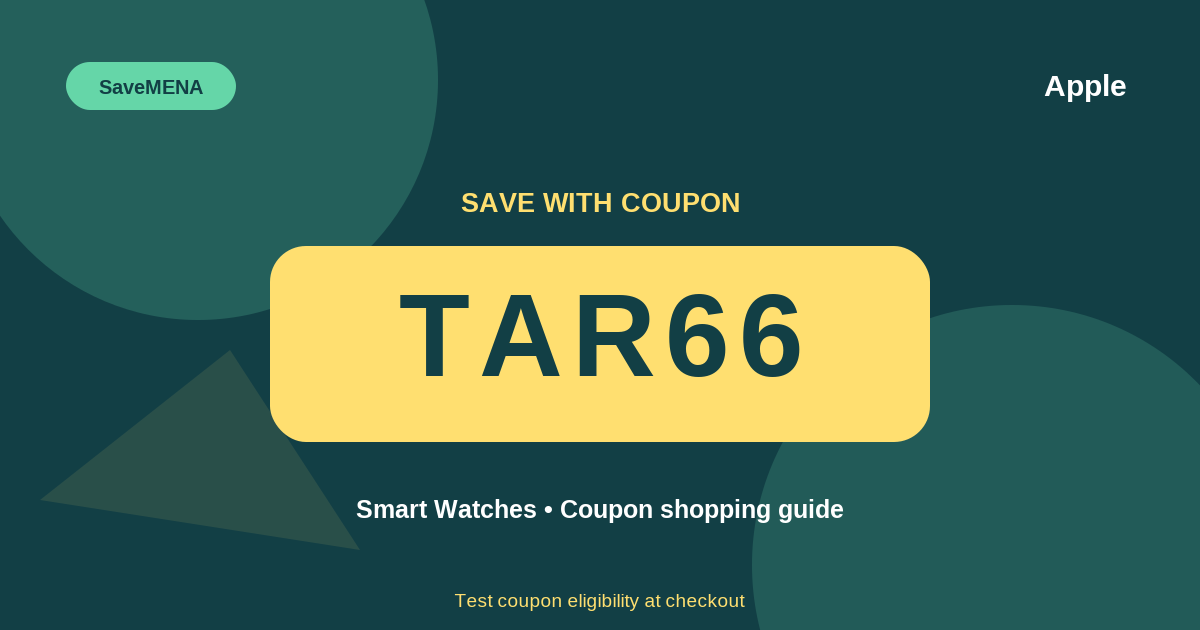
Codes available to try while comparing
These codes are not guaranteed for the article topic or listed brands; test them at checkout and use the live result.
Understanding Noon’s Delivery Framework for Smart Watches
When you add an Apple smartwatch to your Noon cart, the platform instantly calculates an estimated delivery window based on the seller’s fulfillment center and logistics partner. The estimation appears in two parts: a range of days and a specific time stamp that the package is expected to leave the warehouse. This early visibility lets you compare if one seller promises “next‑day delivery” versus another that lists “4‑7 days.” For a tech watch that may be essential to your daily routine, this calculation is the baseline against which you’ll judge the coupon’s influence and the final purchase decision.
Because Noon’s interface embeds the delivery estimate on each product page, you can already see the potential impact of different sellers before even initiating the checkout process. This step ensures that you’re not only chasing a discount with TAR66 but also front‑loading the need for a swift arrival. Keep the estimated days in mind as you move through the product listings—faster delivery is often linked to premium sellers, but the impact of a coupon may shift your choice if the price margin is worth the wait. Aligning your coupon trial with these estimates guarantees that you can still achieve the desired watch on time, even if the discount isn’t applied.
Identifying the Right Apple Smart Watch Variant
Apple offers a range of smartwatches in different sizes, bands, and storage capacities. The variant you select directly influences the order’s handling time; larger watches or special edition colors sometimes require additional inspection or restocking checks. Before you apply TAR66, review the product details to confirm that the variant you intend to purchase is actively stocked in the UAE by the chosen seller. A fully stocked item will bypass the initial fulfillment queue and usually aligns with the estimated delivery period shown on the listing.
When browsing the model page, look for the “seller” information highlighted below the price field. Sellers who display a green verification badge often maintain real‑time inventory checks, but this does not guarantee delivery speed. Check for “Available in UAE” notes and cross‑reference any stated restock alerts. A variant marked as “out of stock” or “reorder” will shift the estimated delivery window beyond what you initially see, potentially undermining your coupon strategy if a longer wait time is not acceptable. By choosing a variant with stable stock, you keep the discounted price goal—via the TAR66 code—on track.\n
Selecting the Best Seller to Optimize Delivery Speed
The seller listed beside each Apple smartwatch determines the efficiency of the entire delivery chain. Sellers who manage their fulfillment through Noon’s center typically provide more consistent estimated delivery windows than third‑party merchants. To find the swiftest option, sort the listings by ‘Seller Rating’ or toggle the ‘Fast Shipping’ filter if available. A higher rating can be a proxy for reliable dispatch, yet please verify with the specific seller’s “seller details” page for any delivery notes that might affect speed.
The seller’s location influences the actual journey the smartwatch will travel from warehouse to your doorstep. Items stored in Dubai will naturally arrive quicker than those stocked in distant hubs or abroad. On the product page, you can often see an icon indicating the seller’s fulfillment center. Prioritising a seller with a local hub reduces the delivery estimate and aligns with the overarching decision lens: that the watch arrives on the promised date, whether TAR66 is applied or not. This check should be performed before attempting the coupon code during checkout.
Attempting the TAR66 Coupon Before Checkout
Once you’ve selected the watch and the seller, add the item to your cart and proceed to the checkout stage. Noon’s coupon entry field normally accepts codes in full; type TAR66 exactly as shown, and click the “Apply” button. The platform will process the discount in real time, updating only the final payable amount if the code is accepted. If the code fails, the interface immediately indicates that it is “invalid” or “already used,” allowing you to understand whether the issue is with the code itself or if the product makes it ineligible.
Regardless of the code’s outcome, the estimated delivery timing remains visible on the checkout page. A successful application of TAR66 will not alter the delivery window; it simply affects the monetary value you pay. Therefore, the timing comparison across sellers should be based on the same estimates you see before applying the coupon. Testing multiple codes one at a time allows you to see if, for instance, some discounts trigger a faster shipping option or not, but typically the delivery schedule stays constant until the order is finalized.\n
Comparing Estimated Delivery Times Across Sellers
After the coupon trial, gather the delivery estimates from each shortlisted seller for the same Apple smartwatch variant. You can copy the numbers into a spreadsheet or write them down to see if any seller offers a noticeably earlier window. If a seller lists “Delivery in 2 days” while another offers “Delivery in 6 days,” the former is the better choice if you prioritize speed over a potential minor price difference.
Keep in mind that certain sellers may offer express shipping for a small additional fee. Noon occasionally surfaces this as a “Prime delivery” option but it varies per product. If you opt into express, verify that the chosen delivery window still aligns with the estimated delivery displayed after the coupon is applied. Express shipping may not reflect in the standard estimated window, so manual verification is essential to avoid over‑shipping expectations.
Checking Physical or Baby‑Regulated Items for Extra Delay
Apple smartwatches are classified as electronic devices, which generally do not face customs clearance or safety inspections in the UAE. However, certain accessories that accompany the watch—like protective cases or earbuds—might be subject to additional checks. If your bundle includes these items, verify that the seller’s shipping estimate incorporates any necessary customs handling times, which could push the arrival date beyond the use‑case you have in mind.
In rare cases, sellers may flag certain watch models as “special edition,” which can trigger a storage hold at the warehouse before distribution. This hold often adds a day or two to the advertised delivery time. When testing TAR66, confirm that such hold times are reflected in the checkout estimate; otherwise the coupon may not reach you on the theoretical earliest date you were hoping for.\n
Confirming Stock Levels and Availability Prior to Purchase
Because WAS and tropical weather cycles can impact electronic inventory, it’s prudent to confirm real‑time stock status before finalising the order. Noon's “In‑Stock” badge is typically updated continuously, but a pause in the badge or an “Out of stock” notice indicates that delivery may be delayed until a new shipment arrives. For a watch you rely on daily, ensuring that stock exists at the moment you apply the coupon is vital for the delivery estimate to hold true.
At checkout, watch the “Estimated Delivery” field again after your stock check. Sometimes the field refreshes if the item was temporarily out of inventory but is restocked during the checkout process; this can slightly shift the windows. If you notice a different estimate than before adding the code, double‑check that the seller has not moved your product into a slower fulfilment channel. This verification step ties back directly to the decision lens of determining whether the watch will arrive at your desired time frame.
Finalizing the Order and Tracking Your Smart Watch Shipment
With the coupon applied and the delivery window confirmed, proceed through the payment, shipping address, and order confirmation steps. Once the order is placed, Noon typically sends a confirmation email that recaps the delivery estimate, order ID, and seller information. Save this email and keep it handy; if the delivery falls outside the promised window, the reference numbers will help you track the shipment faster.
Use Noon’s order tracking feature to monitor the watch’s journey. The tracking interface will display milestones such as “Pick‑up Ready,” “Out for Delivery,” and “Delivered.” If a delay occurs, the system may automatically adjust the delivery estimate at the point of transit, and the updated window will appear in the tracker. Staying attentive to these updates allows you to manage expectations realistically, ensuring that your bargain, even if courtesy of TAR66, results in a watch that reaches you within an acceptable timeframe. By syncing the coupon trial with delivery tracking, you achieve an informed shopping experience that balances cost and speed. \n
Related SaveMENA pages
Related articles
Official sources to check
Frequently asked questions
What happens if the TAR66 coupon code does not work at checkout?
The code may fail if it’s expired, mis‑entered, or incompatible with the chosen seller. It won’t affect the delivery estimate you’ve seen there. Update the cart with another product or try a new code once the checkout is cleared.
Will the estimated delivery date change after I apply the TAR66 code?
No. The coupon only adjusts the final price. The delivery window displayed during checkout remains based on the seller’s logistics schedule and won’t move because of a coupon application.
Can I apply another discount or cashback after I’ve used TAR66?
Noon typically allows only one promo code per order. If you want another incentive, you must cancel the current order and re‑add the product to a new cart.
How can I be sure my smart watch will arrive on time?
Check the seller’s rating, fulfillments center location, and real‑time stock status before placing the order. Tracking the package through Noon’s interface will let you anticipate any delays promptly.