Puma Women’s Fashion on Noon UAE: final total — testing coupons one at a time
When you search for “try Noon UAE coupon codes Women’s Fashion Puma final payable total” you’re likely looking for a clear, step‑by‑step path to reduce what you pay
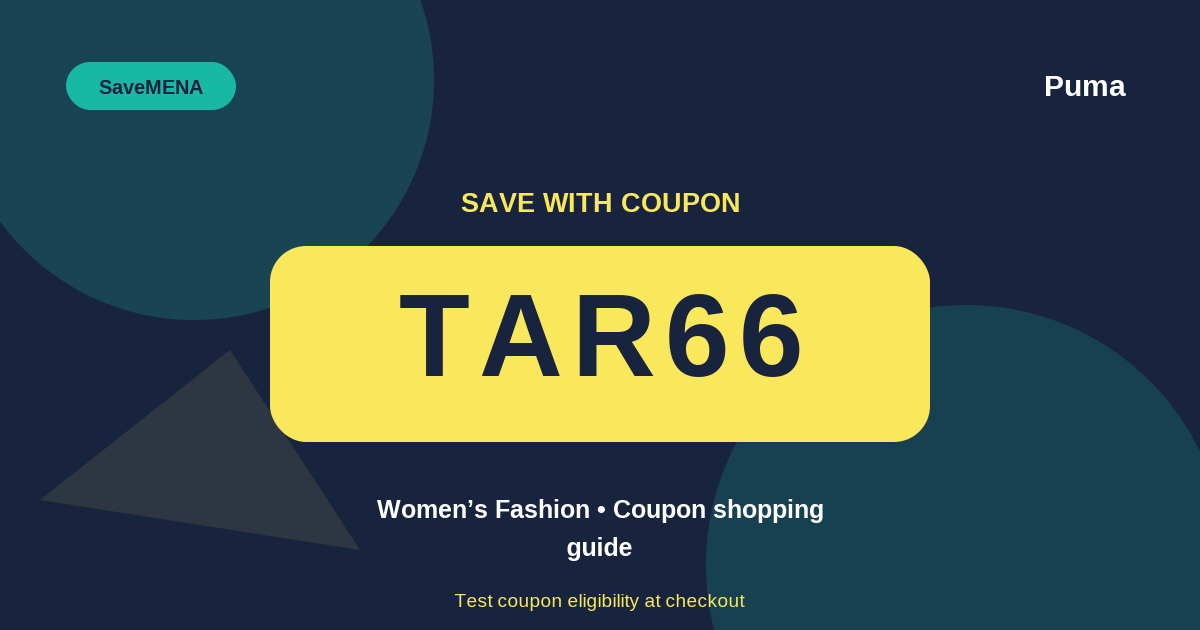
Codes available to try while comparing
These codes are not guaranteed for the article topic or listed brands; test them at checkout and use the live result.
Selecting the Right Puma Women’s Fashion Item
Begin by navigating Noon UAE’s Women’s Fashion section and filtering for Puma. Pay attention to the product description, material, and style to match your needs. Ensure the listing is from a seller that offers delivery to your city, as shipping availability can differ between sellers carrying the same brand. Confirm that the item’s status is “Available” before proceeding.
Take note of any customer reviews, although you can’t rely on them for discount validation. Since Noon’s interface sometimes shows seller badges, check that the seller details are visible, as this will help you later if you need to contact them. Avoid making a purchase decision solely based on the seller badge; focus on the item’s attributes and your own preferences.
Comparing Item Prices Across Sellers
Once you have a few Puma items that interest you, compare each price by opening the product pages. The price displayed is legal under UAE regulations, so you can use it as a reference point. Do not rely on any particular number to estimate discounts, because final amounts adjust after coupon entry.
If multiple sellers list the same item, you still need to check the shipping fee for each seller. The shipping cost appears next to the price, but your final payable total will only be confirmed after you apply the coupon. By reviewing these options early, you can choose the seller that offers the best baseline for your budget.
Adding Items to Your Cart and Reviewing Cart Summary
Add the chosen Puma item to your cart, then click the cart icon to view the summary. This view lists item quantity, seller, and a subtotal. At this stage, you’ll still see the standard price and shipping fee. Do not trigger any discount yet.
Check that the product details—color, size, and style—are correct in the cart view. If there’s a mismatch, use the edit option to rectify it before moving on. A clear, accurate cart is essential for the coupon code to work correctly when you apply it.
Applying the TAR66 Coupon Code
Locate the “Apply Coupon” field in the cart page. Enter the single coupon code provided: TAR66. Keep in mind that Noon’s system will verify whether the code is active for your cart. Enter it as typed; the field is case‑sensitive.
If the code is accepted, you’ll see a message confirming that the discount has been applied. If it’s rejected, the cart remains unchanged. At this point, do not attempt to add a second coupon; focus on how TAR66 modifies your total, if at all.
Verifying Discount Application and Final Payable Total
After applying TAR66, scroll to the bottom of the cart to view the new total. Notice the breakdown: original price, shipping, and the adjusted payable amount. The final payable total is the sum you will need to pay, including any small delivery fee or applicable tax.
Ensure that the displayed total matches your expectations for the product, shipping, and any tax shown by Noon. If the total does not change, the coupon might not apply to this item or seller, and you should verify the eligibility conditions at checkout.
Confirming Shipping Fees, Delivery Dates, and Eligibility
Review the estimated delivery timeline next to the shipping fee. Noon often lists an approximate arrival window; take it into account when considering the final payable amount. Verify that the chosen seller can ship to your exact address, as delivery fees or restrictions may alter the total.
Check if any additional charges—such as a small handling fee—are added to the final payable total. These charges are shown above the total payment line and must be included in any cost assessment before order confirmation.
Selecting Payment Method and Final Checkout Confirmation
Choose your preferred payment method: debit card, credit card, or COD if available. If you select a card, input the details as prompted, then confirm that any card processing fee is accounted for within the final payable total. If COD is chosen, confirm that a cash deposit will be required upon delivery.
Before finalizing the purchase, review the final payable total one last time. This figure should reflect the product price, any applied coupon (TAR66), shipping, taxes, and any additional fees. Confirm that you are comfortable with the amount before clicking “Place Order.”
Post‑Checkout Tracking and Order Receipt Confirmation
After placing the order, you will receive tracking information via the Noon app or email. Use the tracking link to observe the delivery status. Once the item arrives, confirm receipt by checking the product condition and matching it to the order details displayed in your Noon account.
If any discrepancies arise—such as a missing coupon adjustment after receiving the item—contact Noon’s customer support. Provide the order number, and they can verify whether the final payable total aligns with what you paid at checkout.
Related SaveMENA pages
Related articles
Official sources to check
Frequently asked questions
How can I be sure that the TAR66 coupon actually applied before I pay?
The final payable total displayed at the end of the cart summary includes any discount applied. Verify that the total reflects the coupon deduction before confirming the order.
Can I use more than one coupon code for my order?
Noon UAE generally allows only one coupon code per order. Enter only TAR66 and check if it applies; do not attempt to stack multiple codes.
What happens if the coupon doesn’t work for my selected Puma item?
If the coupon is rejected, the cart total remains unchanged. Check the eligibility for the coupon at checkout or consider an alternative item that meets the coupon’s criteria.
Do I need to create a Noon account to use the coupon?
Yes, a Noon account is required for order placement and to apply any coupon. Registration is required to access the cart and checkout stages where discounts are processed.