Nike Men’s Fashion on Noon UAE: shipping responsibility — testing coupons one at a time
try Noon UAE coupon codes Men’s Fashion Nike fulfilment and shipping context: If you want to test the Noon UAE coupon code TAR66 on a men’s fashion Nike item, you
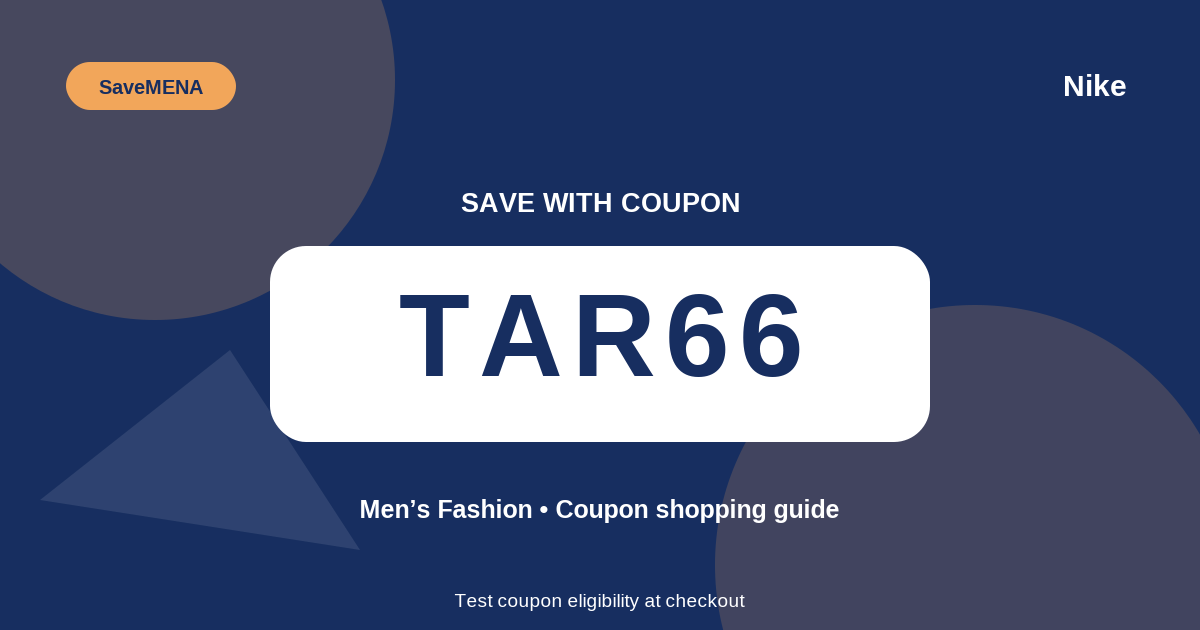
Codes available to try while comparing
These codes are not guaranteed for the article topic or listed brands; test them at checkout and use the live result.
1. Verify Cart and Shipping Location
Start by adding the Nike men’s fashion item you want to the cart on Noon’s UAE website. Ensure that the product shows the correct variant and quantity before proceeding. The shipping location should match your UAE address in the store's delivery options, as some sellers limit fulfilment to specific Emirates or note different handling fees for certain regions.
Make sure the delivery date range on the cart reflects the seller’s stated processing time. Some Nike items may be stocked across multiple centres; you may see an expected dispatch date in the 1‑5 business days range. Confirming this early lets you hear about any potential delay that could spur a later need for re‑testing the coupon against a different seller if necessary.
2. Apply Coupon on Checkout
Proceed to the checkout page, where you’ll enter your payment and shipping details. In the discount area, type the code TAR66 exactly as shown, keeping case sensitivity in mind—mis‑typing can prevent the checkbox from turning active.
After entering the code, click the ‘Apply’ button and watch the checkout banner. If the code is recognised, you should see a brief highlight or confirmation message, though the actual discount amount may not surface until after shipping costs are calculated. Remember, coupon application is the first trigger point that may affect the transaction’s fulfilment instructions.
3. Review Discount Application
Once the code is applied, the order summary will refresh. Review the line items to determine whether the discount appears on the product subtotal or on shipping fees. The wording “discount applied” may differ, but the key is to check the before‑ and after‑price totals presented.
Do not rely solely on a visual cue; scroll to the ‘Discount’ row where the exact value or percentage should be listed. If no change is visible, tap back into the discount field to double‑check for typos or re‑apply the code. This clarity ensures that any saved amount is linked to the correct dispatch channel and shipping cost.
4. Check Fulfilment Supplier
At this point, confirm the seller’s name and location next to the product description. This information helps you understand whether the item will be shipped from a chief hub or a local vendor, influencing delivery time and potential expressed shipping charges.
If the seller’s address lists a city within the UAE, you’ll typically expect standard courier service. Should the seller be identified as a third‑party vendor or international distributor, be prepared for alternative fulfilment routes that might affect how the coupon discount is applied to shipping.
5. Confirm Delivery Time
Review the estimated delivery window displayed on the order summary. This window usually reflects the seller’s processing duration and the courier’s handling capacity in your emirate. Accurate dates help you gauge if the coupon’s impact on shipping time is as advertised.
If the converter shows a longer time than usual, it might signal that the item relies on a distant fulfilment centre. In that case, you might want to check if applying the coupon would alter the shipping method, possibly speeding up delivery as part of a promotion.
6. Monitor Shipping Fees
After coupon application, verify the shipping fee listed separately from the item cost. If the discount covers shipping, you should see a reduction or a zero‑fee line. Otherwise, the shipping section may remain unchanged.
Some vendors provide a tiered shipping cost based on total spend. If the TAR66 coupon does not affect shipping directly, ensure you know the base fee that will still apply, as this is what will ultimately rise in your final payment. Reducing confusion here guarantees a precise calculation before proceeding.
7. Finalize Payment and Order Confirmation
With all details correct, choose your payment method and proceed to finalize the order. At the confirmation screen, the platform will recalc all amounts, including cash‑back or reward points if relevant, and finalize the payable total.
Scroll to the last line of the order summary to confirm the total due. If the TAR66 coupon has not been applied properly, you might notice the total includes the full price of the product plus shipping. Taking a screenshot here preserves evidence for any post‑purchase support.
8. Track Order and Resolve Issues
After placing your order, use Noon’s order tracking feature to monitor shipment status. The tracking updates often highlight the fulfilment centre and expected delivery room. If the shipment’s route does not align with the expectations set earlier, contact seller support with your order ID and order summary.
Meanwhile, revisit the invoice in your Noon account to double‑check whether the coupon code appears in the transaction details. If the discount didn’t appear, compiling screenshots and the order timeline can aid in a clear dispute, emphasizing that the coupon was tested and applied correctly at checkout.
Related SaveMENA pages
Related articles
Official sources to check
Frequently asked questions
Does TAR66 offer a discount on shipping for men’s Nike items?
On Noon UAE, the impact of TAR66 on shipping fees is determined during checkout. The code may reduce the final payable amount, but whether shipping is exempt depends on the seller’s shipping policy, which is only confirmed after applying the code.
How can I be sure the coupon applied correctly if the total price seems unchanged?
Check the order summary after applying the code. If a deduction row appears, the coupon worked. If not, trace the exact entry in the discount field, re‑apply, and verify the final total. Screenshots help verify the final state at checkout.
Will the fulfilment side change if I use TAR66?
Depending on seller logistics, some vendors shift the shipping route based on discount parameters. However, the fulfilment centre and time usually remains noted by the seller’s details on the product page, so the coupon’s effect is mainly on the discounted amount, not the dispatch path.
What steps should I follow after I receive the product?
After delivery, review the product quality and compare against the description. If you suspect the coupon was misapplied, contact Noon support within the return window, providing screenshots of the final invoice and the coupon entry as proof for any needed adjustment.