Huawei Tablets on Noon UAE: shipping responsibility — testing coupons one at a time
Start by outlining what you need from a tablet—whether it’s a powerful media device for home entertainment or a lightweight model for on‑the‑go productivity.
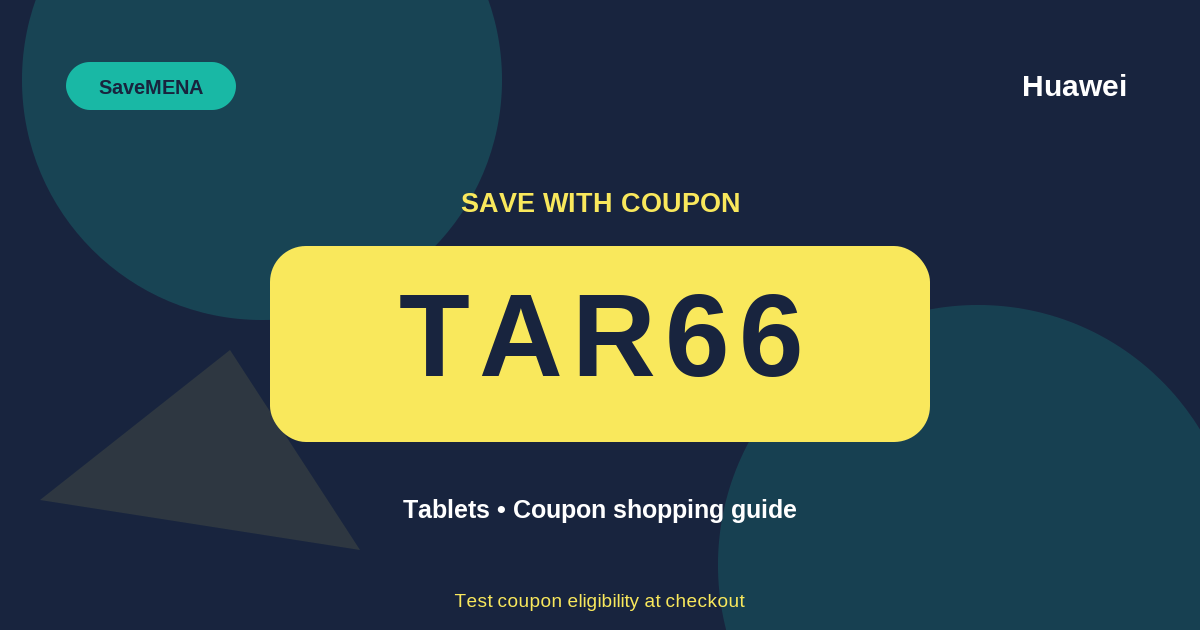
Codes available to try while comparing
These codes are not guaranteed for the article topic or listed brands; test them at checkout and use the live result.
Choosing a Tablet That Fulfills Your Use Case
Start by outlining what you need from a tablet—whether it’s a powerful media device for home entertainment or a lightweight model for on‑the‑go productivity. This selection stage matters because tablets differ in screen size, processor, and battery life, all of which influence the shipping weight and cost. Think about how the tablet’s specifications align with your daily routines, and prioritize models that offer a balance between performance and portability, as heavy devices often incur higher handling fees during fulfilment.
Next, factor in any hardware features that might affect shipping, such as detachable keyboards or high‑resolution displays. Tablets with premium accessories can trigger additional packing requirements from the seller, which sometimes translates to a slightly longer delivery time. Ensuring the device meets your functional needs before checking availability keeps you focused on the fulfilment details that truly matter at checkout.
Confirming Stock and Seller Location
Orders on Noon can be shipped from multiple hubs across the UAE, and the seller’s location often determines delivery speed. At the product detail page, look for the “Availability” section that indicates whether the listing is in stock. Be aware that some listings flagged as “in stock” might still be awaiting dispatch from a different warehouse, which can cause a delay. Checking stock status early allows you to estimate how soon you might receive the tablet.
Further, verify if the seller’s address is listed. Sellers in Abu Dhabi, Dubai, or Sharjah generally offer faster delivery within their metro areas. If the seller’s location is in a more remote region, the fulfilment process may involve intermediate sorting centers, extending the wait time. A clear understanding of seller location mitigates surprise delays at the final leg of shipping.
Reviewing Noon’s Delivery Options
Noon UAE provides various shipping methods, including standard delivery, expedited shipping, and in‑store pickup. Prior to adding the tablet to your cart, scroll to the shipping options to see which methods are available for the item. This is a crucial step because your choice directly influences the fulfilment timeline and potential handling fees. Make sure to note any minimum order thresholds that might enable free delivery.
Remember that delivery dates are estimates; the seller’s processing time and local postal logistics influence the actual arrival. If you need the tablet by a specific date, select the fastest option that the seller offers, and factor in the potential impact of the TAR66 coupon on the final cost after shipping has been applied. The shipping method you choose should align with your urgency and budget.
Applying the TAR66 Coupon Code
Once you’ve selected your tablet and defined a delivery method, navigate to the checkout page to enter the TAR66 coupon. The code is case‑sensitive, so type it precisely as shown. While Noon will display any discount instantly if applicable, do not rely on this as a guarantee that the coupon will apply to every purchase. Check the checkout summary for a “Coupon Applied” line; if absent, the code may not be valid for the chosen item or shipping option.
It’s important to verify that the voucher does not conflict with other promotions or seller restrictions. The final payable total, including shipping fees and any taxes, is displayed post‑coupon application. Read this amount carefully, and if the coupon does not apply, proceed to confirm the full list of charges before finalising your purchase.
Monitoring the Order Status
After placement, Noon provides real‑time tracking through the order confirmation page and mobile app. The shipping status will progress from “Order Confirmed” to “In Transit.” Pay close attention to the “Last Updated” timestamp; frequent updates usually indicate timely fulfilment. If there’s a sudden halt in changes, contact Noon’s customer support for clarification on the fulfilment status.
During transit, international shipping nodes such as customs clearance can cause delays. Since you’re purchasing within the UAE, the likelihood of such delays is low, but local traffic or weather can still affect delivery times. Keep a log of updates and cross‑check them against the estimated arrival date provided during checkout, adjusting expectations if the status suggests a delay.
Managing Shipping Fees and Deductions
While the TAR66 coupon may reduce the product price, shipping fees remain separate unless exempted by a special offer. At checkout, you’ll see a distinct line labeled “Shipping & Handling.” This fee reflects the fulfilment method selected and the distance to the delivery address. Verify that this figure appears before any final amount calculation to ensure there are no hidden surprises.
Should the shipping fee exceed expectations, you can explore alternative sellers on Noon who ship from a closer location or offer a different delivery speed. Some sellers provide free express shipping on tablets, which may negate the need for additional fulfilment costs. Adjusting the seller or shipping option can maintain your total cost within a pre‑determined budget.
Handling Warranty and Return Procedures
Tablets usually come with a manufacturer’s or seller’s warranty that covers defects. Inspect the product details for warranty duration and coverage specifics, especially if the seller’s fulfilment policy lists a return window. Knowing the return process helps you evaluate the risk associated with the shipping error or potential damage during transit.
When the tablet arrives, inspect it promptly for any exterior or functional issues that might arise from shipping damage. If an issue is detected, initiate the return through Noon’s return portal and follow the instructions for packaging and shipping back to the seller. Ensure that the return shipment’s fulfillment is clearly documented so you can track its progress just as you did with the original delivery.
Evaluating Post‑Delivery Experience
After the tablet has settled in your possession, consider the overall fulfilment experience. This includes the clarity of shipping updates, the ease of applying the TAR66 coupon, and any changes in cost due to shipping fees. A smooth experience often signals a reliable seller and efficient logistics network.
In case of any dissatisfaction, use Noon’s feedback system to rate the seller and shipping. This rating not only assists future shoppers but sometimes offers a chance for re‑issuance of a partial refund or correction of oversights. Keep a record of your experience to guide subsequent purchases, ensuring you remain constantly aligned with the fulfilment and shipping lens the article emphasised.
Related SaveMENA pages
Related articles
Official sources to check
Frequently asked questions
What if the TAR66 coupon does not apply to my tablet?
If the coupon isn’t accepted, the check‑out summary will show no discount applied. In that case, verify the coupon’s validity period and whether it has any restrictions. If still unresolved, contact Noon’s support for clarification. Removing the code will revert the purchase to its full price, including any shipping fees.
Can I change the shipping method after applying the coupon?
Yes, you can modify the shipping option before finalising payment. Changing the method will update the shipping fee but may not affect the coupon discount. Ensure you review the new total at checkout to confirm the final cost, including any adjusted shipping charges.
Does the fulfilment location affect delivery time?
Seller location can influence how quickly your package moves through the distribution chain. Items shipped from major hubs like Dubai or Abu Dhabi generally arrive faster than those from remote areas, although local postal factors can also affect the final delivery date.
How do I confirm the tablet’s warranty coverage?
Check the product listing for warranty details or ask the seller directly through the Noon chat feature. The warranty period and conditions will guide your expectations if you need to claim coverage or return the device within the specified timeframe.